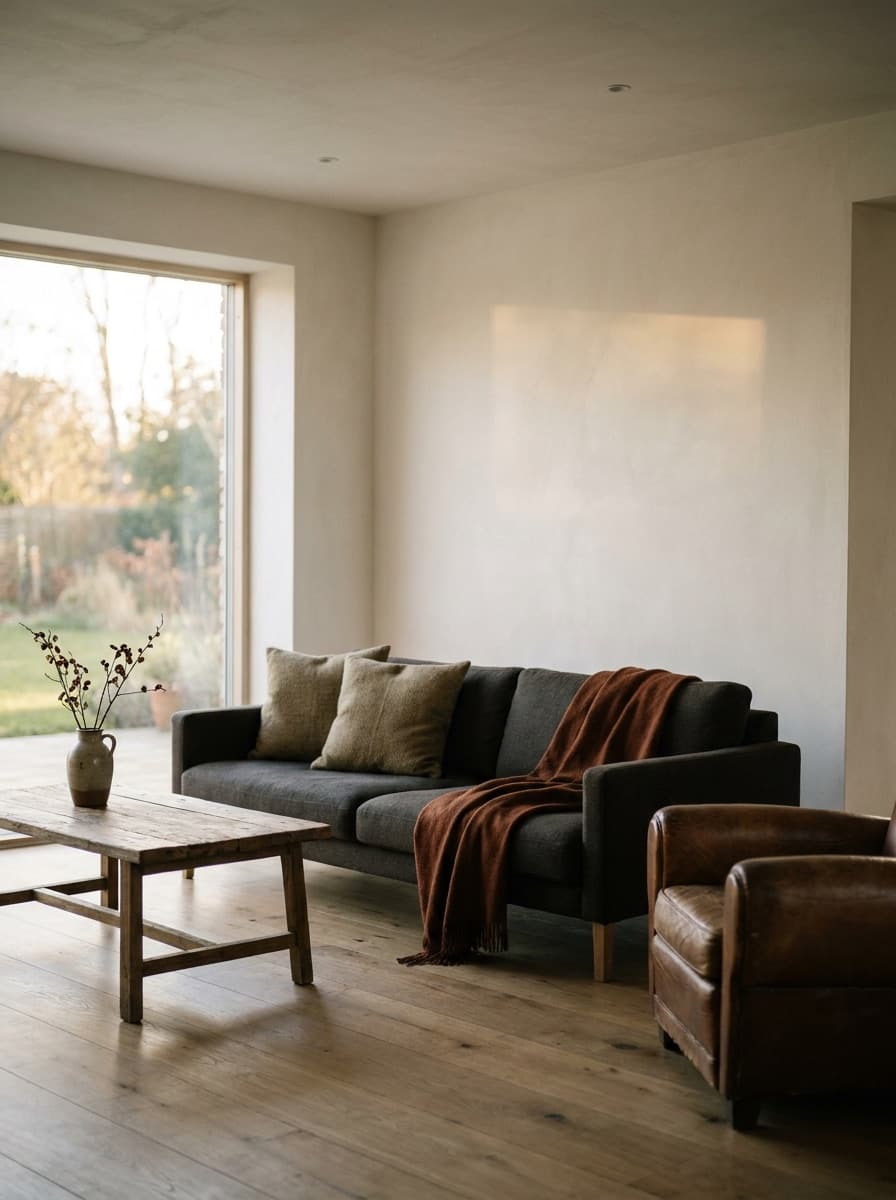
Living room
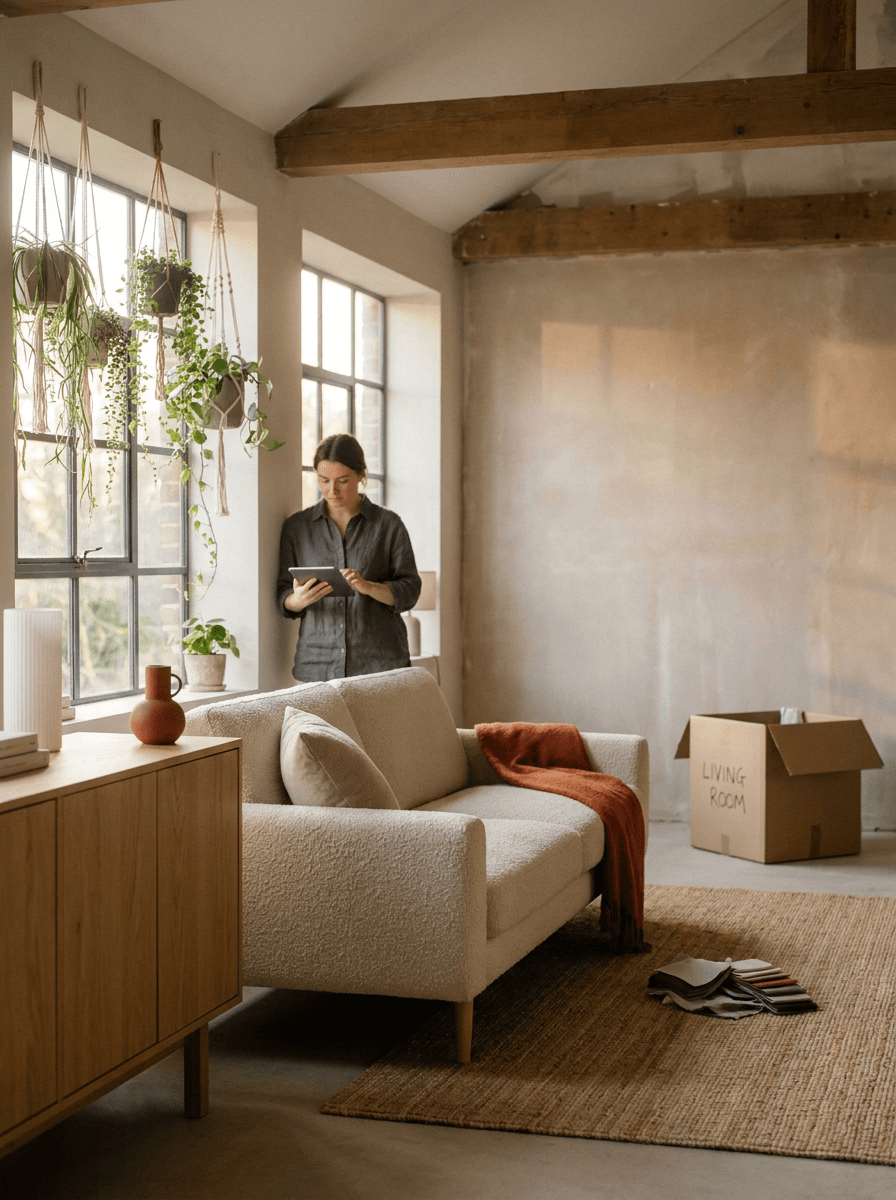
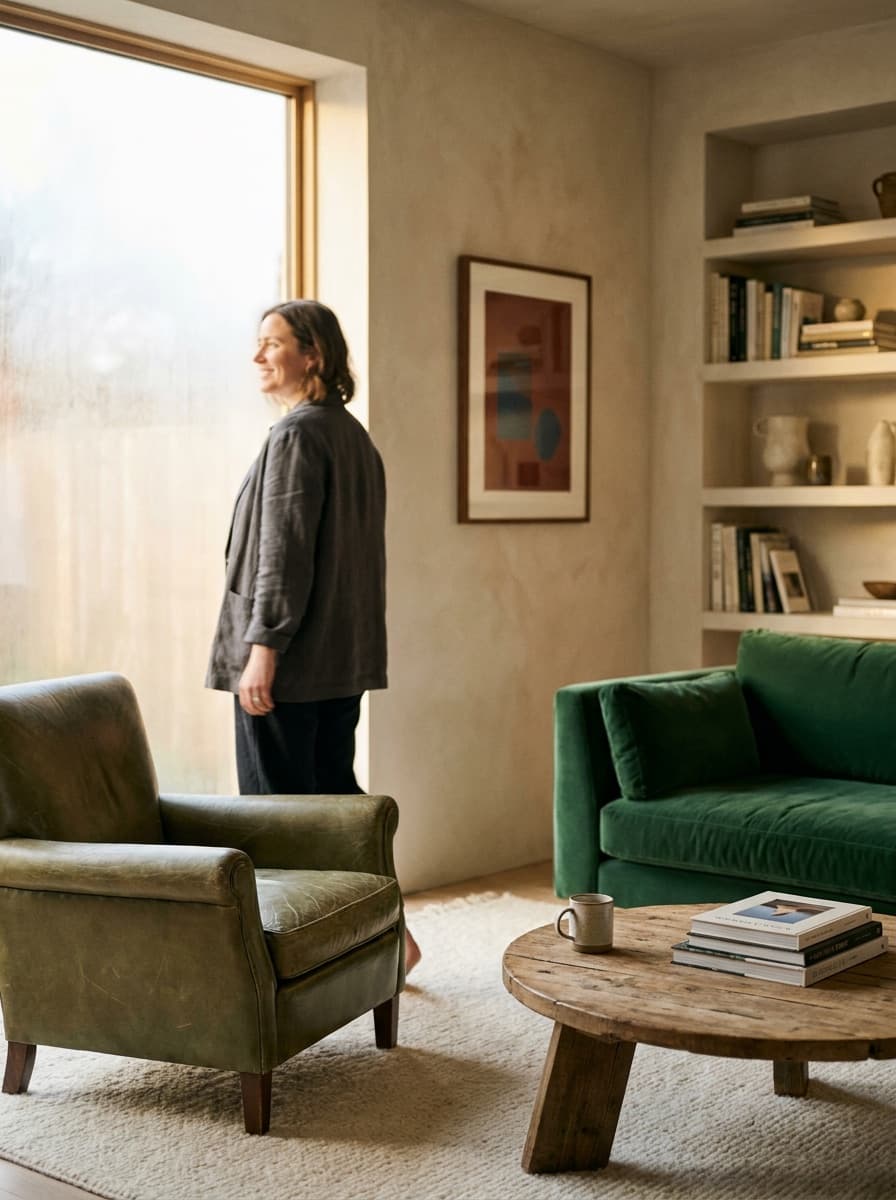
“Stage this empty living room in a warm modern style with a sofa, rug, and plants.”
Upload a photo of an empty or dated room and describe the style. Made stages it with furniture, decor, and lighting that fit the space — the listing-photo upgrade that normally requires a staging company.
Living room“Stage this empty living room in a warm modern style with a sofa, rug, and plants.”
Shoot wide from a corner at chest height with lights on — capture the full space.
Name the room’s purpose and style: “modern living room, light oak, neutral textiles.”
Confirm windows, doors, floors, and built-ins were preserved exactly — regenerate if anything moved.
Export the PNG and label it as virtually staged wherever your market requires.
Real results from Made. Use a prompt to load it into the studio above, then add your own photo.
“Stage this empty living room in a warm modern style with a sofa, rug, and plants.”
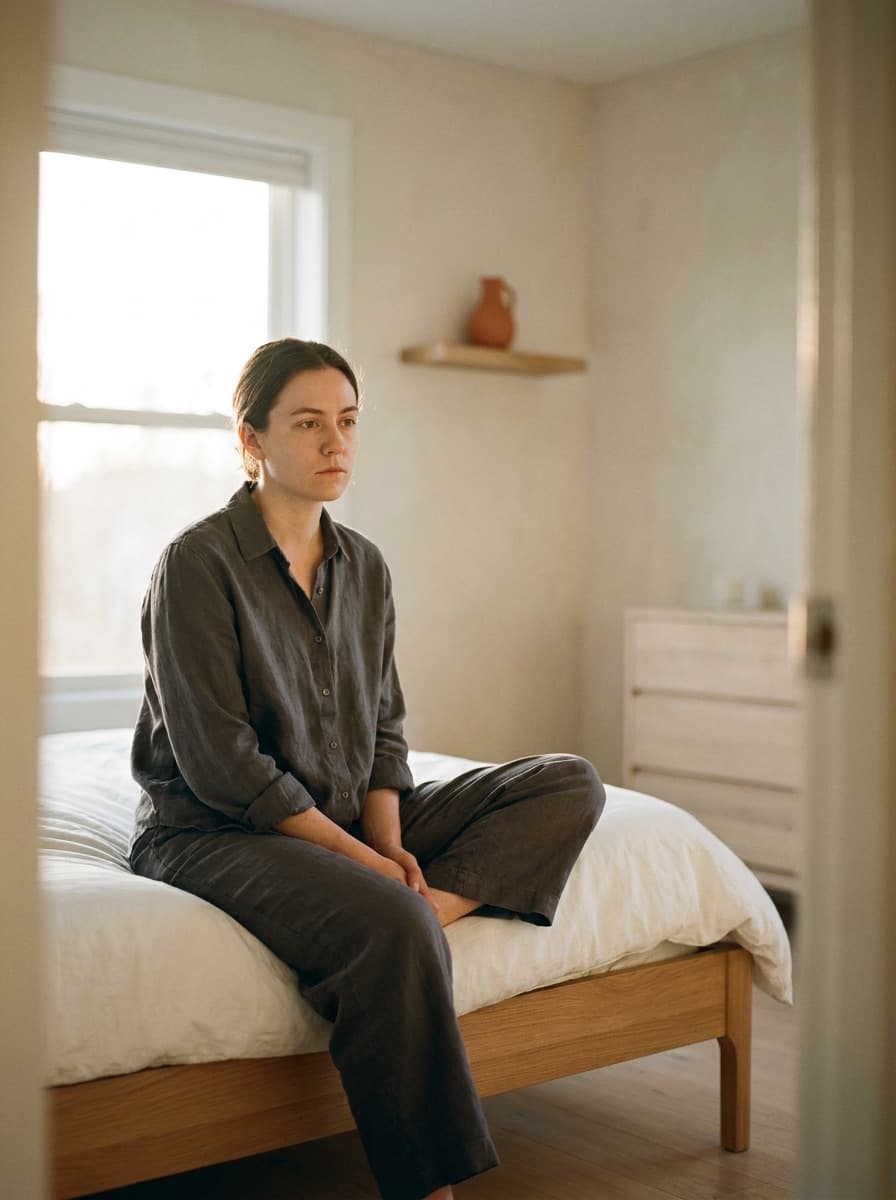
“Furnish this bedroom in a light Scandinavian style with natural textiles.”

“Stage this spare room as a bright home office with a desk and shelving.”
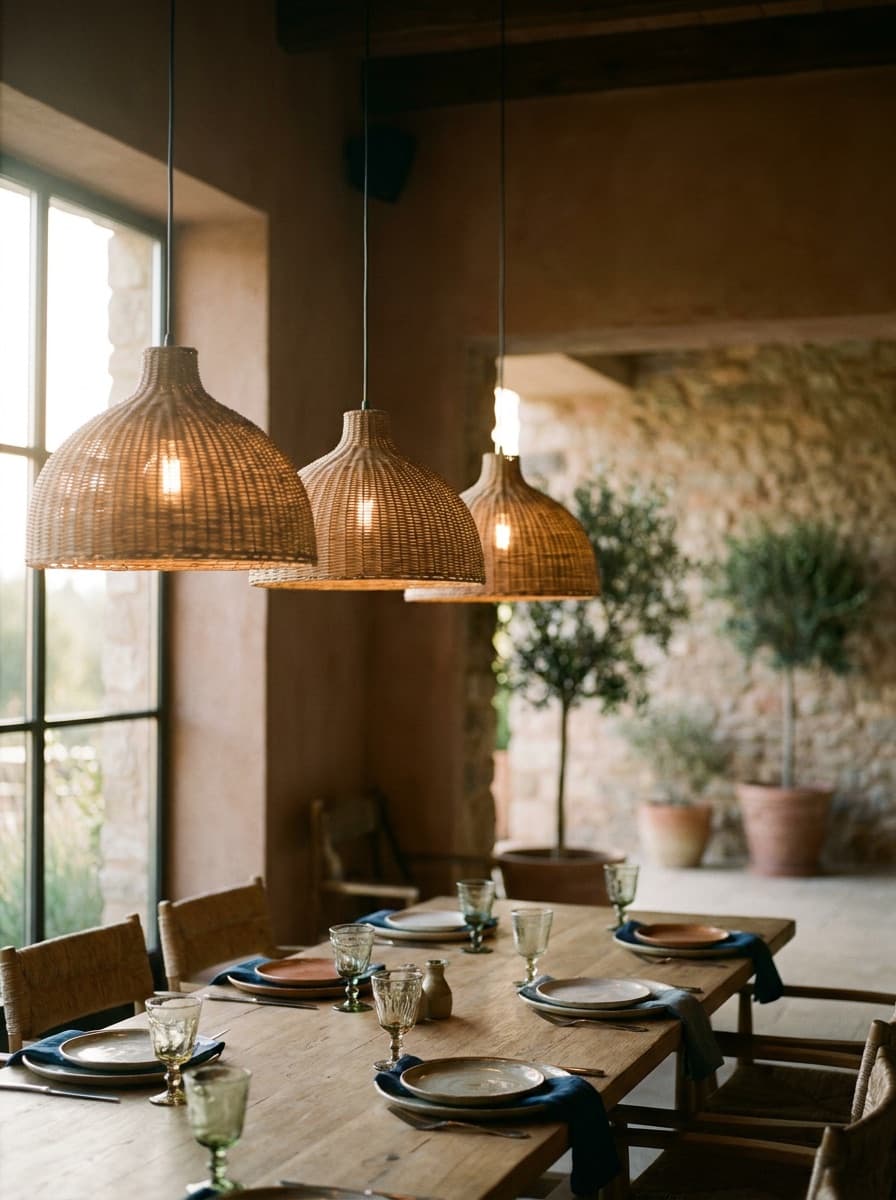
“Add a dining table for six with pendant lighting and simple styling.”
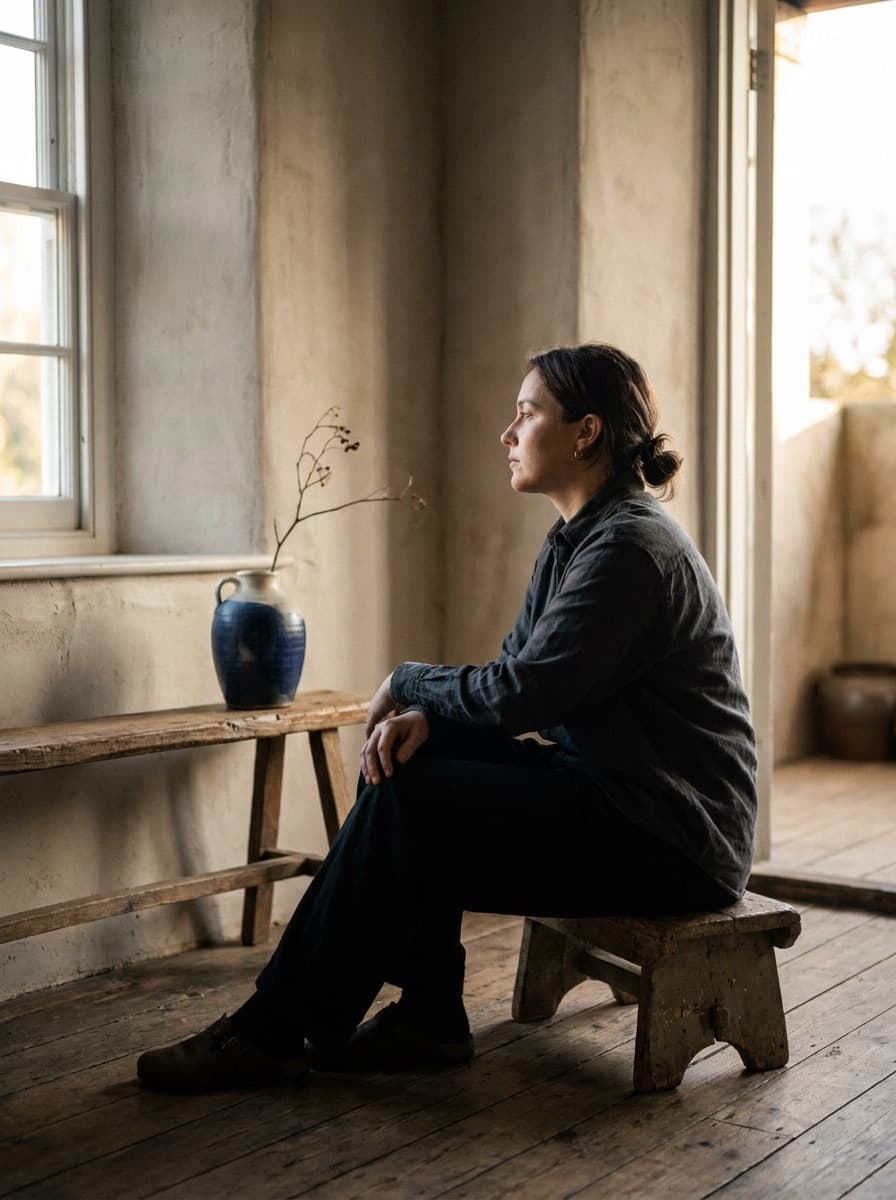
“Stage the same room again in a mid-century style so I can compare.”
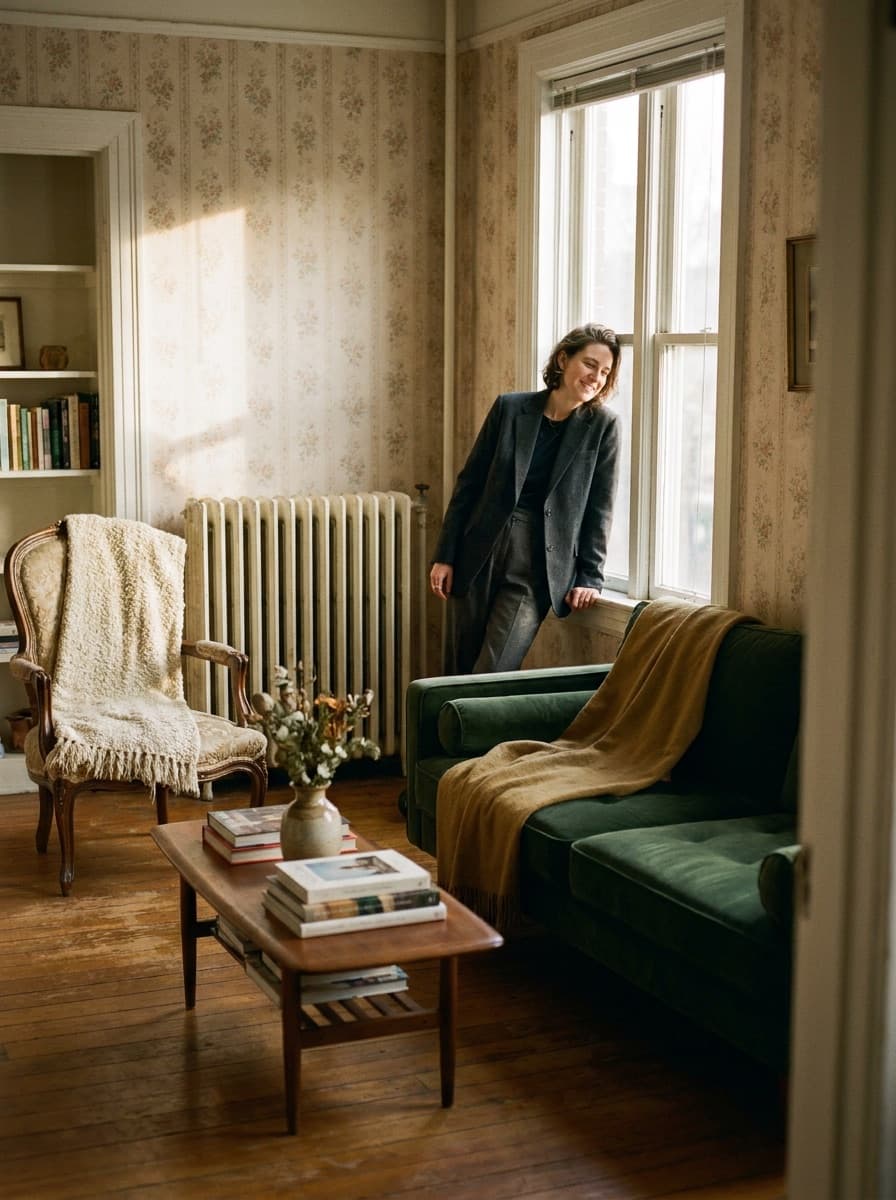
“Replace the dated furniture in this room with clean modern staging.”
Checked against the running tool on 2026-09-04.
Traditional staging means renting furniture and paying for delivery and styling — commonly thousands per listing. Here each staged photo is a single image generation, priced in credits before you run it — a small fraction of what physical staging costs.
The edit preserves the room from your photo — walls, windows, doors, and flooring — and adds furnishings. Verify the architecture on every output, since a misplaced window or altered floor is exactly what a buyer would notice in person.
In many markets, yes — MLS rules and consumer-protection laws often require labeling staged or altered photos. The safe default is to caption them “virtually staged” and keep the original empty-room photo available.
Both. For a furnished room, ask it to replace the current furniture with a new style — useful for dated interiors. For heavy clutter, run Object Remover first so the staging works from a cleaner base.
Anything you can describe: modern, Scandinavian, mid-century, japandi, traditional, coastal. Naming materials and a palette — “light oak, ivory boucle, matte black accents” — steers results more reliably than a style word alone.
A wide shot from a corner at chest height, with the lights on and verticals straight. The more floor area visible, the more convincingly furniture can be placed within it.
Yes — rerun the same photo with a different style description each time. Comparing two or three staged directions is a common way to decide how to present a listing.
See what each one makes, then open it in Made.