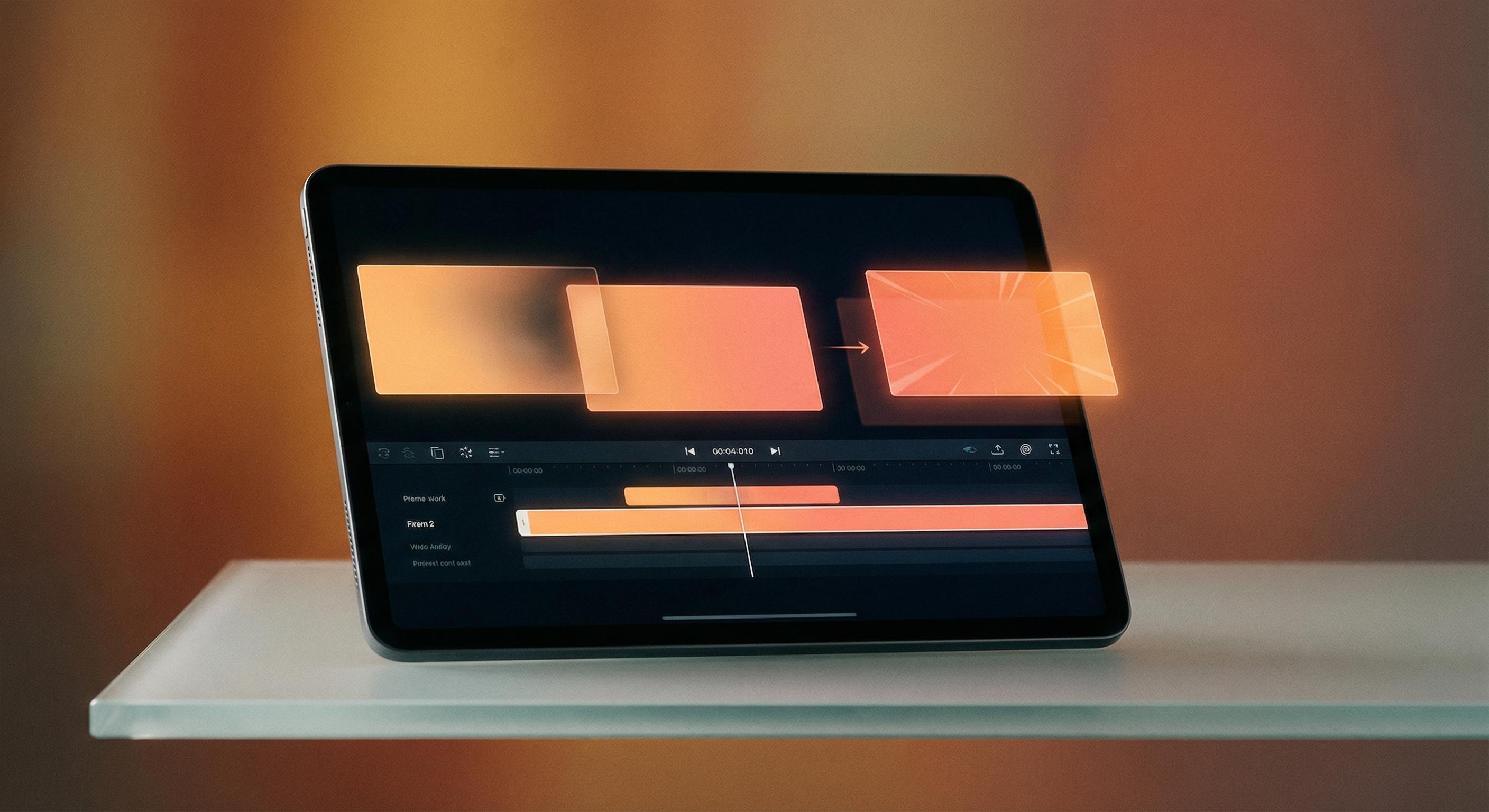
Transition effects
“Make a slideshow from these photos with a dissolve transition between each one.”
Use this promptAdd two to twenty photos, say how you want the slideshow, and Made’s agent makes it: a new music track, then your photos in order with cuts or fades and a slow zoom or pan, as one MP4 you can download.
Set up the slideshow in the tool, then the agent puts it together. You sign in to run it.

Add the photos in the order you want them to appear: JPG, PNG or WebP, up to 20 MB each.
Say the shape (9:16, 16:9, 1:1, 4:3 or 3:4), how long each photo stays, cuts or fades, a slow zoom or pan, and the mood of the music.
Tap Open in Agent. The Made agent shows its plan and the price of each step before anything runs; tap Run it.
The agent makes the music, then the slideshow, and returns one MP4 in the chat, ready to download or post.
Go step by step
Real results from Made. Use a prompt to open it in AI Slideshow Maker, then add your own photo.
“Make a slideshow from these photos with a dissolve transition between each one.”
Use this prompt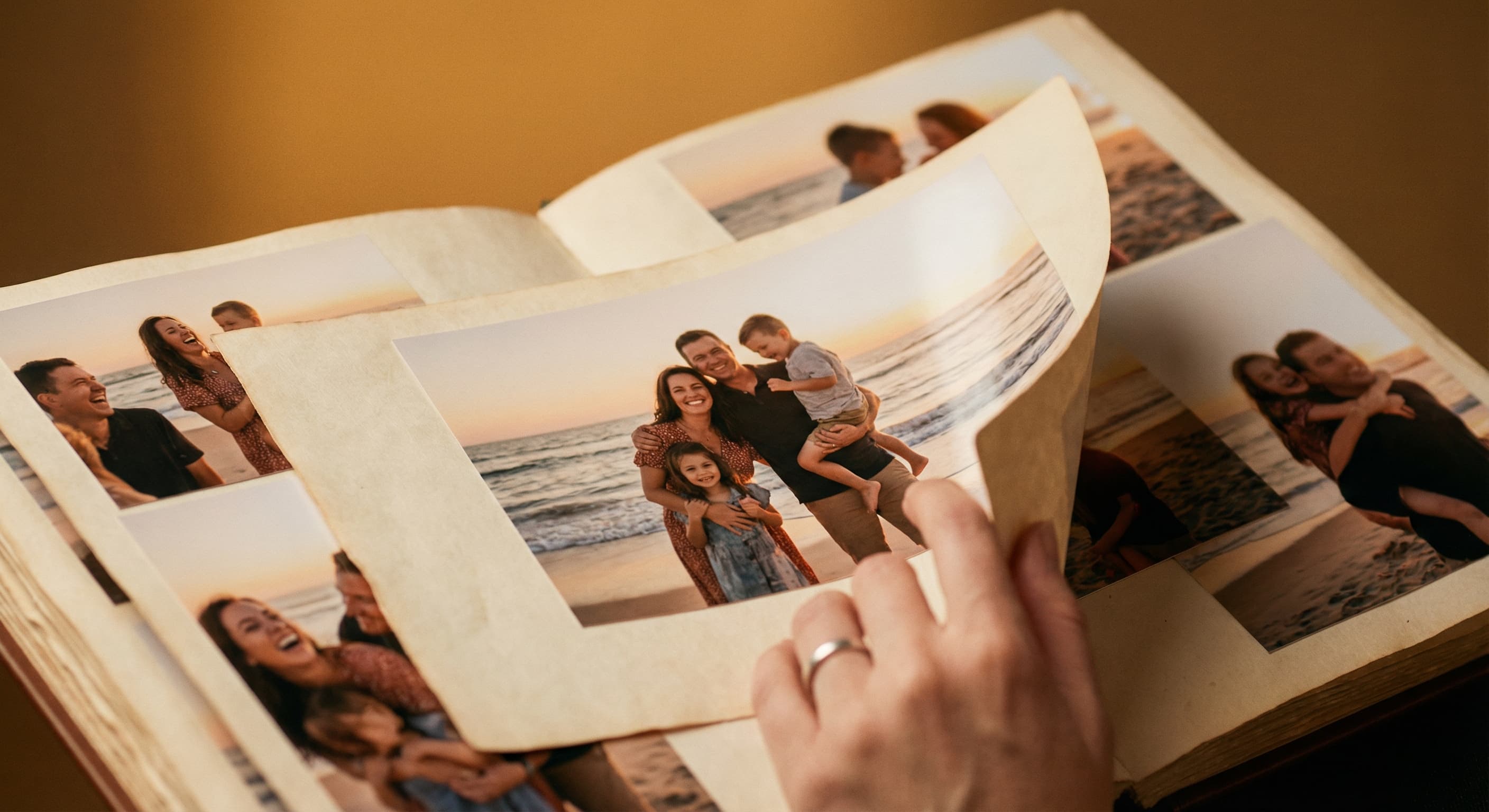
“Combine these vacation photos into a slideshow with gentle fades and a warm acoustic music track.”
Use this prompt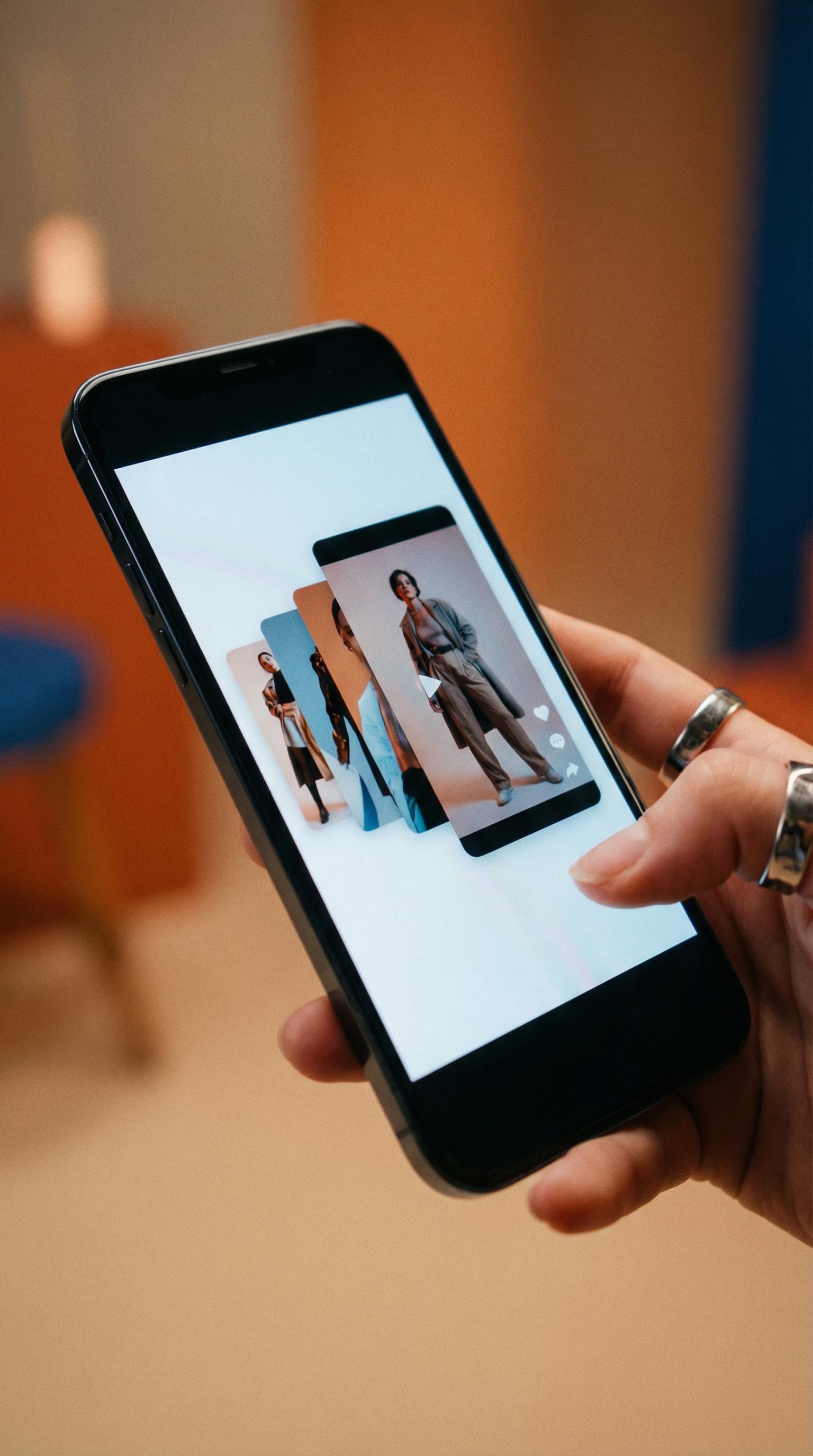
“Make a quick slideshow of these photos for a social post, 2 seconds per slide.”
Use this prompt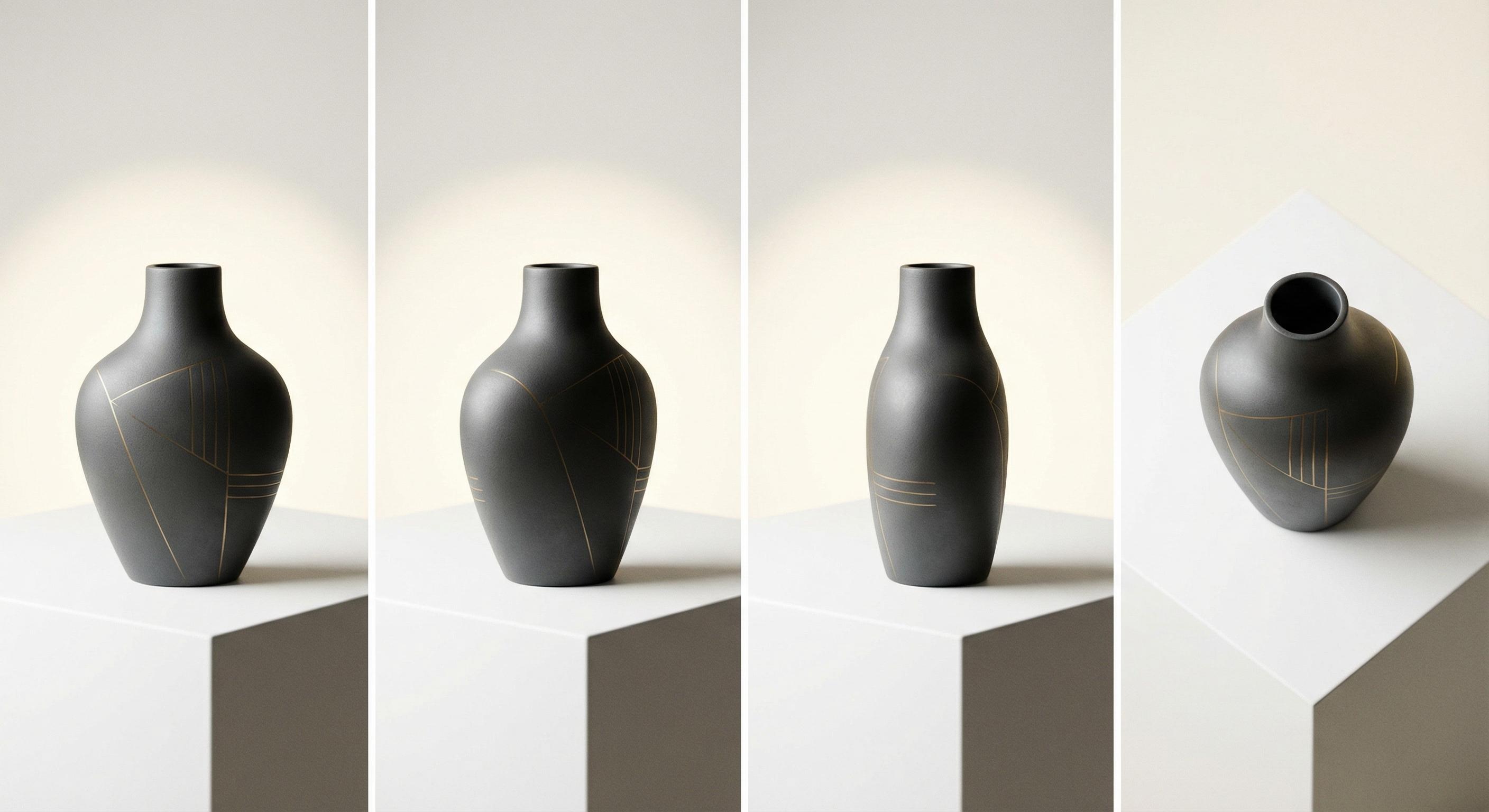
“Create a product slideshow from these shots with quick cuts and a slow zoom on each one.”
Use this promptChecked against the running tool on 2026-11-12.
Between 2 and 20, in the order you add them: JPG, PNG or WebP, up to 20 MB each.
Yes. Ask for music in your request, with a mood such as “upbeat acoustic”. The agent makes a new track that fits the length and fades it out at the end. It can’t use a song you upload; to use your own, add it to the downloaded video in an editing app.
Cuts or fades between photos, with an optional slow zoom or pan on each one. Say which you want in your request.
Yes. Ask for text over a photo, like a title on the first one. Each photo’s text can be up to 180 characters.
An MP4. Ask for 9:16 for Reels and TikTok (1080 × 1920), or 16:9, 1:1, 4:3 or 3:4.
Each photo fills the frame, so its edges are cropped if its shape differs from the video’s. To keep whole photos, ask for bars around them instead.
Each photo stays on screen 3 seconds unless you ask for another length, so 10 photos make about 30 seconds. A slideshow can run up to 5 minutes.
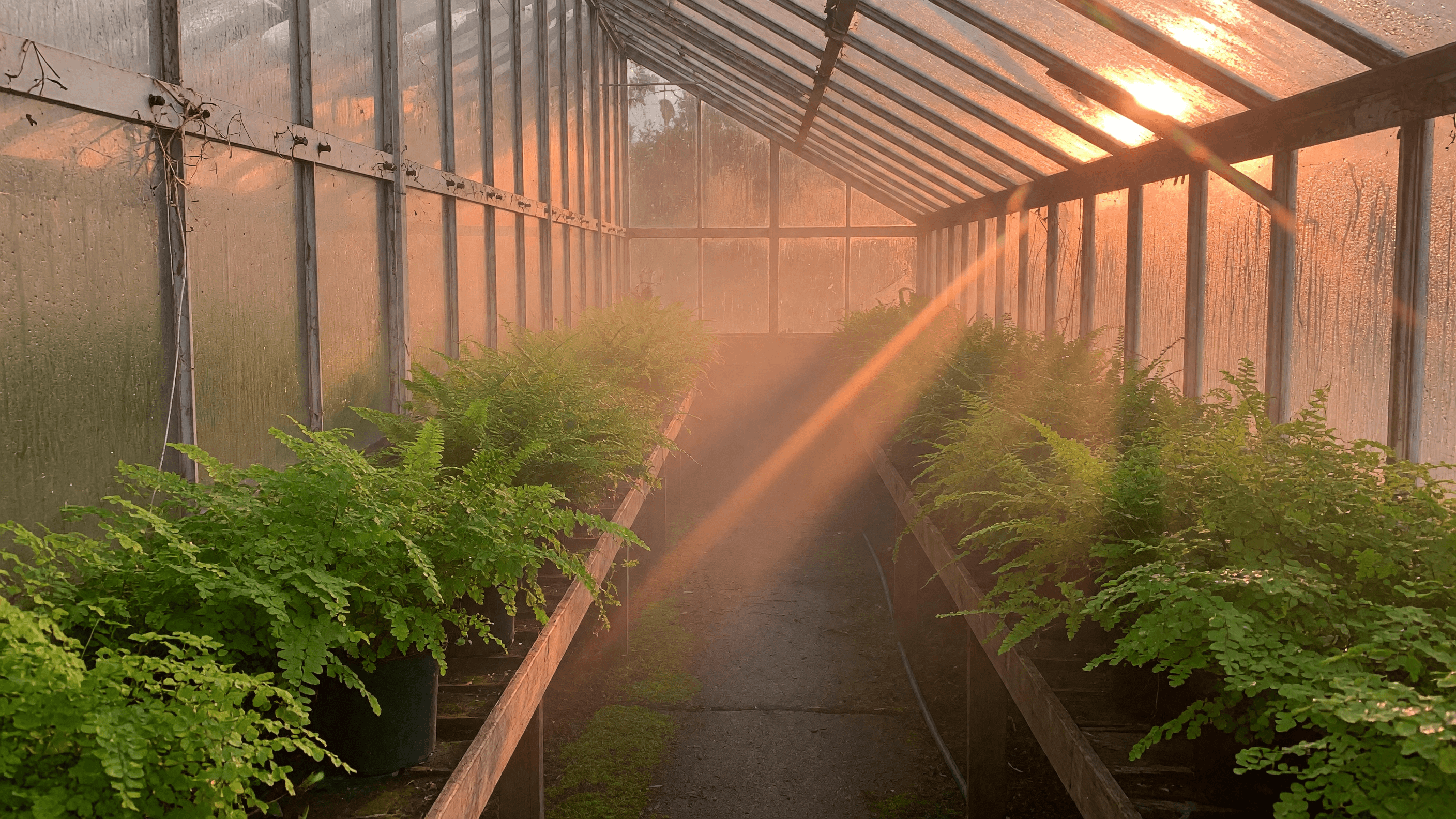
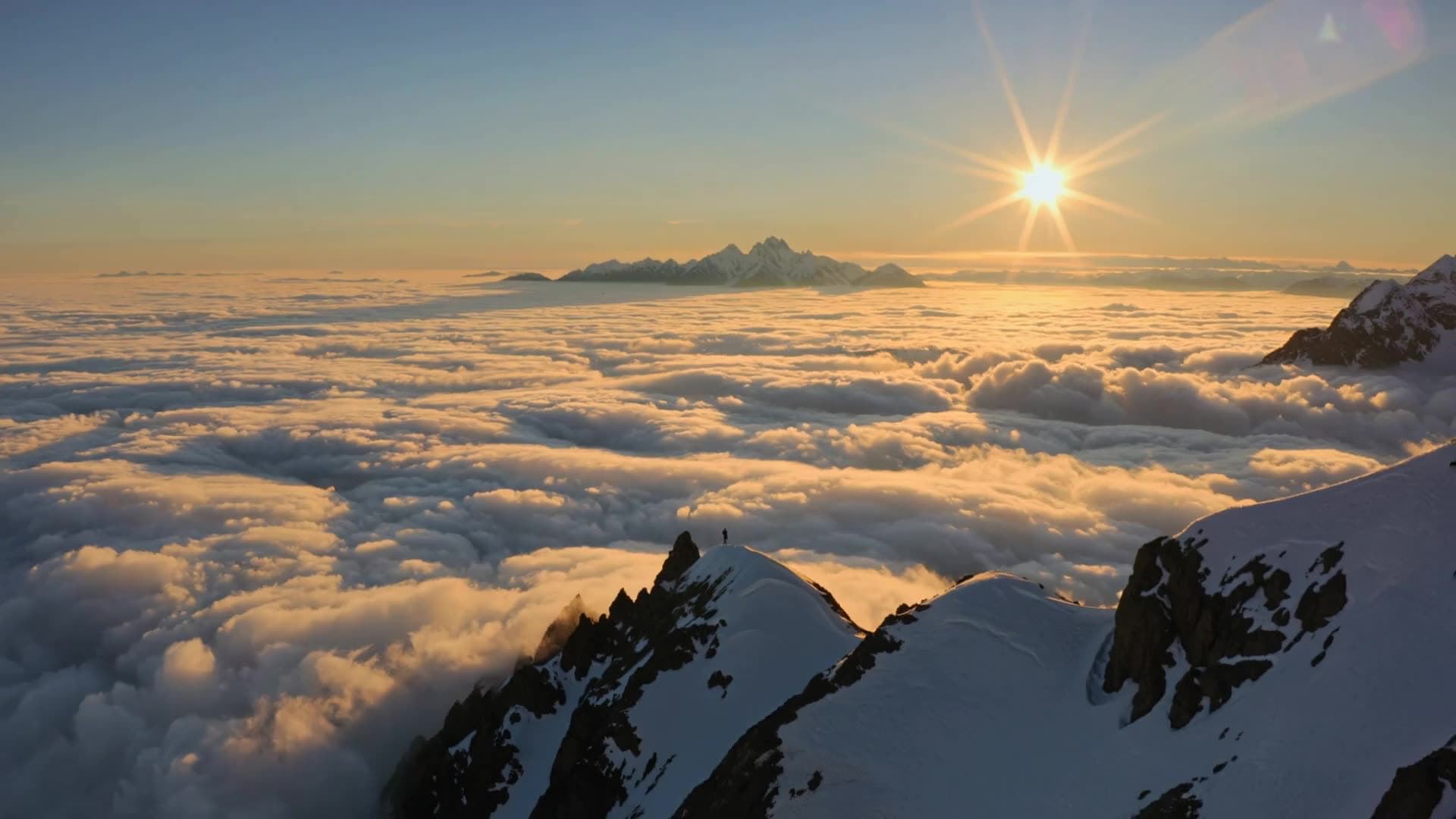
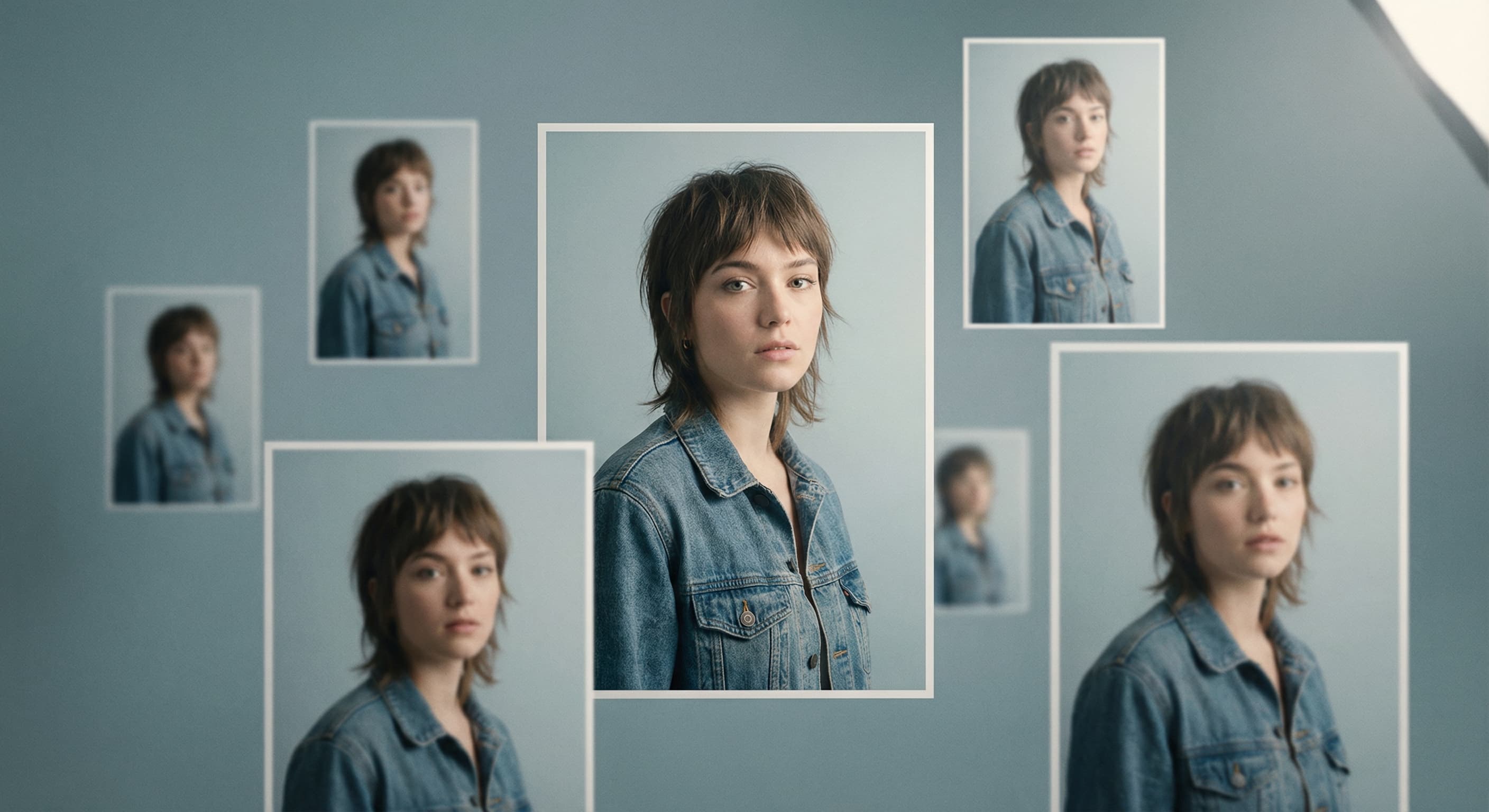
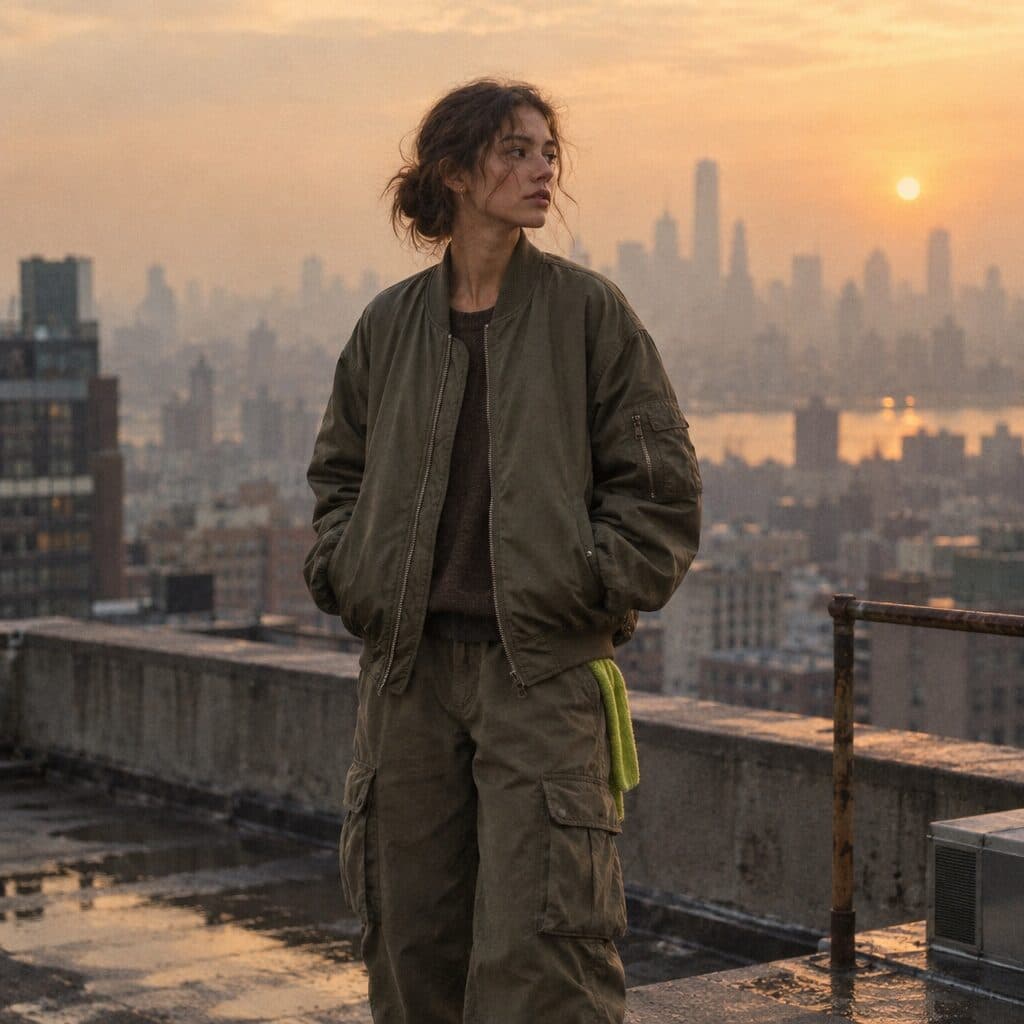

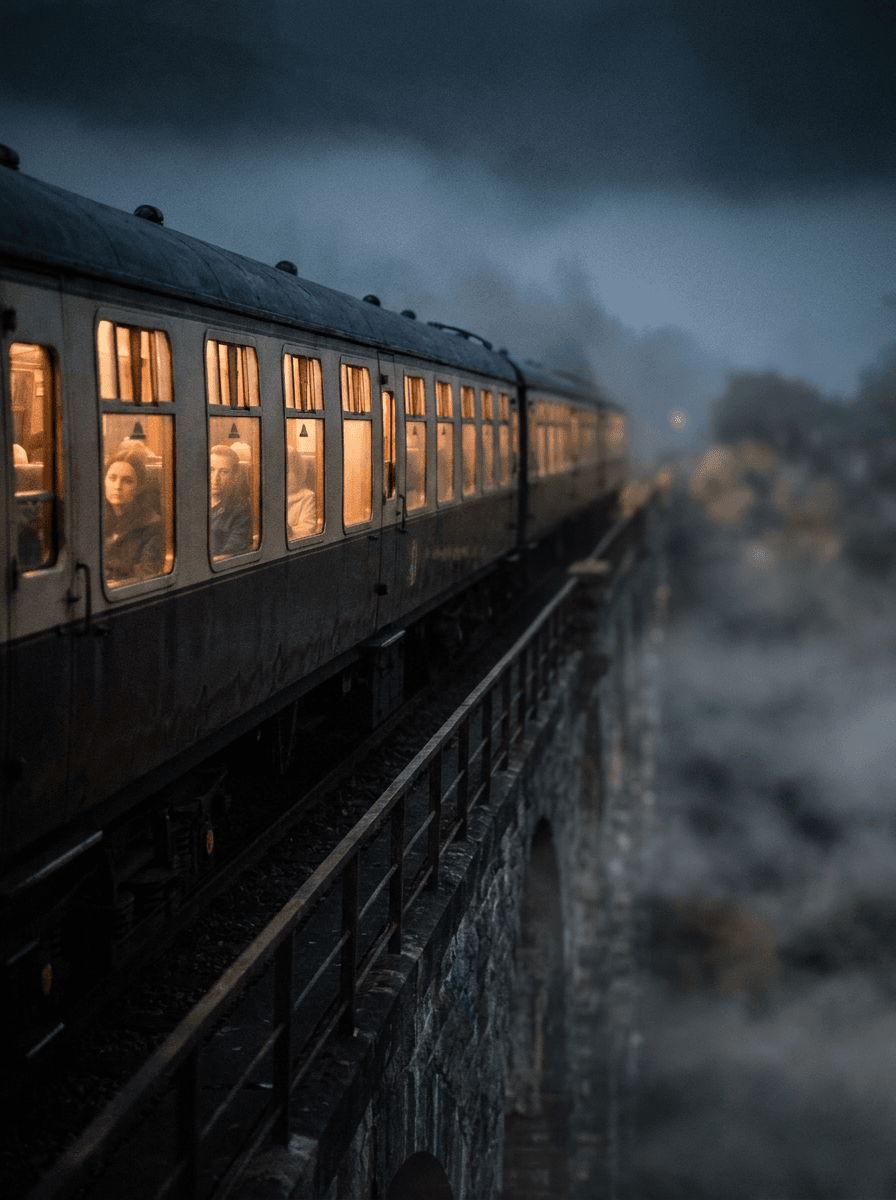
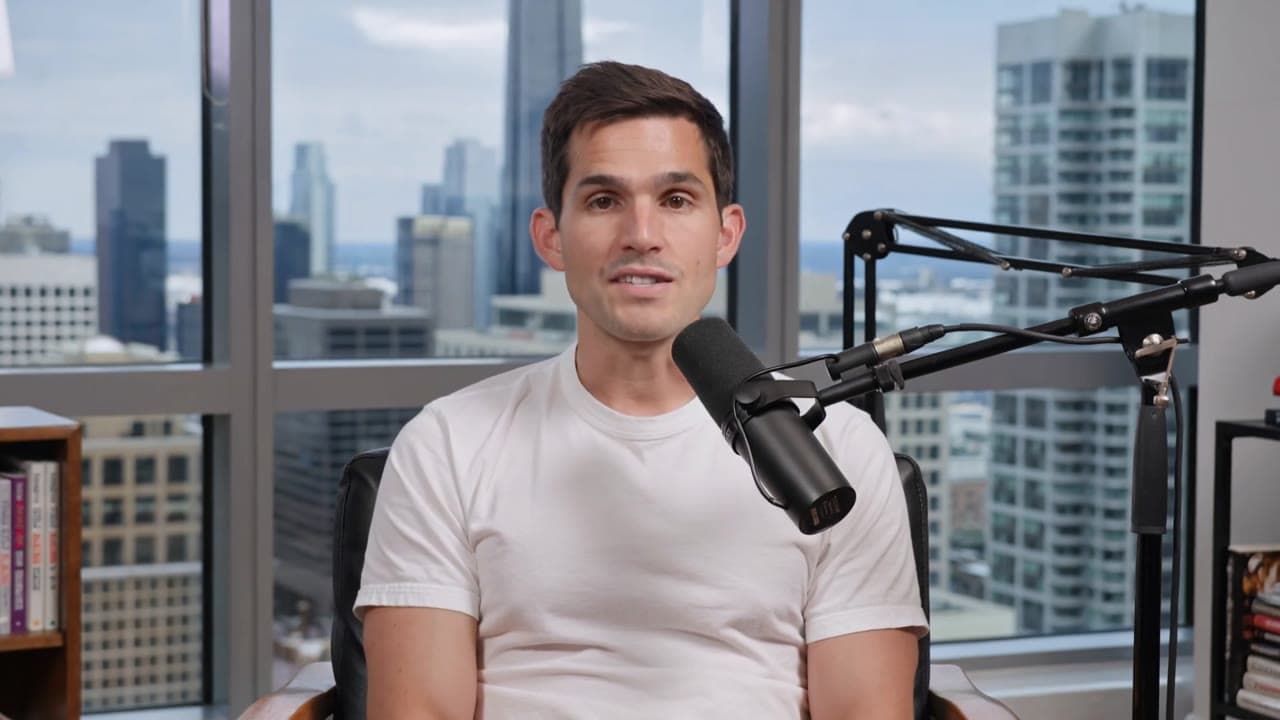
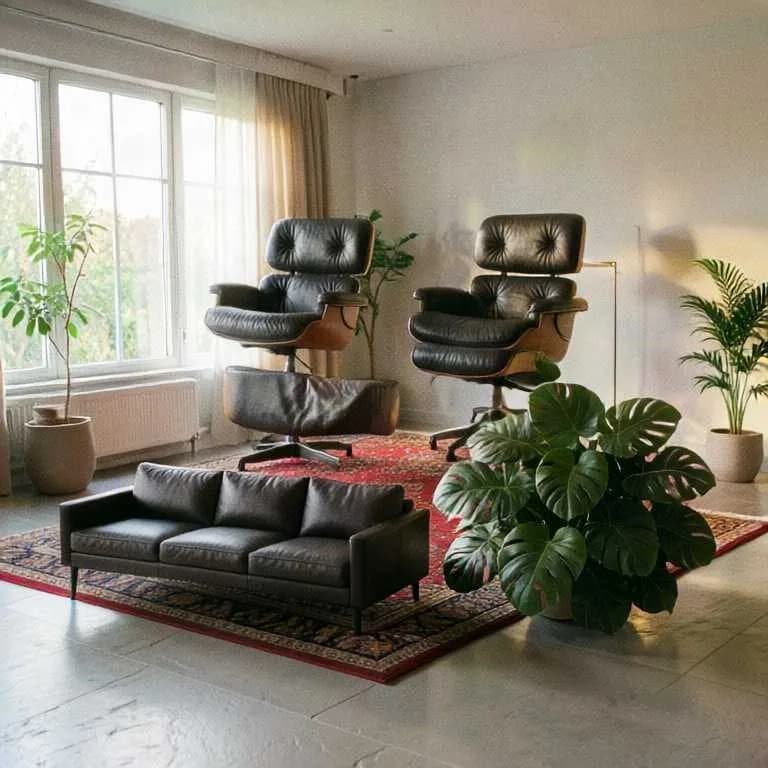


See what each one makes, then open it in Made.