Cinematic scenes
“A lone figure walks through fog under streetlights, slow dolly forward, moody cinematic lighting.”
Use this promptType what should happen on screen and Made renders it as a five-second MP4 clip with MiniMax H3 Max. Pick 16:9, 9:16, or 1:1, or add a photo as the opening frame.
Runs in the tool. You sign in to run it, see the price before you start, and failed runs are refunded.
Write a motion-focused prompt: subject action, camera movement, pacing, and lighting.
Add a photo and the clip starts from it, in the photo’s shape.
Select 16:9, 9:16, or 1:1 for the output frame.
Review the rendered motion, then save the MP4 or continue editing in Made.
Real results from Made. Use a prompt to open it in Text to Video Generator, then press Generate.
“A lone figure walks through fog under streetlights, slow dolly forward, moody cinematic lighting.”
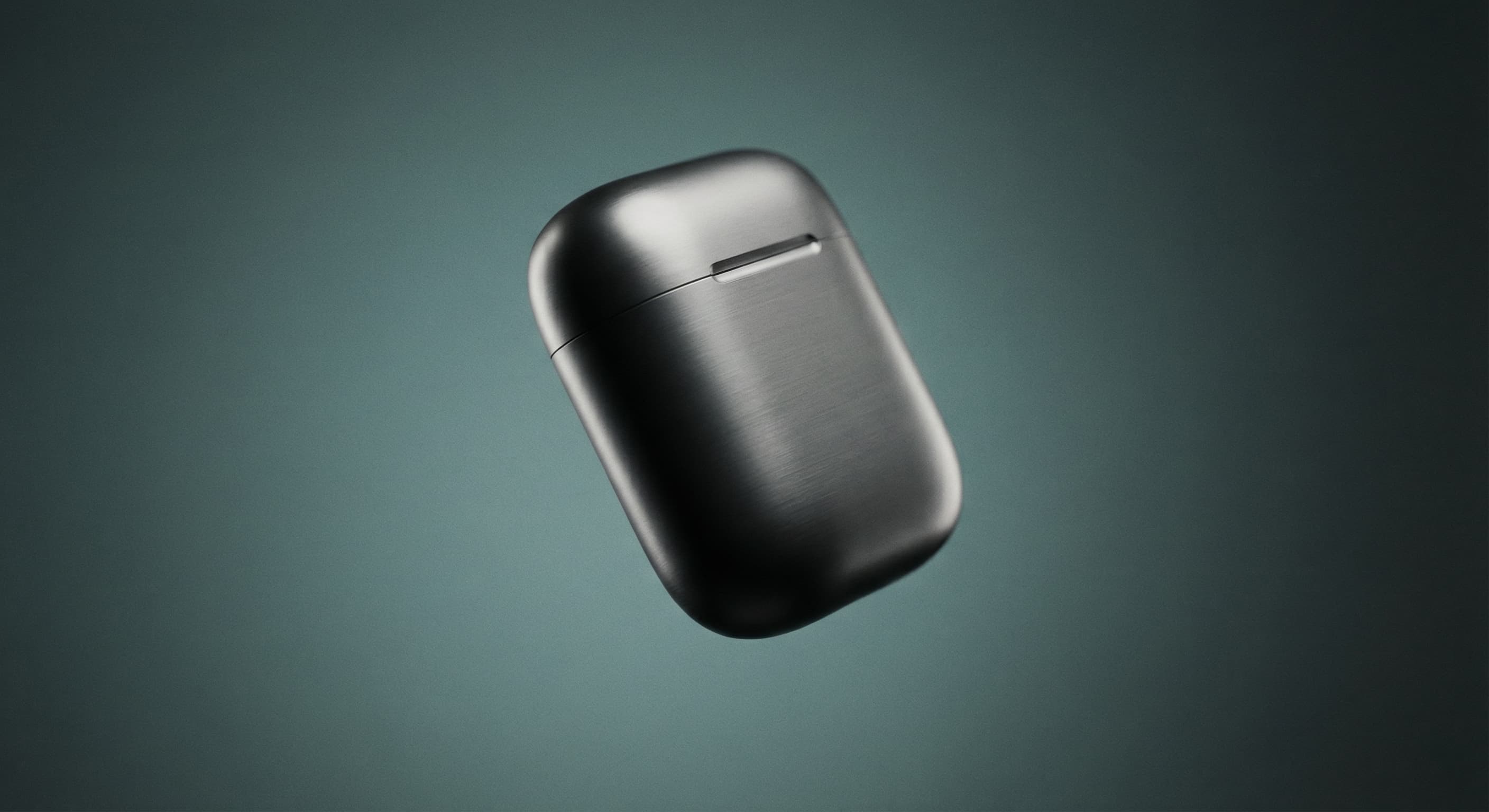
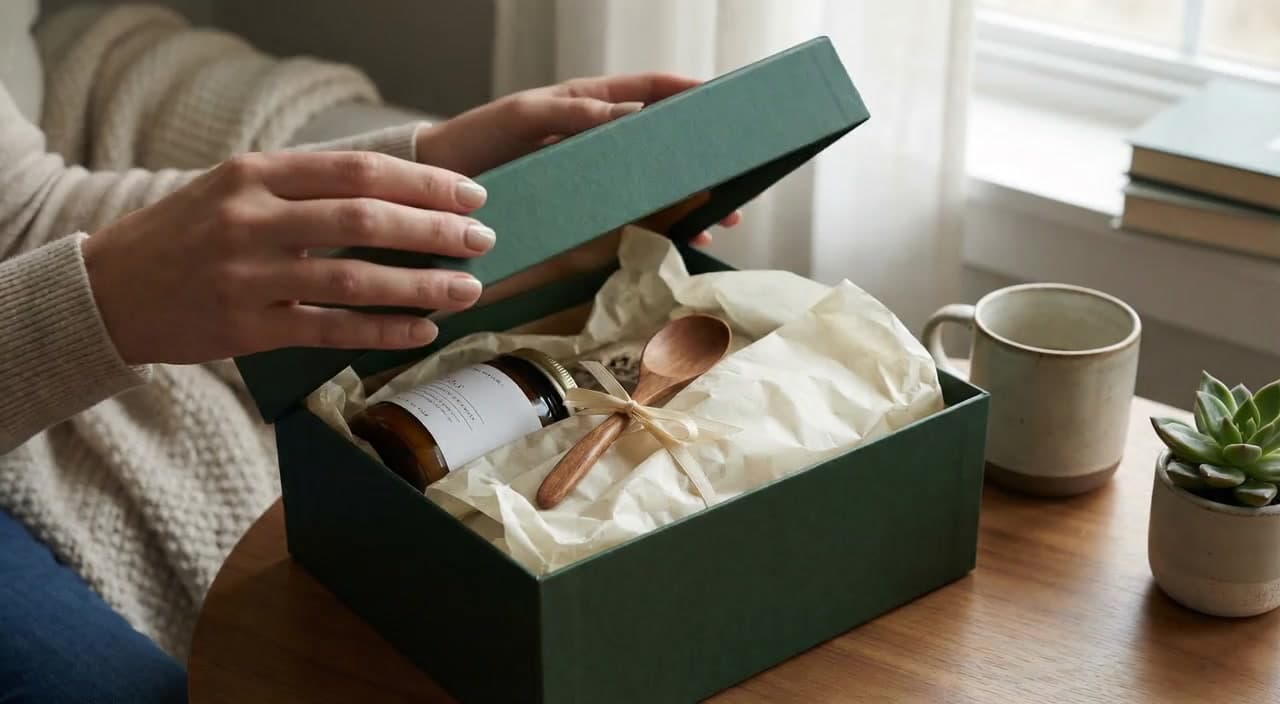
Use this prompt“A skincare bottle rotates on a marble pedestal, soft studio light, slow orbital camera.”
Use this prompt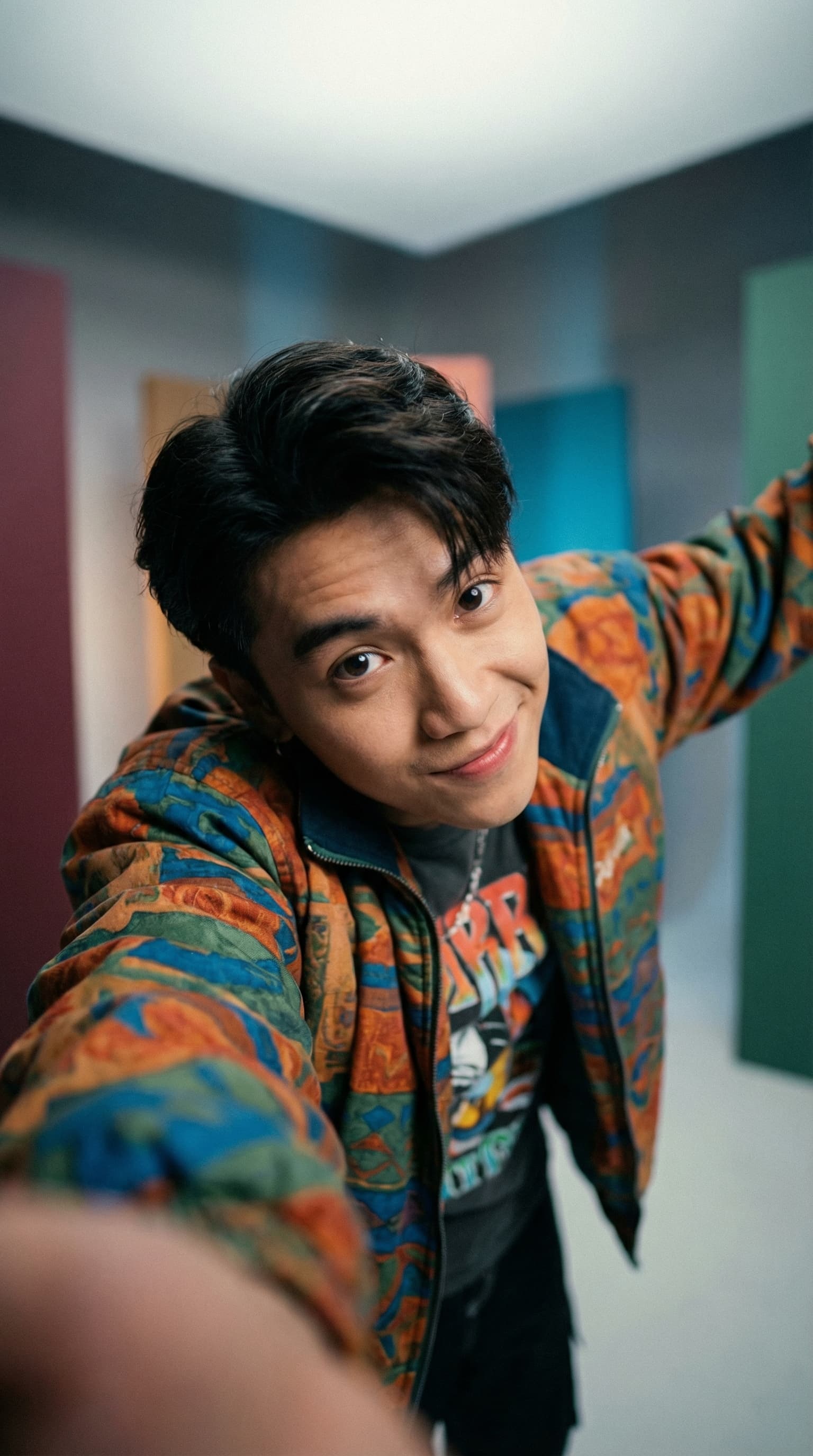
“A close-up coffee pour in bright morning light, energetic pacing, vertical framing.”
Use this prompt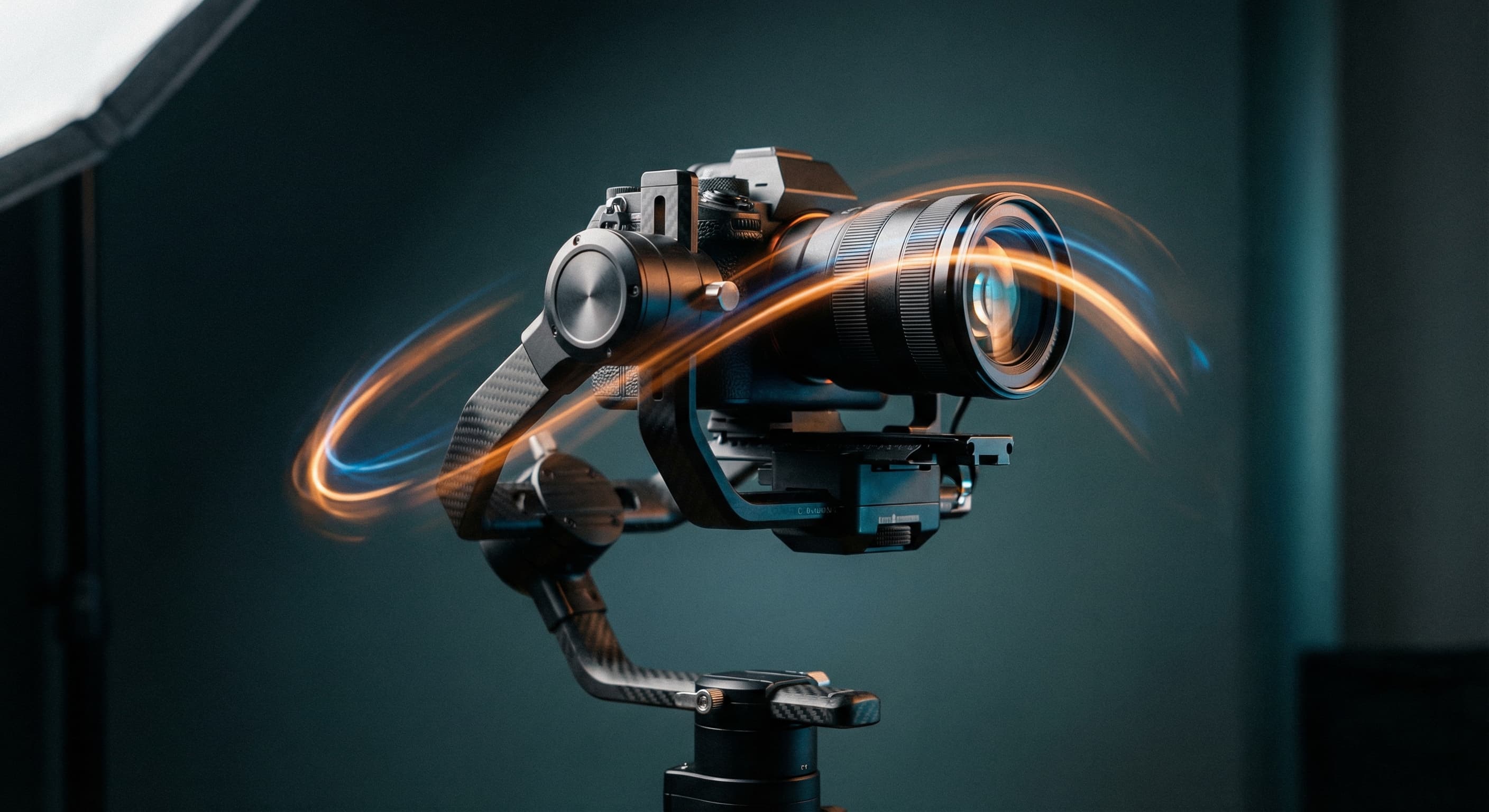
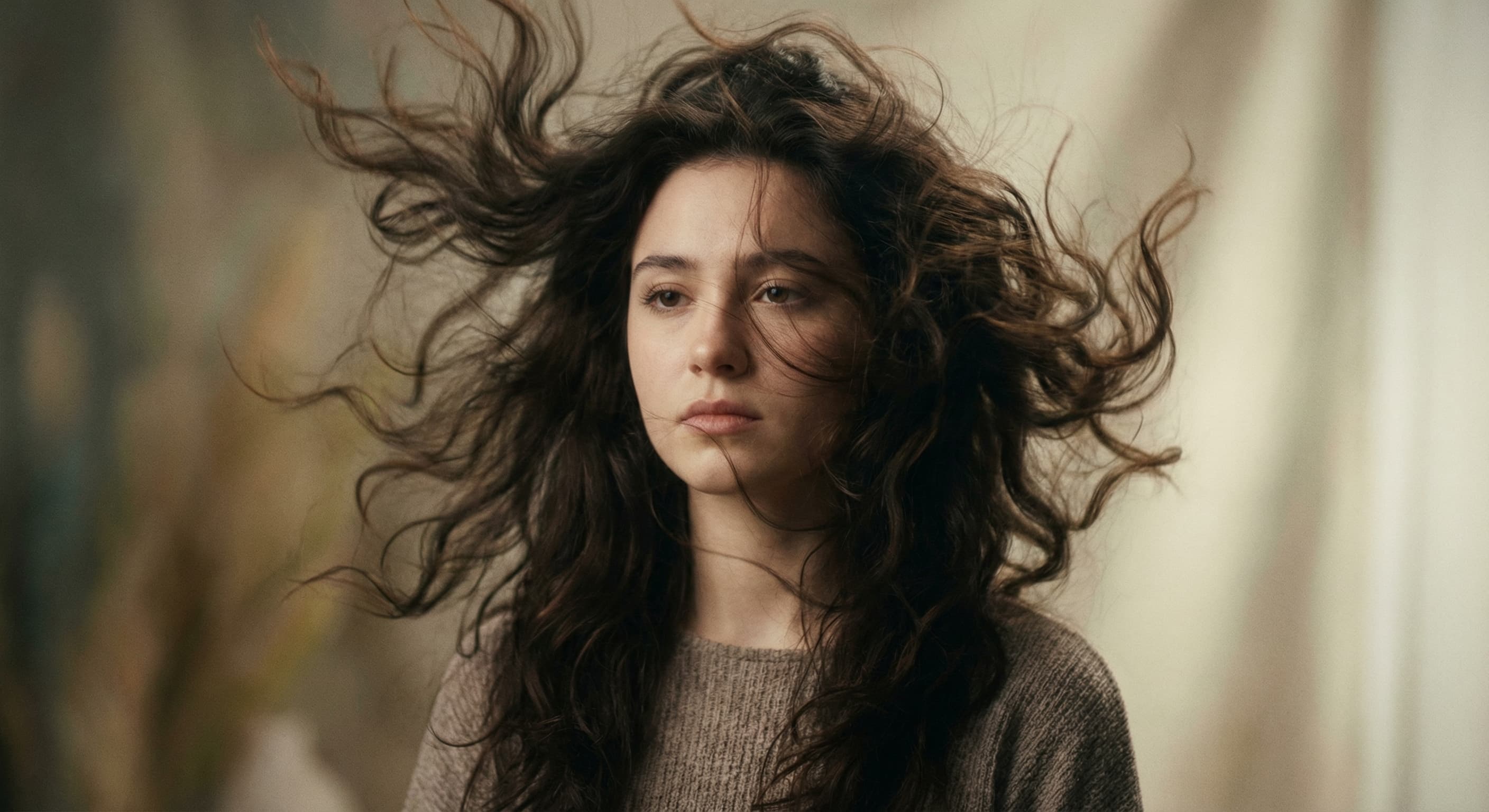
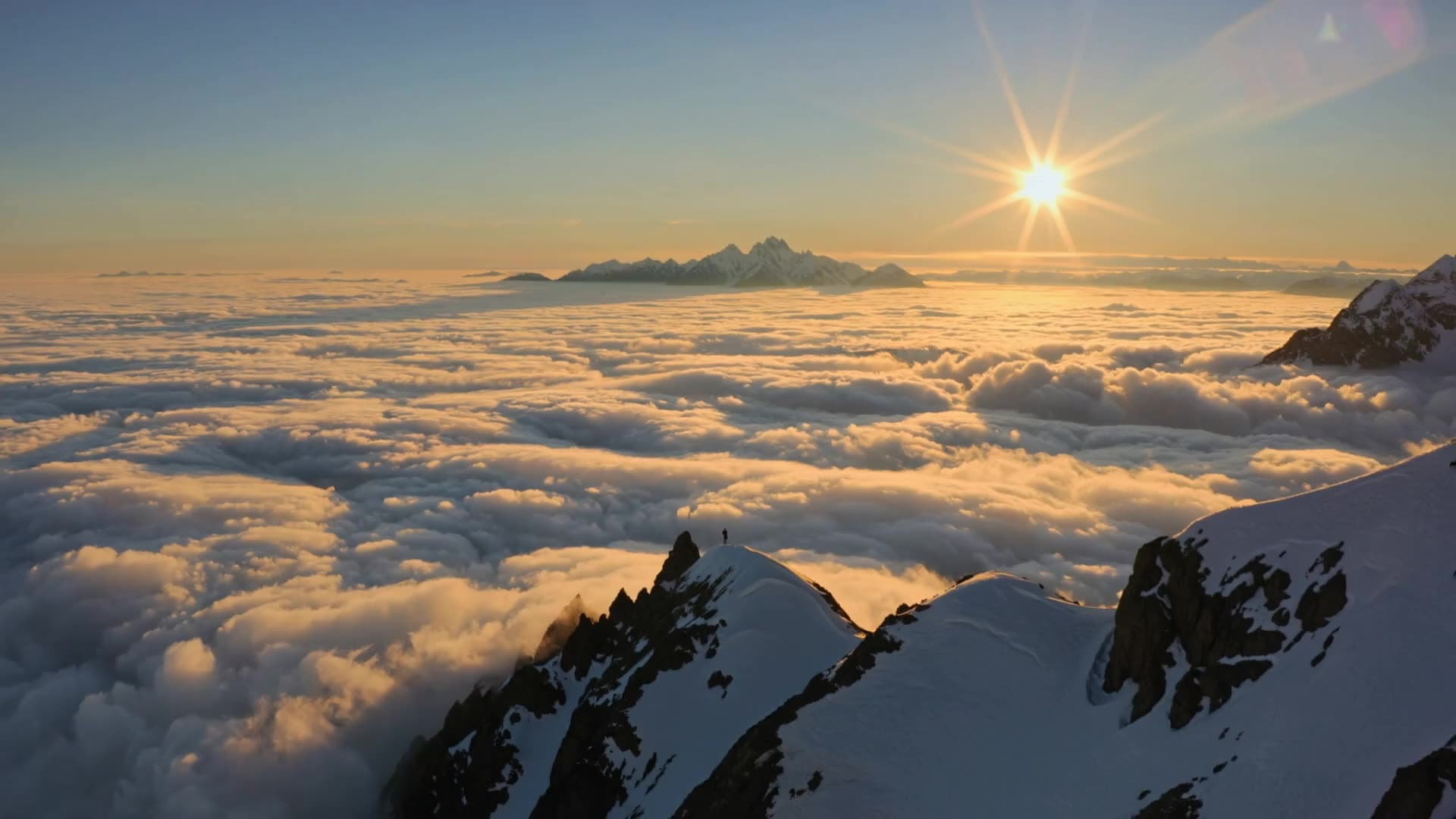
“Aerial tracking shot over a coastline at golden hour, smooth forward motion.”
Use this prompt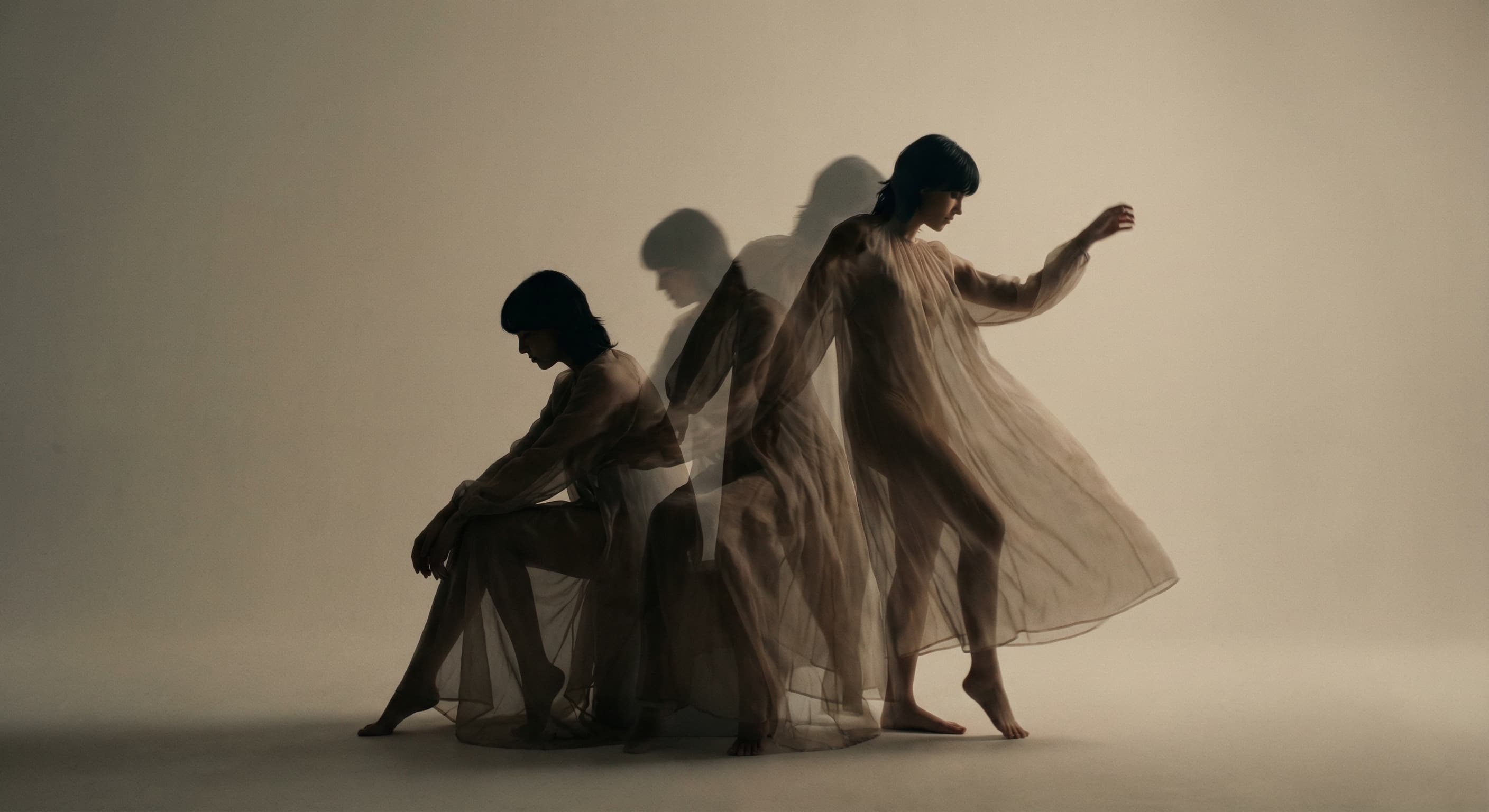
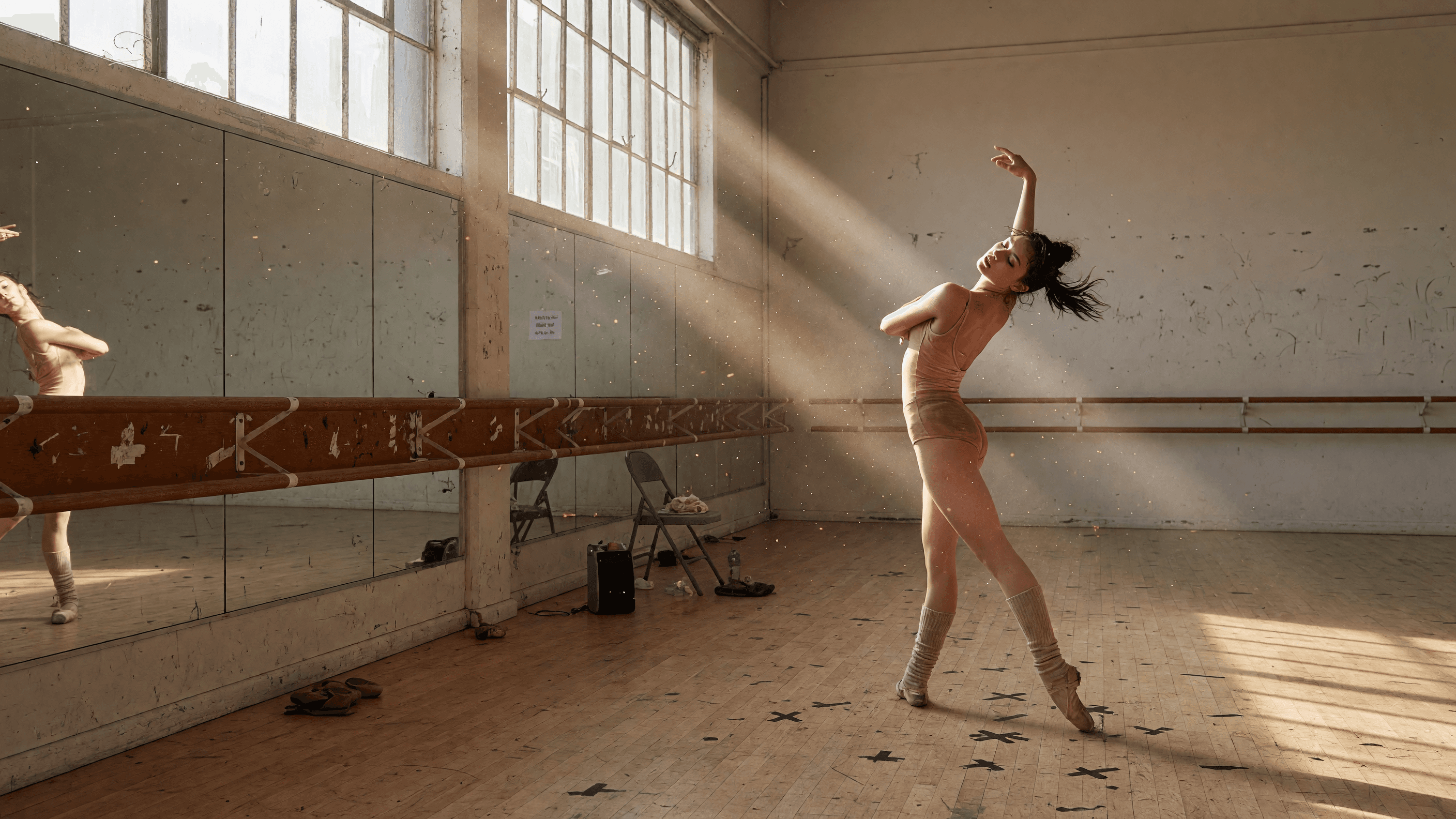
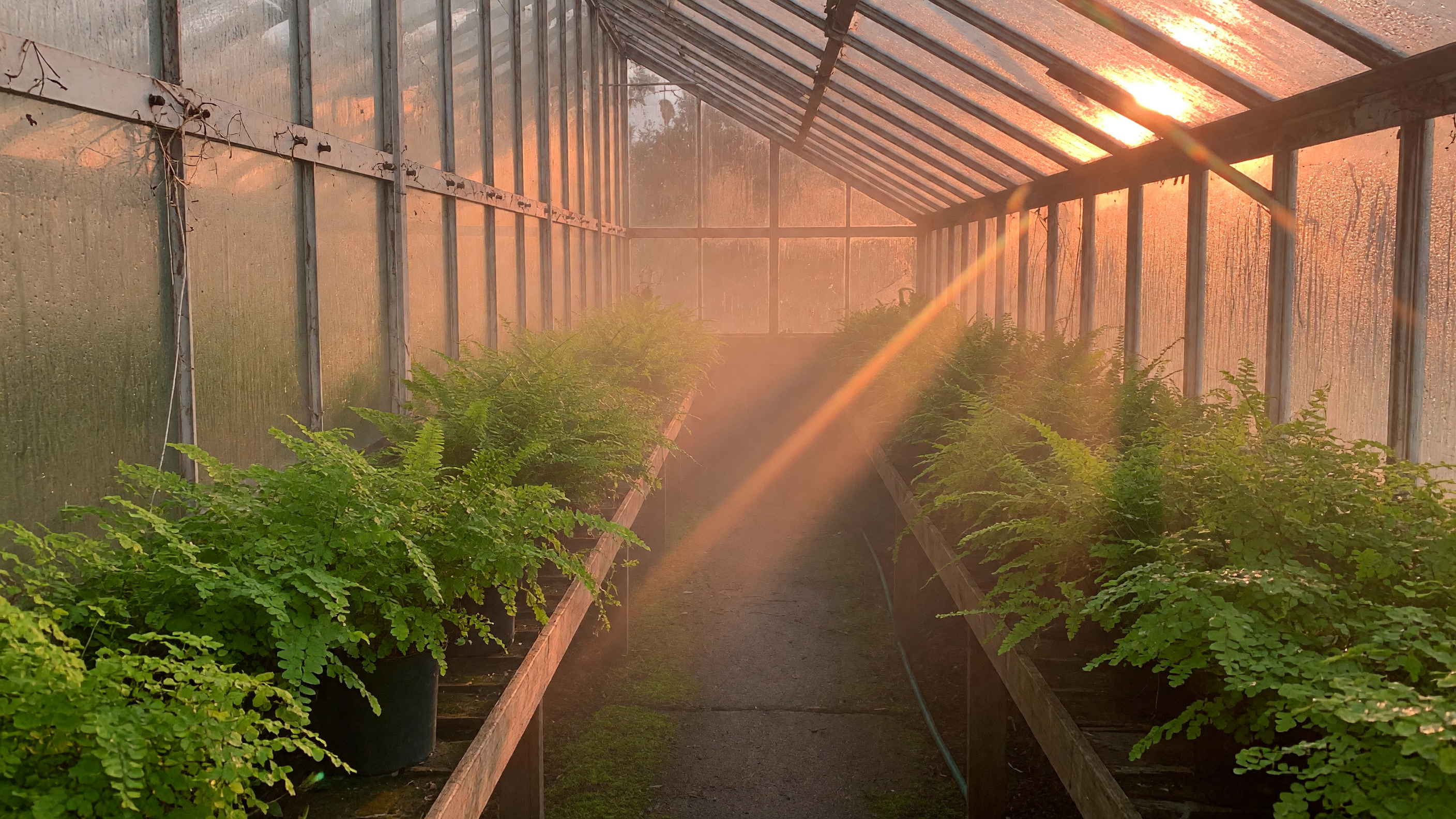
“A dancer turns through shafts of window light, slow orbital camera, soft room tone.”
Use this promptChecked against the running tool on 2026-10-20.
It turns a written description into a rendered video clip. Made sends your prompt to an AI video model that generates the subject, motion, camera movement, and — on supporting models — ambient audio, then returns an MP4.
MiniMax H3 Max, five seconds at 480P. For other models and longer clips, use the AI Video Generator.
Five seconds on this page. The AI Video Generator makes longer clips, up to 30 seconds depending on the model.
No. MiniMax H3 Max renders silent clips. For a clip with sound, use the AI Video Generator with a model that makes audio, like Seedance 2.5.
Yes. Text-to-video renders accept 16:9, 9:16, or 1:1. If you supply an opening-frame image, the aspect ratio follows that image instead.
Yes. You can attach one image to use as the opening frame, and the model animates from there. When your goal is purely to animate an existing photo, the Image to Video Generator is the more direct workflow.
Focus on motion: name the subject action, the camera move (dolly, orbit, tracking, pan), the pacing, and the lighting. For example: “A dancer turns through shafts of window light, slow orbital camera.”
 Core
Core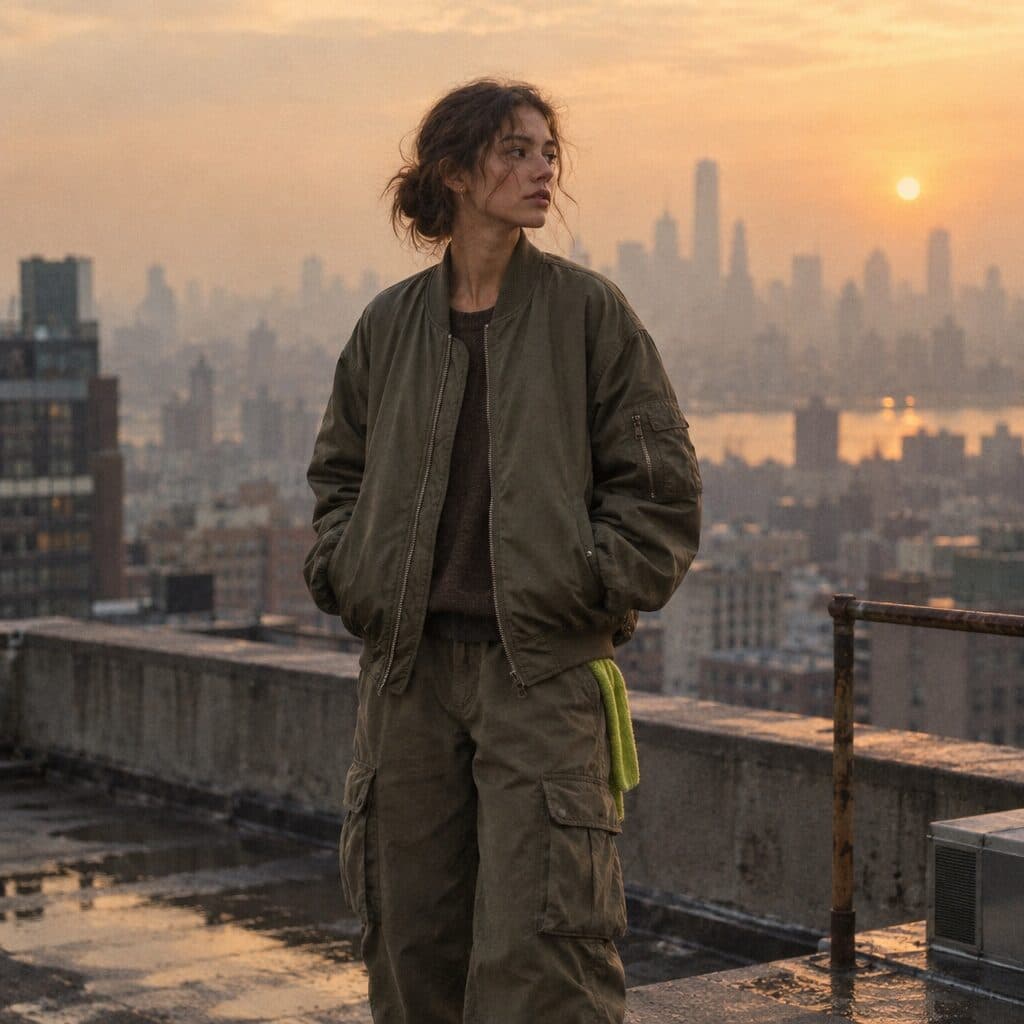
 Core
Core New
New
 New
New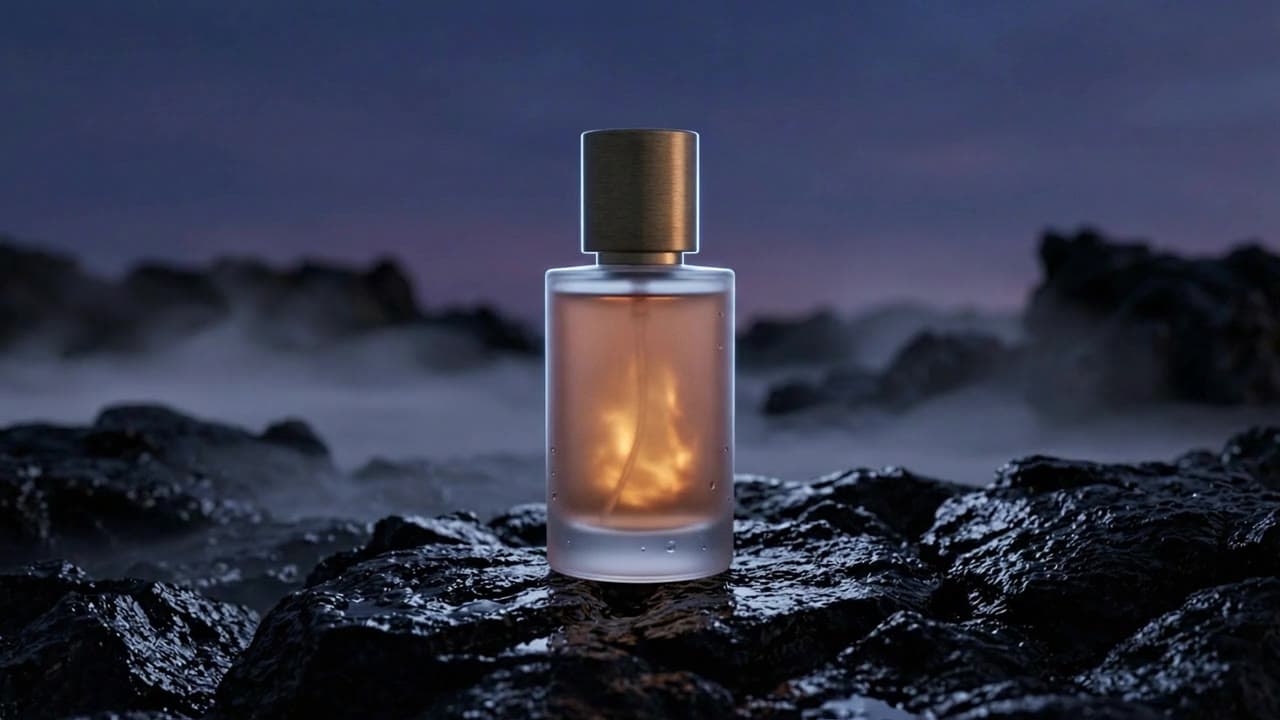
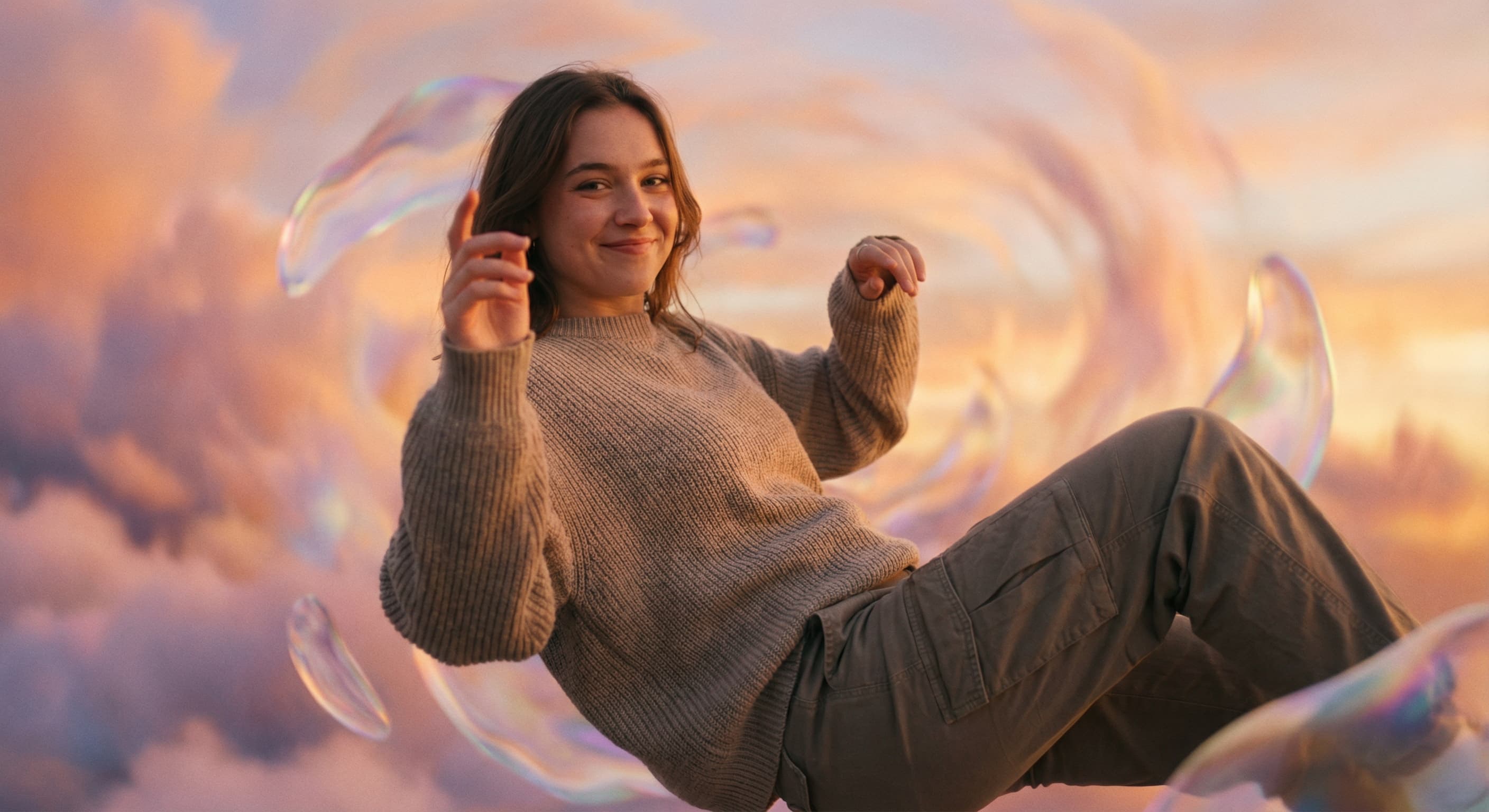
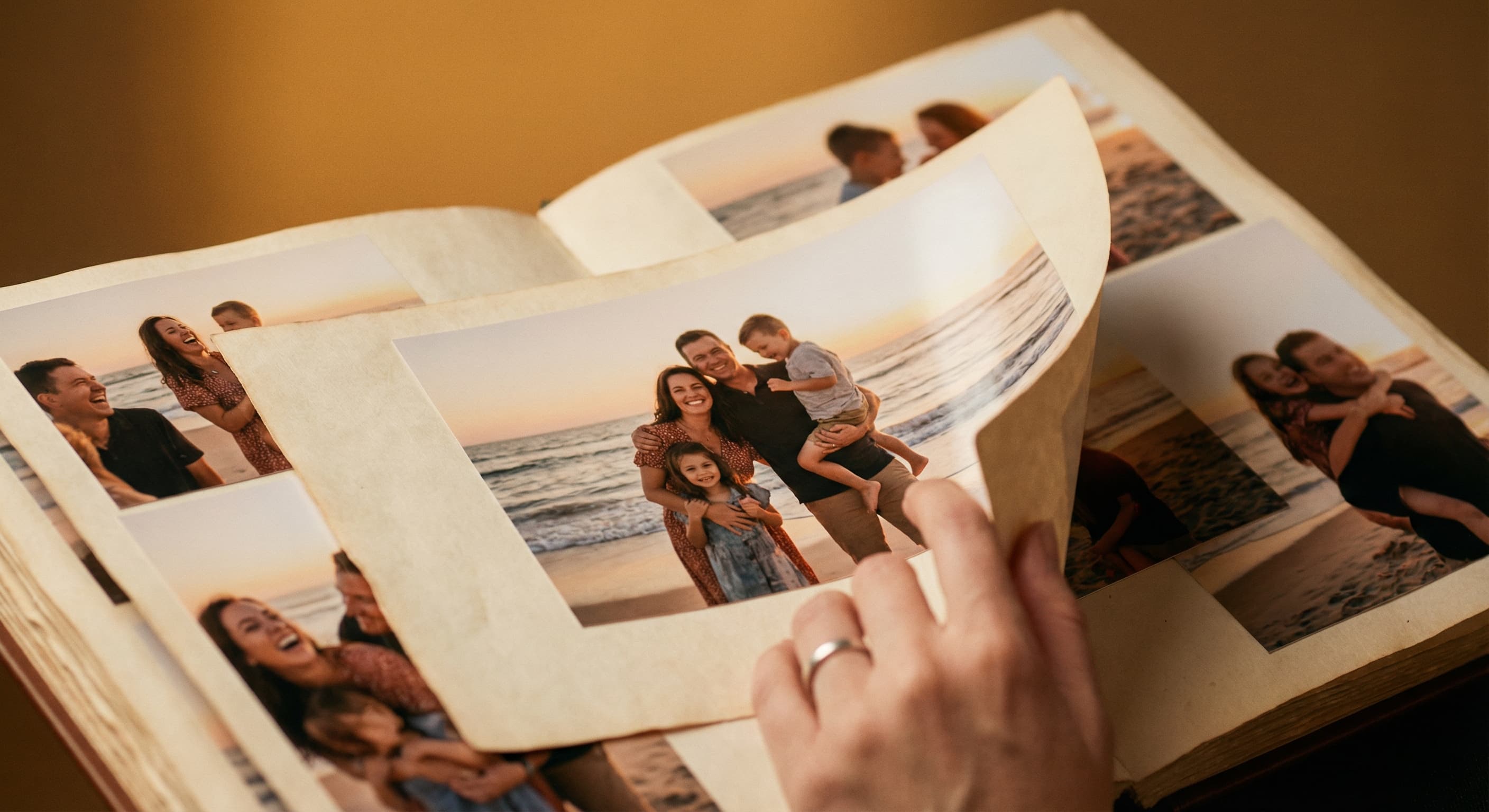
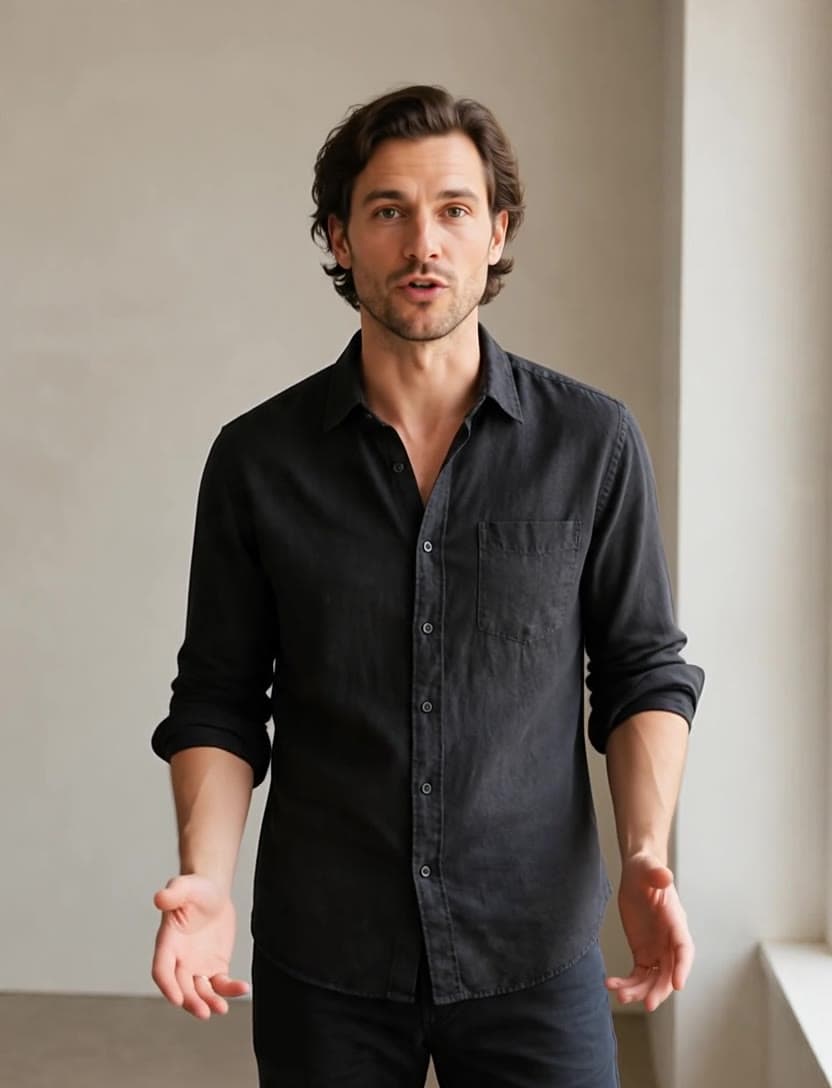
See what each one makes, then open it in Made.