Photo to Cartoon
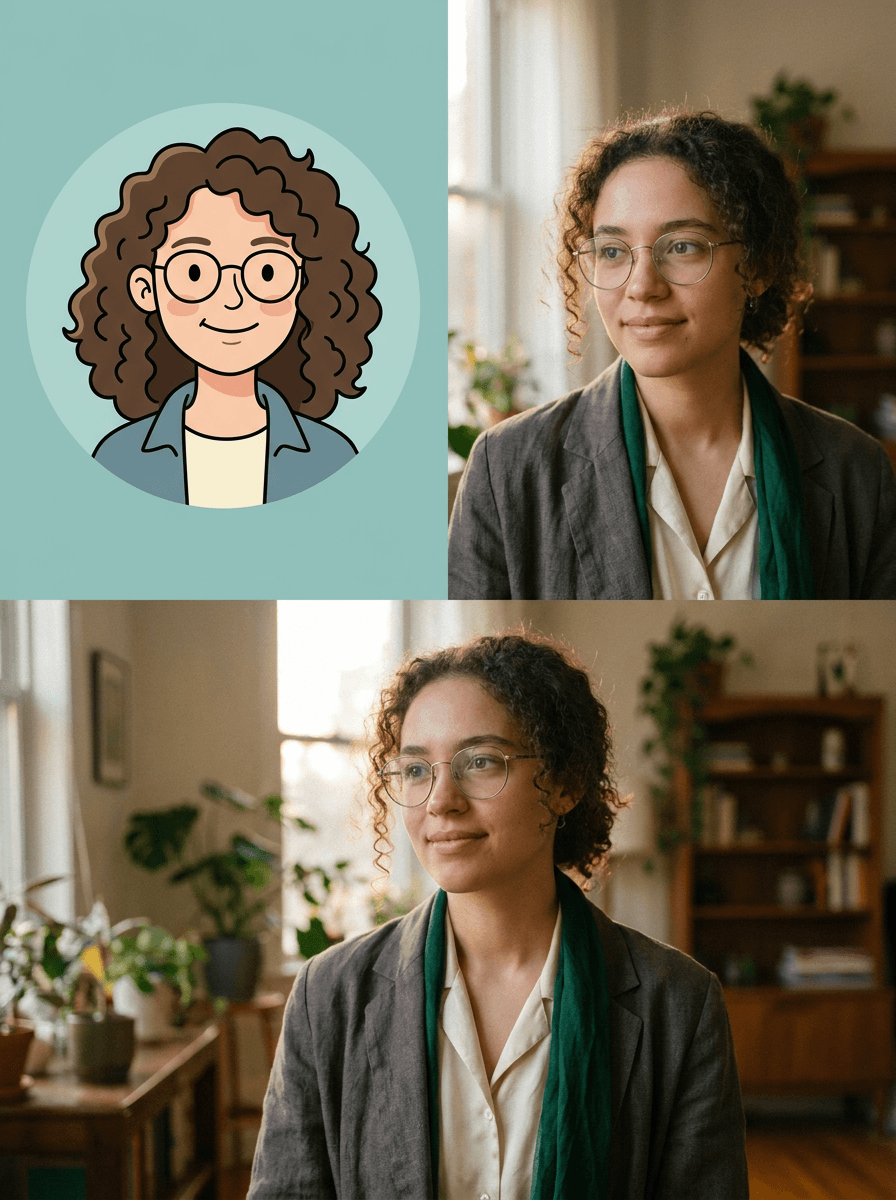
Upload a photo and Made restyles it as a cartoon — the same people, pets, and layout, redrawn with bold outlines, simplified shapes, and flat color. Style intensity is adjustable from subtle to strong.
Runs in the tool. You sign in to run it, see the price before you start, and failed runs are refunded.
How to use Photo to Cartoon
- 1
Upload a photo
Choose a JPEG, PNG, or WebP — portraits, family shots, and pets all work.
- 2
Ask for a cartoon
Say “turn this into a cartoon,” or add direction like “comic style” or “soft pastel cartoon.”
- 3
Set the intensity
Keep the 0.7 default, dial down toward 0.3 for a subtle stylization, or up toward 0.95 for a fully redrawn look.
- 4
Review and download
Check faces and small details, then download the JPG or re-run with a tweaked description or intensity.
Photo to Cartoon examples
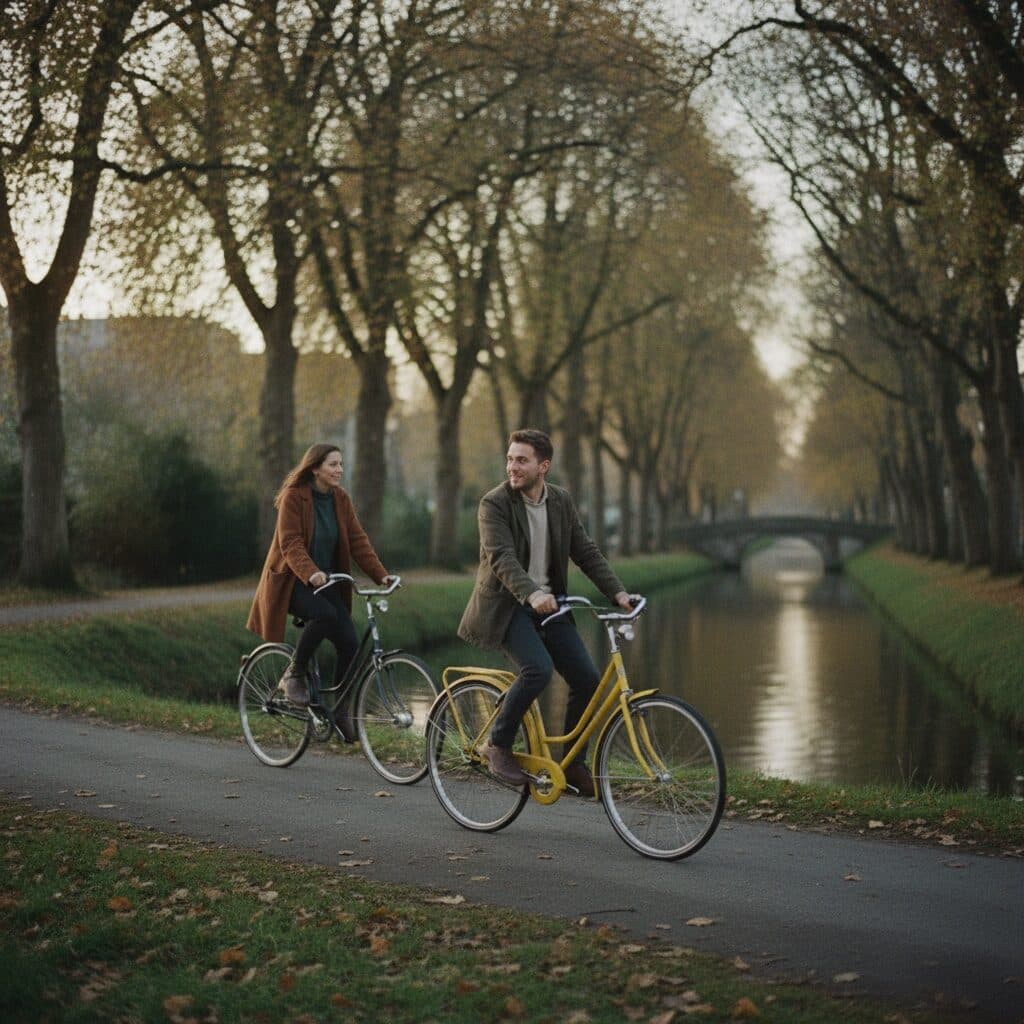
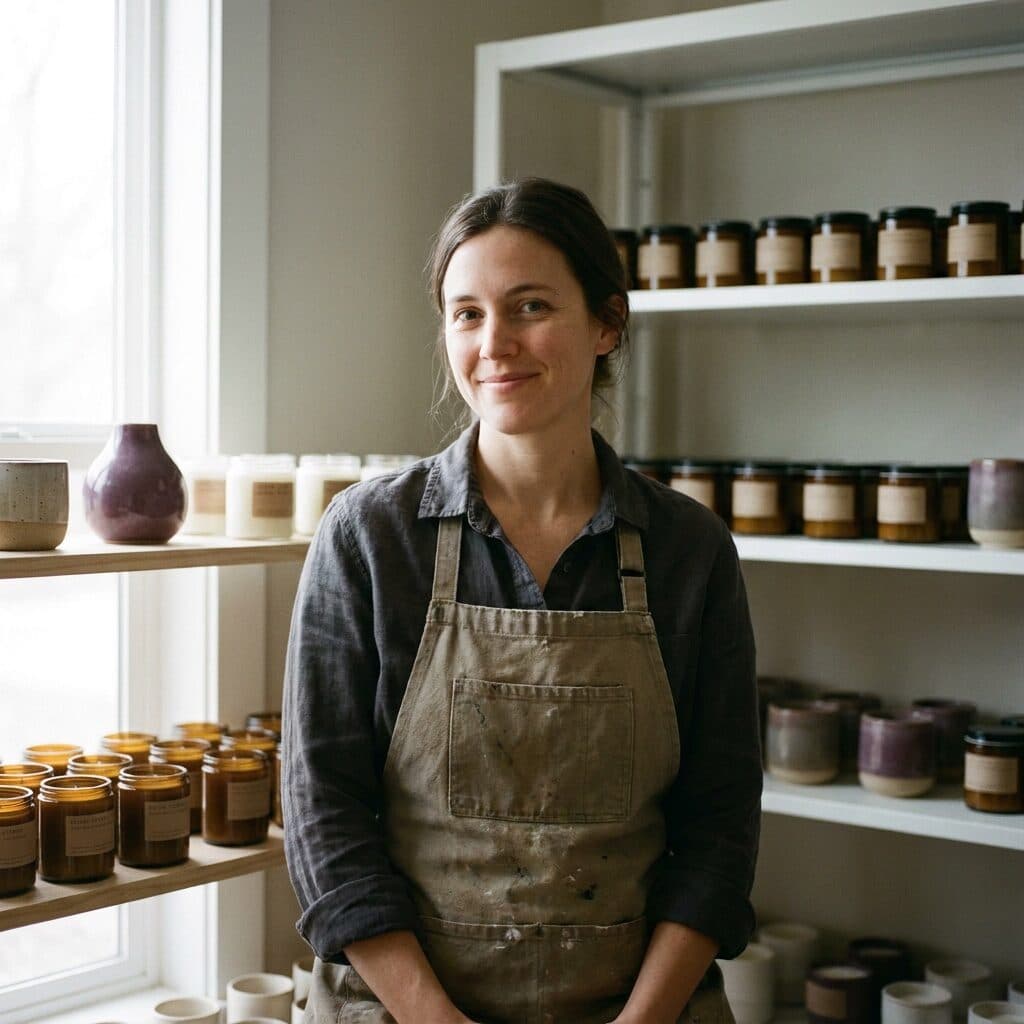
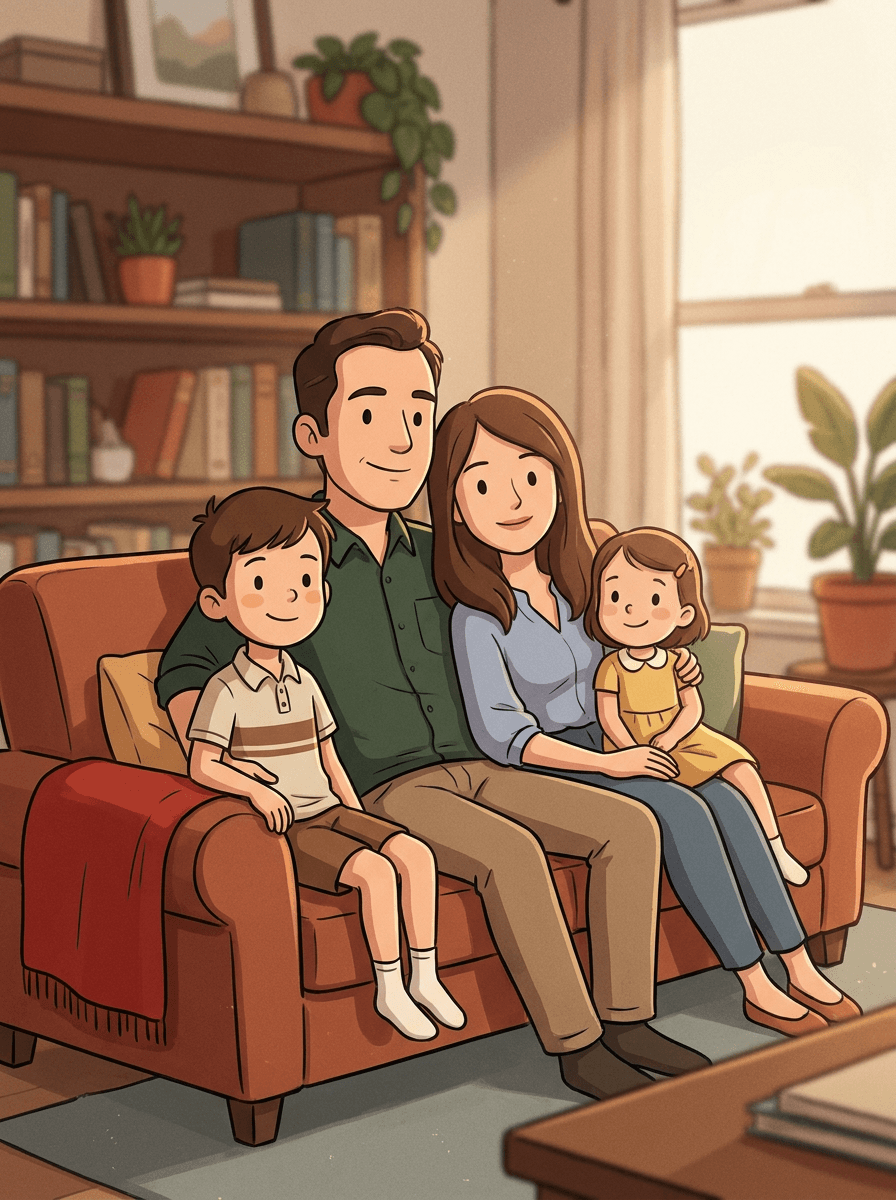
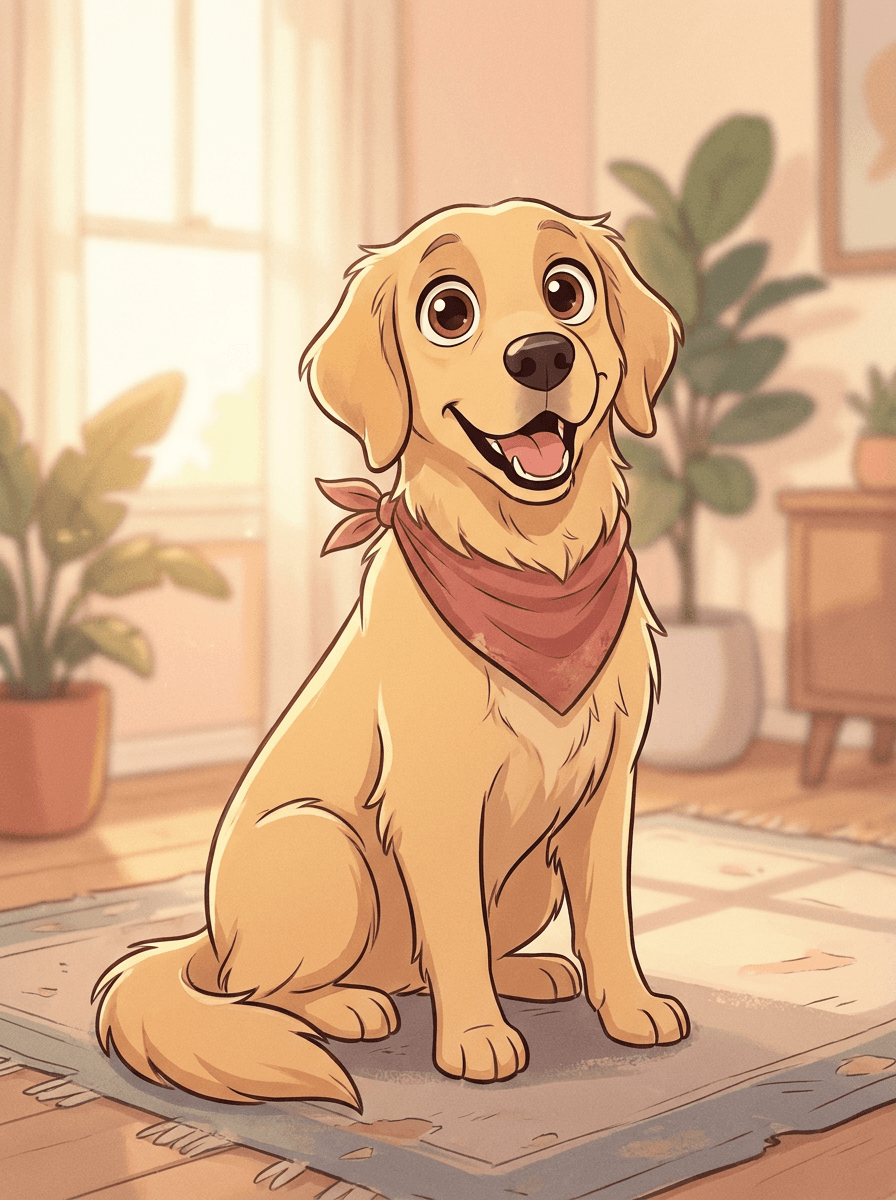
Real results from Made. Use a prompt to open it in Photo to Cartoon, then add your own photo.
What people use it for
- Avatars and profile picturesTurn a selfie into a cartoon avatar for social profiles, gaming handles, or communities where you’d rather not use a real photo.
- Family portrait artRestyle a favorite family photo as a cartoon illustration — the composition stays intact, so everyone stays where they were.
- Pet portraitsRedraw a pet photo as a cartoon character for prints, cards, or a phone wallpaper.
- Cards and invitationsCartoon a group photo or a couple’s photo for birthday cards, announcements, and event invitations.
Turn a photo into a cartoon
What it does
- Input
- JPEG, PNG, or WebP image
- Output
- JPG image restyled as a cartoon illustration
- How it works
- Made prompts Google’s Nano Banana model on Replicate to restyle the whole image as a cartoon while keeping the same composition, subjects, and layout; style intensity is adjustable from subtle (0.3) to strong (0.95), with a 0.7 default.
- Access
- Runs in the tool. You sign in to run it, see the price before you start, and failed runs are refunded.
Formats and limits
- Input formats
- JPEG, PNG, WebP
- Output format
- JPG
- Images per request
- One
- Processing model
- Google Nano Banana on Replicate
- Style intensity
- Adjustable from 0.3 (subtle) to 0.95 (strong); default 0.7
Checked against the running tool on 2026-09-03.
Questions about Photo to Cartoon
How do I turn a photo into a cartoon?
Upload the photo and ask Made to cartoon it. Made prompts Google’s Nano Banana model on Replicate to restyle the whole image while keeping the same composition, subjects, and layout, and returns the result as a JPG.
Will the cartoon still look like the people in the photo?
The composition, subjects, and layout are preserved, and at moderate intensity the resemblance usually carries through. Cartoon styles simplify features by design, and results vary per run — review faces and re-run at a lower intensity if you want a closer likeness.
Can I cartoon a photo of my pet?
Yes. Pets work the same way as people — the animal stays in the same pose and position, redrawn in a cartoon style. Group shots with people and pets together are also fine, since the whole image is restyled at once.
How strong is the cartoon effect?
That’s up to you. Style intensity is adjustable from 0.3, which keeps the photo mostly intact with light stylization, to 0.95, which fully redraws it; the default is 0.7. Start at the default and adjust from there.
What is the difference between Photo to Cartoon and Photo to Anime?
Both restyle the whole image with the same workflow, but this page targets general cartoon looks — bold outlines, simplified shapes, flat color — while Photo to Anime targets anime-style illustration specifically. Pick the page matching the aesthetic you want.
Can I choose a specific cartoon style?
You can steer the look with generic descriptions like “comic-book style,” “soft pastel cartoon,” or “flat vector cartoon.” The tool works from your description rather than named shows or studios.
What file do I get back?
A JPG of the cartooned image. Each request processes one JPEG, PNG, or WebP image; run the tool again to try a different style or intensity.
Specific Photo to Cartoon workflows
More style tools
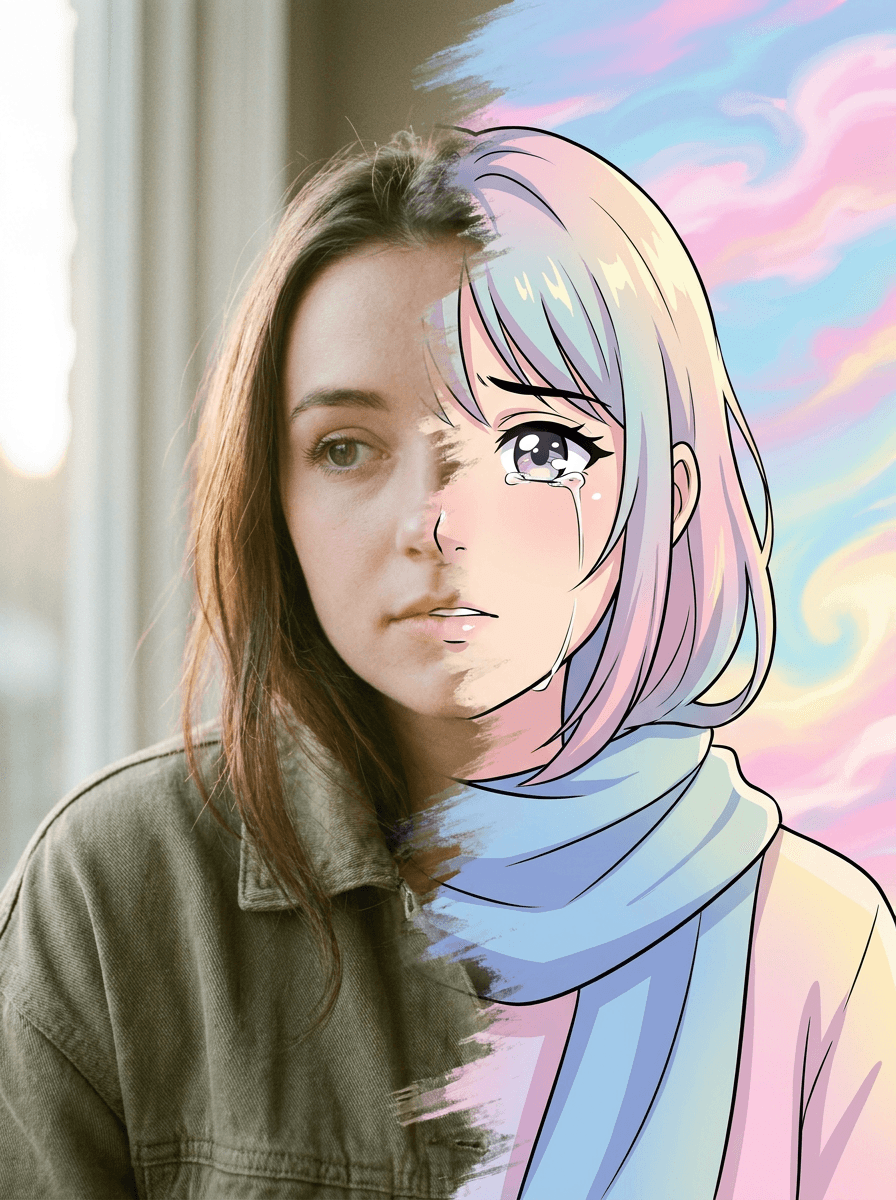
Photo to Anime
Your photo as an anime illustration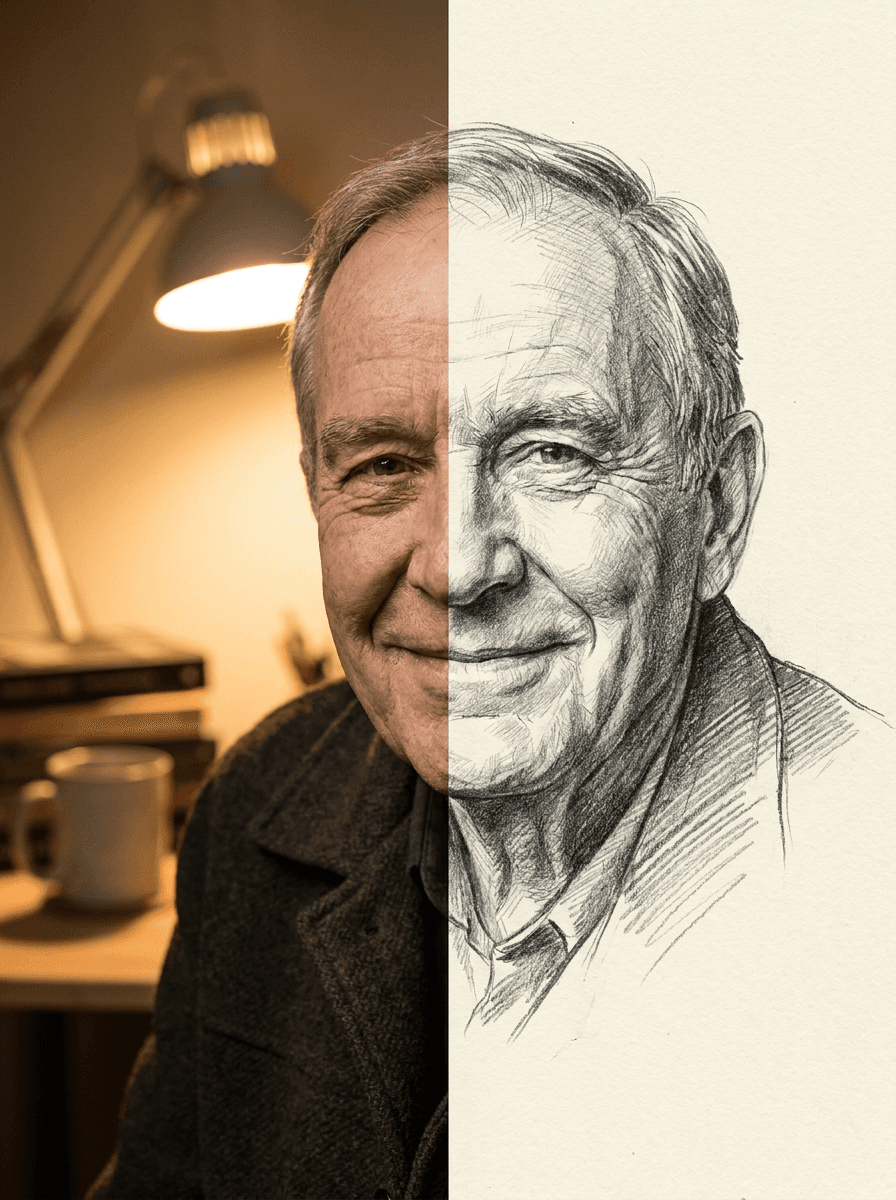
Photo to Sketch
Your photo as a pencil sketch
Profile Picture Maker
A sharper profile picture in any style
 +
+ New
NewOutfit Swap
Try on any outfit from one photo
AI Clothes Changer
Change your outfit with a prompt
AI Hairstyle Changer
Try any haircut on your photo
Hair Color Changer
Try any hair color on your photo
Eye Color Changer
Change eye color naturally
AI Stylist
Mix wardrobe pieces into a new look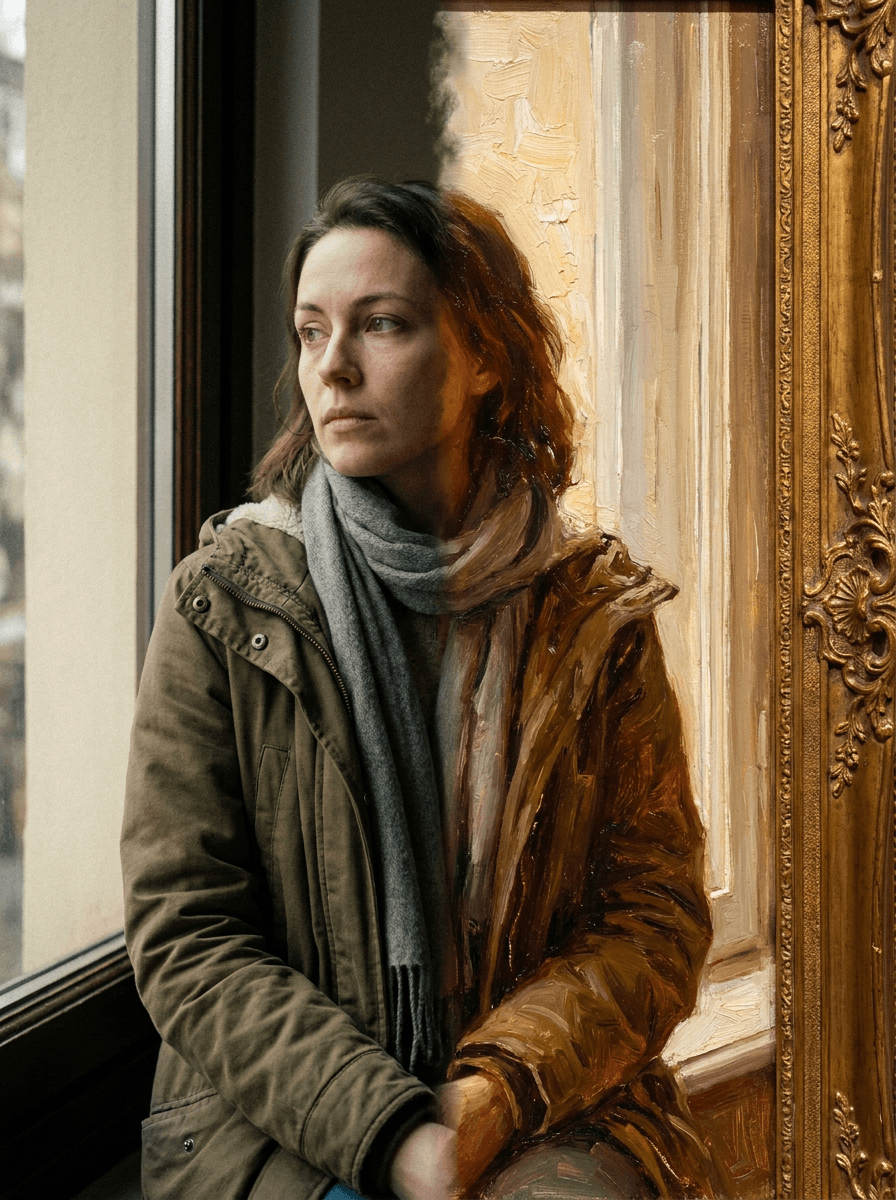
Photo to Painting
Your photo as an oil or watercolorRelated models
See what each one makes, then open it in Made.