Photo to 3D Cartoon
Upload a portrait and Made restyles it in the 3D animated-movie look — soft rounded features, big expressive eyes, and cinematic lighting — while keeping the pose and scene of your photo.
Runs in the tool. You sign in to run it, see the price before you start, and failed runs are refunded.
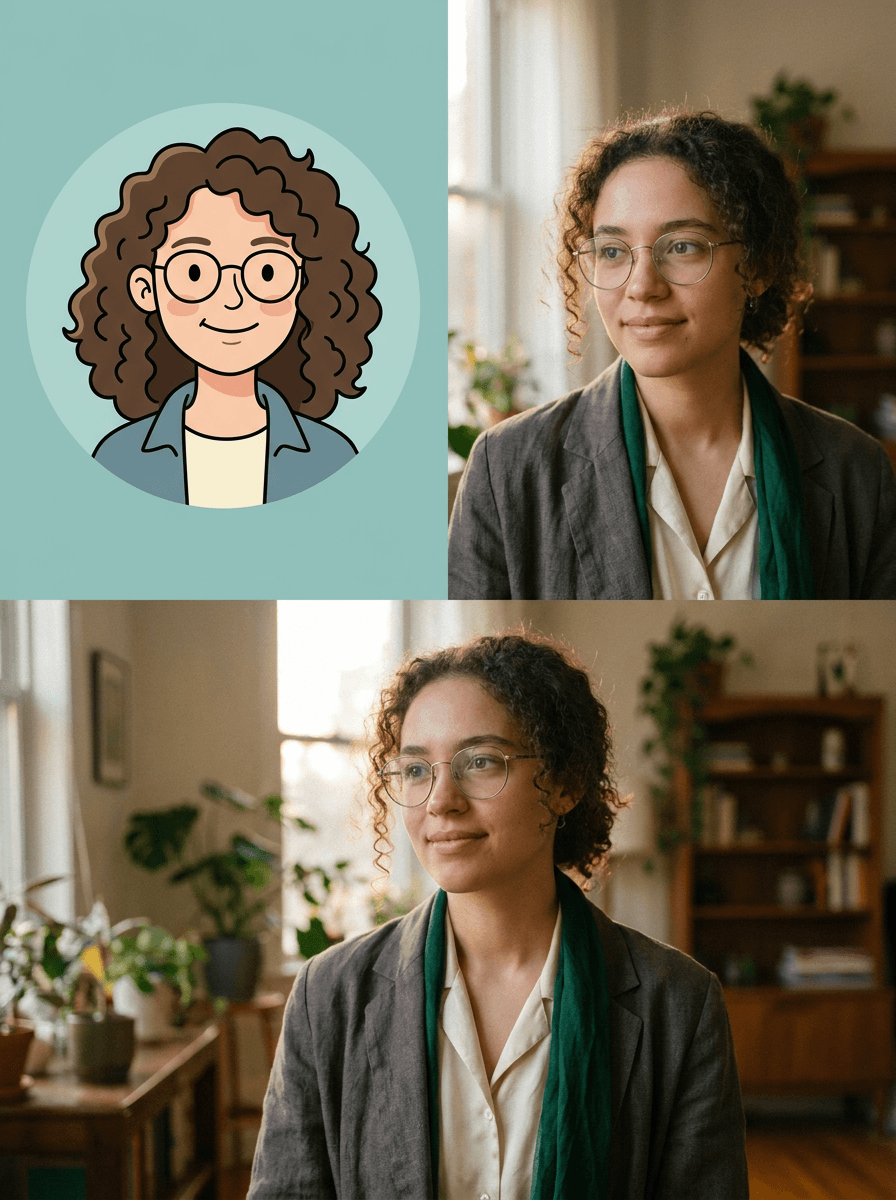
How to use Photo to 3D Cartoon
- 1
Upload a clear portrait
Face well lit and visible — expressive source photos make expressive characters.
- 2
Ask for the 3D animated style
Add flavor if you like: “soft cinematic lighting,” “big expressive eyes,” “storybook warmth.”
- 3
Tune the intensity
The default 0.7 is fully cartoon while recognizable; lower keeps more realism.
- 4
Match a set
Use identical wording for each family member for a consistent portrait series.
Photo to 3D Cartoon examples
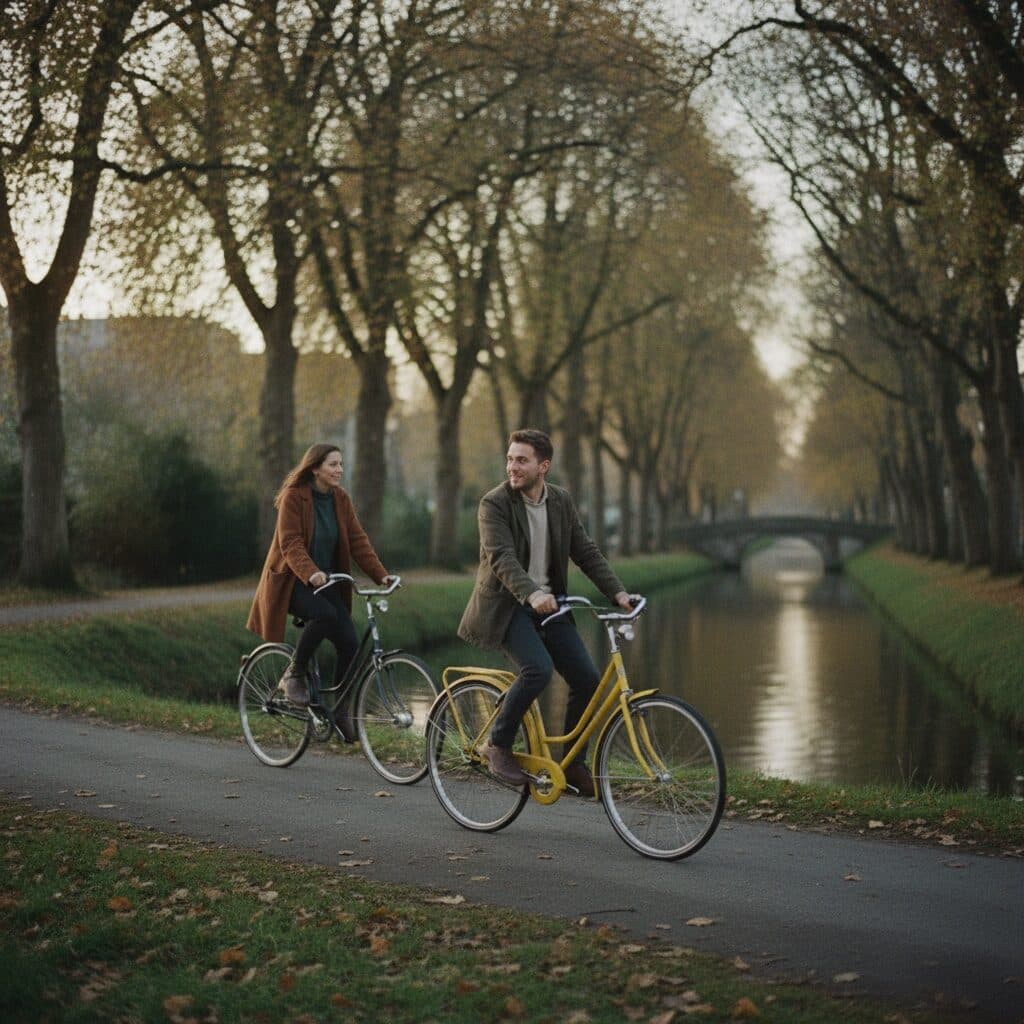
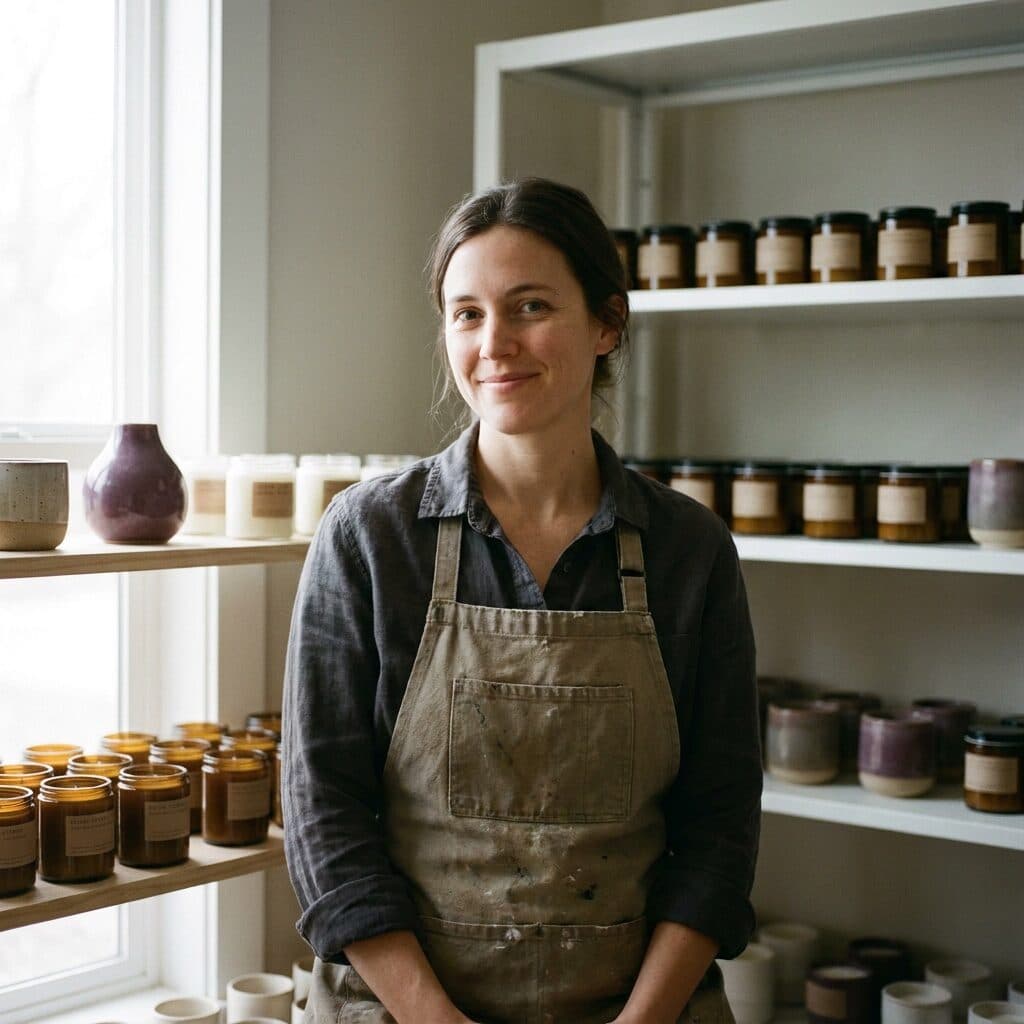
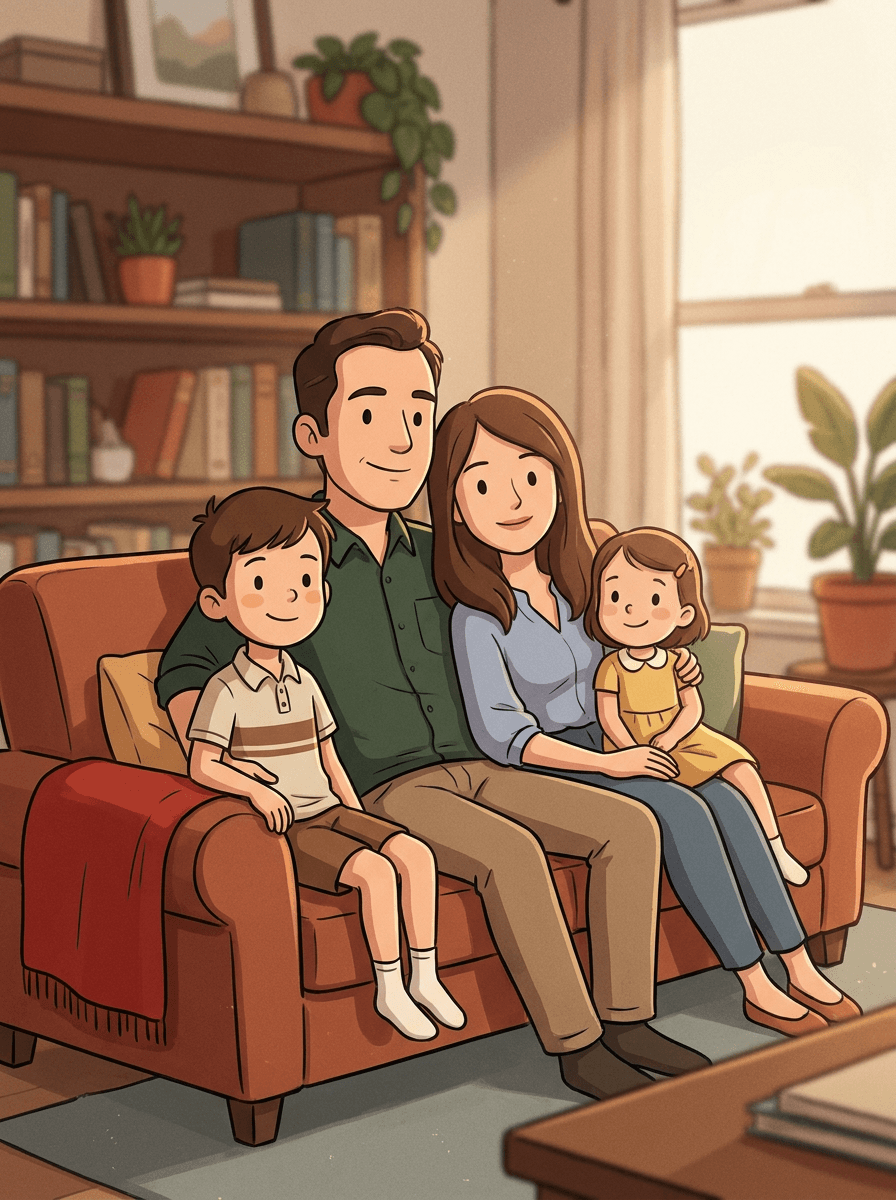
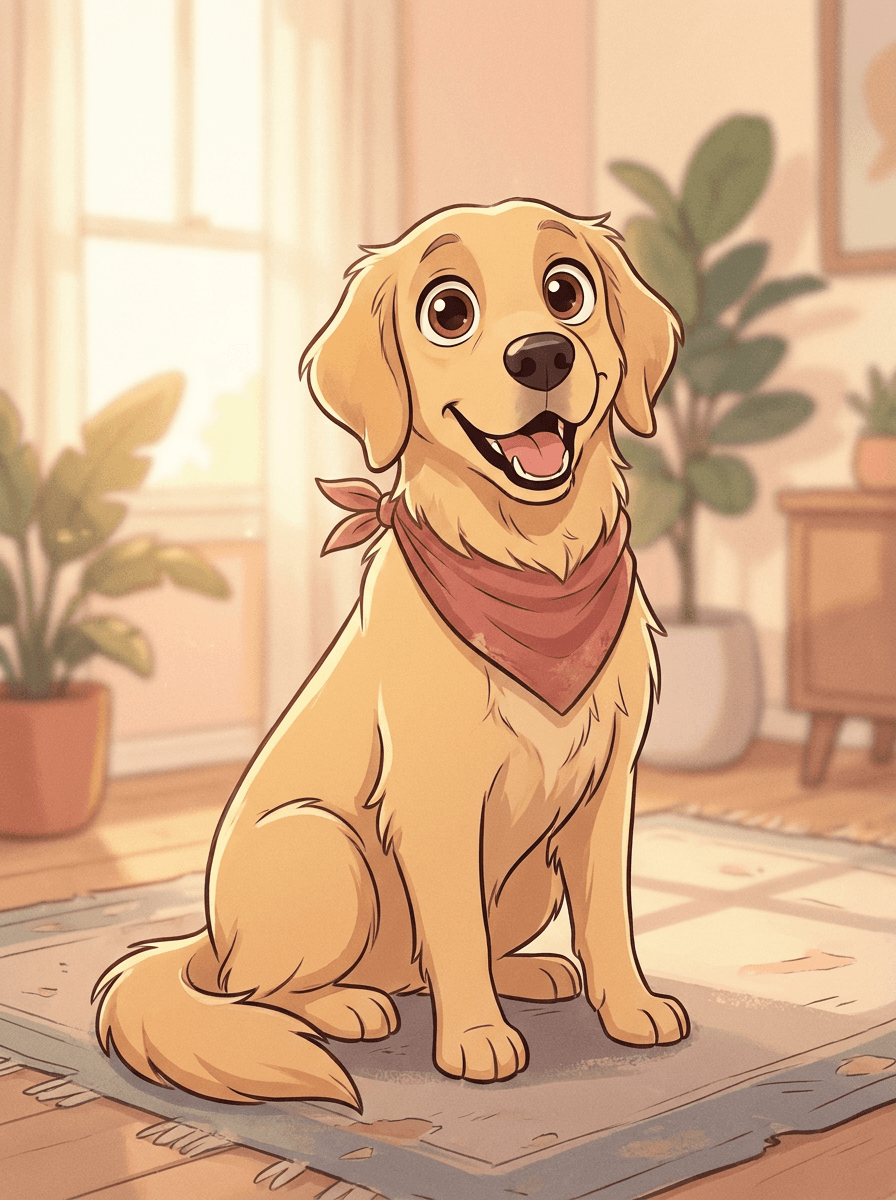
Real results from Made. Use a prompt to open it in Photo to 3D Cartoon, then add your own photo.
What people use it for
- AvatarsThe 3D-animated look is the most popular stylized avatar format — friendly, polished, and recognizable.
- Family and couple portraitsGroup photos become animated-film scenes that print beautifully.
- Kids’ room artChildren as movie characters make favorite prints and birthday cards.
Turn a photo into a 3D cartoon character
What it does
- Input
- One photo (JPEG, PNG, or WebP)
- Output
- JPG in 3D animated-movie style
- How it works
- Made prompts Google’s Nano Banana model on Replicate to restyle the whole image as a 3D animated cartoon while keeping the same composition, subjects, and layout; style intensity is adjustable from subtle (0.3) to strong (0.95), with a 0.7 default.
- Access
- Runs in the tool. You sign in to run it, see the price before you start, and failed runs are refunded.
Formats and limits
- Input formats
- JPEG, PNG, WebP
- Output format
- JPG
- Images per request
- One
- Processing model
- Google Nano Banana on Replicate
- Style intensity
- Adjustable from 0.3 (subtle) to 0.95 (strong); default 0.7
Checked against the running tool on 2026-09-03.
Questions about Photo to 3D Cartoon
How is this different from Photo to Cartoon?
Photo to Cartoon covers flat, 2D illustration styles; this variant targets the modern 3D animated-feature look — volumetric soft skin, rounded features, oversized eyes, and cinematic lighting, like a frame from a contemporary animated film.
Will I still be recognizable?
Yes — the transform keeps your composition and translates your actual features into the character style: hair, glasses, skin tone, and expression carry through. It reads as “you, cast in an animated movie.”
Does it work for group photos?
Yes, everyone in frame is restyled together with positions preserved — group and family shots are among the best uses. Very small faces in large groups hold less detail; closer crops give better characters.
Can I use the result as a profile picture or print it?
Both. The JPG works directly as an avatar, and prints well at typical frame sizes — run it through Image Upscaler first for large prints.
Is this the same as a specific movie studio’s style?
It is the general modern 3D-animation aesthetic, not any studio’s protected characters or trade dress. Prompting for a specific studio’s characters is the thing to avoid — the generic style itself is fair territory.
More Photo to Cartoon options
More style tools
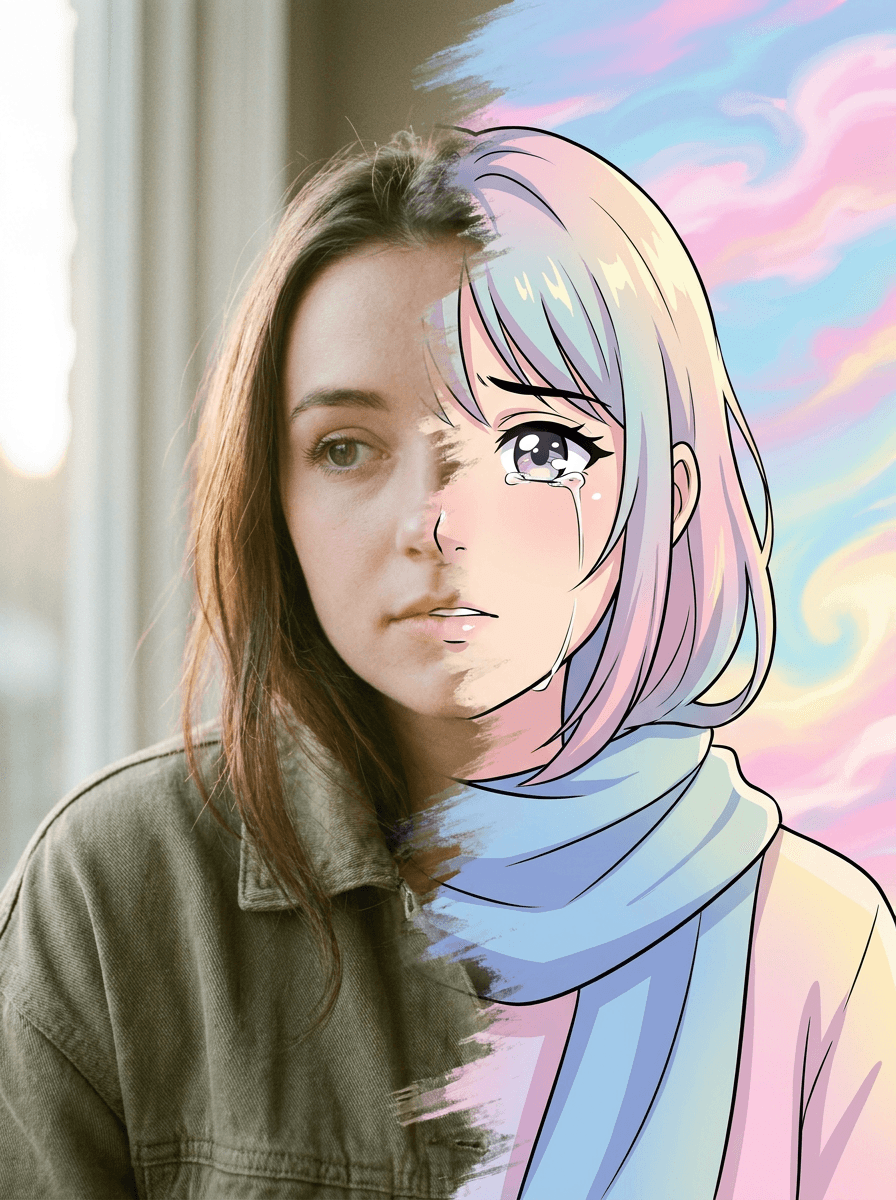
Photo to Anime
Your photo as an anime illustration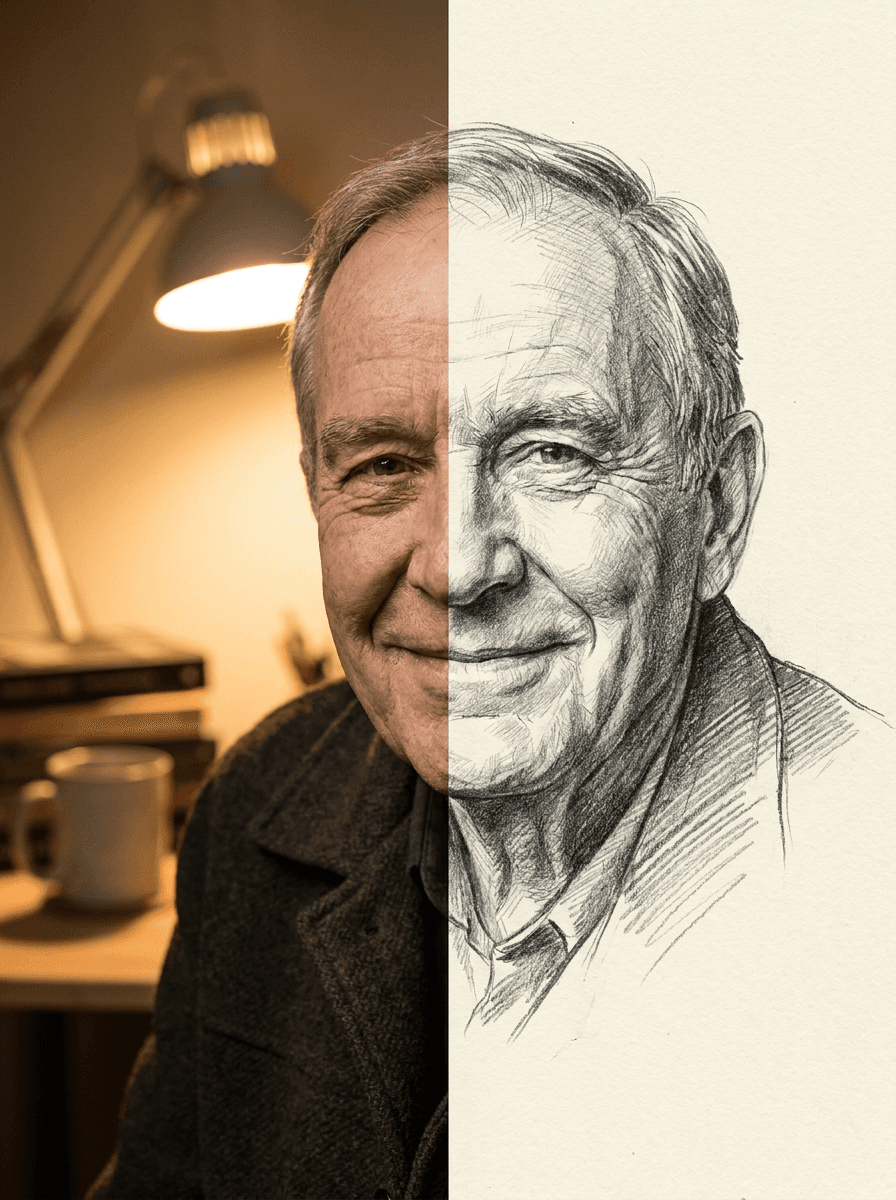
Photo to Sketch
Your photo as a pencil sketch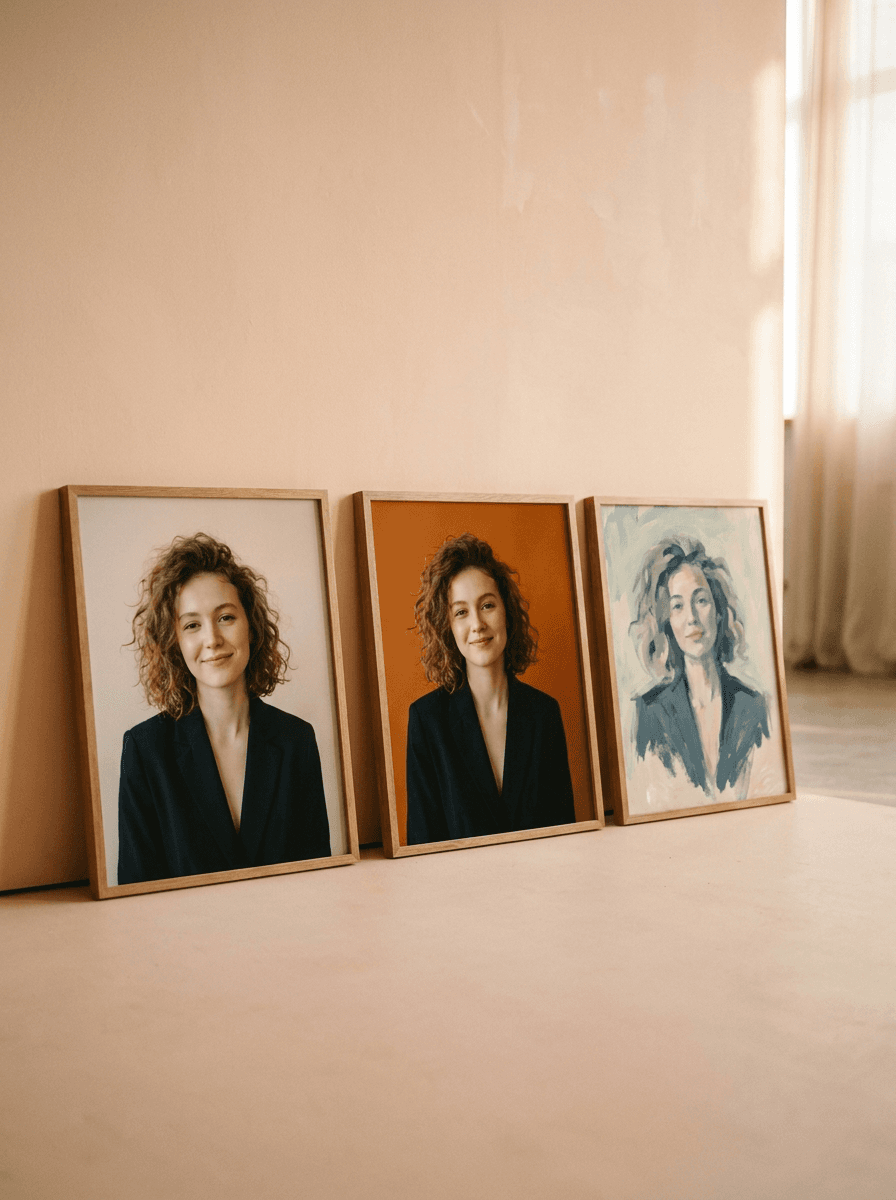
Profile Picture Maker
A sharper profile picture in any style
 +
+ New
NewOutfit Swap
Try on any outfit from one photo
AI Clothes Changer
Change your outfit with a prompt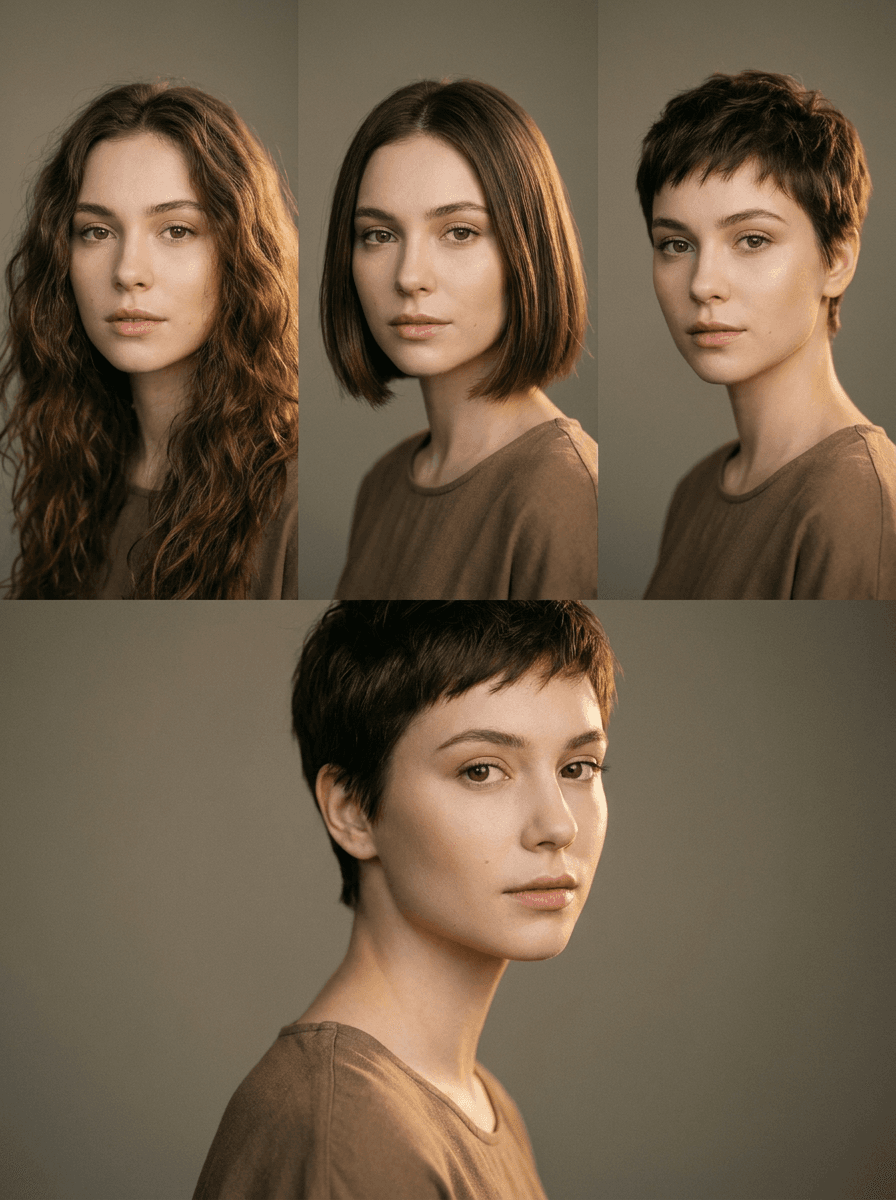
AI Hairstyle Changer
Try any haircut on your photo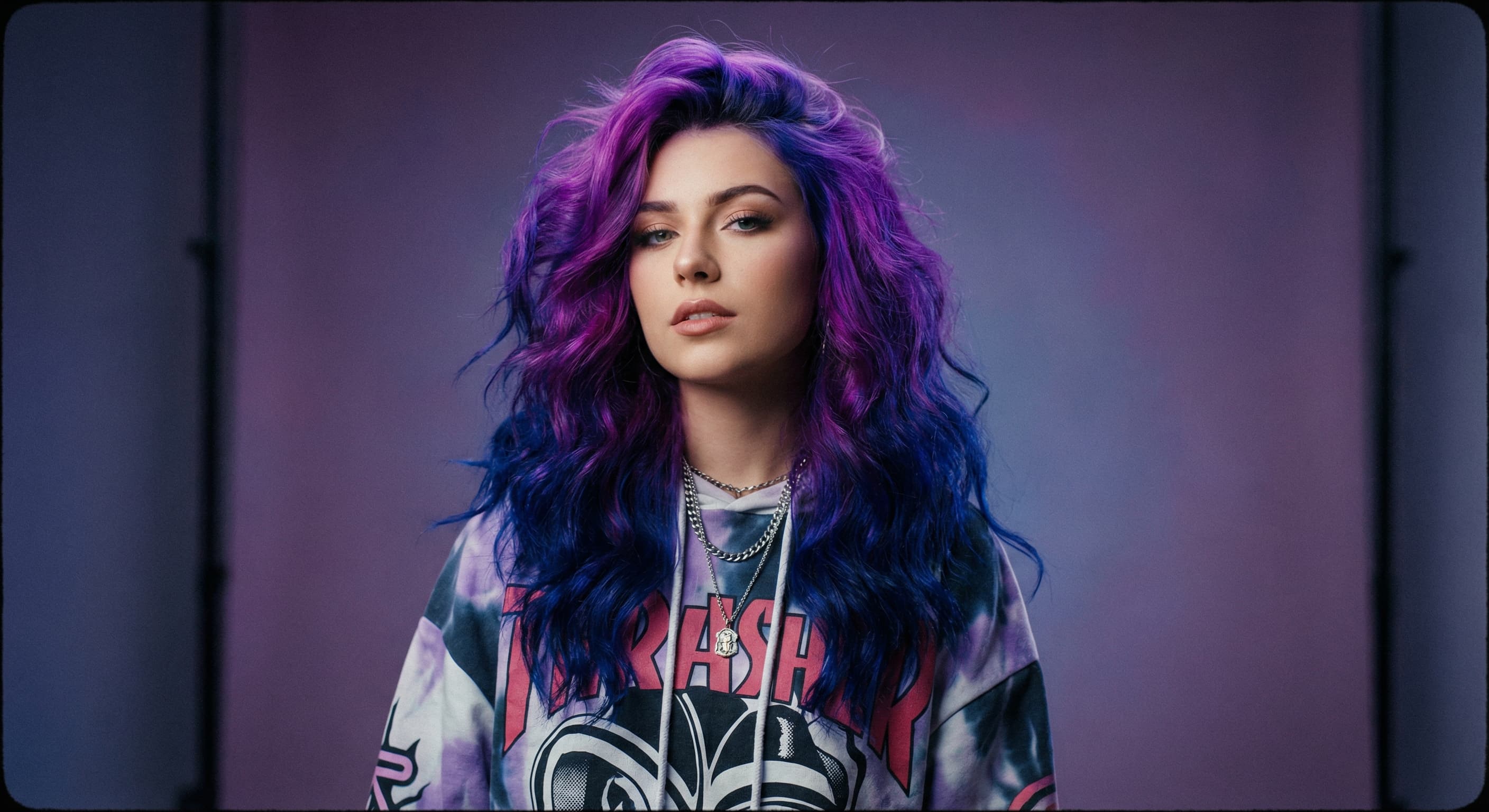
Hair Color Changer
Try any hair color on your photo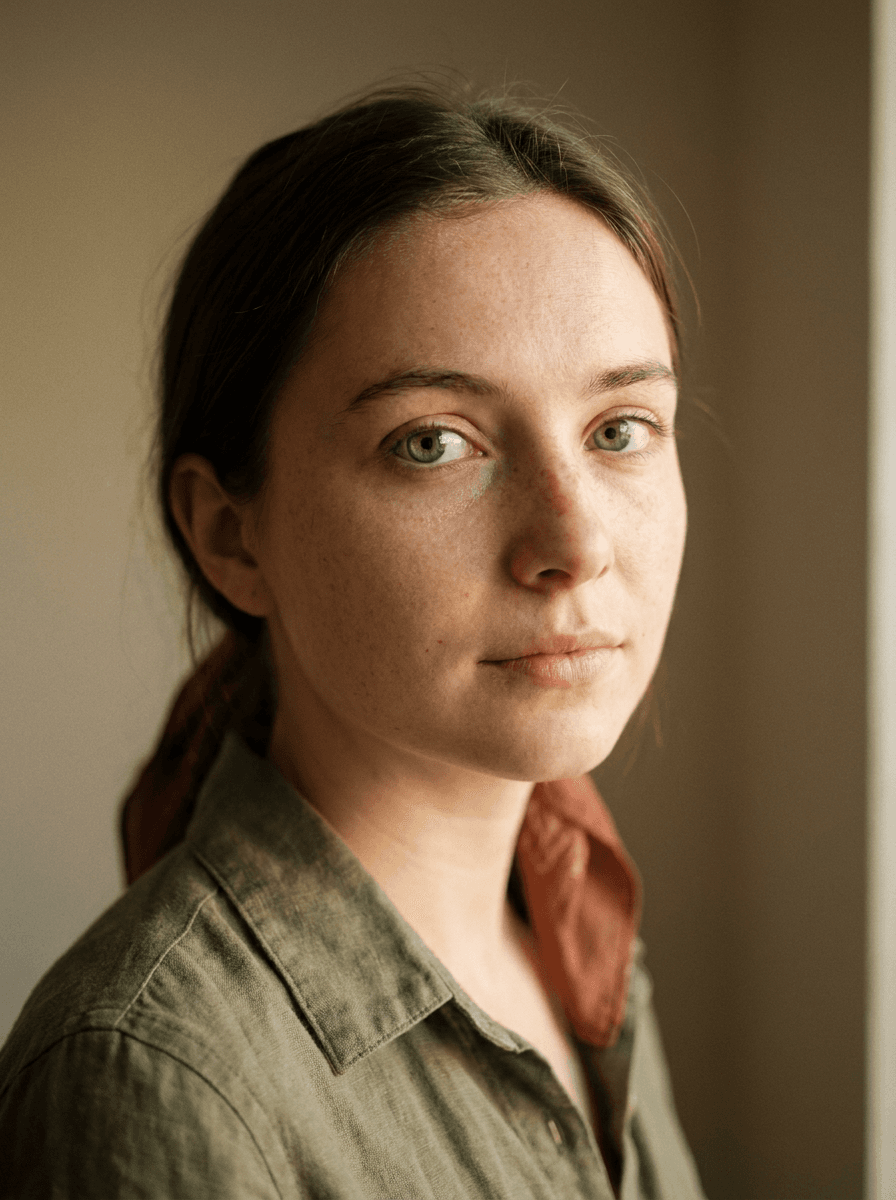
Eye Color Changer
Change eye color naturally
AI Stylist
Mix wardrobe pieces into a new look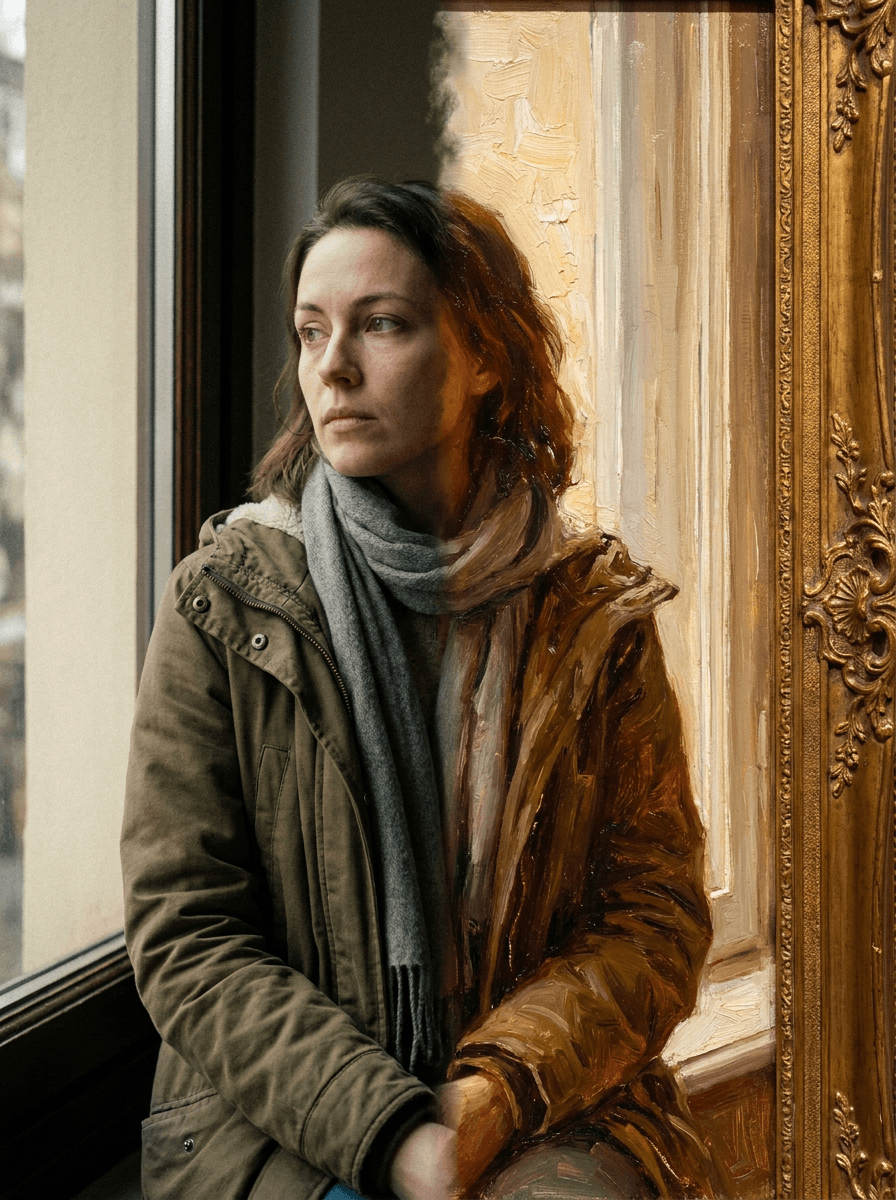
Photo to Painting
Your photo as an oil or watercolorRelated models
See what each one makes, then open it in Made.