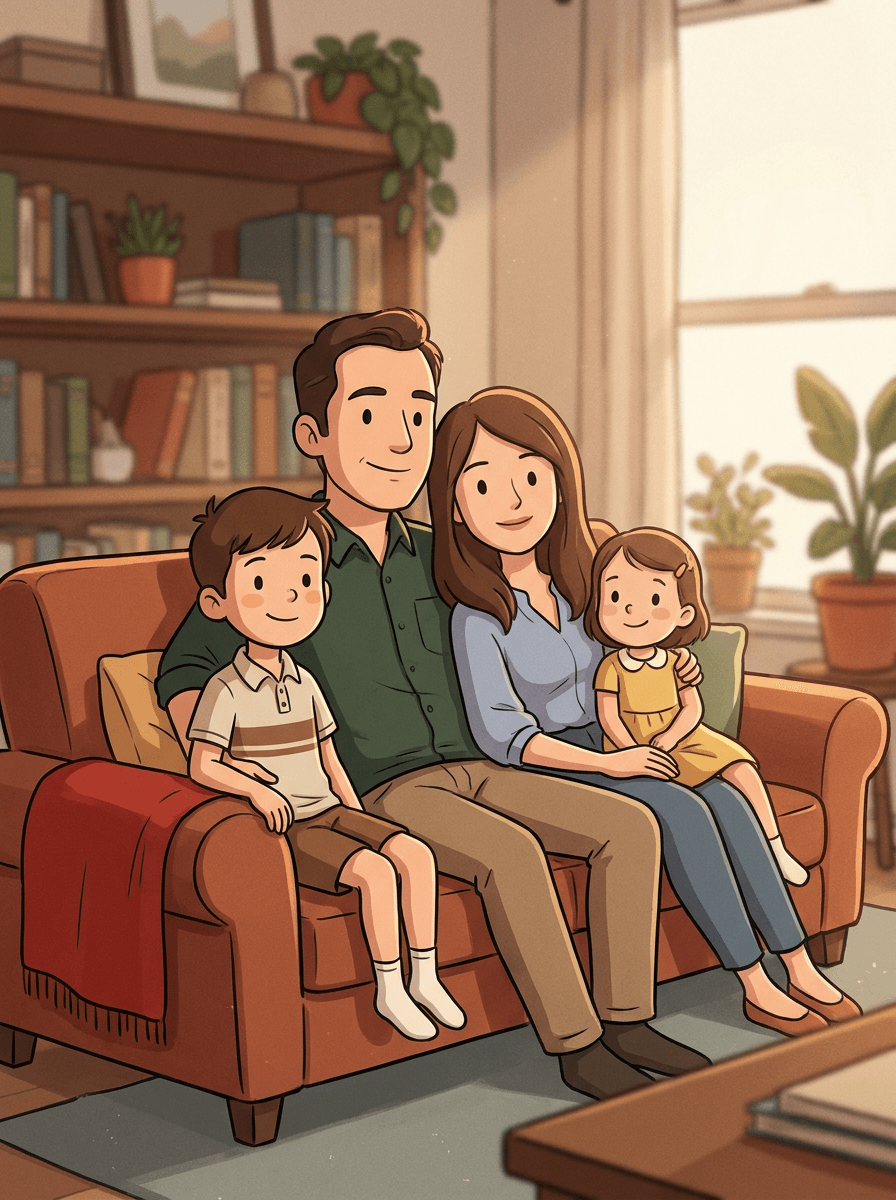
Family portrait
“Turn this family photo into a cartoon.”
Upload a portrait and Made restyles it in the 3D animated-movie look — soft rounded features, big expressive eyes, and cinematic lighting — while keeping the pose and scene of your photo.
Family portrait“Turn this family photo into a cartoon.”
Face well lit and visible — expressive source photos make expressive characters.
Add flavor if you like: “soft cinematic lighting,” “big expressive eyes,” “storybook warmth.”
The default 0.7 is fully cartoon while recognizable; lower keeps more realism.
Use identical wording for each family member for a consistent portrait series.
Real results from Made. Use a prompt to load it into the studio above, then add your own photo.
“Turn this family photo into a cartoon.”
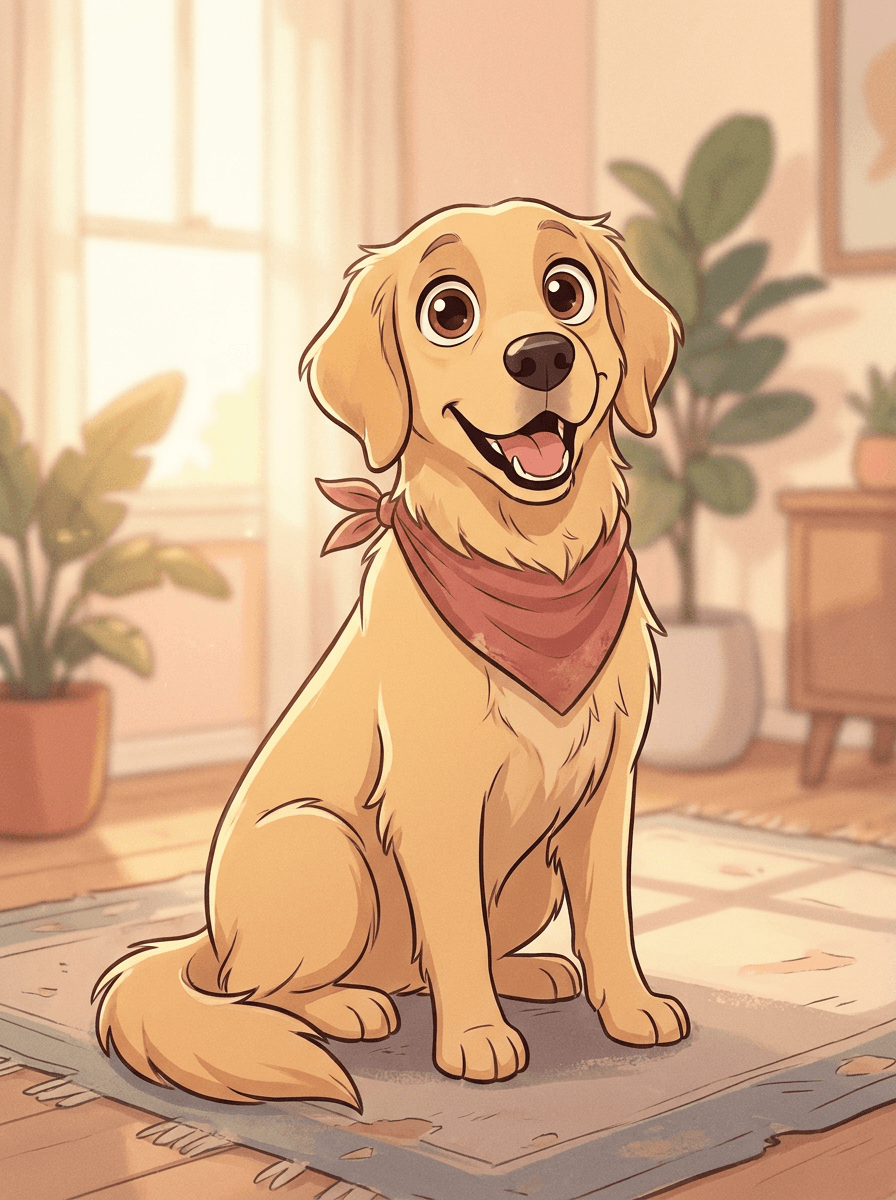
“Redraw my dog as a cartoon character.”

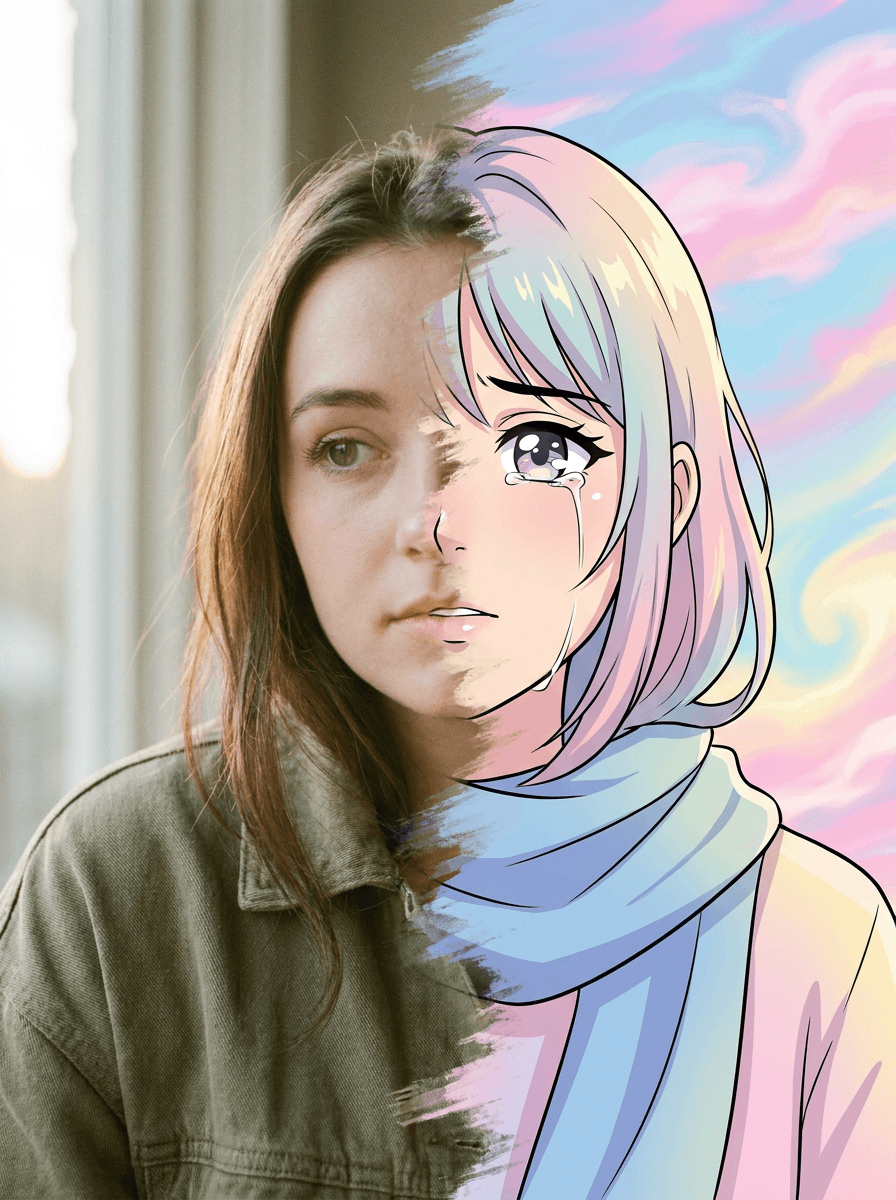
“Cartoon this selfie so I can use it as an avatar.”
Checked against the running tool on 2026-09-03.
Photo to Cartoon covers flat, 2D illustration styles; this variant targets the modern 3D animated-feature look — volumetric soft skin, rounded features, oversized eyes, and cinematic lighting, like a frame from a contemporary animated film.
Yes — the transform keeps your composition and translates your actual features into the character style: hair, glasses, skin tone, and expression carry through. It reads as “you, cast in an animated movie.”
Yes, everyone in frame is restyled together with positions preserved — group and family shots are among the best uses. Very small faces in large groups hold less detail; closer crops give better characters.
Both. The JPG works directly as an avatar, and prints well at typical frame sizes — run it through Image Upscaler first for large prints.
It is the general modern 3D-animation aesthetic, not any studio’s protected characters or trade dress. Prompting for a specific studio’s characters is the thing to avoid — the generic style itself is fair territory.
 +
+ New
New
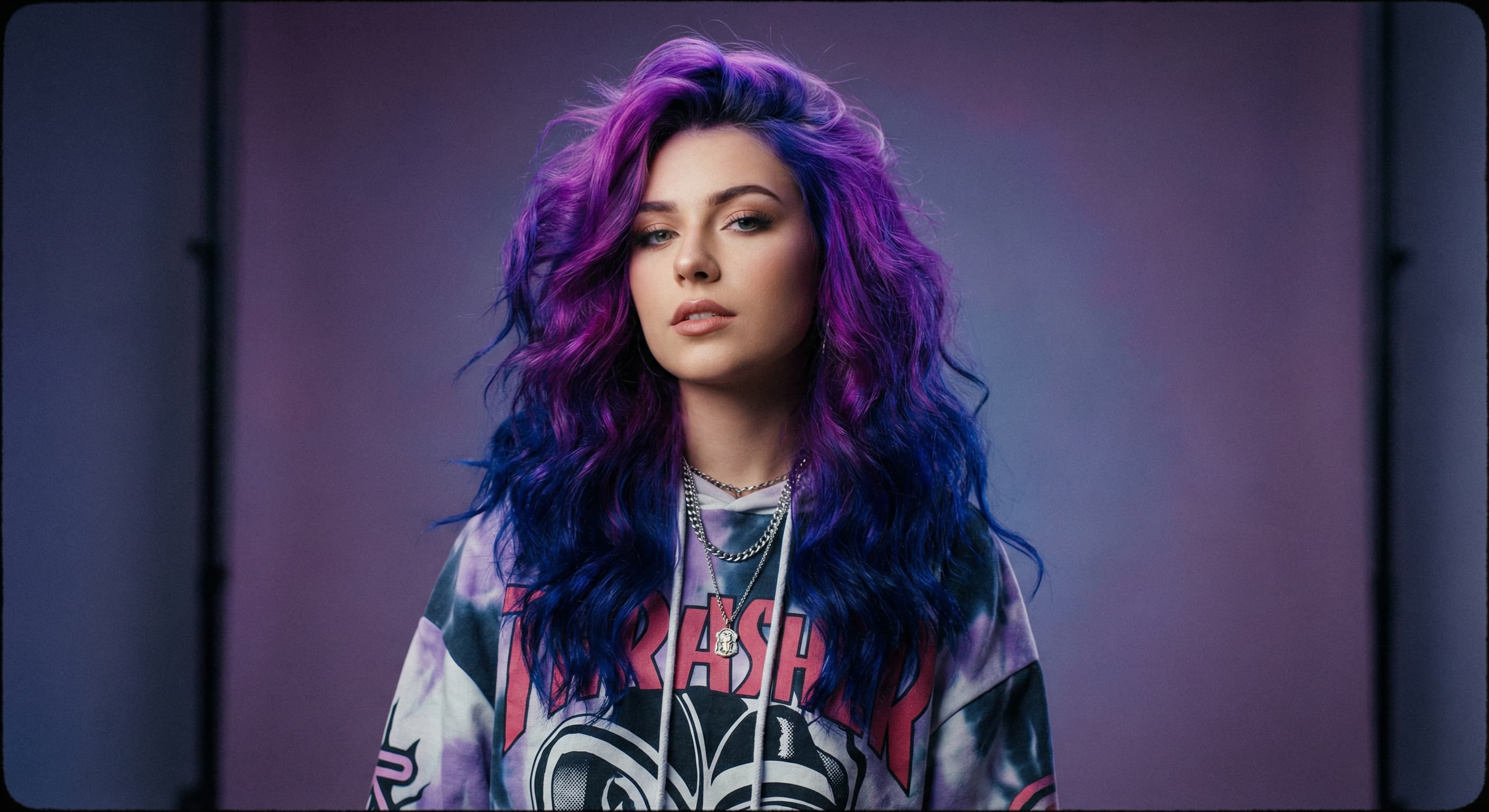
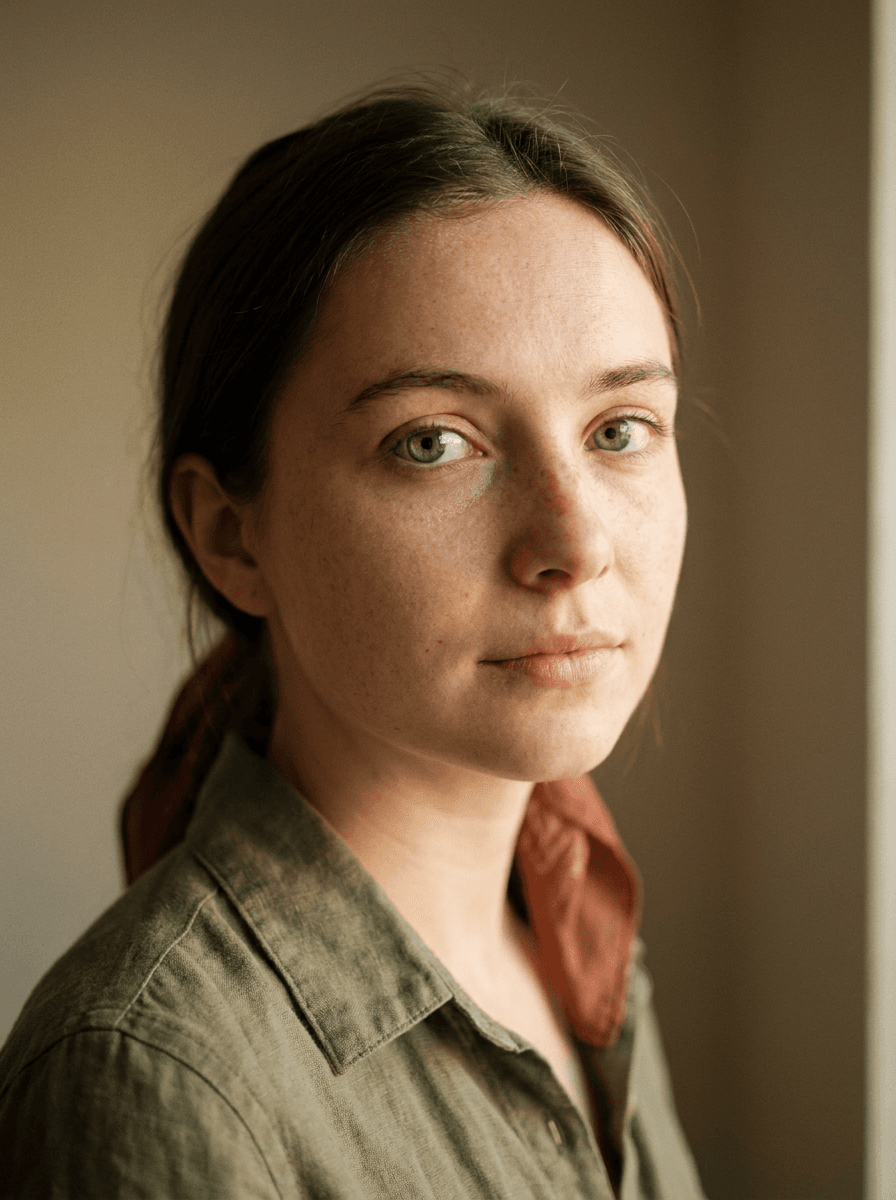
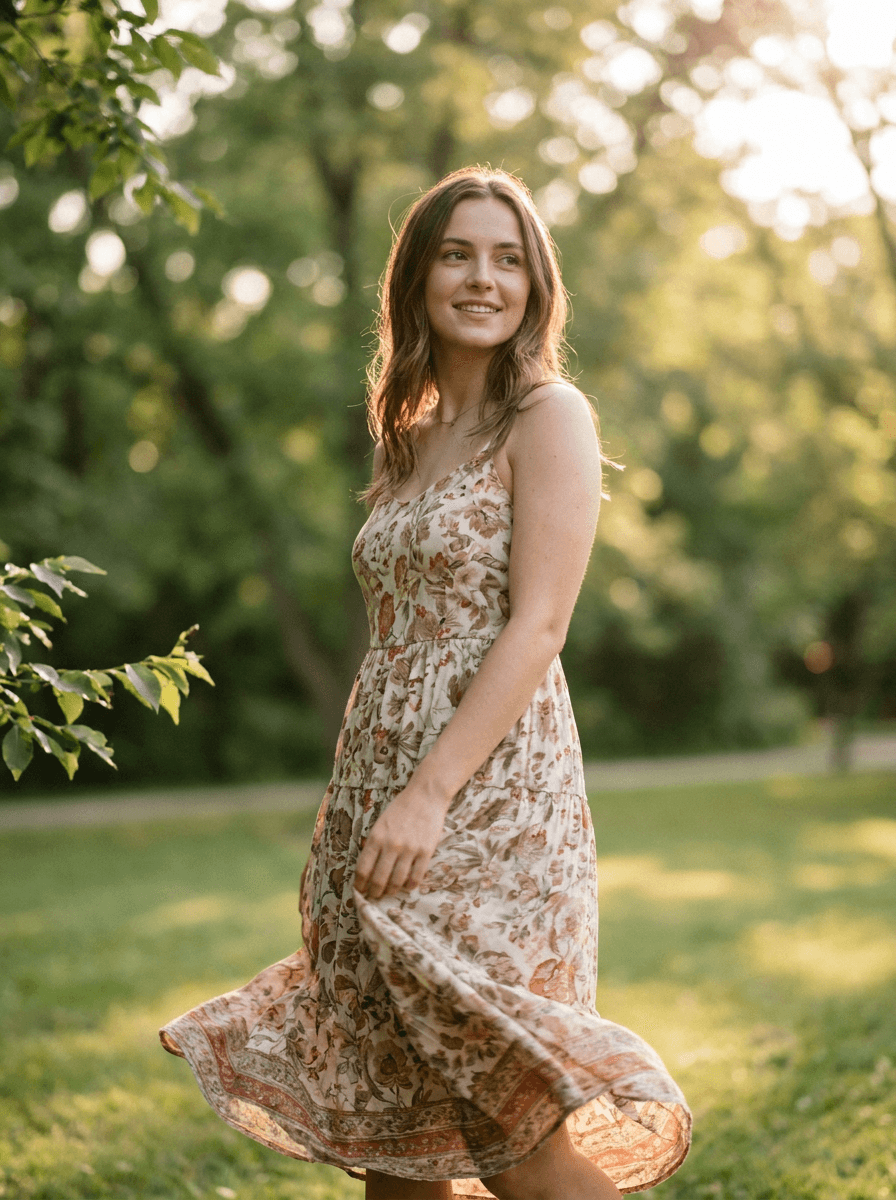
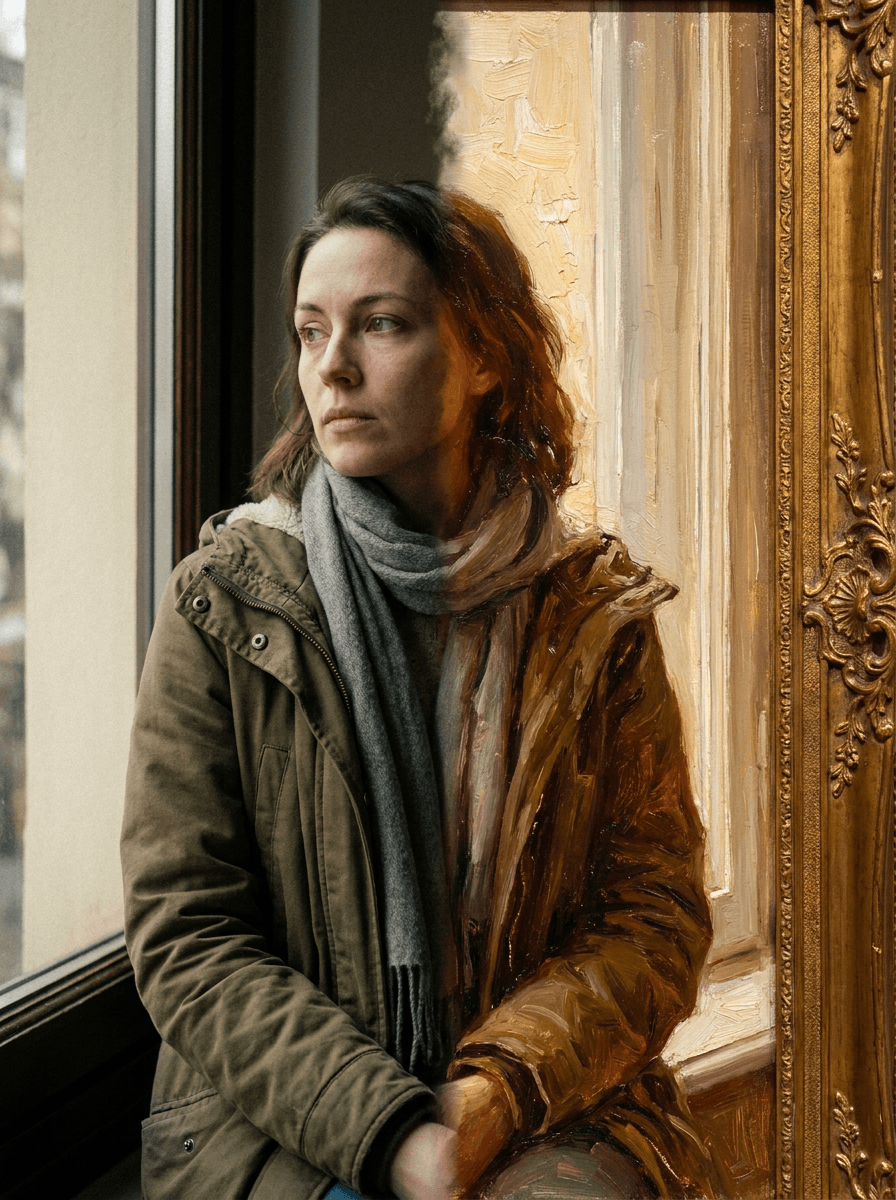
See what each one makes, then open it in Made.

