Sketch to Image
Upload a photo or scan of your drawing — a pencil sketch, a product doodle, a room layout, a wireframe — and describe how the finished image should look. Made renders your sketch in that style and returns a PNG.
Runs in the tool. You sign in to run it, see the price before you start, and failed runs are refunded.
How to use Sketch to Image
- 1
Capture the sketch
Photograph or scan the drawing with even light and good contrast, then upload the JPEG, PNG, or WebP.
- 2
Describe the finished image
Name the style, materials, colors, and lighting: “photorealistic, brushed aluminum, soft studio light.”
- 3
Let Made render it
The edit model uses your sketch as the structure and generates the finished image in the described style.
- 4
Compare against the sketch
Check that the composition and key elements carried over, then re-run with notes like “keep the proportions from the drawing.”
Sketch to Image examples
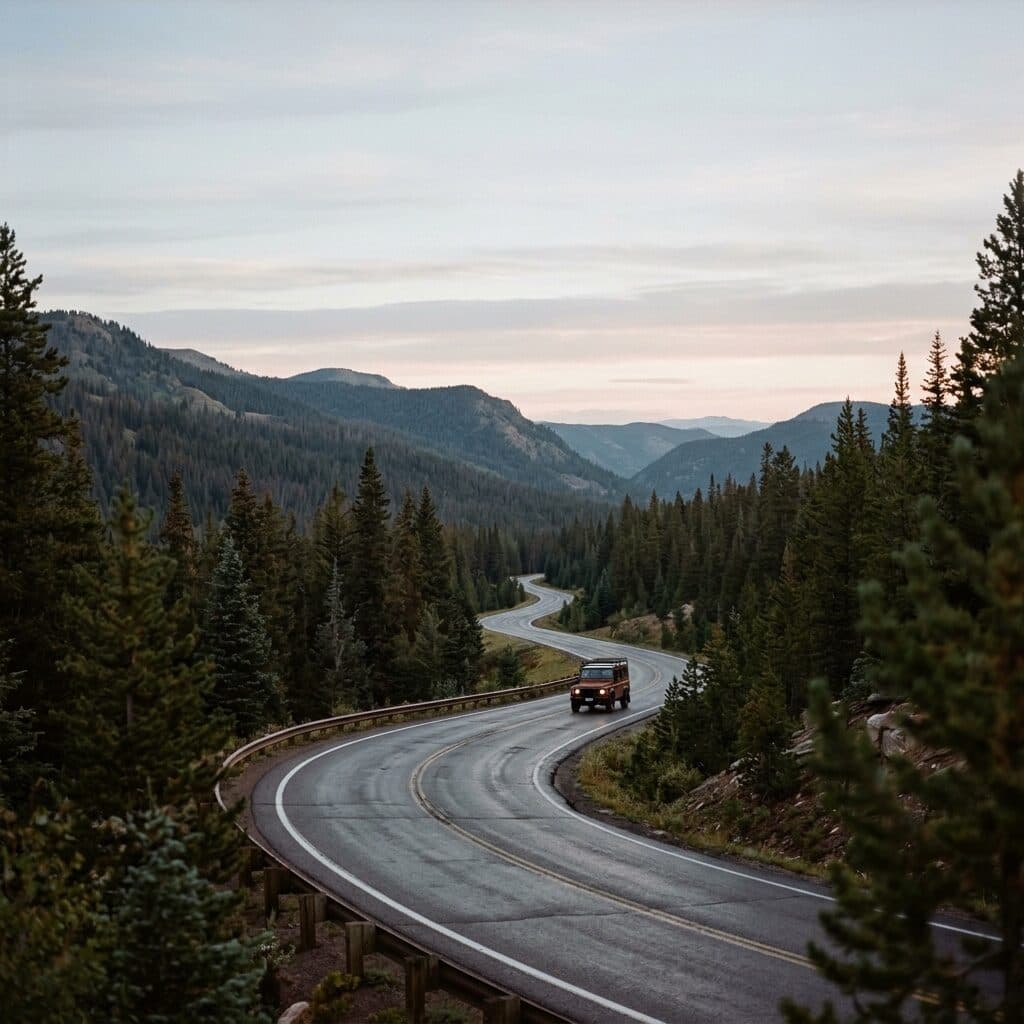
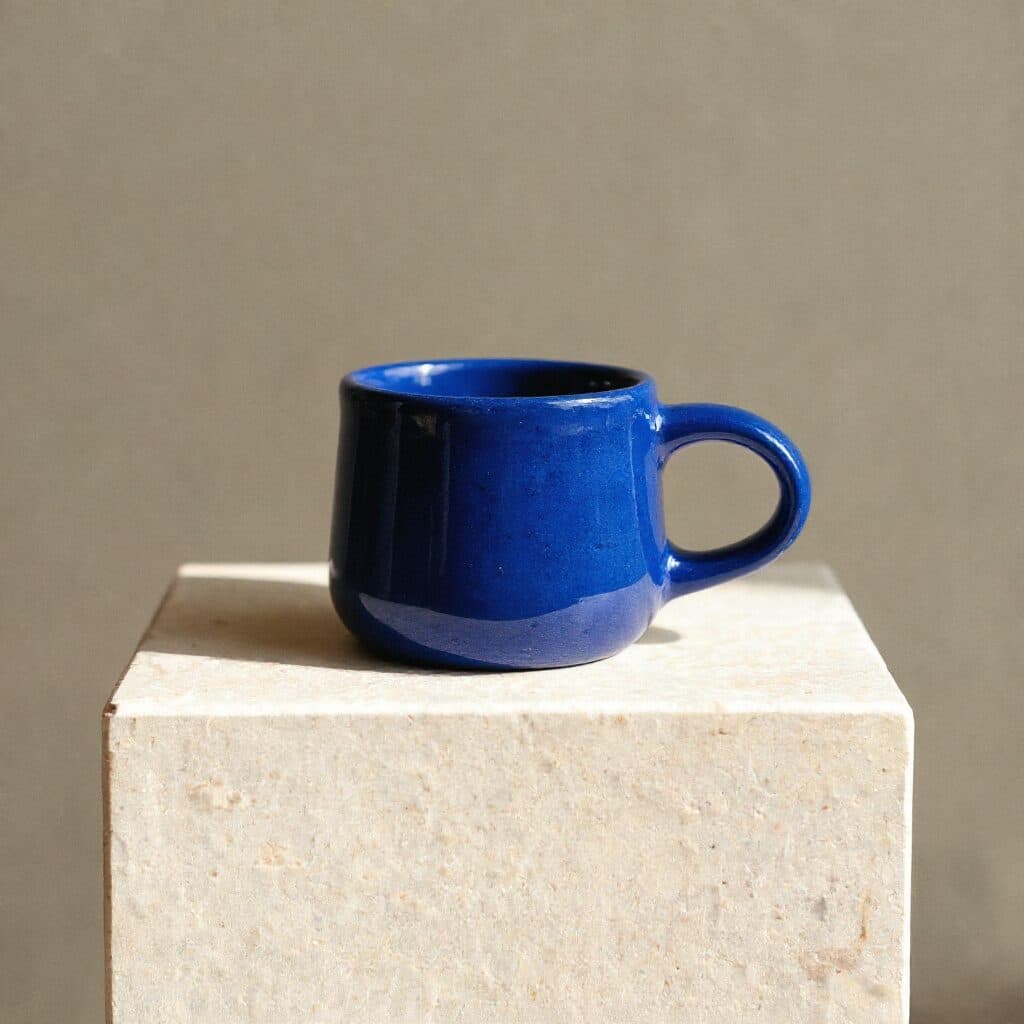
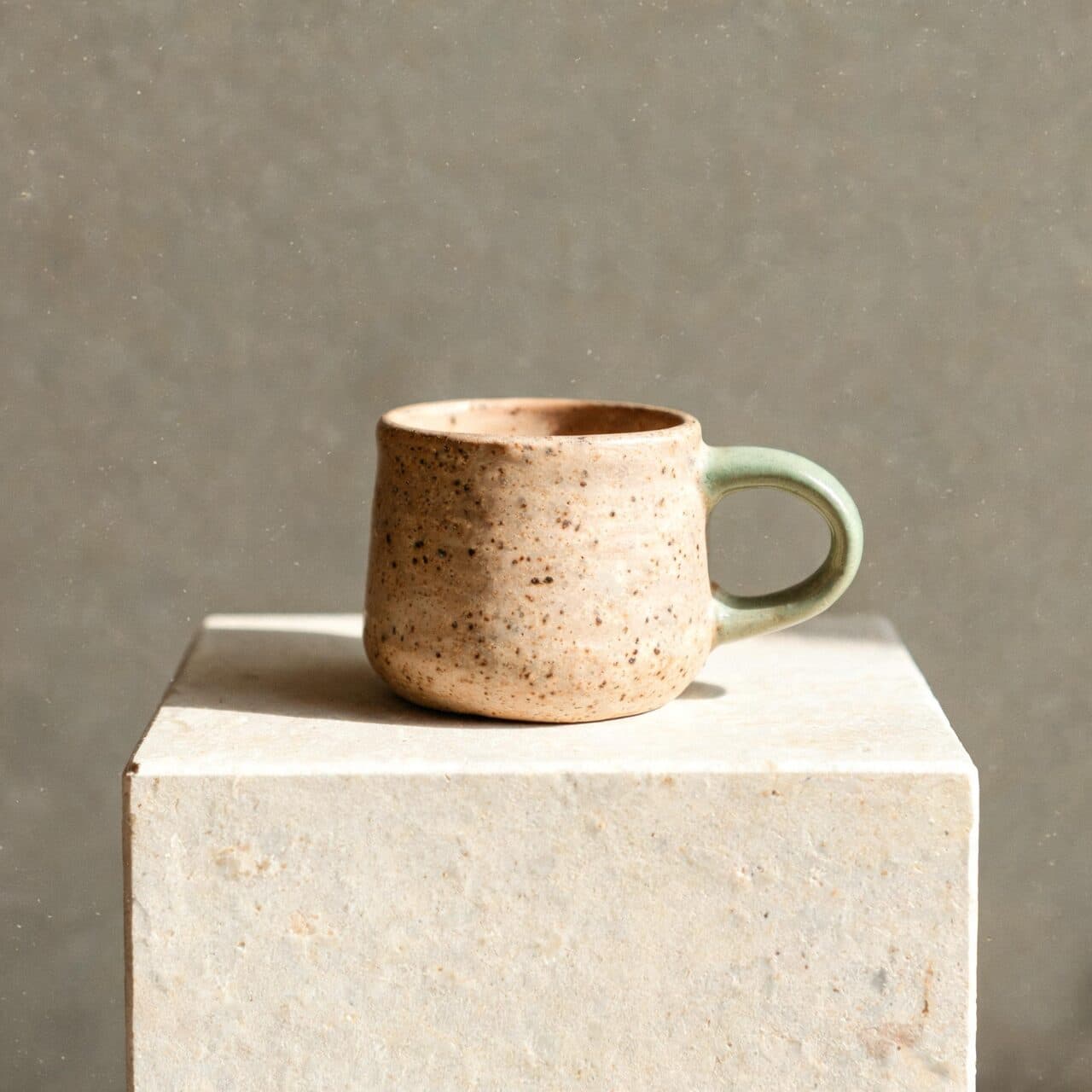
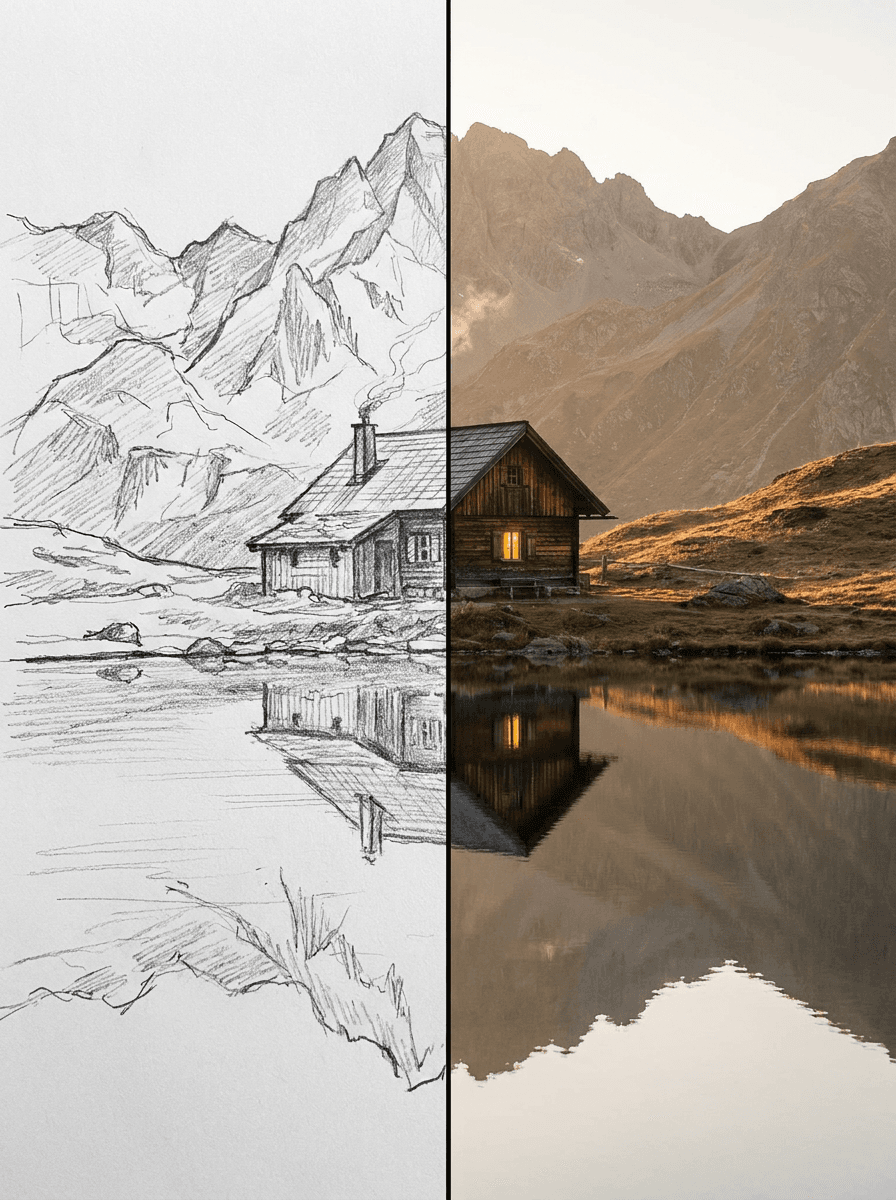
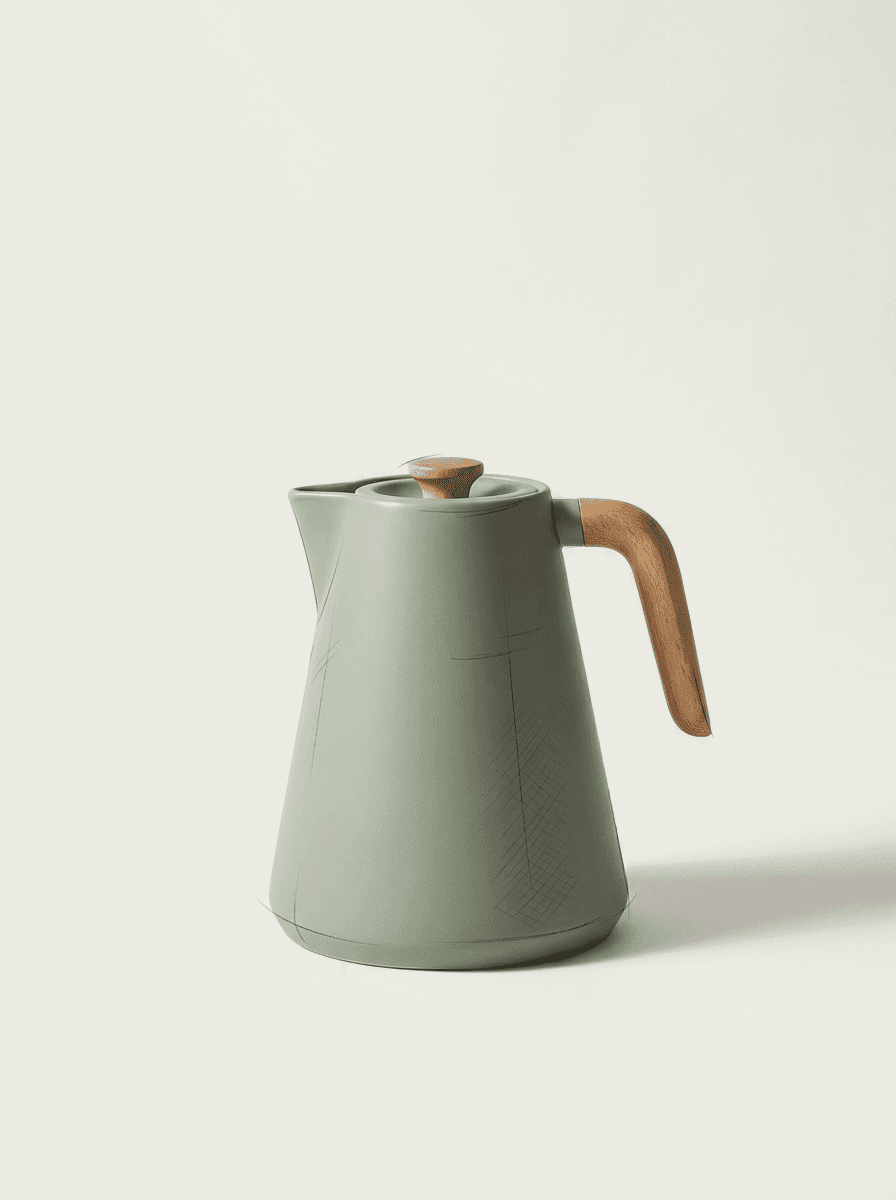
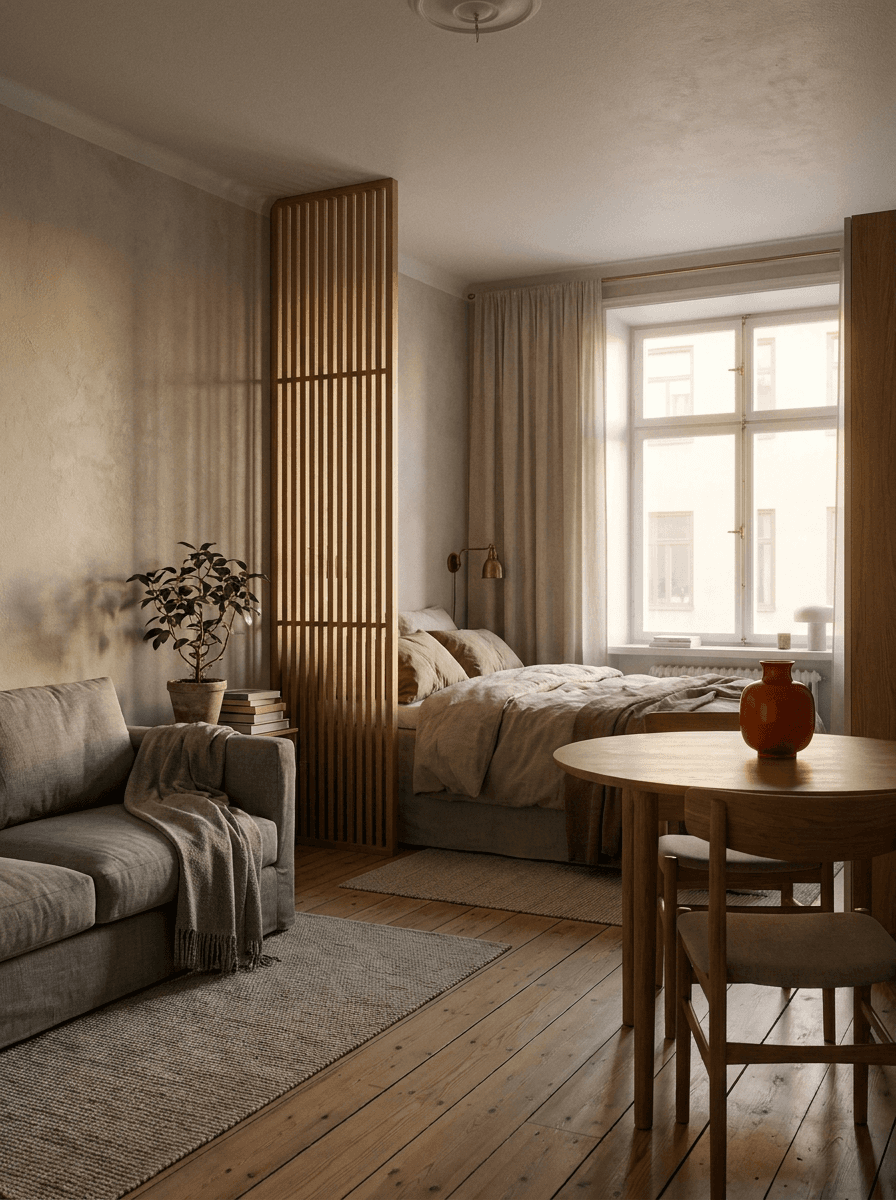
Real results from Made. Use a prompt to open it in Sketch to Image, then add your own photo.
What people use it for
- Concept visualizationShow a client or teammate what a rough idea looks like finished, without spending days on a manual render.
- Product design draftsTurn a napkin-level product doodle into a clean studio-style shot for a pitch or landing page mockup.
- Interior and space plansRender a hand-drawn room layout as a realistic interior to communicate the intent of a design.
- Character and art developmentTake a character sketch to a polished illustration to explore how the final piece could look.
Turn a sketch into a finished image
What it does
- Input
- JPEG, PNG, or WebP of a sketch or drawing plus a description of the finished style
- Output
- PNG image rendering the sketch in the described style
- How it works
- Made sends your sketch and the style instruction to GPT Image 2.5 Flare and returns a PNG.
- Access
- Runs in the tool. You sign in to run it, see the price before you start, and failed runs are refunded.
Formats and limits
- Input formats
- JPEG, PNG, WebP
- Output format
- PNG
- Images per request
- One sketch, with one written instruction
- Processing size
- Inputs larger than 1,536 pixels on a side are downscaled before editing
- Fidelity to the sketch
- The render follows the drawing’s structure but is generative — proportions and details can shift, so compare and re-run as needed
Checked against the running tool on 2026-10-20.
Questions about Sketch to Image
How does sketch to image AI work?
You upload a photo or scan of your drawing along with a description of the finished style. Made sends both to an AI edit model that uses the sketch as the structure and generates a finished image in that style, returned as a PNG.
What kinds of sketches can I upload?
Pencil and ink drawings, product doodles, room layouts, wireframes, whiteboard sketches — anything captured as a JPEG, PNG, or WebP. Clear lines and decent contrast help the model read the structure; a dim, low-contrast phone photo gives it less to follow.
Will the result match my drawing exactly?
It follows the composition and main elements of the sketch, but the render is generative, so proportions and details can shift. Compare the output against the drawing and re-run with notes like “keep the exact proportions from the sketch” if something moved.
Can it make my sketch photorealistic?
Yes — ask for a photorealistic render and describe materials and lighting, such as “matte black metal, soft window light.” You can equally ask for watercolor, 3D-render, or flat illustration styles; the output follows whatever style you describe.
Is this the same as the AI Image Generator?
No. The AI Image Generator creates an image from text alone, so composition is up to the model. Sketch to Image starts from your drawing, which anchors the layout and shapes. Use this page when you’ve already drawn what you want; use the generator when you haven’t.
Can I go the other way — photo to sketch?
Yes, but with a different tool: Photo to Sketch converts a photograph into a drawn look. This page is the reverse direction, turning drawings into finished images.
What resolution is the output?
The result is a PNG, and sketches larger than 1,536 pixels on a side are downscaled before editing. For print or large displays, pass the render through Image Upscaler afterwards.
More design tools
 Core
CoreCreate Image
Every top image model in one place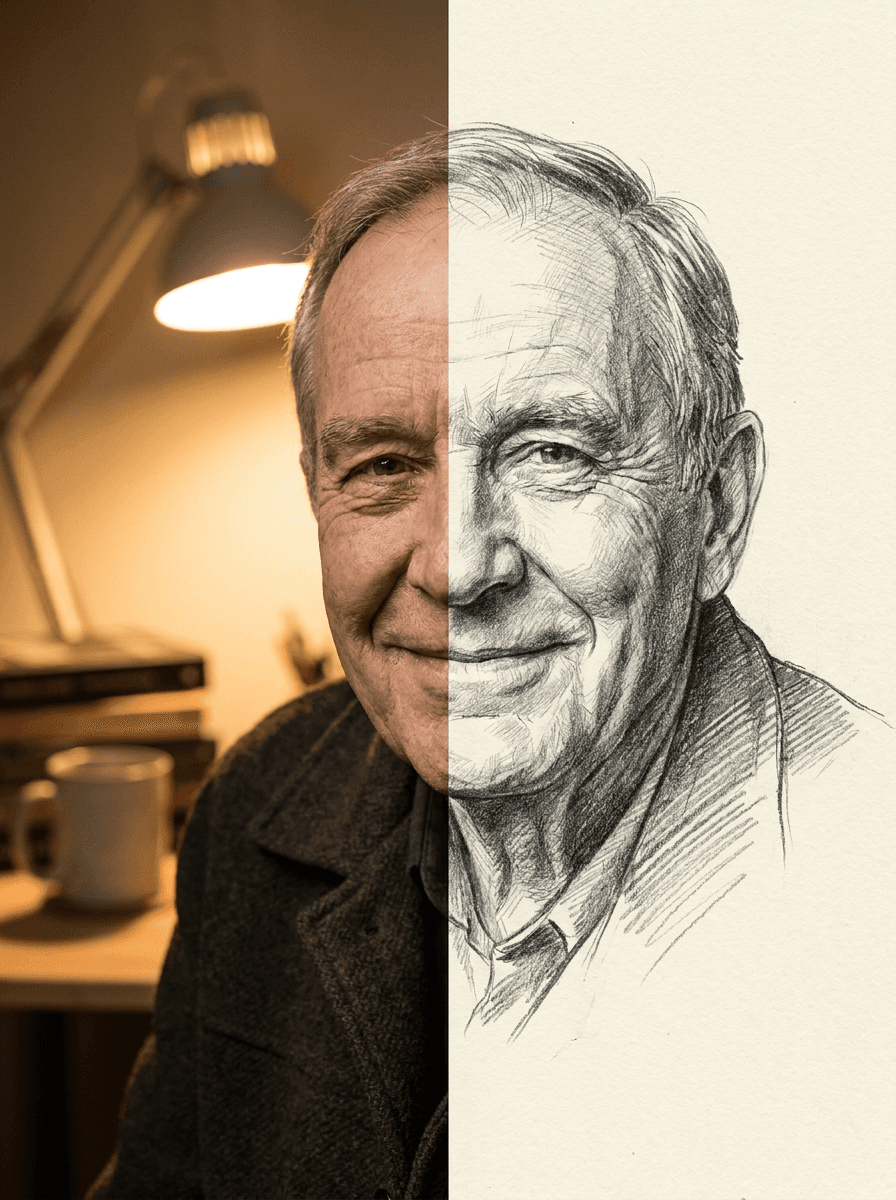
Photo to Sketch
Your photo as a pencil sketch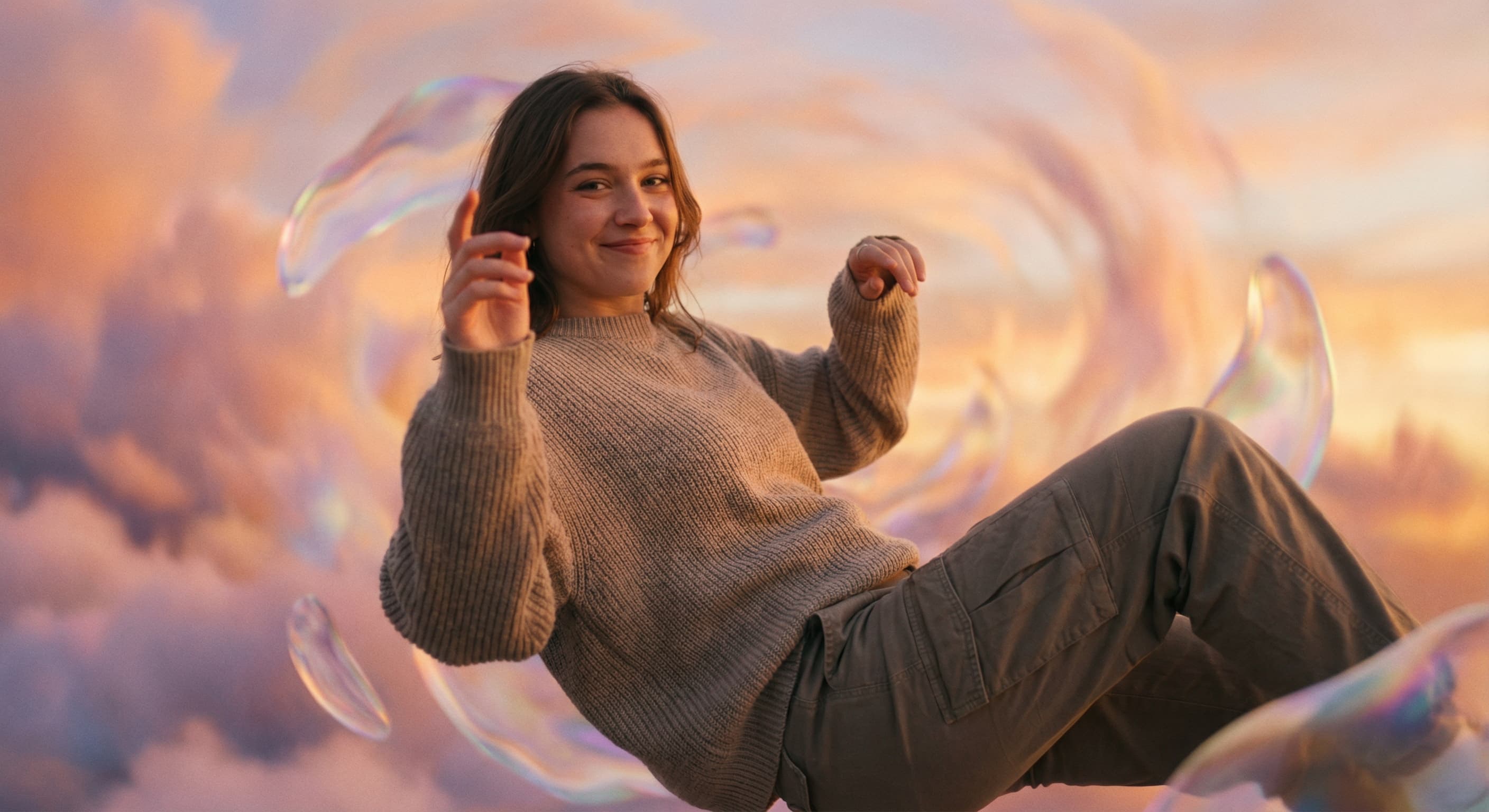
AI Photo Editor
Edit any photo by describing the change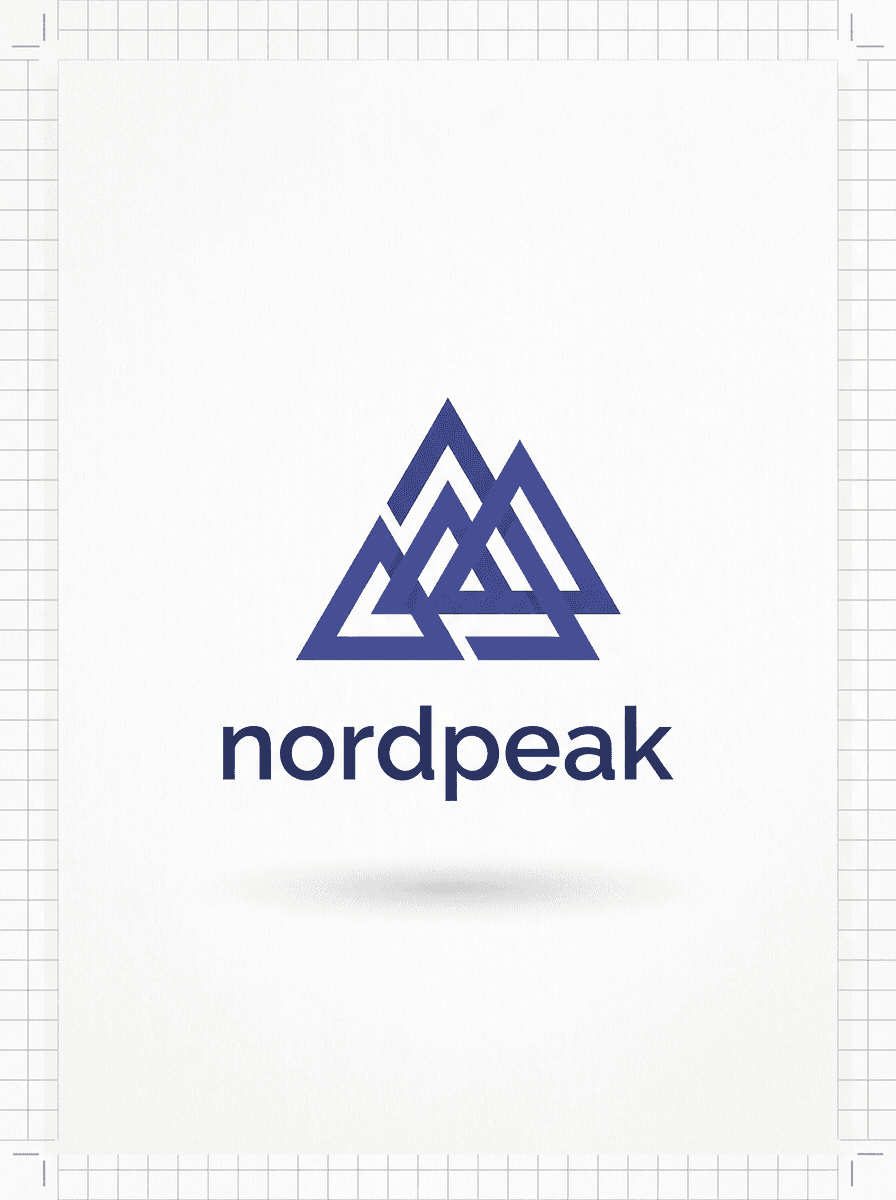
AI Logo Generator
Logo concepts from your brand name
Movie Poster Maker
Star in your own movie poster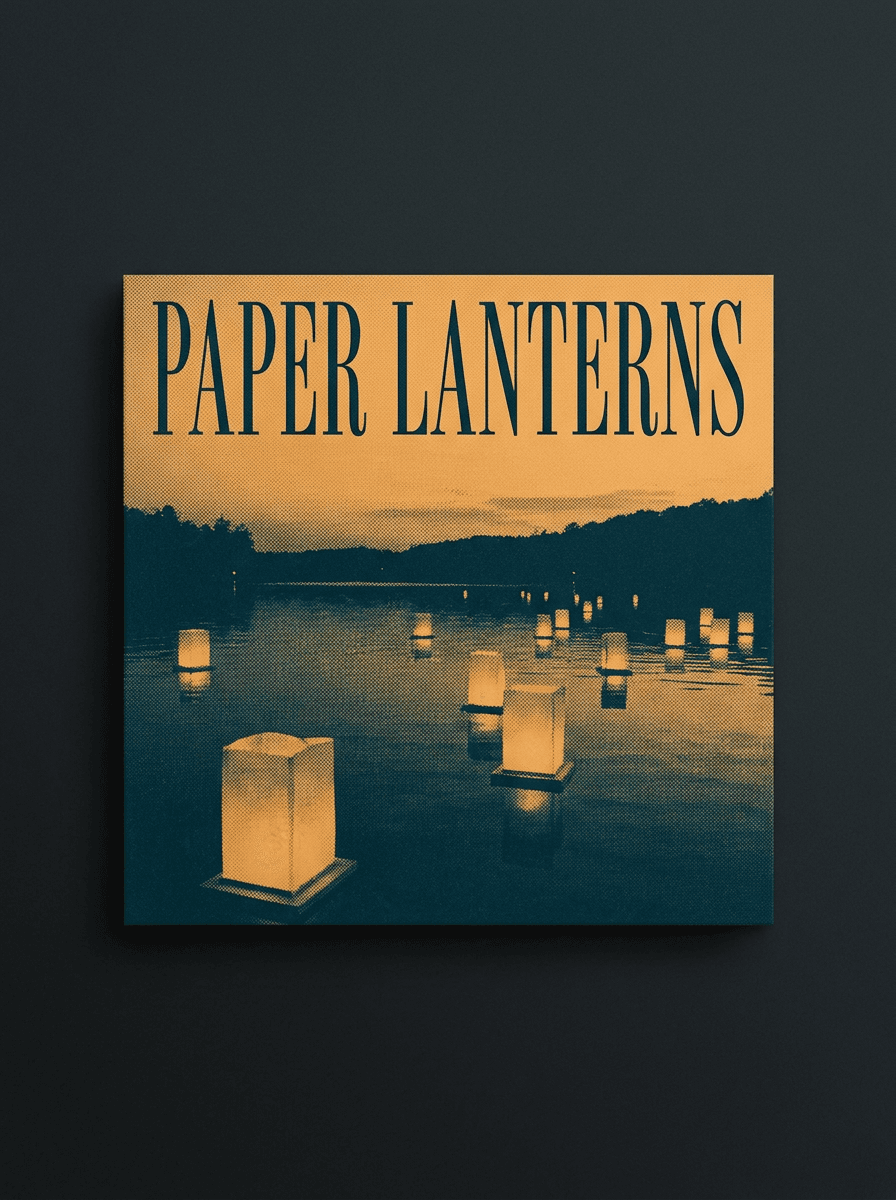
Album Cover Maker
Cover art for any release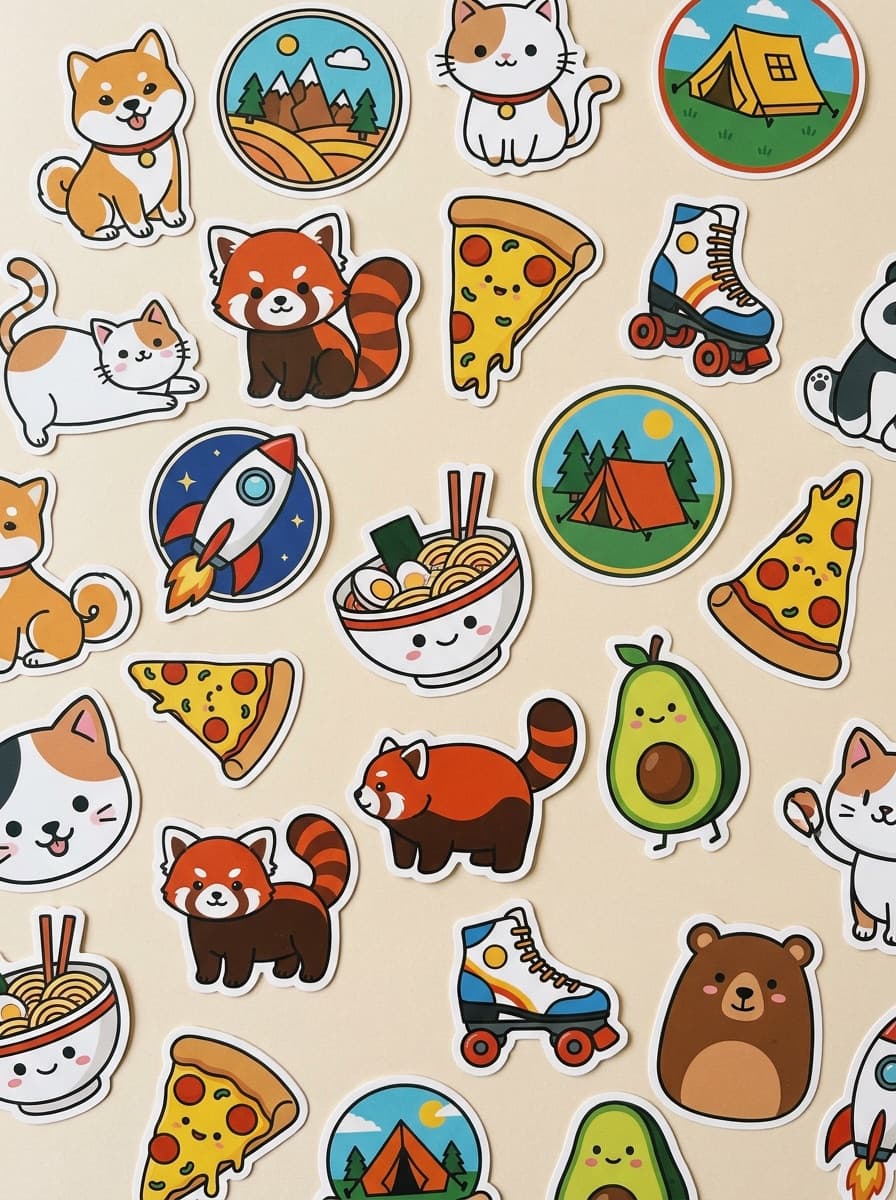
Sticker Maker
Die-cut stickers from a prompt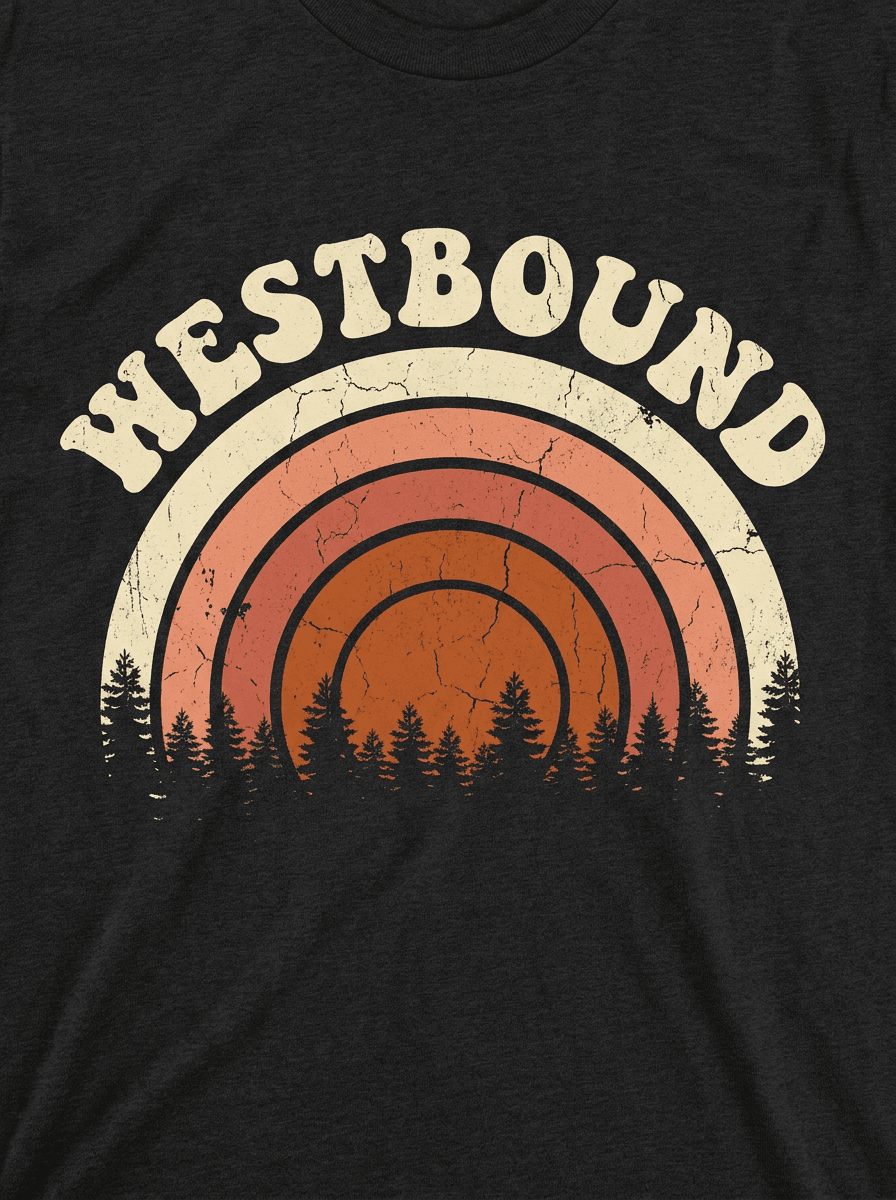
T-Shirt Design Maker
Print-ready shirt graphics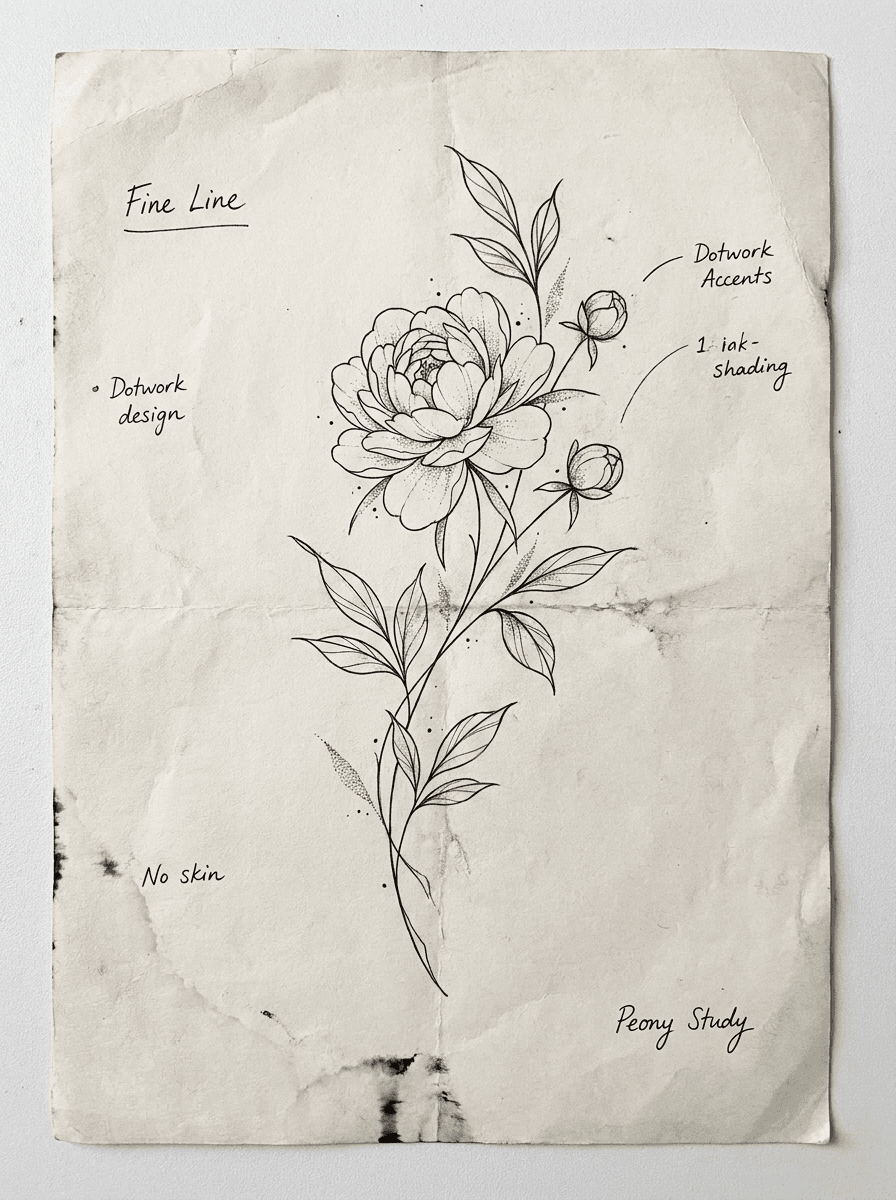
Tattoo Generator
Tattoo designs in any style
Wallpaper Generator
Phone and desktop wallpapersRelated models
See what each one makes, then open it in Made.