Virtual Try-On
Upload a photo of yourself and describe the garment — Made renders the outfit on you while keeping your pose, body, and setting unchanged, so you can judge a look before buying it.
Runs in the tool. You sign in to run it, see the price before you start, and failed runs are refunded.
How to use Virtual Try-On
- 1
Upload a full or half-body photo
Standing, well lit, current outfit visible — the pose you upload is the pose you keep.
- 2
Describe the garment precisely
Cut, fabric, color, and fit: “oversized cream cable-knit sweater over straight-leg dark jeans.”
- 3
Judge the look, not the pixels
The render shows how the style reads on your frame; exact fabric behavior varies in reality.
- 4
Iterate one piece at a time
Change the top, then the bottom — single swaps stay more realistic than full-look rewrites.
Virtual Try-On examples
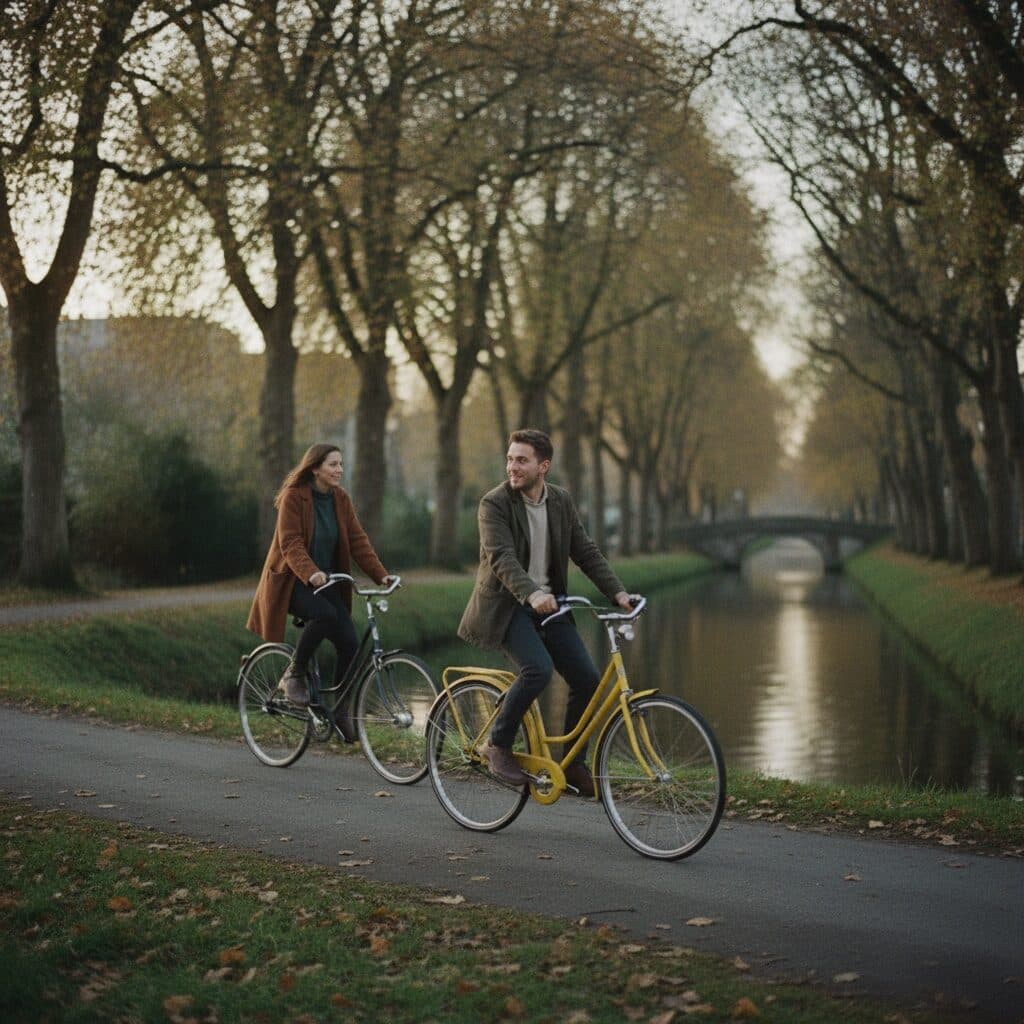
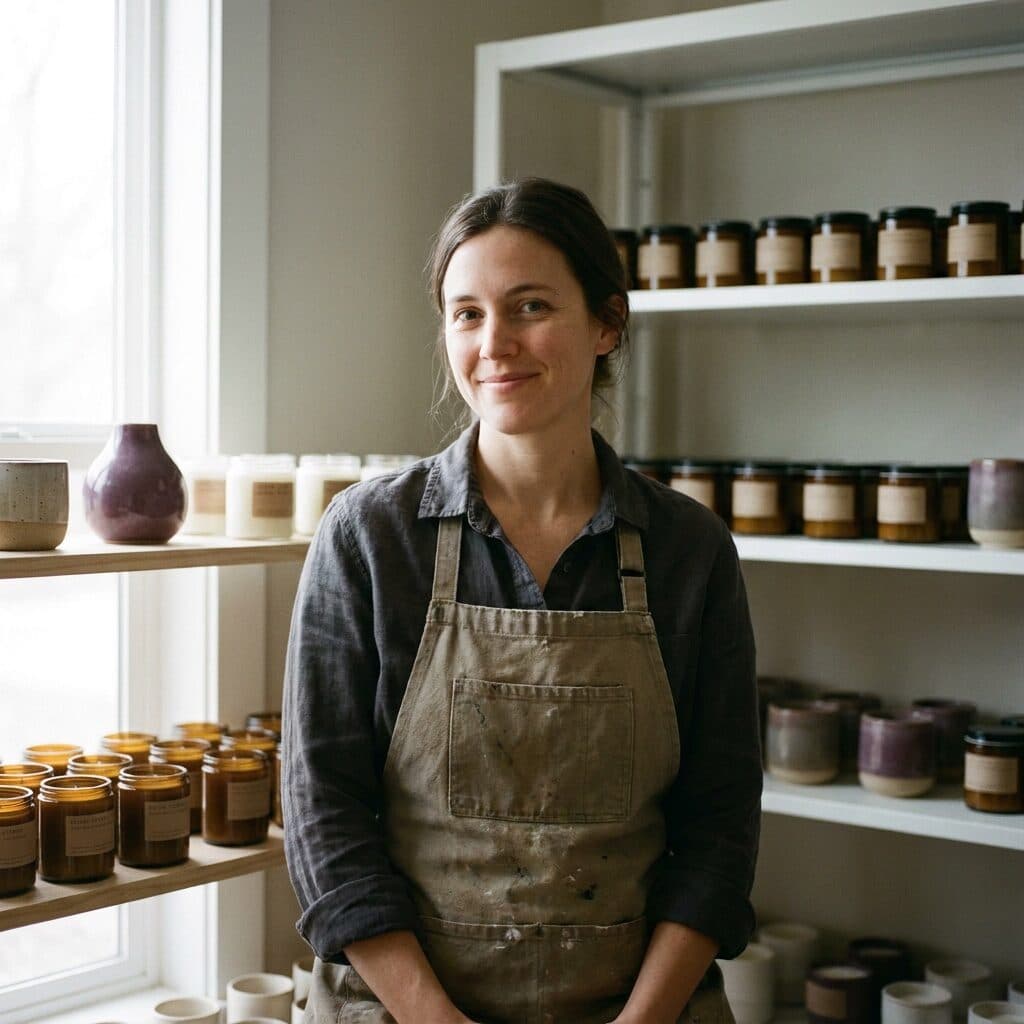
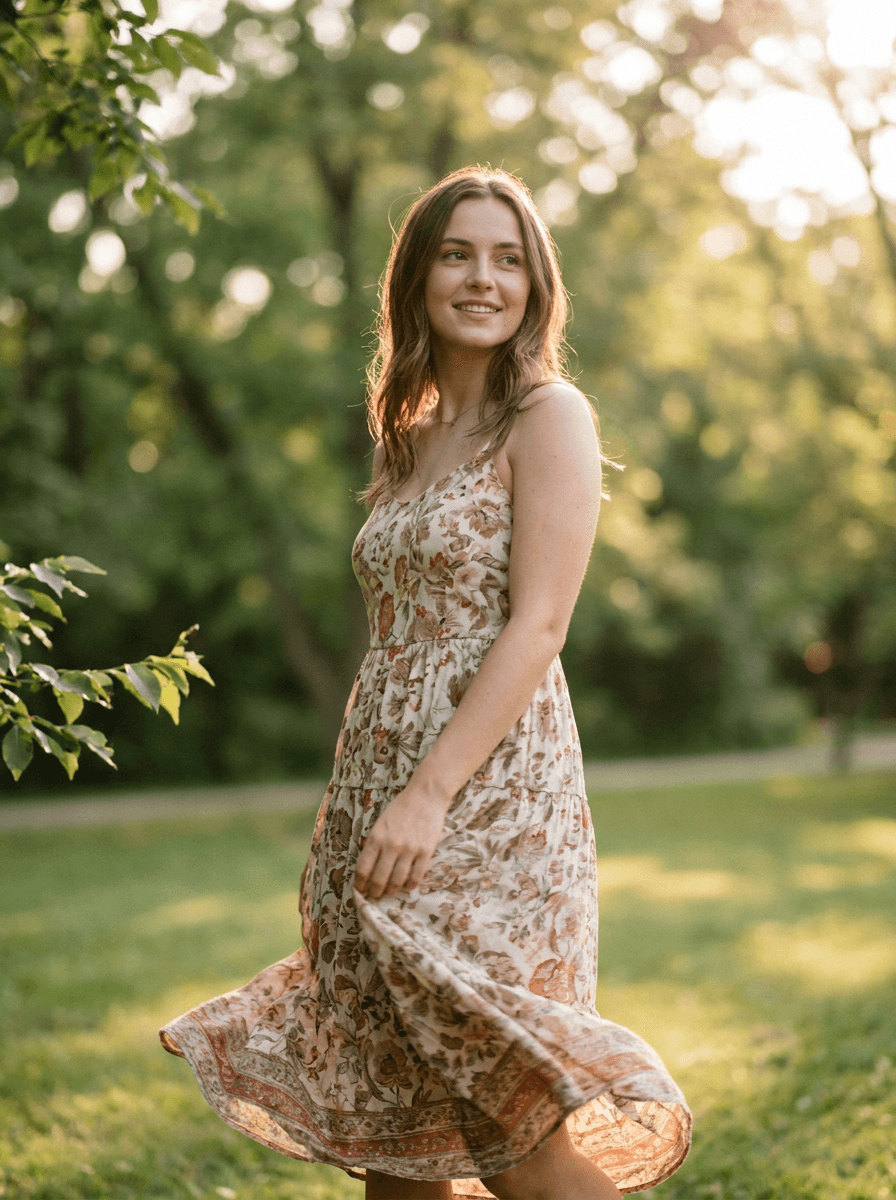
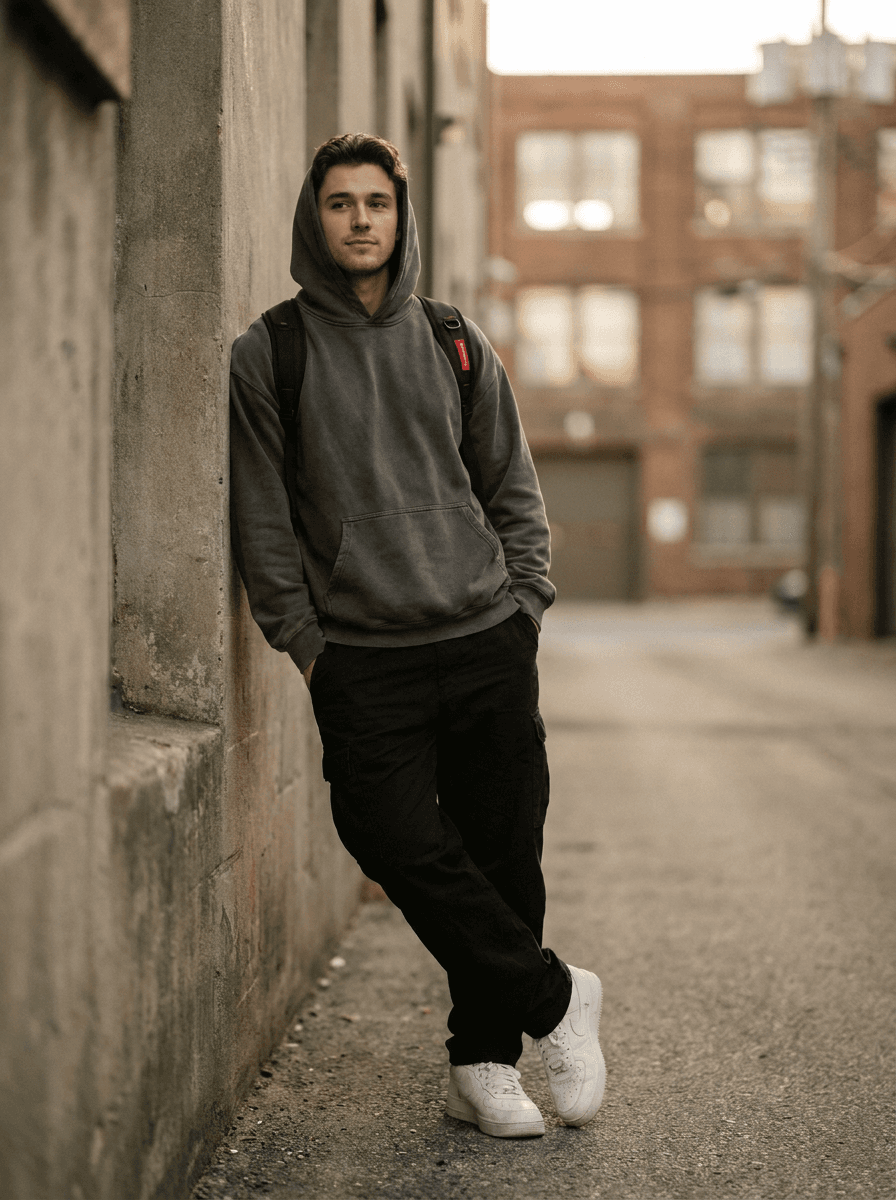
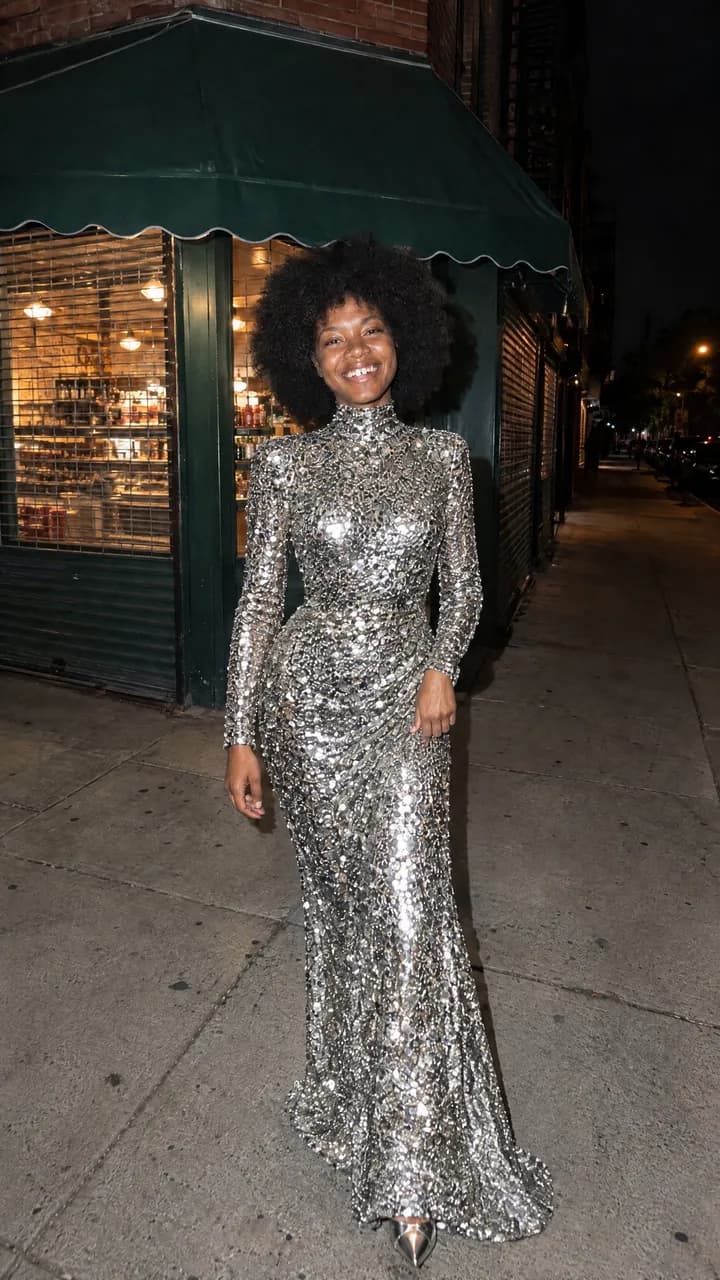
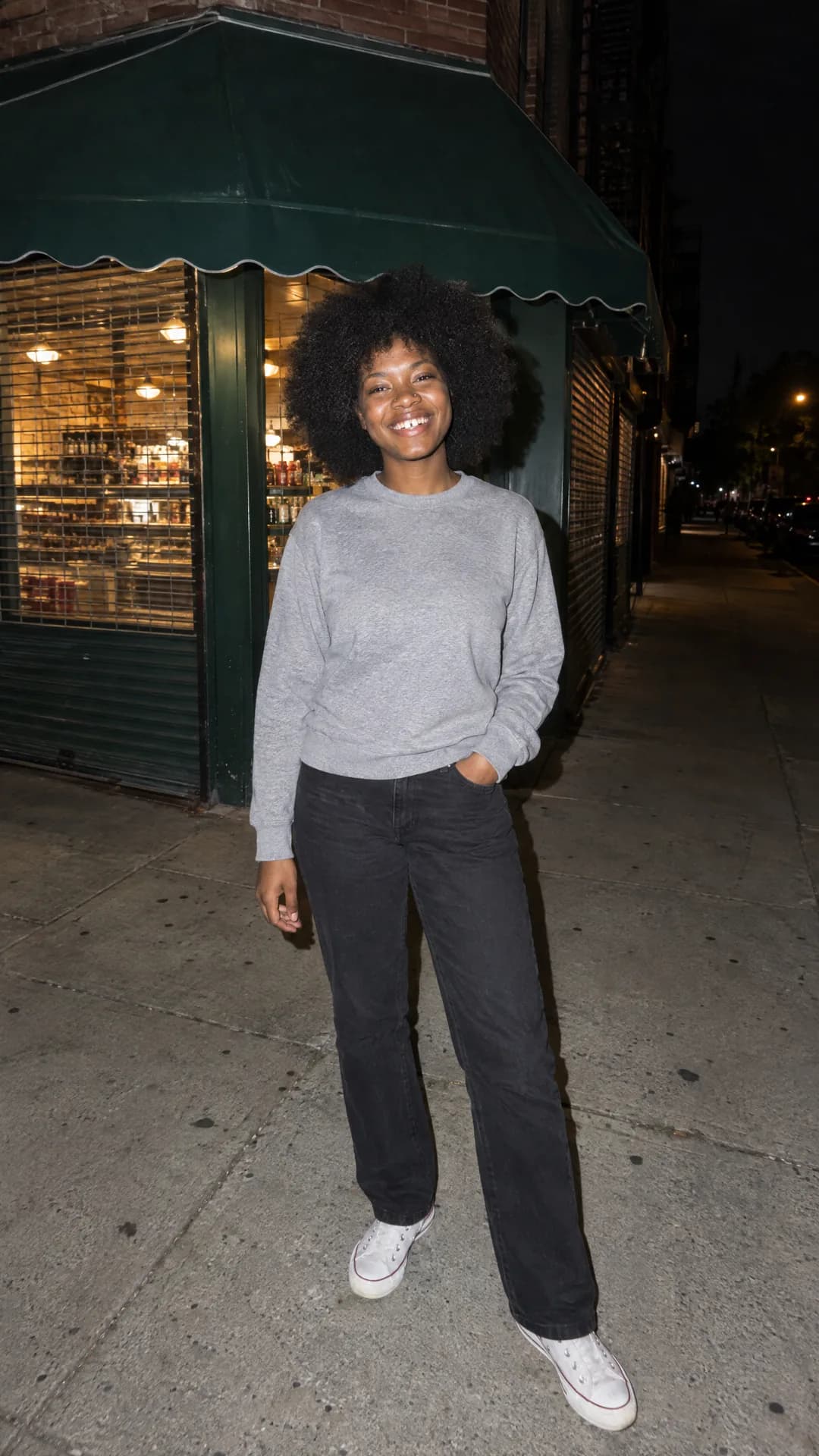
Real results from Made. Use a prompt to open it in Virtual Try-On, then add your own photo.
What people use it for
- Before you buySee whether a silhouette, color, or style actually suits you before ordering it.
- Outfit planningTest event and interview looks on your own photo instead of your imagination.
- Style explorationTry aesthetics you have never worn — the cost of experimenting is zero.
Try clothes on your own photo
What it does
- Input
- One photo of yourself (JPEG, PNG, or WebP) plus the garment description
- Output
- PNG with the described outfit rendered on you
- How it works
- Made sends your photo and the outfit change you describe to GPT Image 2.5 Flare; the built-in prompt keeps the background, pose, and position unchanged and asks for a natural, realistic result.
- Access
- Runs in the tool. You sign in to run it, see the price before you start, and failed runs are refunded.
Formats and limits
- Input formats
- JPEG, PNG, WebP
- Output format
- PNG
- Images per request
- One
- Processing model
- GPT Image 2.5 Flare
- Edit scope
- The described clothing changes; the built-in prompt keeps the background, pose, and position unchanged
Checked against the running tool on 2026-10-20.
Questions about Virtual Try-On
How realistic is the try-on?
The garment is rendered onto your actual pose and body with matching light, so silhouette, color, and overall vibe read accurately. It is a styling preview, not a fitting: real-world drape, stretch, and sizing still vary by brand — it answers “does this look like me?”, not “is this a size M?”.
Can I try on a specific product from a store?
Describe it precisely — cut, color, fabric, details — and the render approximates it well. It generates from description rather than the retailer’s exact product file, so treat it as that garment’s style rather than a pixel-exact preview.
Will my face and body stay the same?
Yes — the built-in prompt keeps your background, pose, and position, changing only the clothing. Your body shape is preserved rather than idealized, which is exactly what makes the preview useful.
What photo works best for try-ons?
A straight-on, full-body or three-quarter shot in even light with your current clothes visible and unobstructed. Sitting poses and heavy occlusion (bags, crossed arms) make garment replacement less clean.
Can I try accessories, shoes, or full outfits?
Yes — hats, glasses, jewelry, shoes, and complete looks all work by description. Small accessories are more fragile than large garments; if a detail matters, mention it explicitly and check it in the result.
More AI Clothes Changer options
More style tools
 +
+ New
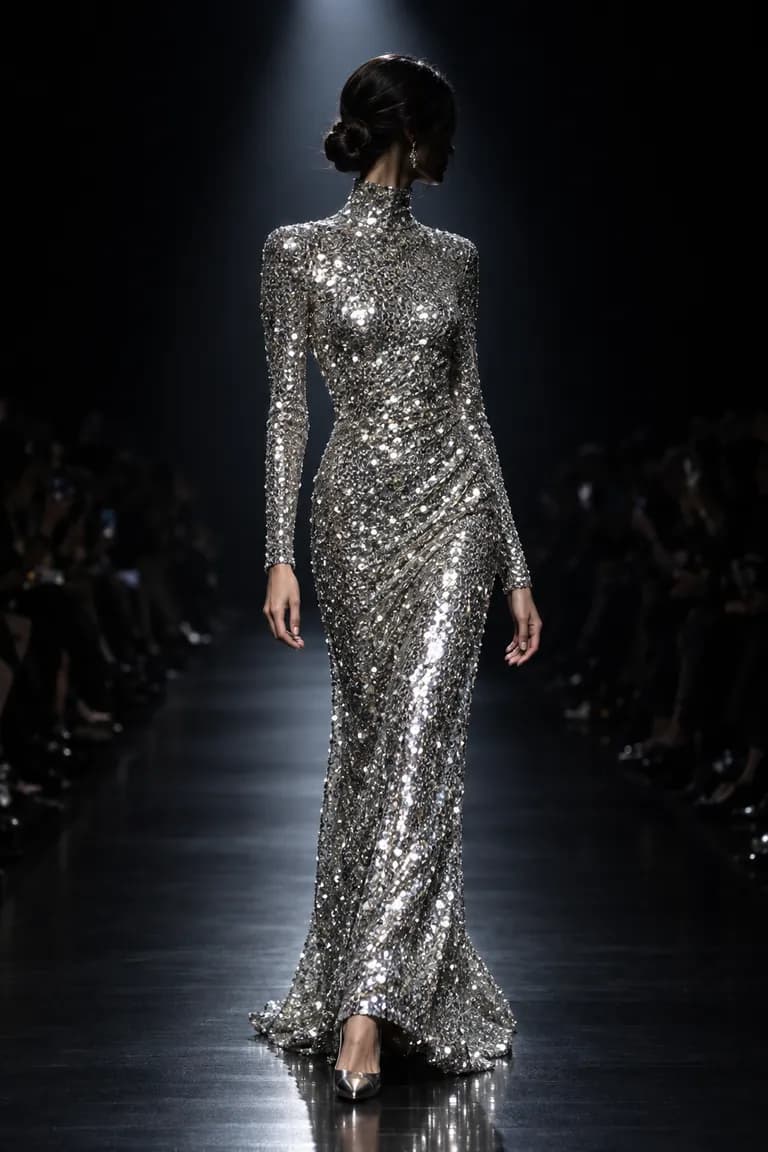
NewOutfit Swap
Try on any outfit from one photo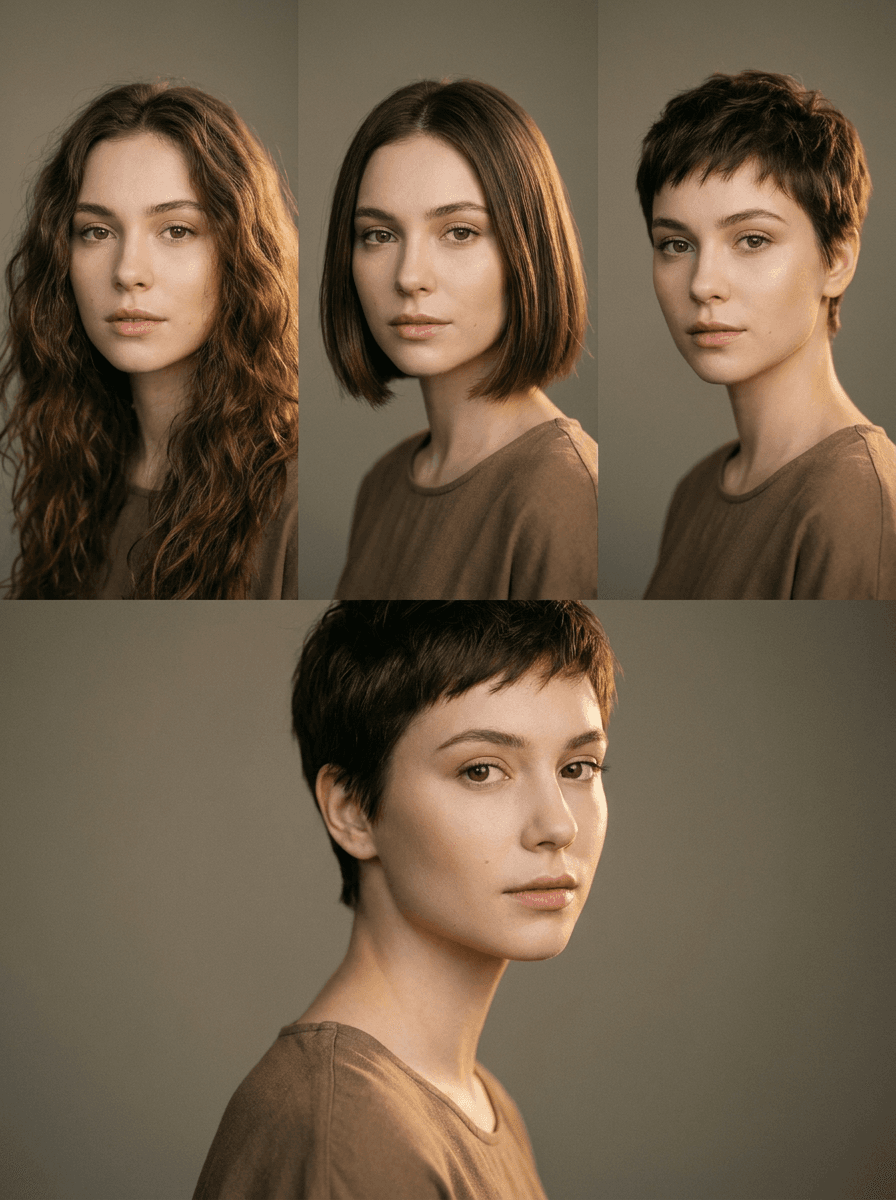
AI Hairstyle Changer
Try any haircut on your photo
Background Changer
Put your subject in a new scene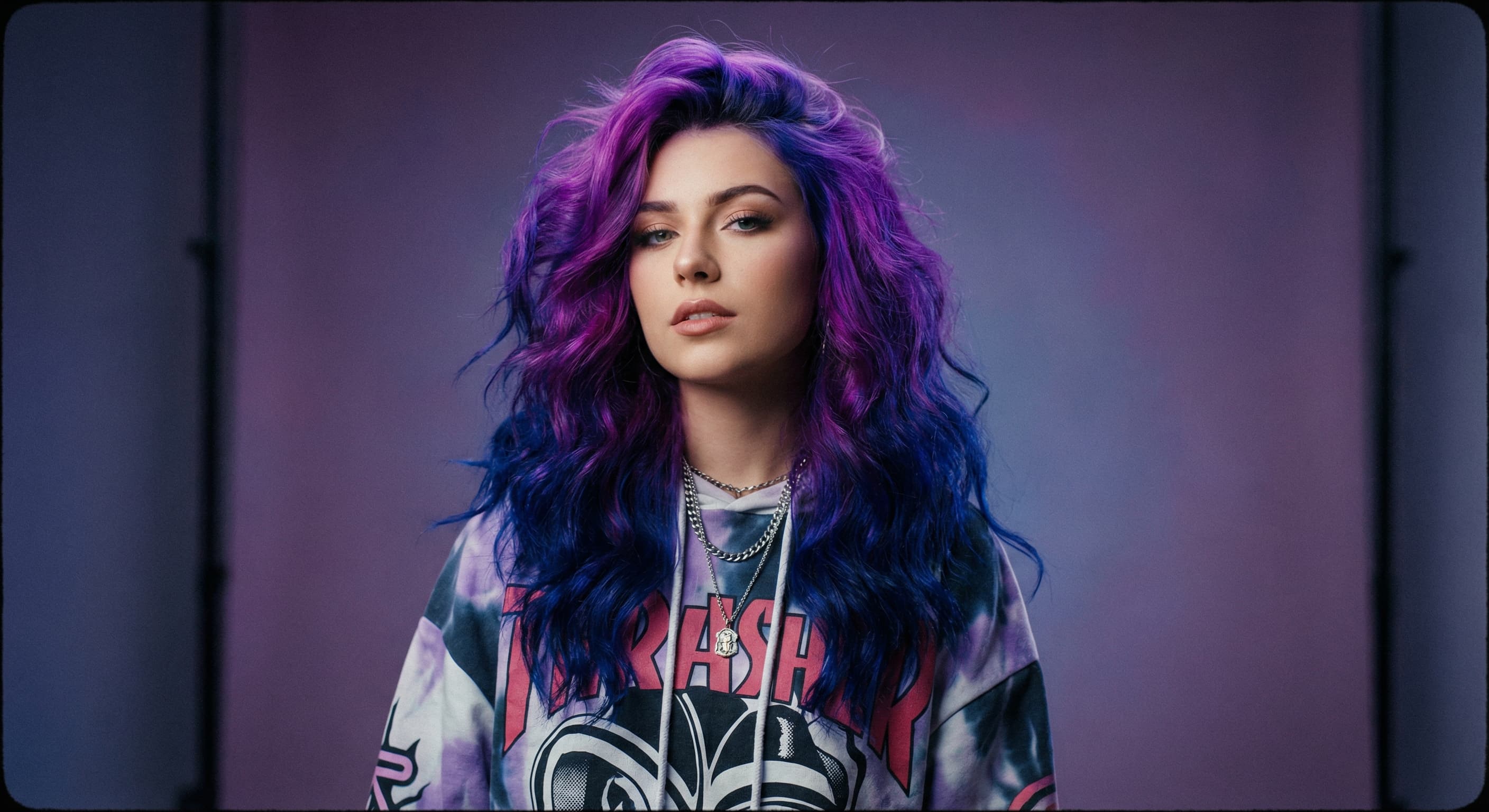
Hair Color Changer
Try any hair color on your photo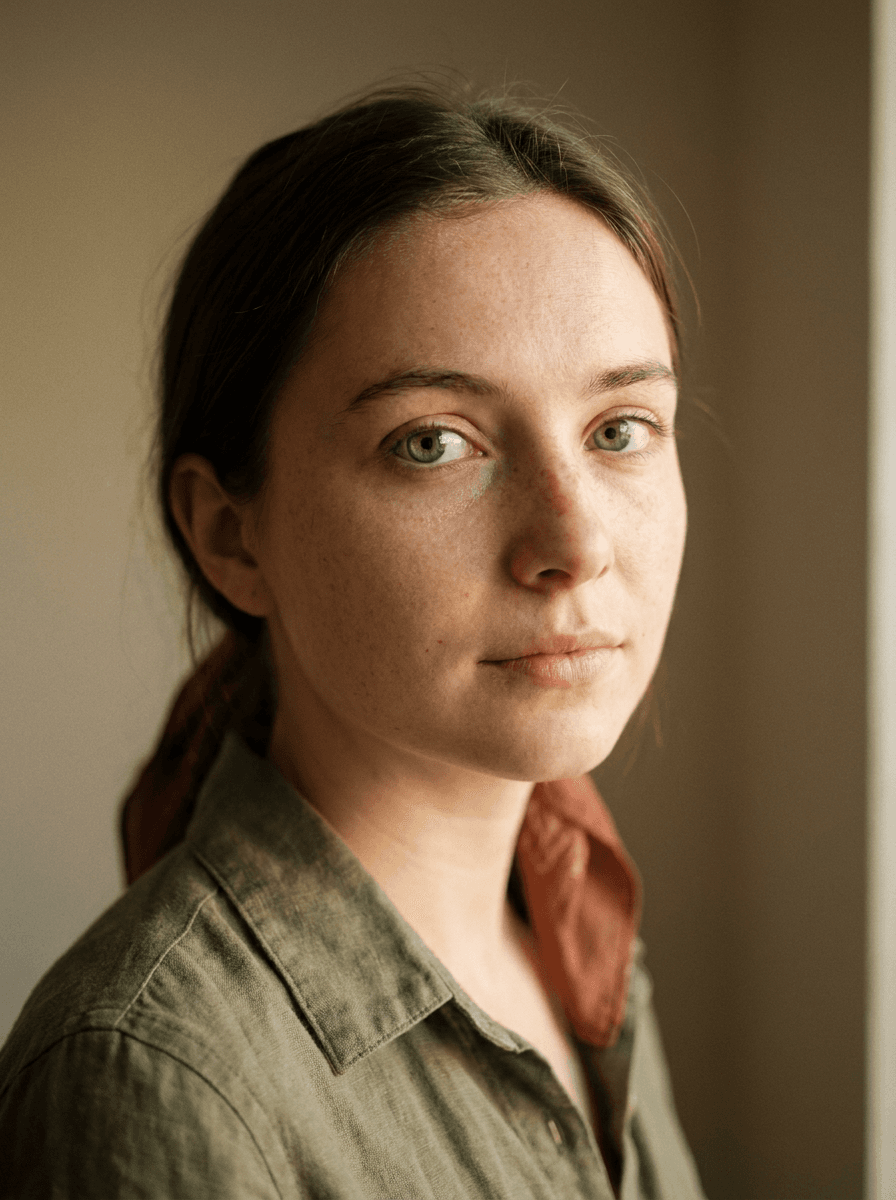
Eye Color Changer
Change eye color naturallyAI Stylist
Mix wardrobe pieces into a new look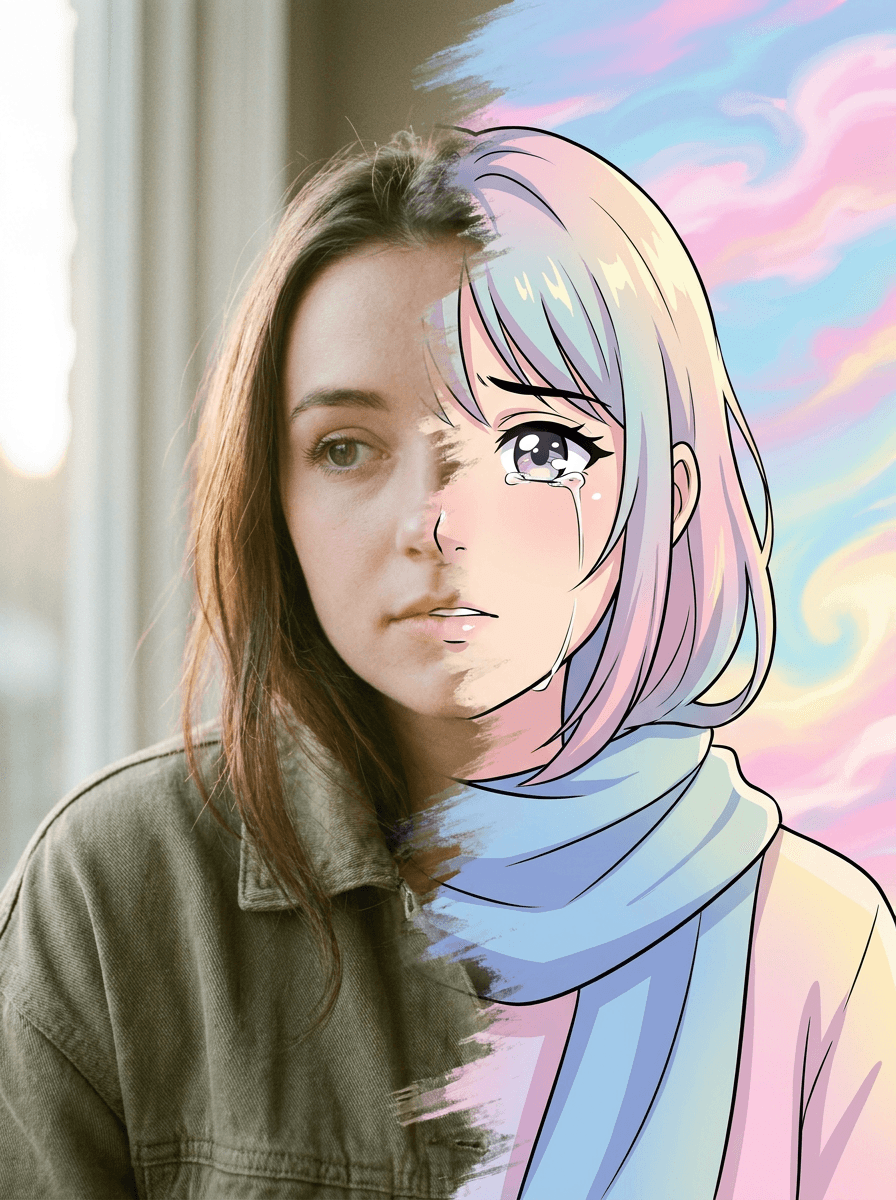
Photo to Anime
Your photo as an anime illustration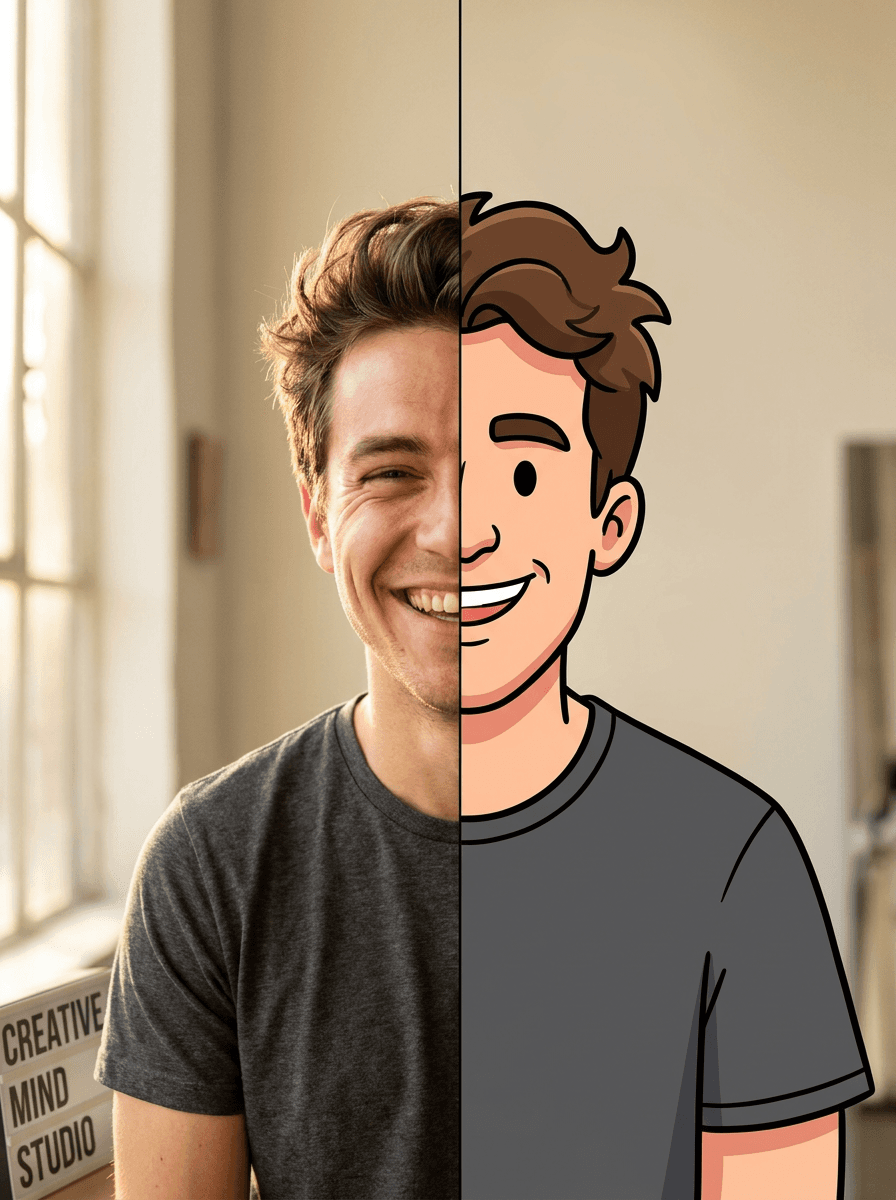
Photo to Cartoon
Your photo as a cartoon
Photo to Painting
Your photo as an oil or watercolor
Photo to Sketch
Your photo as a pencil sketchRelated models
See what each one makes, then open it in Made.