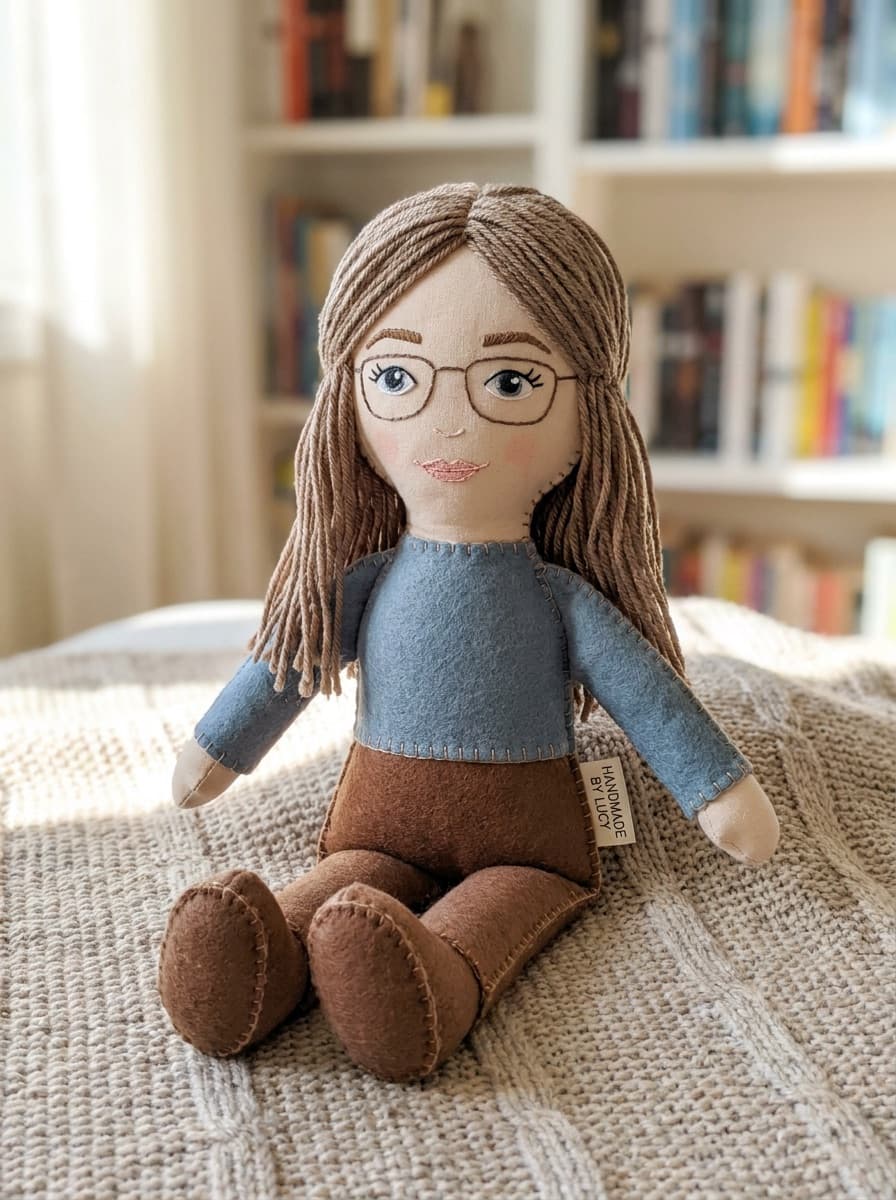
Plushie me
“Turn me into a soft plush toy with stitched seams and button eyes.”
Upload a photo and Made re-renders the subject as a soft plush toy — rounded proportions, stitched seams, button eyes, felt details — while keeping the pose and setting recognizable.
Plushie me“Turn me into a soft plush toy with stitched seams and button eyes.”
Face or full body, well lit, subject clearly visible.
“Turn me into a plushie” is enough; add details like button eyes or felt patches to steer the look.
Good plushies keep hair color, outfit, and pose recognizable — regenerate if the charm got lost.
Ask for a stronger or subtler transformation depending on how toy-like you want it.
Real results from Made. Use a prompt to load it into the studio above, then add your own photo.
“Turn me into a soft plush toy with stitched seams and button eyes.”
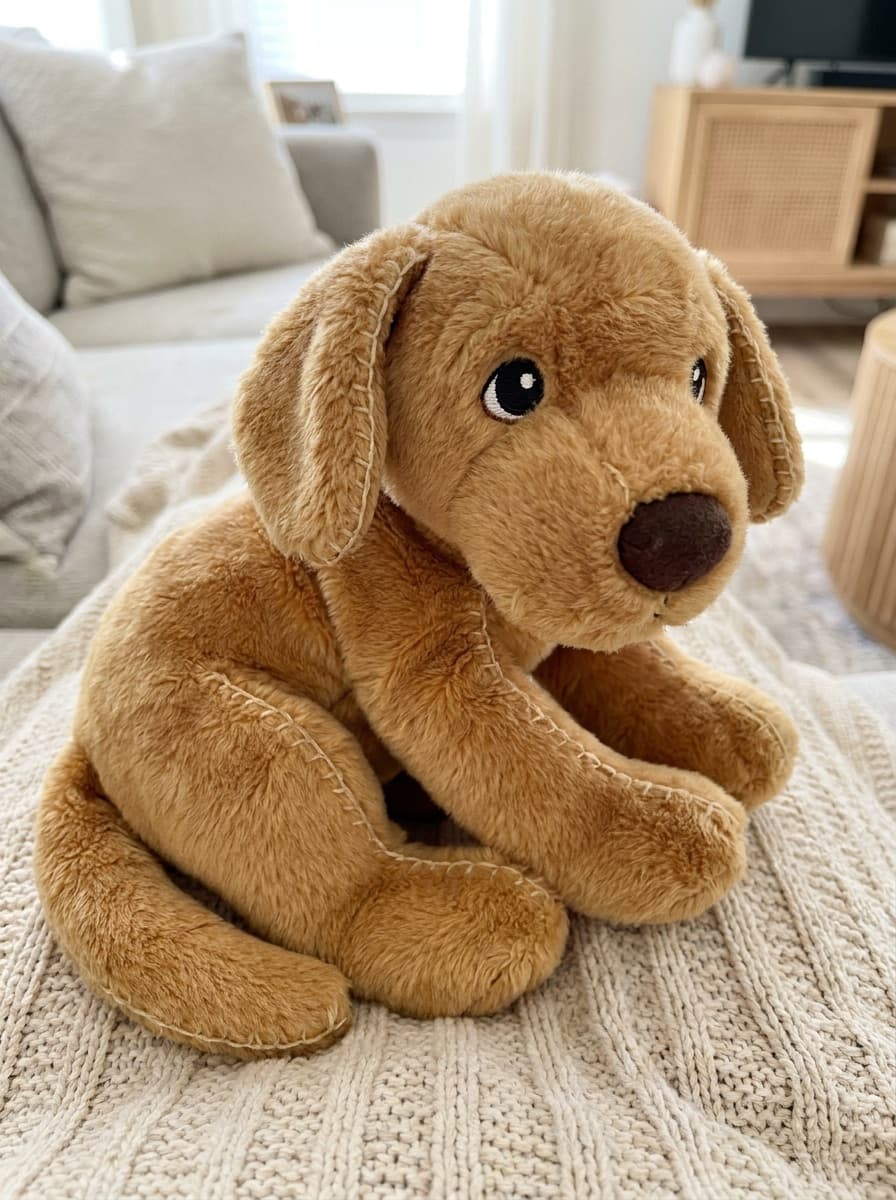
“Make my dog a cuddly plushie, same pose and colors.”
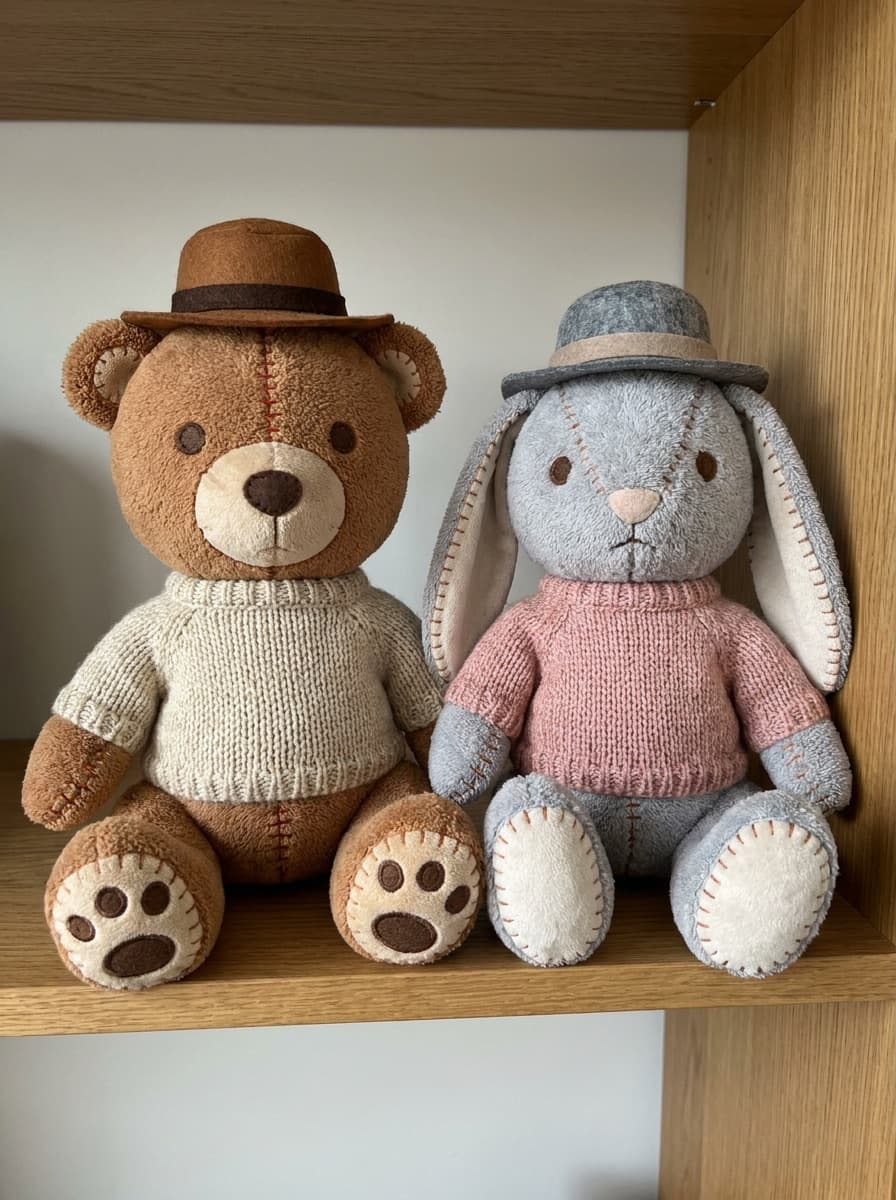
“Turn us both into a matching pair of plush toys.”
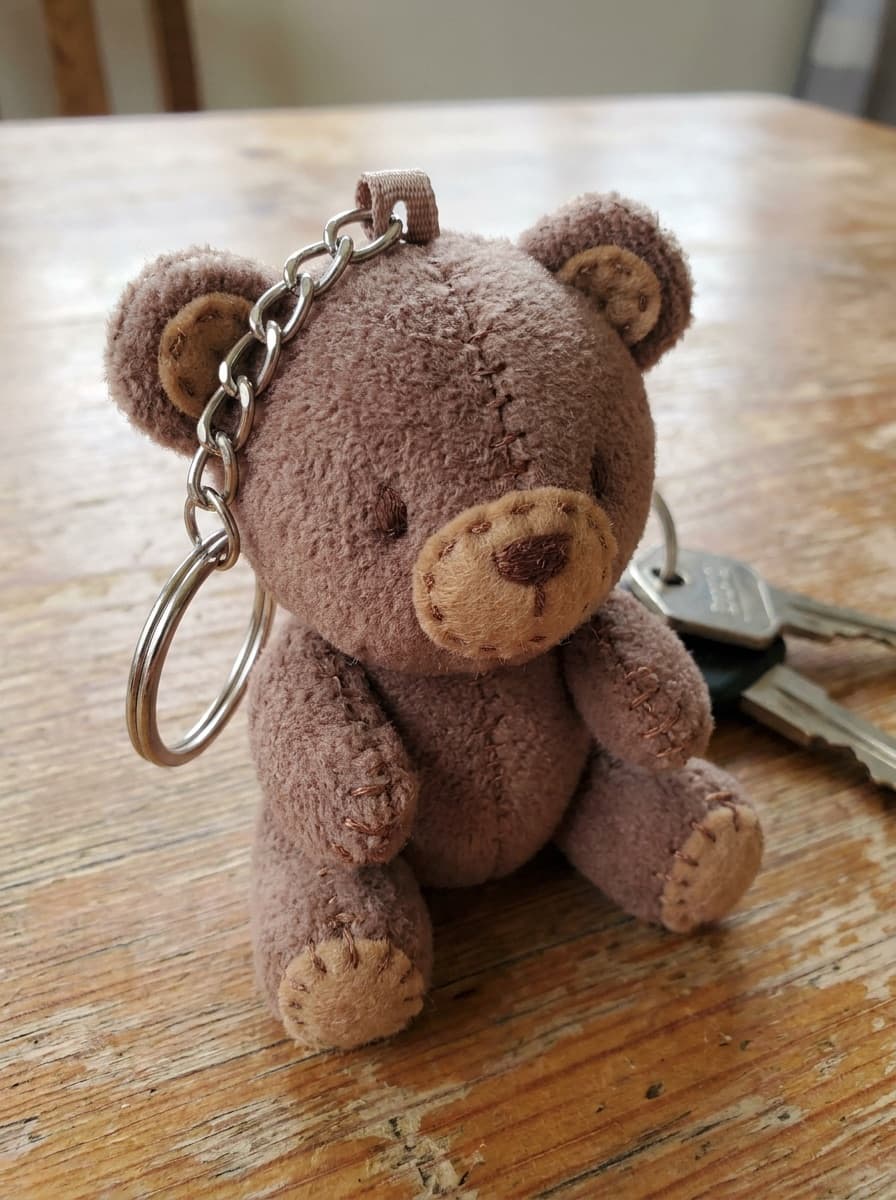
“Make a small keychain-style plushie of me with oversized head proportions.”
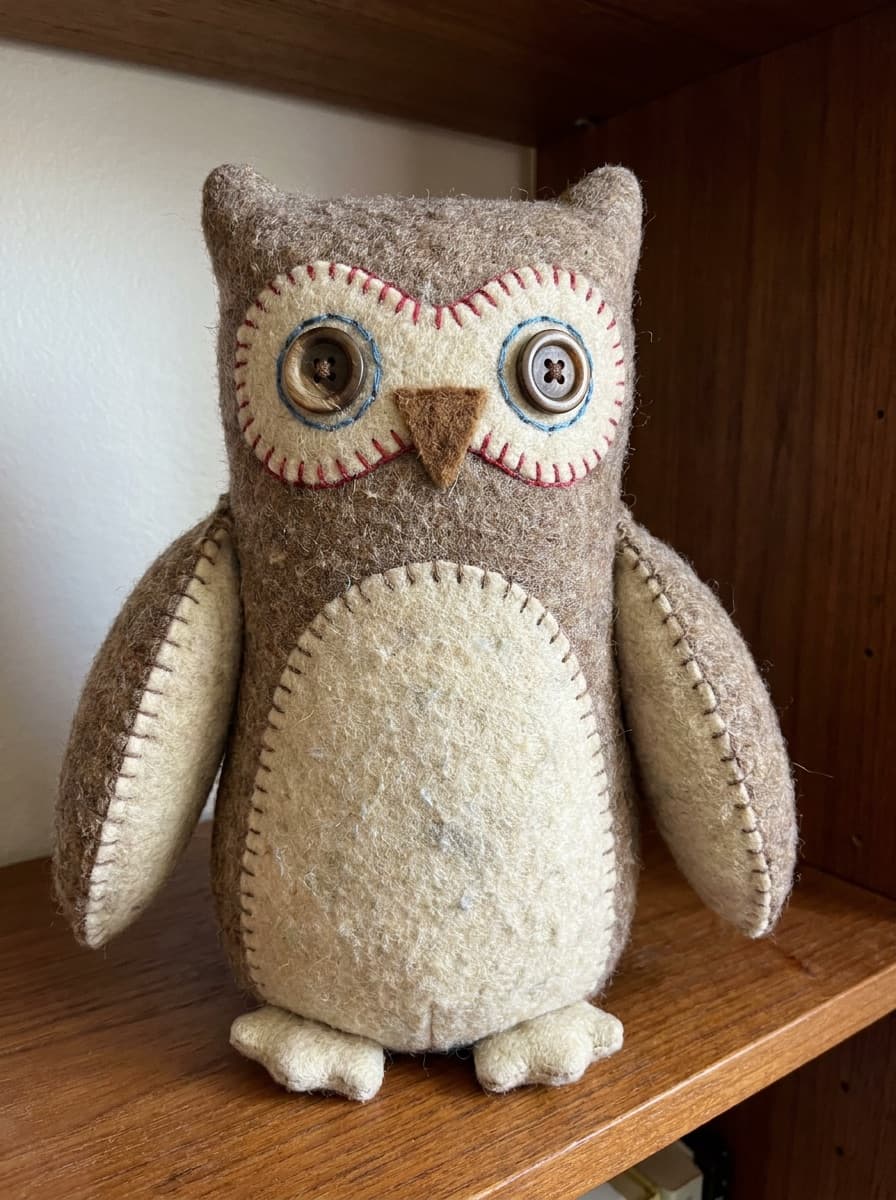
“A plush version with visible felt patches and embroidered details.”
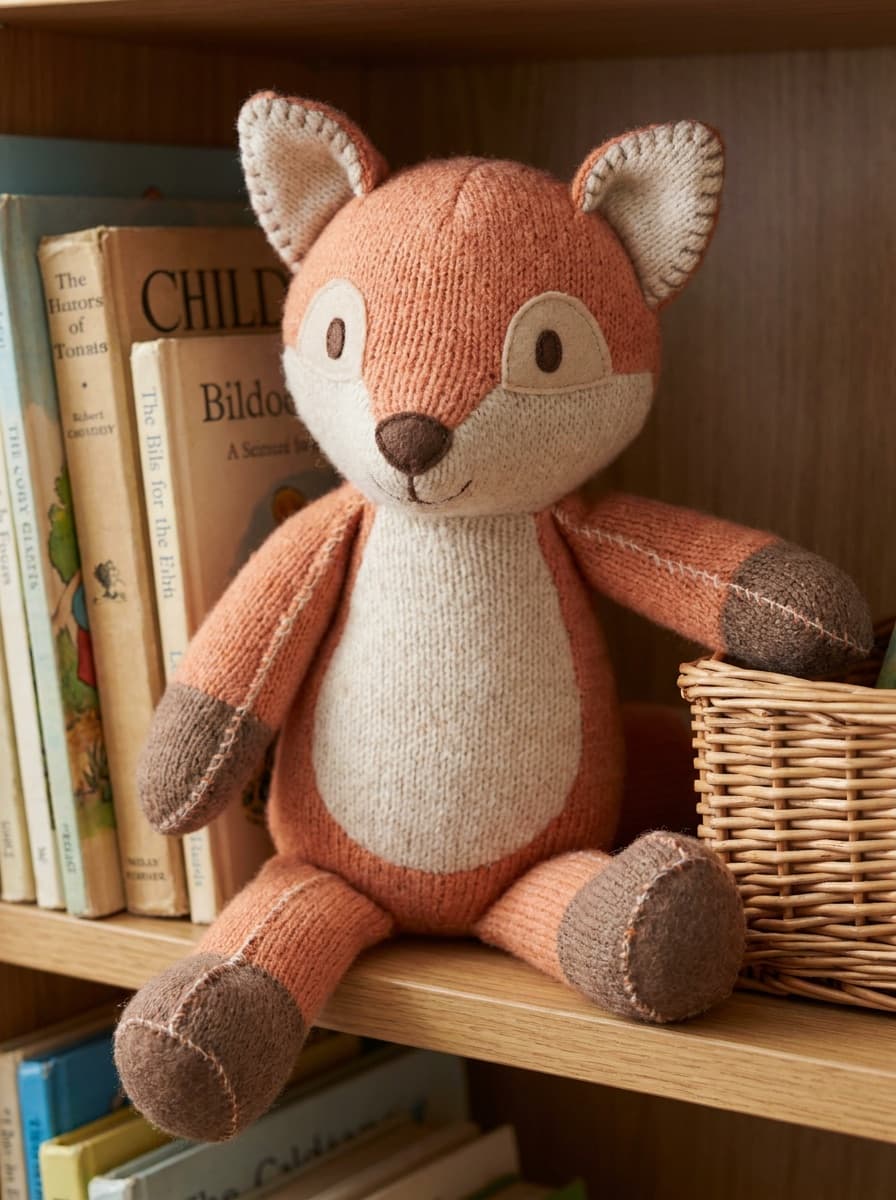
“Make me a collectible-style plushie displayed like a shelf toy.”
Checked against the running tool on 2026-09-04.
The subject is re-rendered with plush-toy construction — rounded soft proportions, fabric texture, stitched seams, and toy-like facial features — while the background, pose, and framing of your photo stay in place. It reads as “your photo, but you are a plushie.”
The transform preserves identifying features — hair color and style, outfit, glasses, distinctive colors — translated into felt and fabric. Likeness in plush form is caricature-like by nature; regenerate if a defining feature was dropped.
Very well — pets are the most popular subject. Fur color, markings, and pose carry over into the plush render, which makes it work for keepsakes and memorial prints.
Yes — name the construction details: button eyes or embroidered eyes, visible stitching, felt patches, chibi proportions, keychain size. Each cue steers the render; the base transform alone gives a balanced soft-toy look.
The output is an image, but it works as a strong reference for custom plush manufacturers — they typically ask for front and side views, which you can generate as separate runs from different photos.
Your own, your pets, and people who have consented. Do not create plush versions of strangers or public figures — likeness rules apply to stylized renders too.
Sharp, front-lit, and uncluttered around the subject. Full-body photos give the most toy-like result since proportions are part of the charm; close-up faces produce plush portraits.
 +
+ New
New
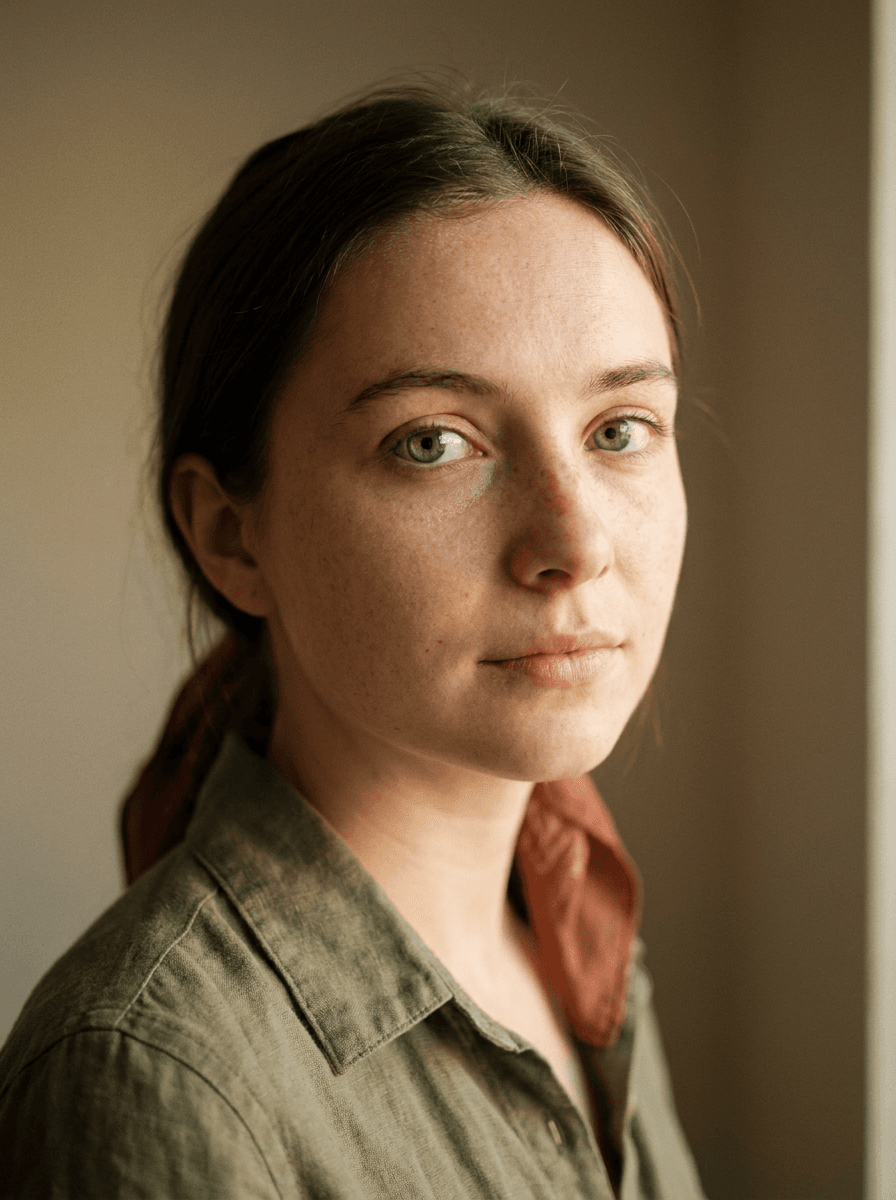
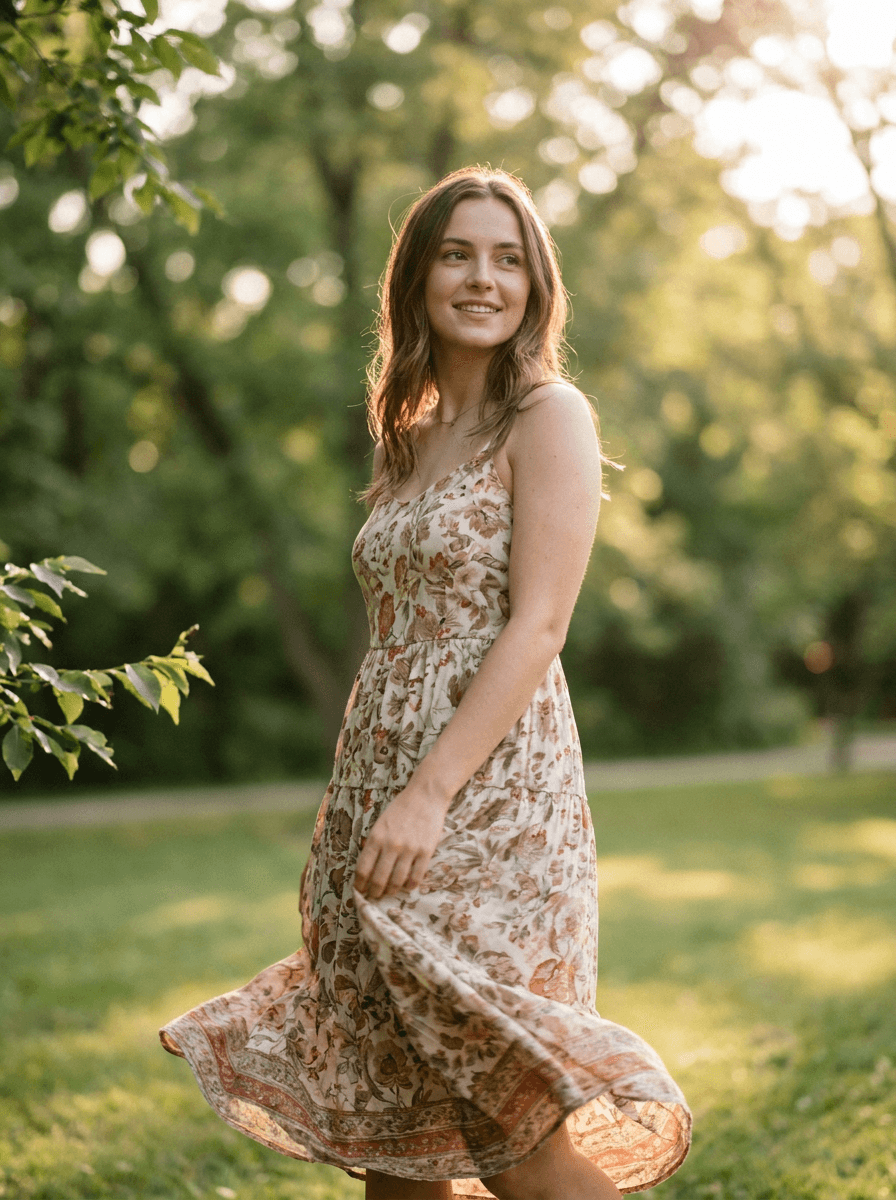
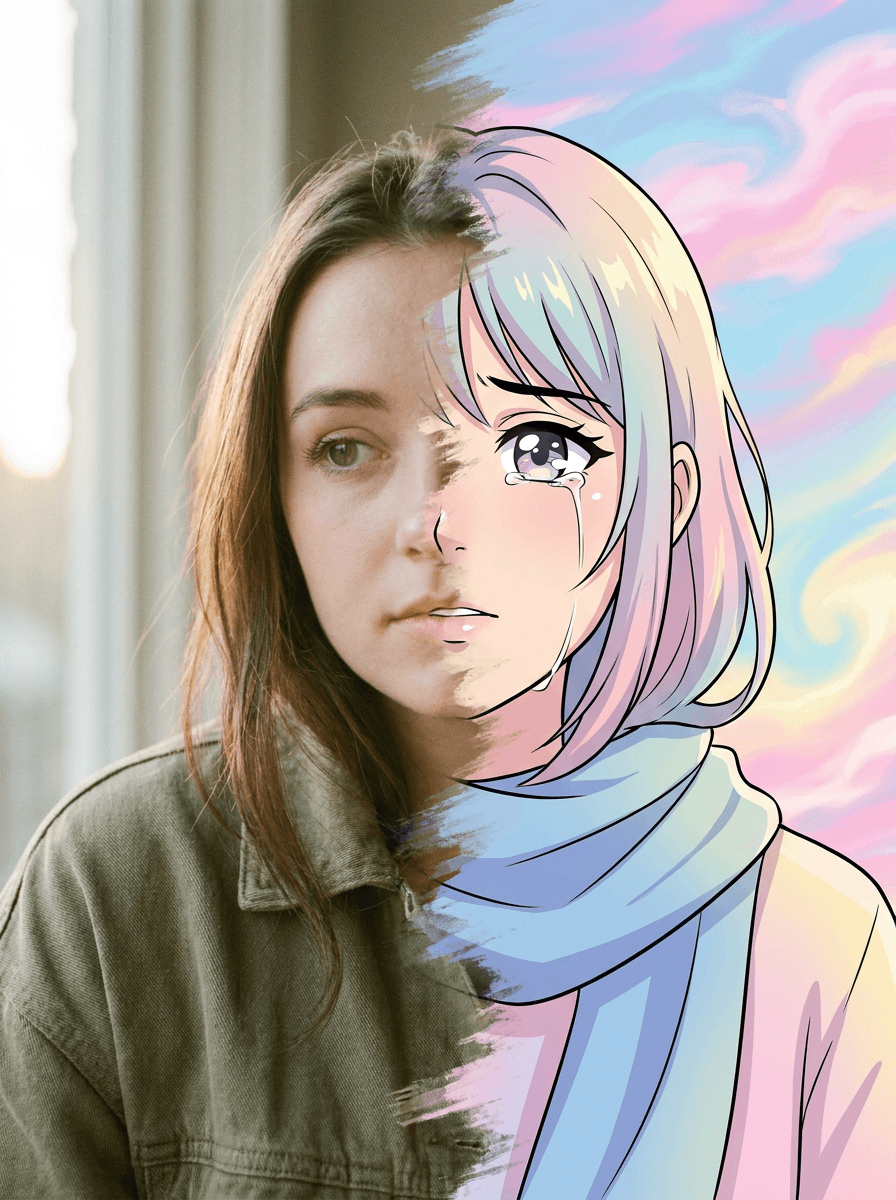
See what each one makes, then open it in Made.

