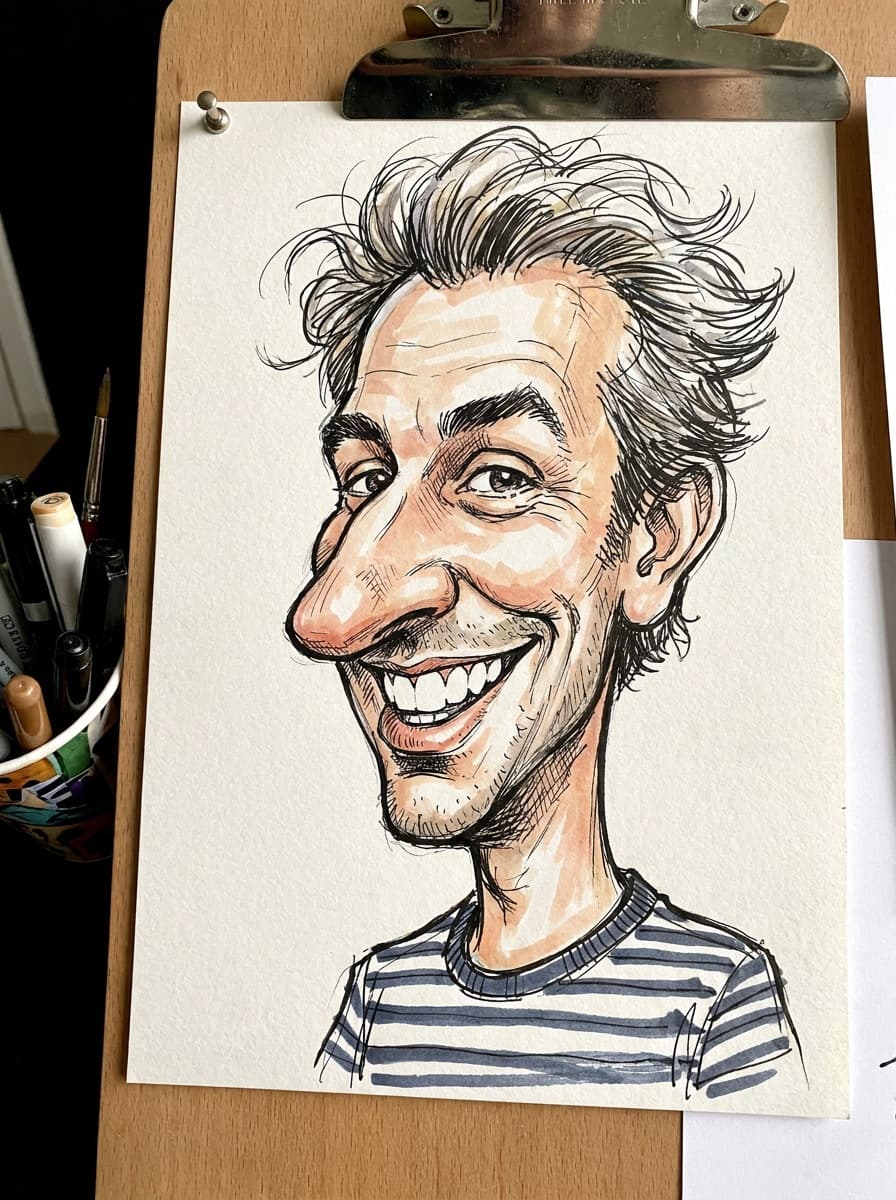
Classic style
“Turn this photo into a classic hand-drawn caricature with playful exaggeration.”
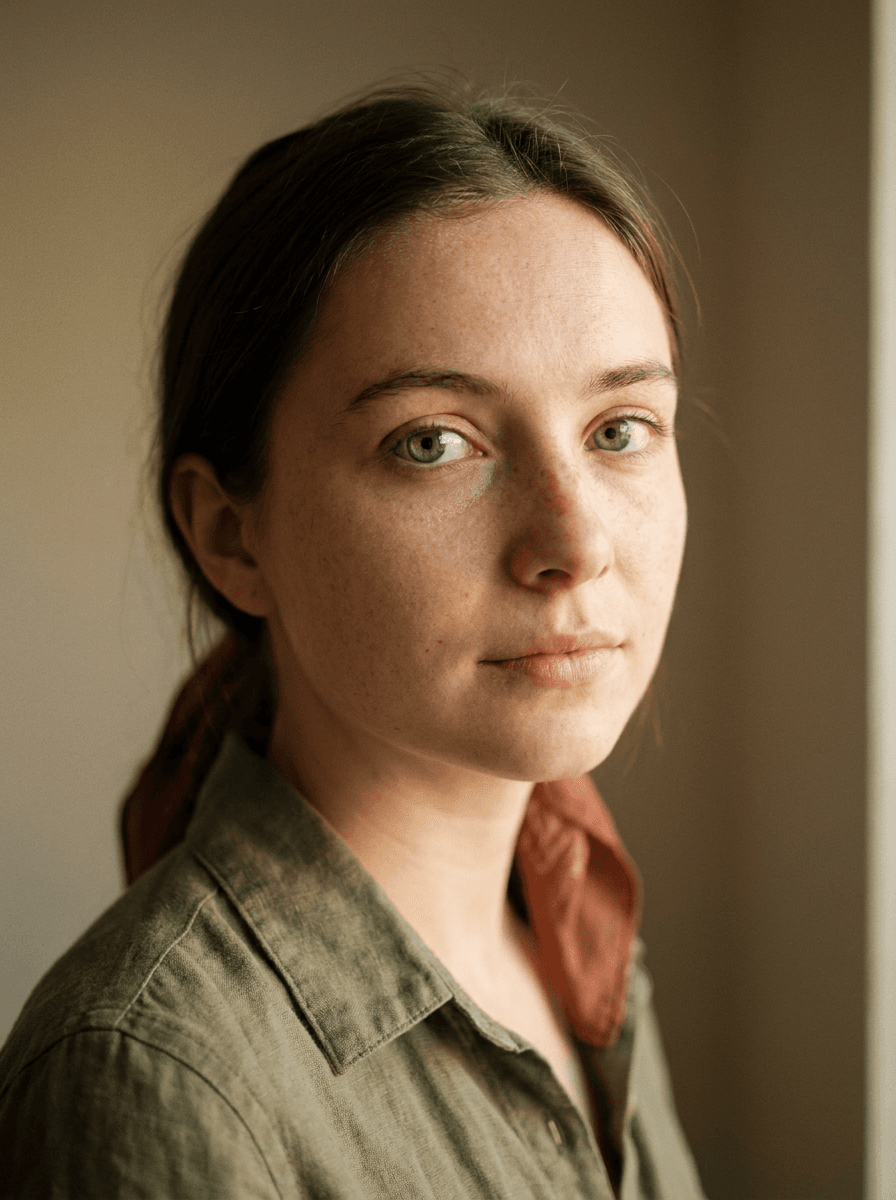
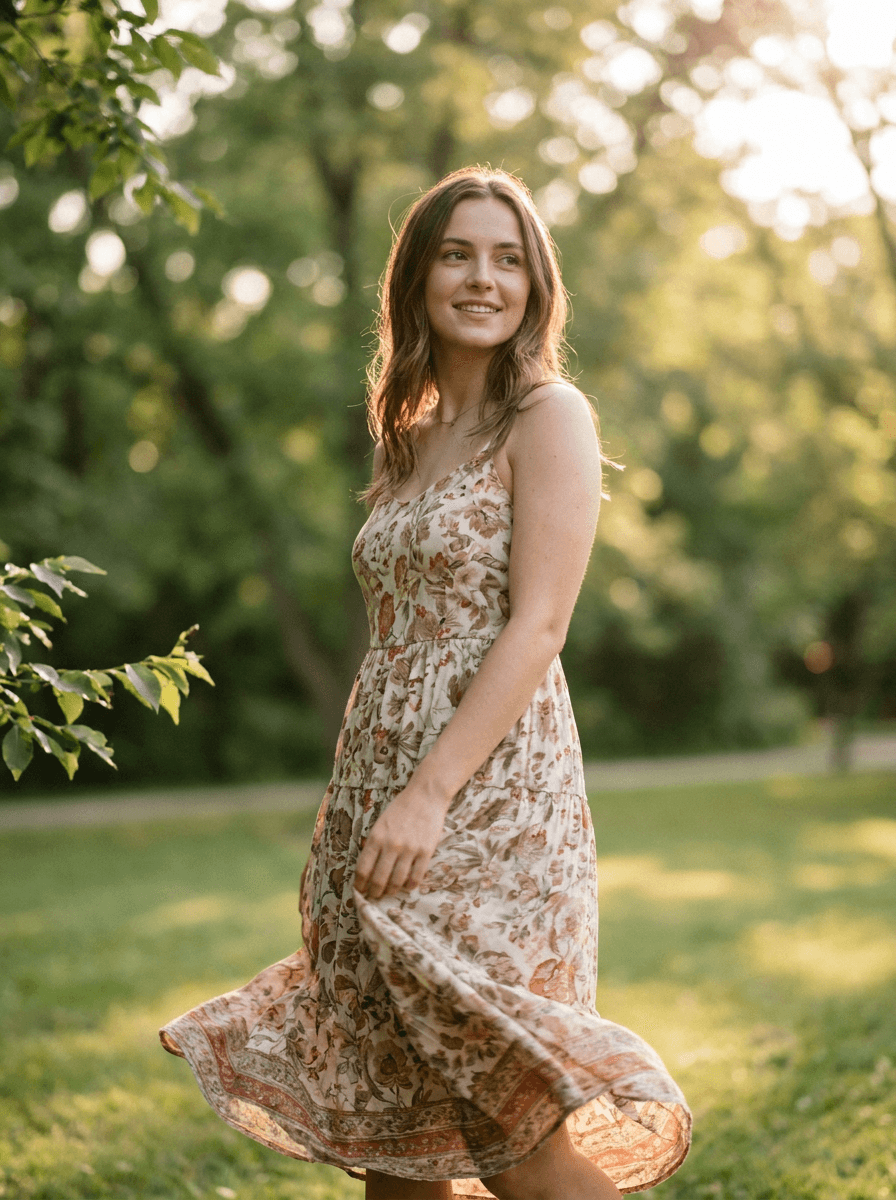
Upload a portrait and Made restyles it as a caricature — playfully exaggerated features in a hand-drawn style — while keeping the composition, pose, and personality of the original photo.
Classic style“Turn this photo into a classic hand-drawn caricature with playful exaggeration.”
Front-facing and well lit; the features the artist would exaggerate need to be visible.
Classic hand-drawn, digital color, or pencil sketch — and say how bold the exaggeration should be.
The style strength is adjustable from subtle to strong; 0.7 is the balanced default.
Caricature walks a line — rerun with “gentle exaggeration” if a feature got pushed too far.
Real results from Made. Use a prompt to load it into the studio above, then add your own photo.
“Turn this photo into a classic hand-drawn caricature with playful exaggeration.”
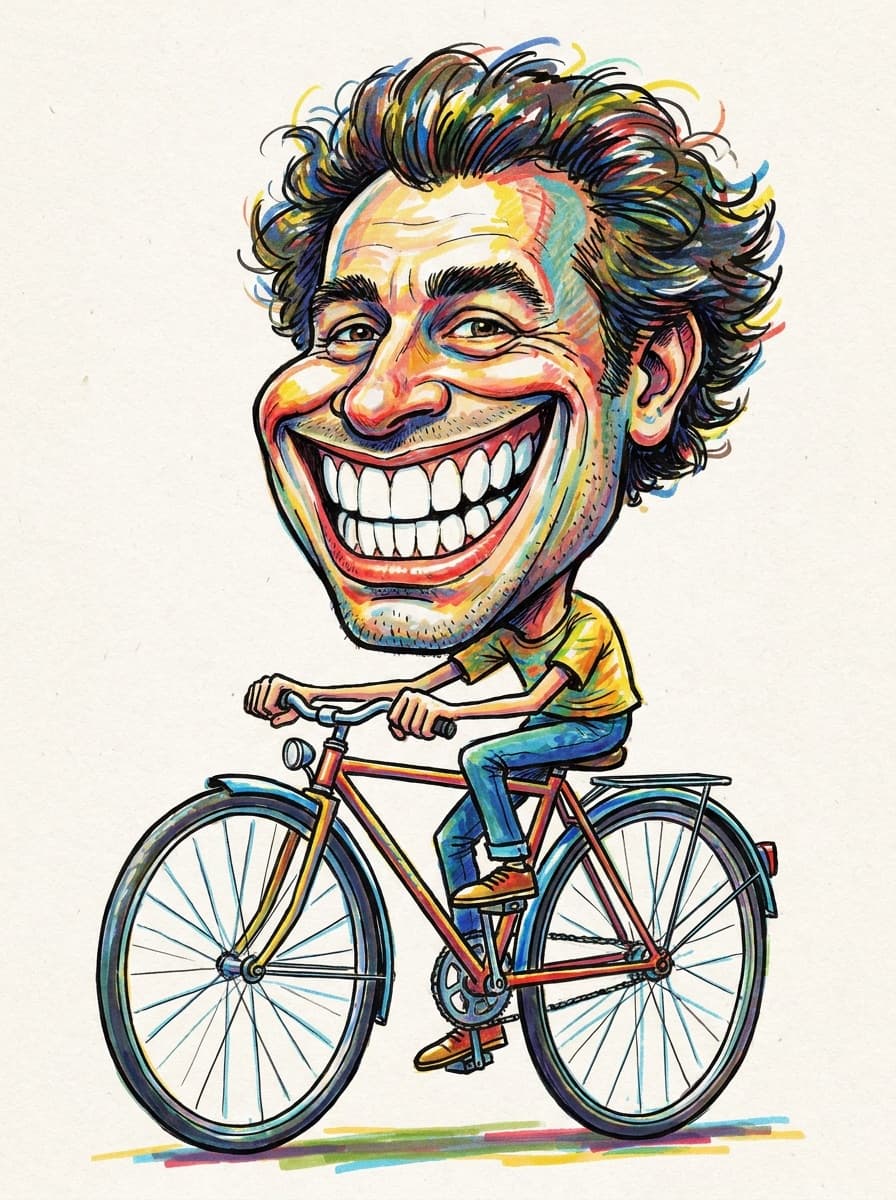
“A vibrant digital caricature with bold colors and a big smile.”
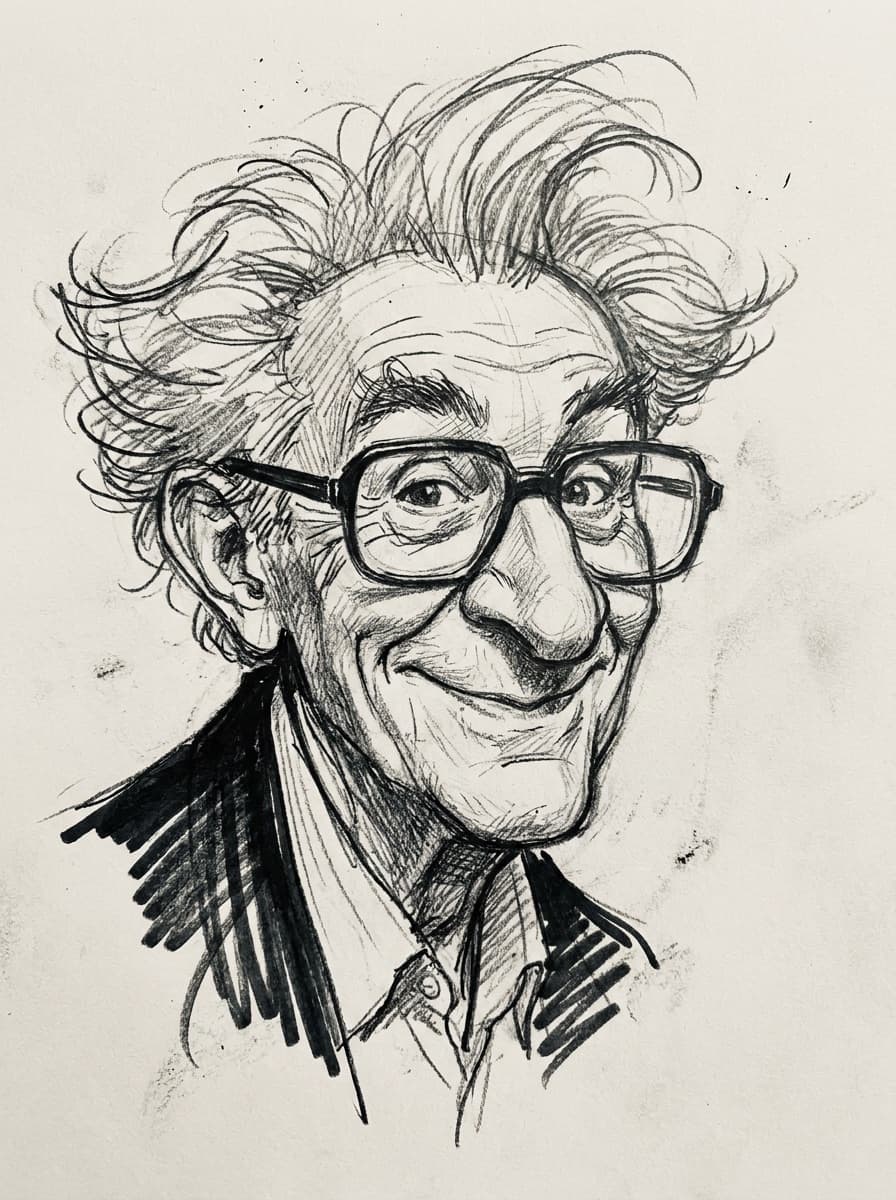
“A pencil-sketch caricature, loose linework, gentle exaggeration.”
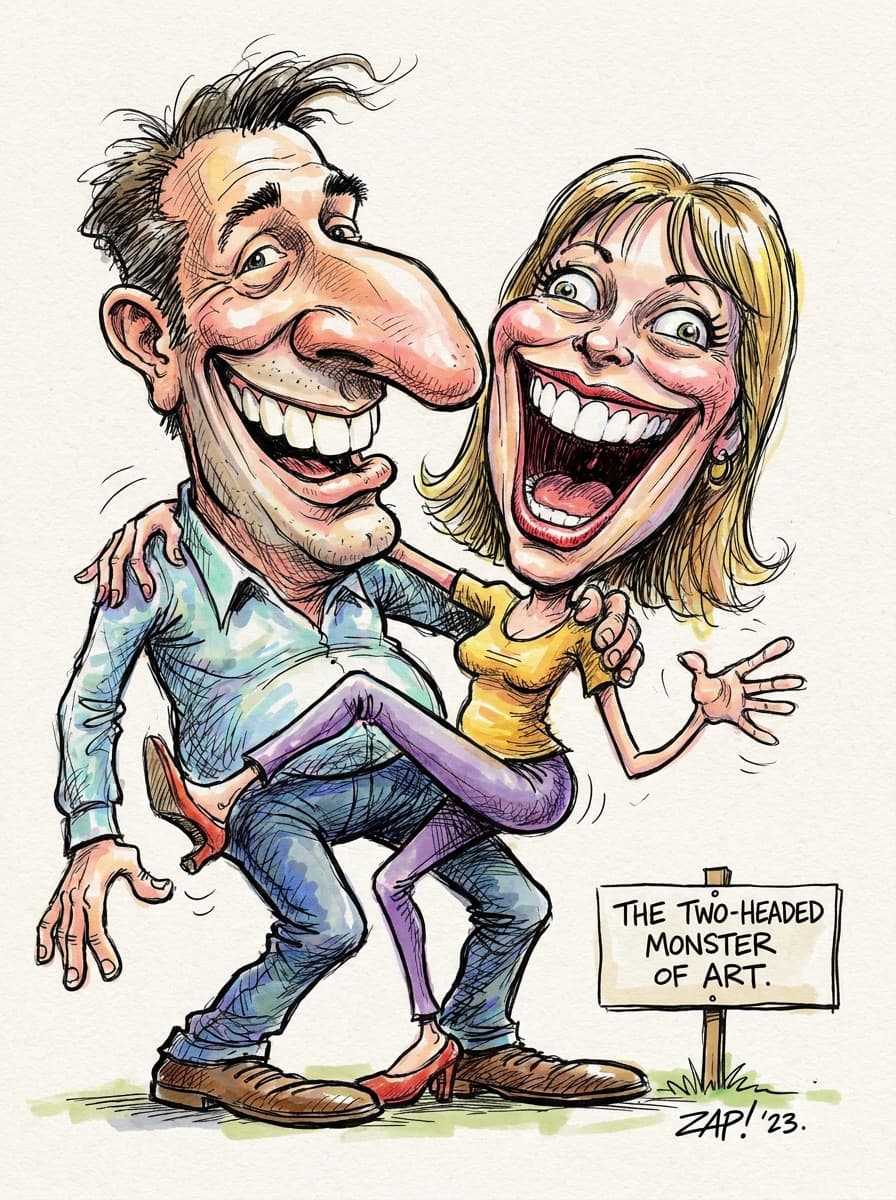
“Caricature us both together in one drawing, warm and funny.”
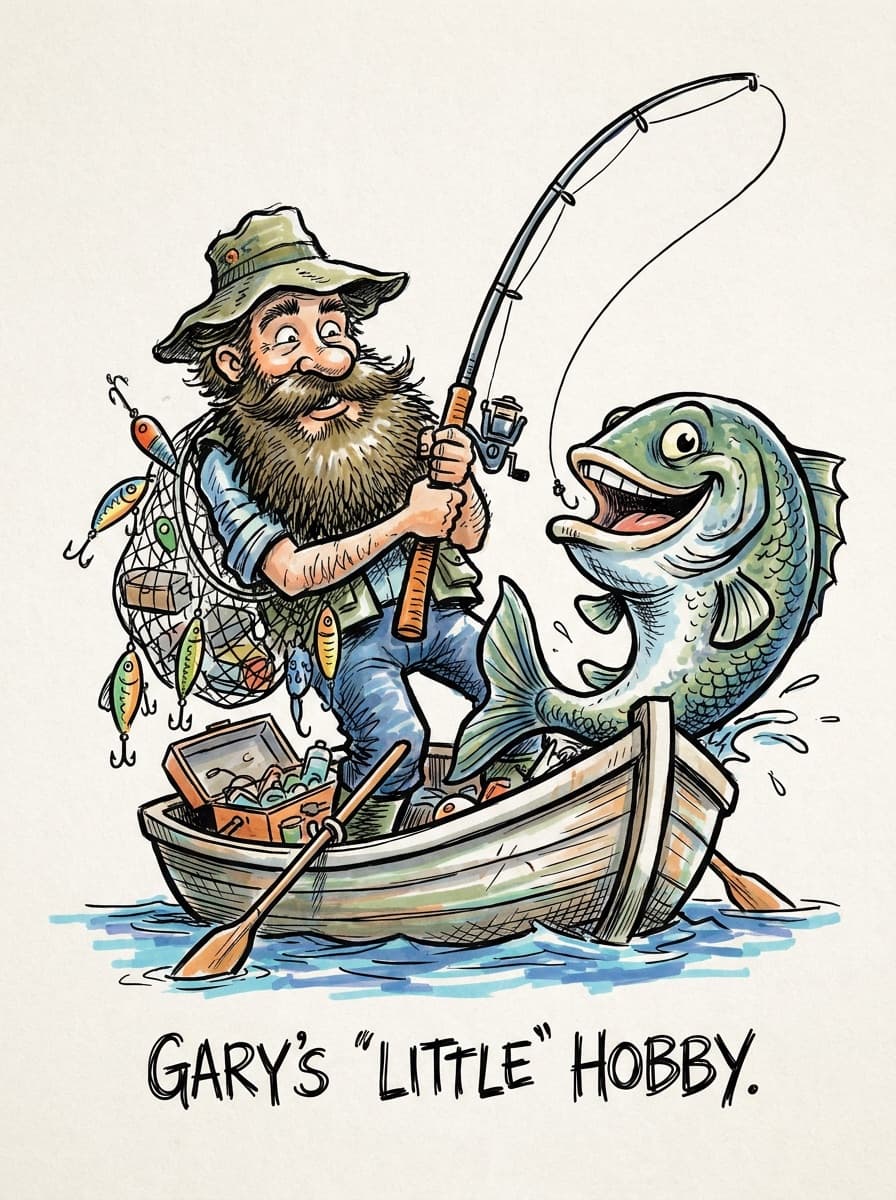
“A caricature of me with my guitar, exaggerate the rockstar energy.”
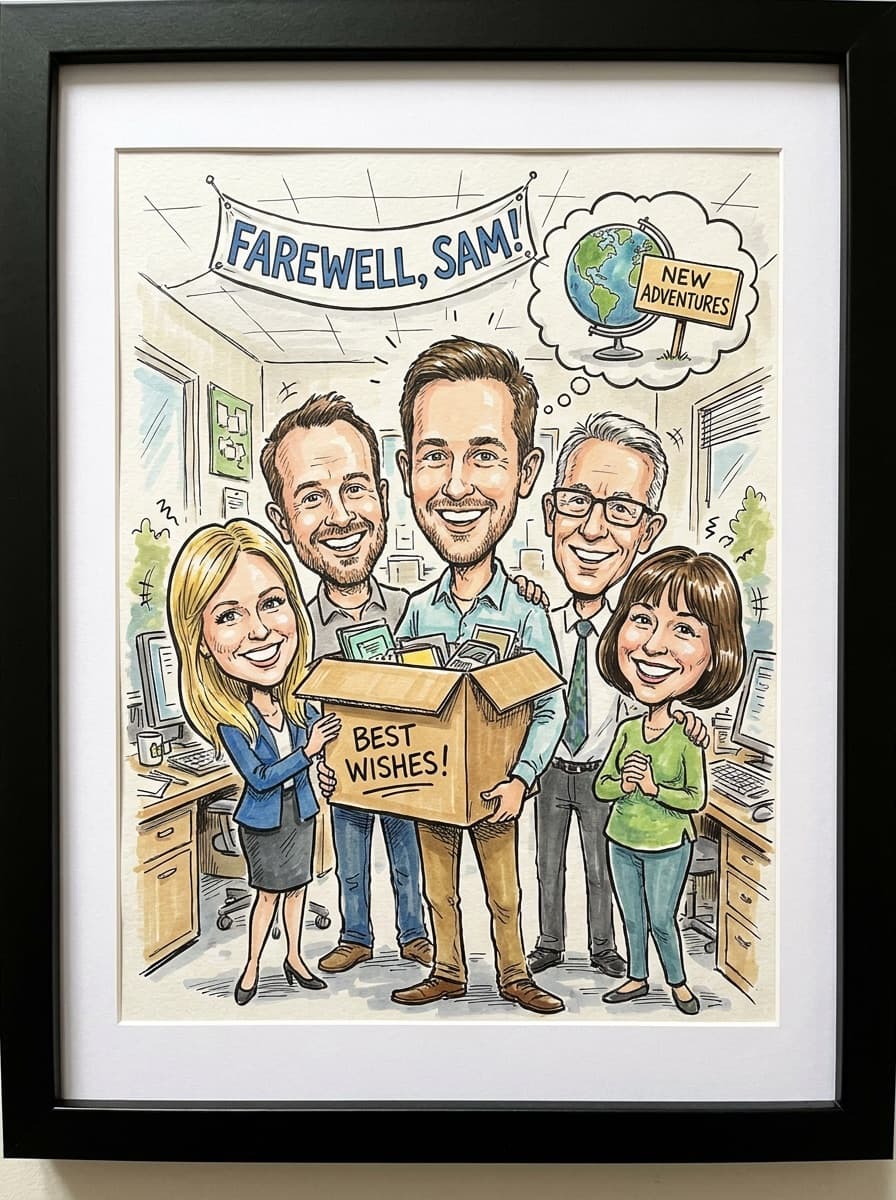
“A friendly caricature for a colleague’s leaving gift, kind exaggeration only.”
Checked against the running tool on 2026-09-04.
A cartoon restyles the rendering; a caricature also exaggerates — the grin gets wider, the glasses bigger, the hairstyle more emphatic. This tool applies that playful distortion while keeping you clearly recognizable, which is the whole craft of caricature.
Yes, two ways: say it in the prompt (“gentle exaggeration” vs “bold caricature”) and adjust the style strength, which runs from 0.3 to 0.95 with 0.7 as the default. Gift caricatures usually land best on the gentle side.
Any drawing style you can name: classic marker-and-ink boardwalk style, colorful digital painting, pencil sketch, watercolor. The exaggeration logic is the same; the medium changes with your description.
Yes — upload a photo with everyone in frame and the whole group is restyled together, keeping relative positions. Group caricatures work well for team gifts and family portraits.
The default output is affectionate rather than mocking, and you can steer it — “kind, flattering caricature” is a legitimate instruction. Review before gifting; humor about a feature someone is sensitive about is worth a regenerate.
A sharp, front-lit portrait with a genuine expression. The expression is the soul of a caricature — a real laugh produces a better drawing than a flat ID-style photo.
Yes — the JPG prints well at card and small-frame sizes. For a large print, run the result through Image Upscaler first and check it at 100% zoom before ordering.
 +
+ New
New
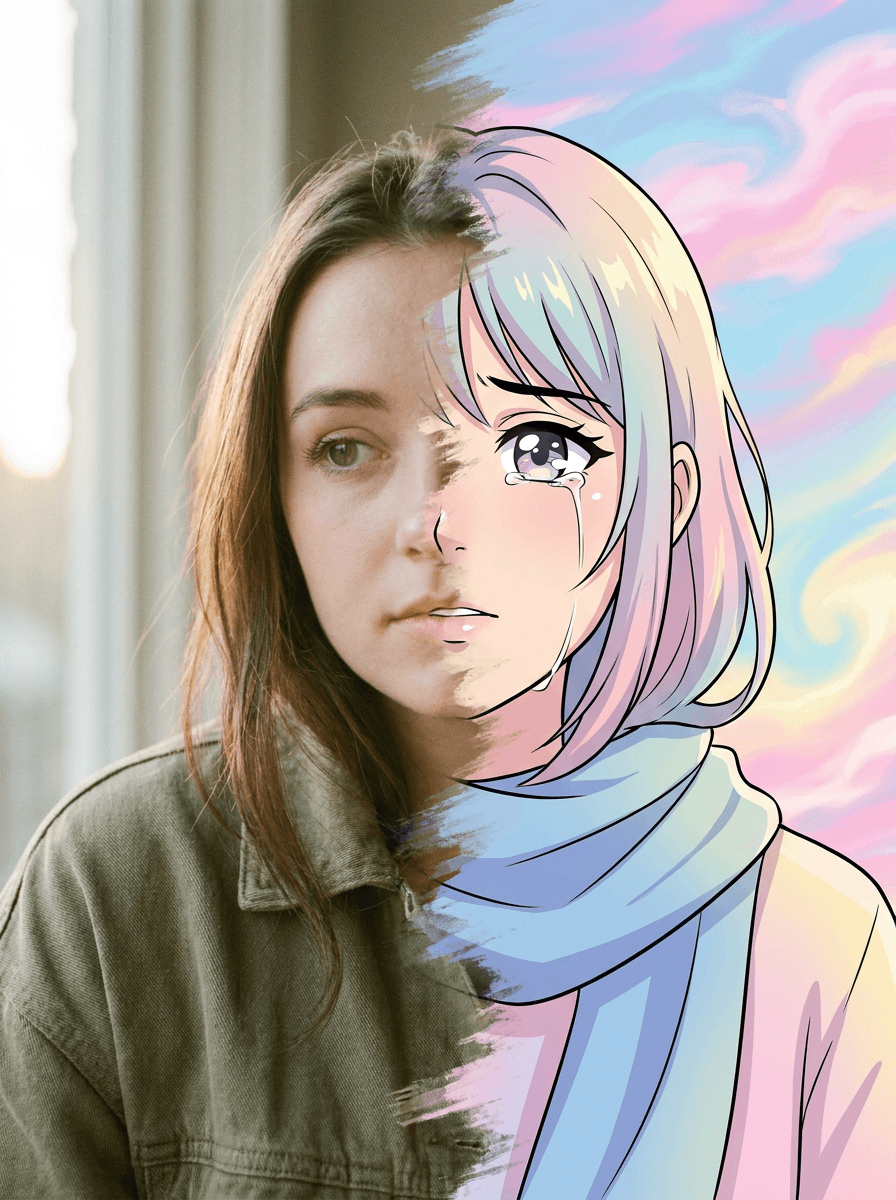
See what each one makes, then open it in Made.

