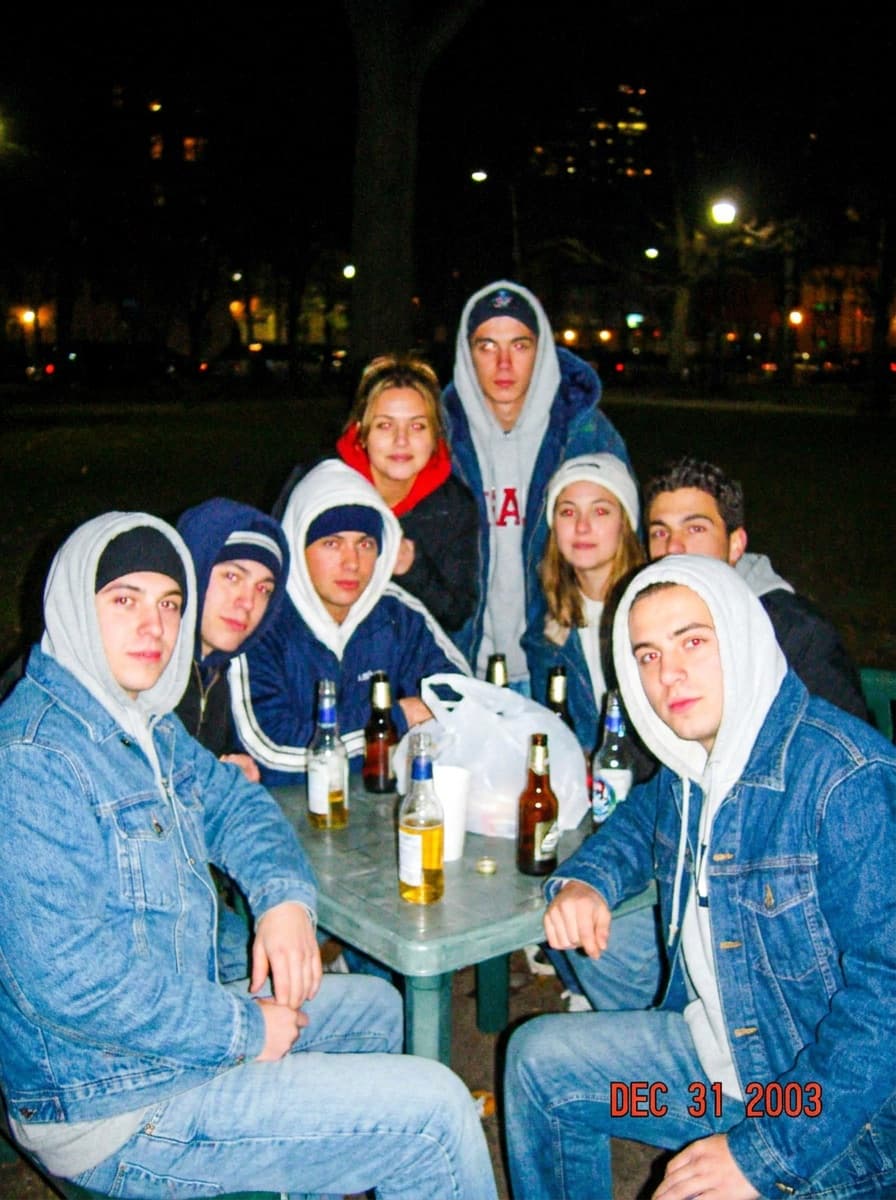
Night flash
“Make this look like a 2003 digicam photo with harsh direct flash at night.”
Upload a photo and Made restyles it like it came off an early-2000s compact digital camera — direct flash, soft focus, punchy oversaturated color, and a little sensor noise.
Night flash“Make this look like a 2003 digicam photo with harsh direct flash at night.”
Candid, flash-lit, or casual photos wear the effect most convincingly.
Night flash, daylight oversaturation, or mirror-selfie glare — name the one you want.
Default 0.7 reads clearly Y2K; go stronger for full retro degradation.
Reuse the exact wording across photos to keep a feed or recap consistent.
Real results from Made. Use a prompt to load it into the studio above, then add your own photo.
“Make this look like a 2003 digicam photo with harsh direct flash at night.”
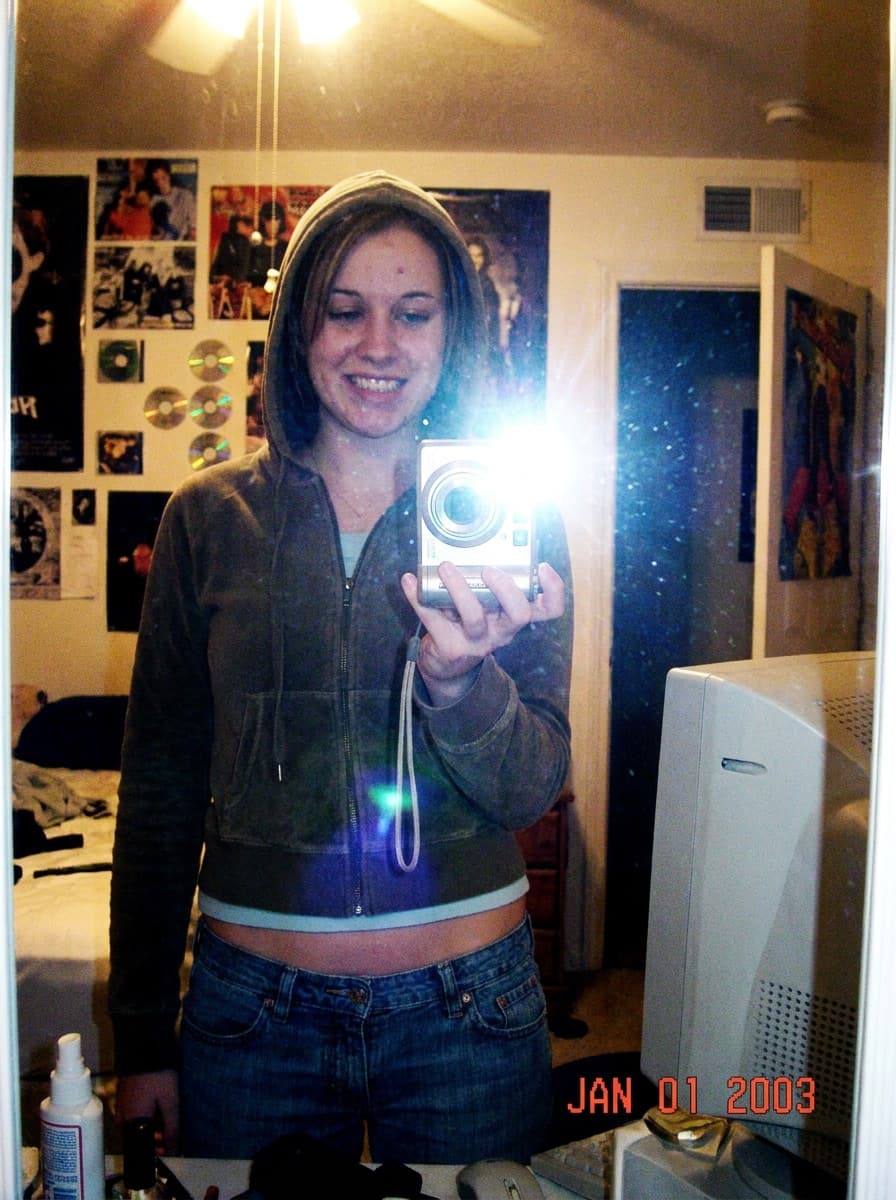
“Y2K digicam mirror-selfie look: flash glare, slight blur, oversaturated color.”
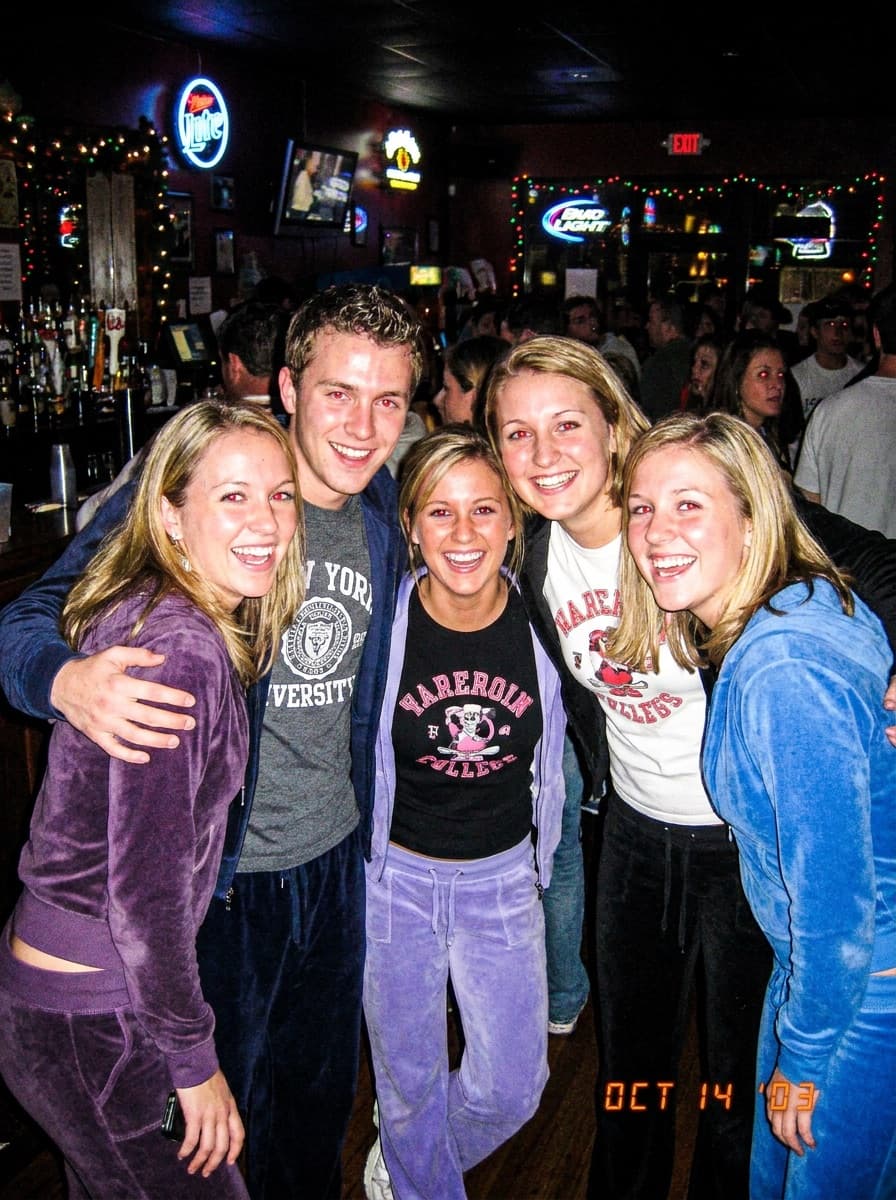
“Style this like a night-out digicam photo — flash faces, dark room, candid energy.”
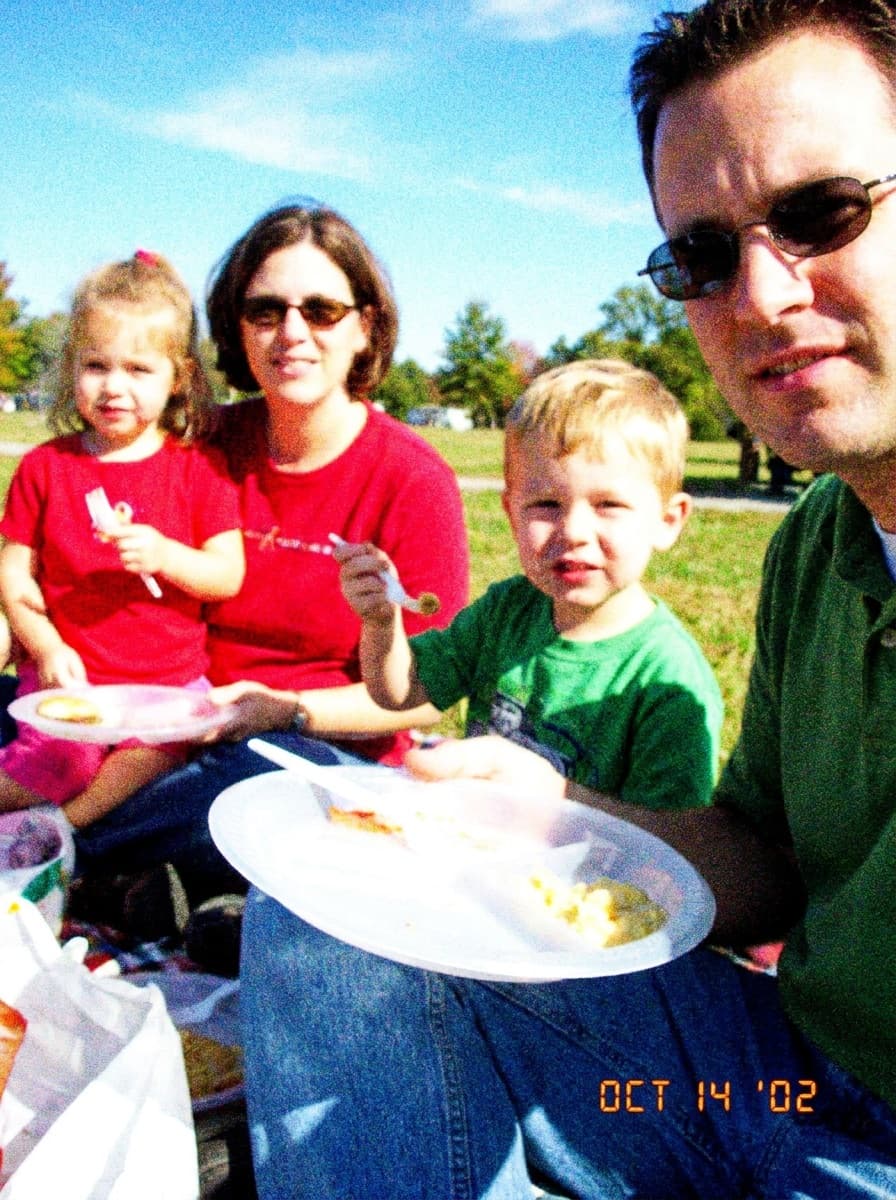
“An early-2000s daylight digicam look: punchy saturated color and soft detail.”
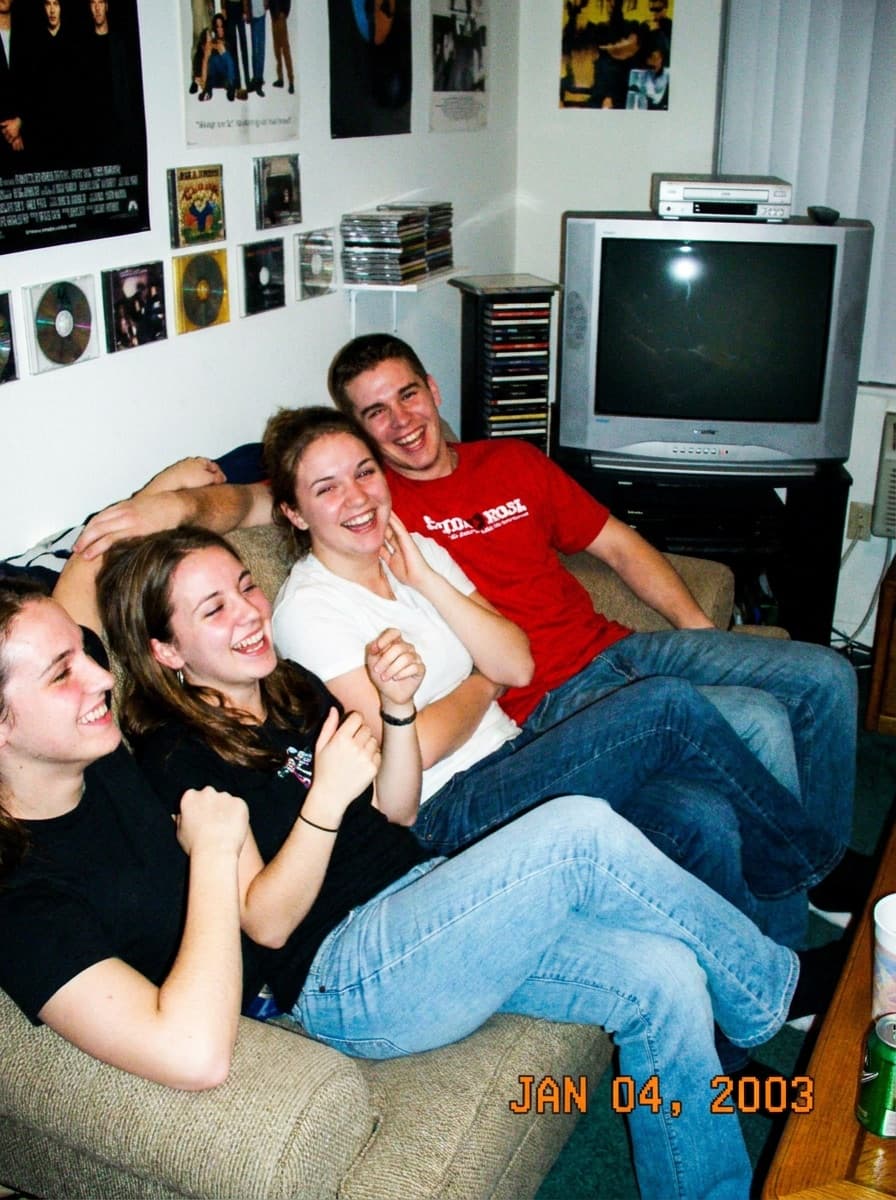
“A casual digicam snapshot look with an orange date-stamp aesthetic.”
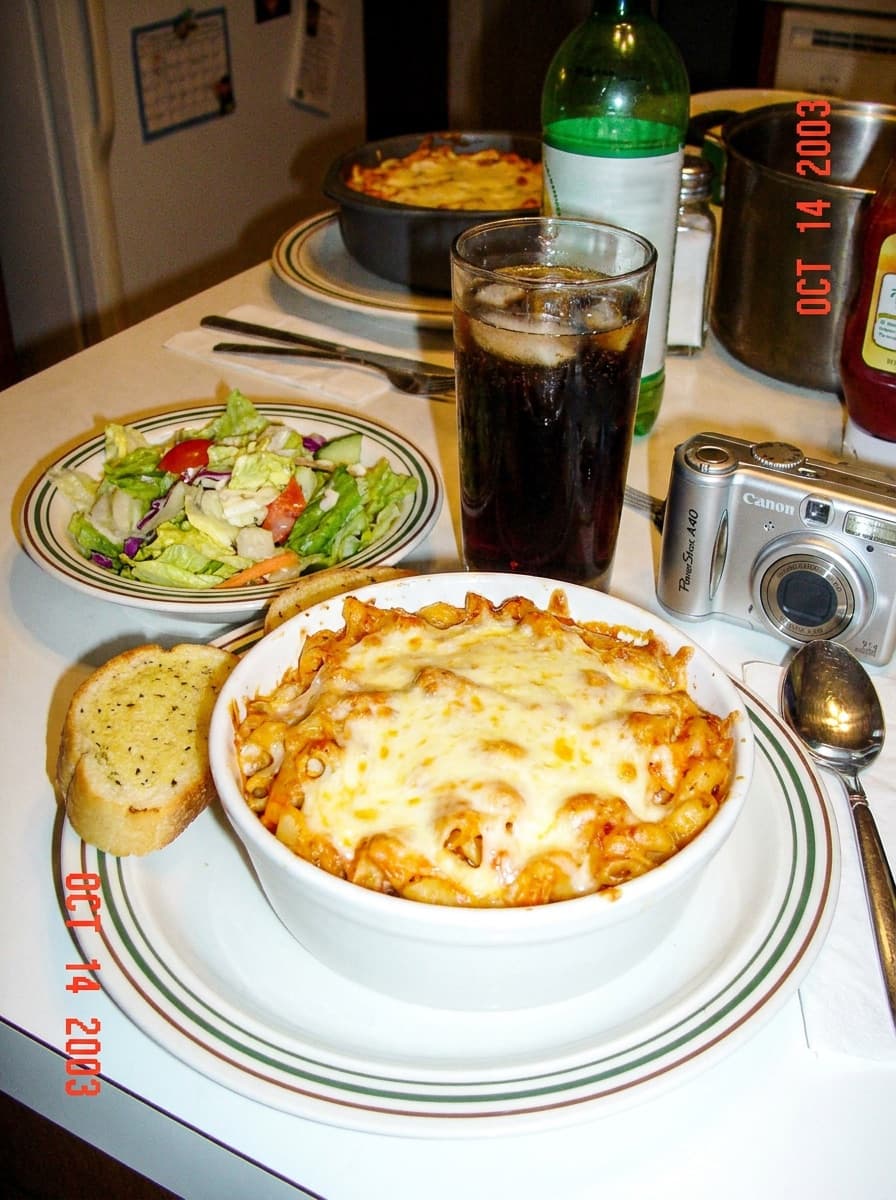
“Digicam-style food photo: direct flash, glossy highlights, imperfect framing.”
Checked against the running tool on 2026-09-04.
The signature of early-2000s compact digital cameras: hard direct flash, slightly soft focus, oversaturated punchy color, crushed shadows, and a bit of sensor noise. It reads as candid and era-specific — the opposite of a modern phone’s computational polish.
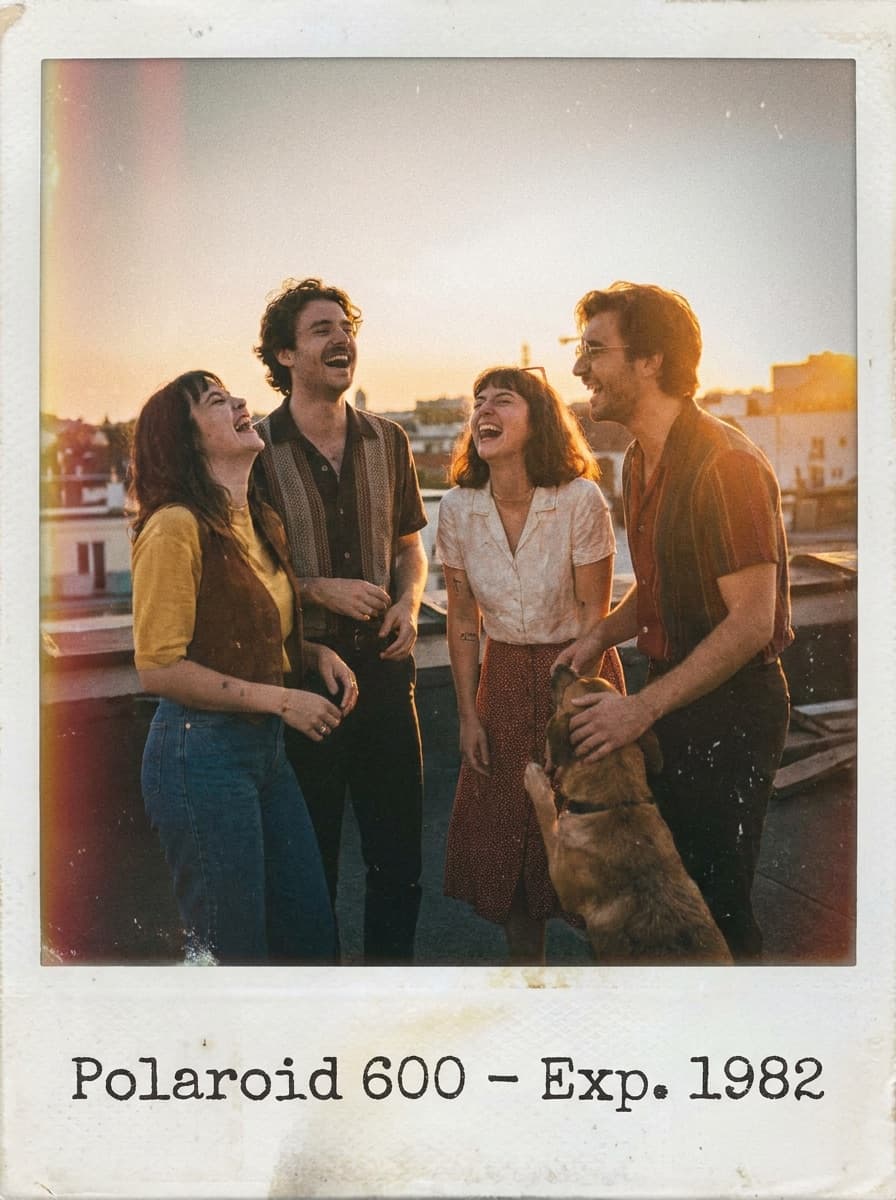
Instant film is warm, faded, and soft; digicam is punchy, flashy, and a little harsh. Polaroid says analog nostalgia; digicam says Y2K nightlife. Both tools keep your composition and change only the rendering.
Yes — daylight digicam has its own look: oversaturated skies, blown highlights, and slightly mushy detail. Name “daylight digicam” in the request so the model does not force the flash aesthetic onto a sunny scene.
You can ask for the date-stamp aesthetic, but generated digits can be imperfect. For an exact date, add the stamp afterward in a design tool with an LCD-style font — it stays crisp and says what you want.
Yes. The effect restyles light, color, and texture without altering faces or positions. The flash look changes how people are lit, not who they are.
The 0.7 default is convincingly Y2K while keeping detail. Drop toward 0.3 for a hint of retro; push toward 0.95 when you want the fully degraded, found-on-an-old-SD-card look.
Apply the same description and intensity to each photo. Because the effect is a consistent recipe rather than a random filter, a batch comes out looking like one camera shot them all.
 +
+ New
New
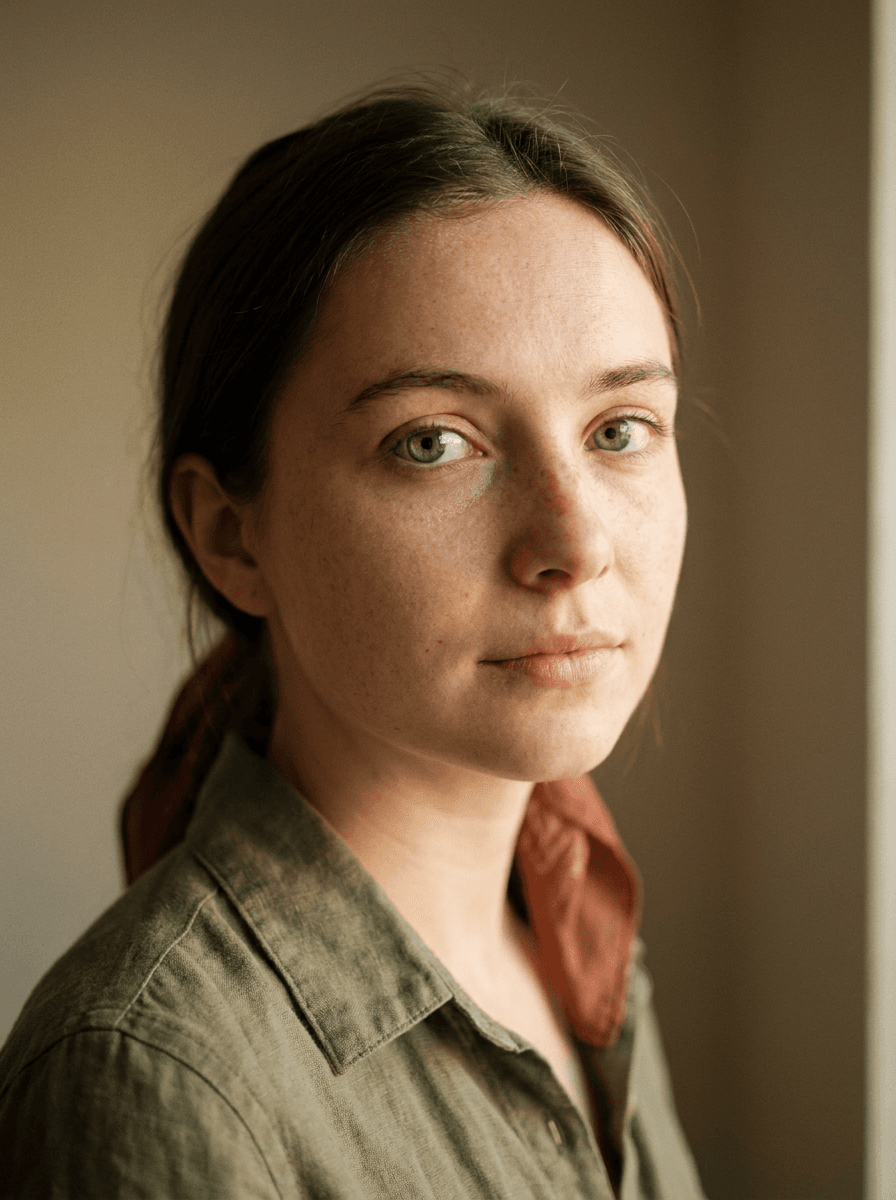
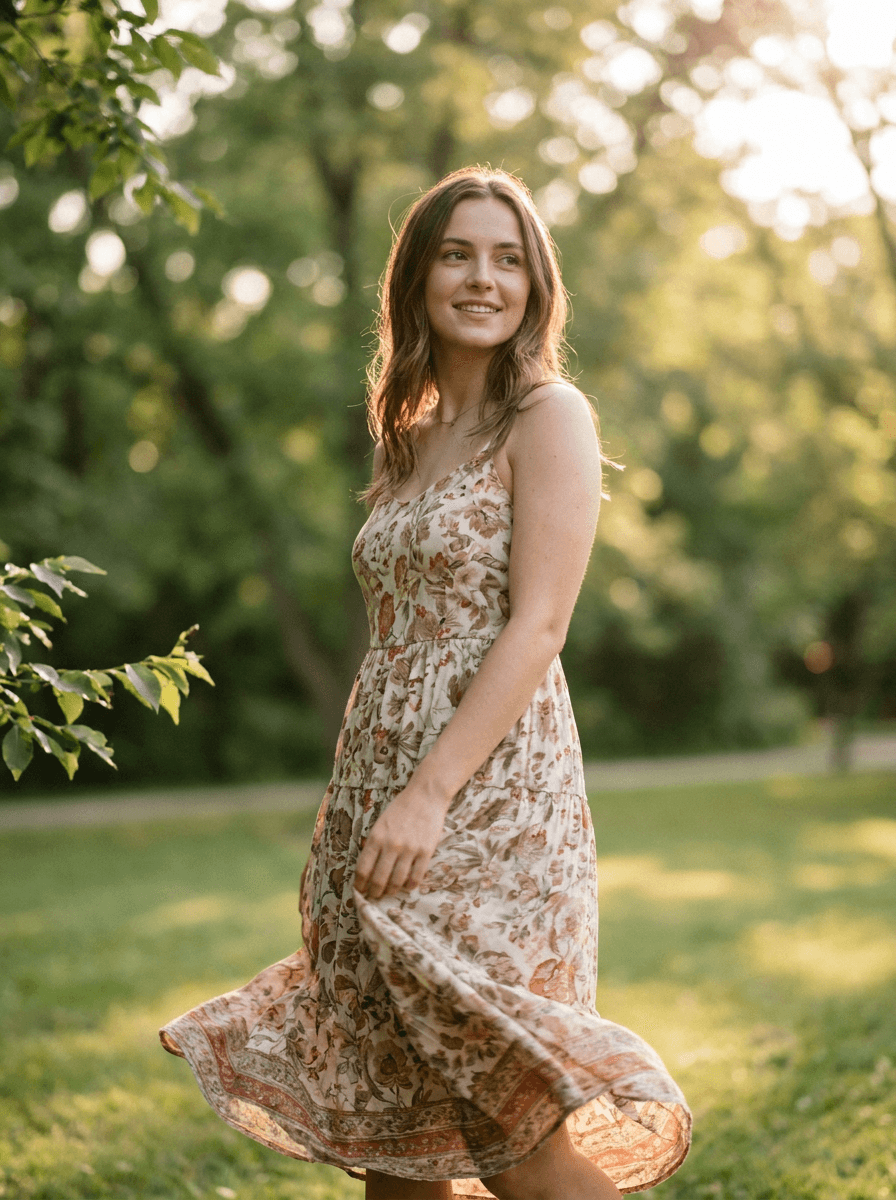
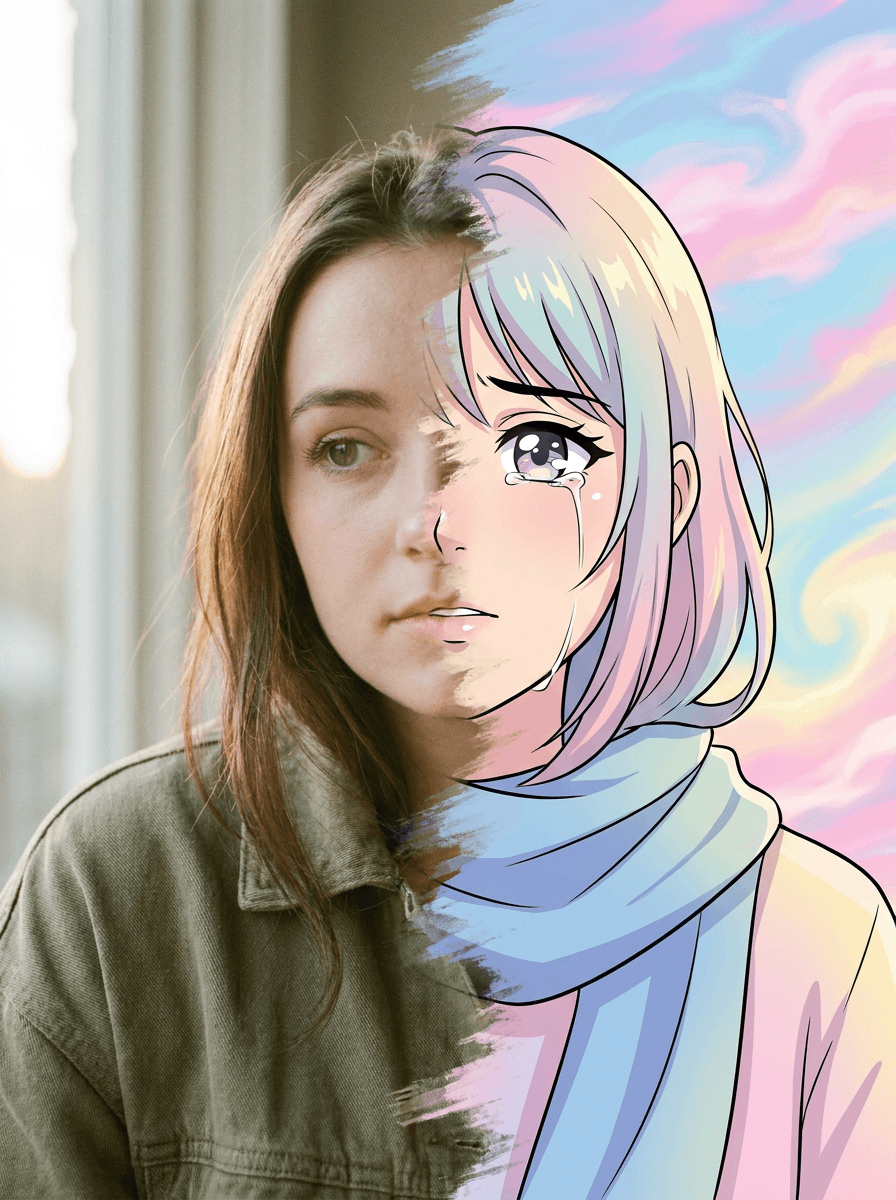
See what each one makes, then open it in Made.

