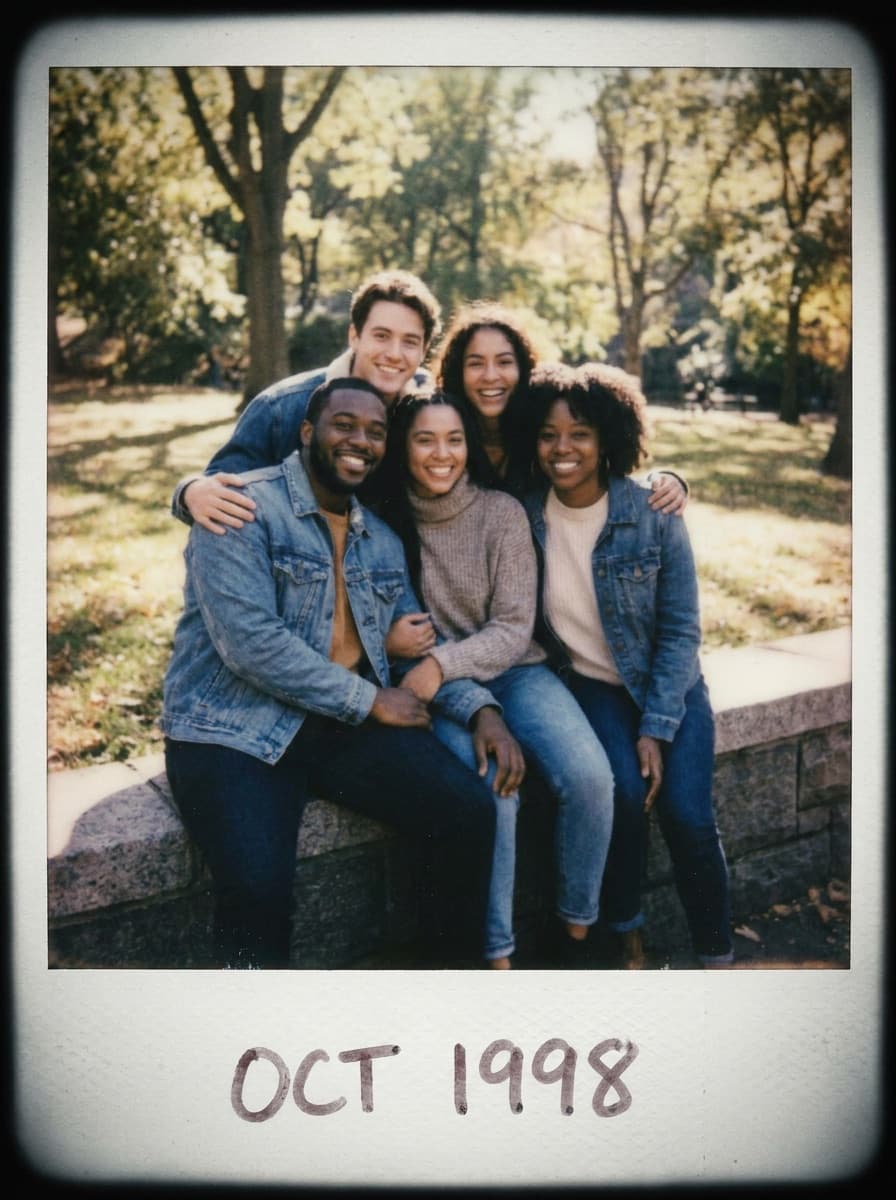
Friends snapshot
“Give this photo a soft, faded instant-film look with warm tones.”
Upload a photo and Made restyles it with the character of instant film — soft faded colors, warm cast, gentle vignette, and analog texture — without changing the composition.
Friends snapshot“Give this photo a soft, faded instant-film look with warm tones.”
Anything works — the effect is strongest on photos with natural light and real moments.
Warm and faded, overexposed summer, harsh party flash — instant film has moods; pick one.
Style strength runs subtle to strong; the 0.7 default gives a clearly analog but natural result.
Apply the same description to a series so the whole set looks like one film pack.
Real results from Made. Use a prompt to load it into the studio above, then add your own photo.
“Give this photo a soft, faded instant-film look with warm tones.”
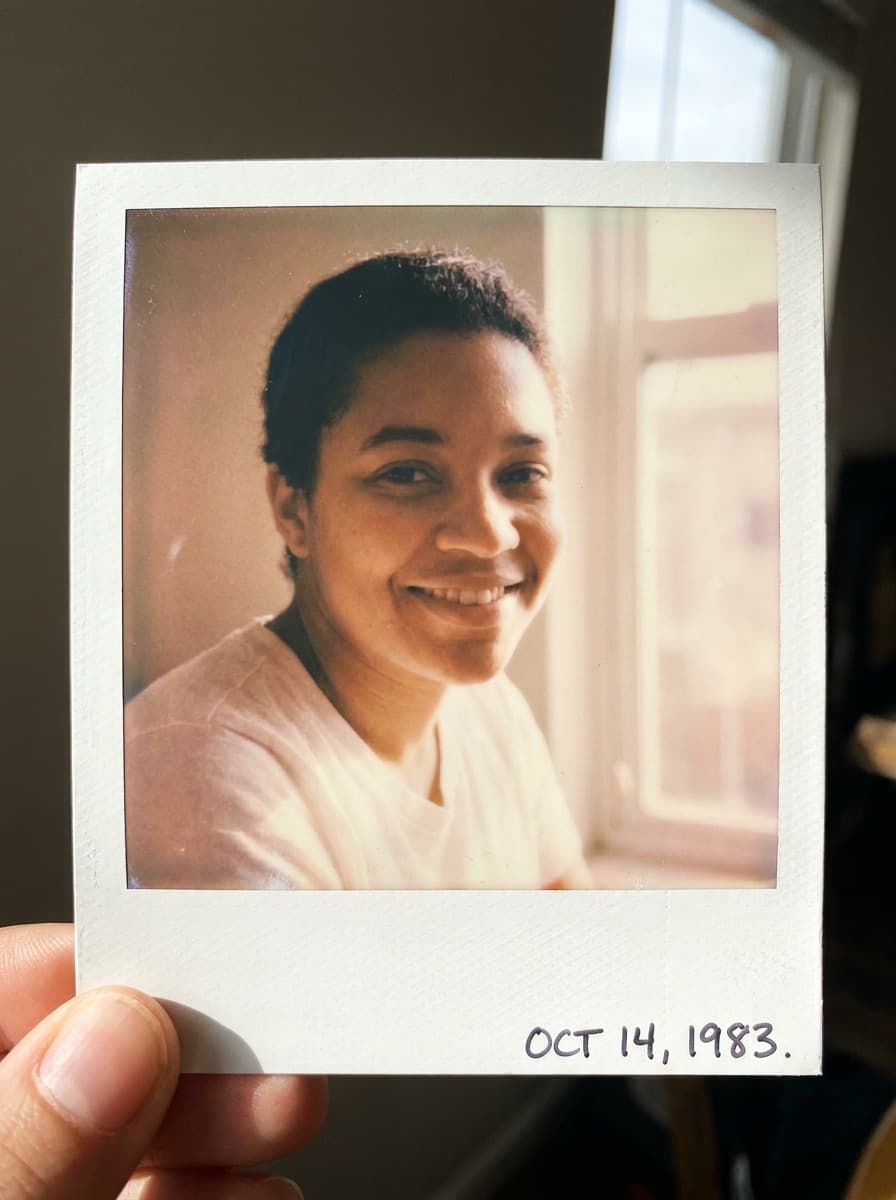
“Make this portrait look like a warm instant photo from the 90s.”
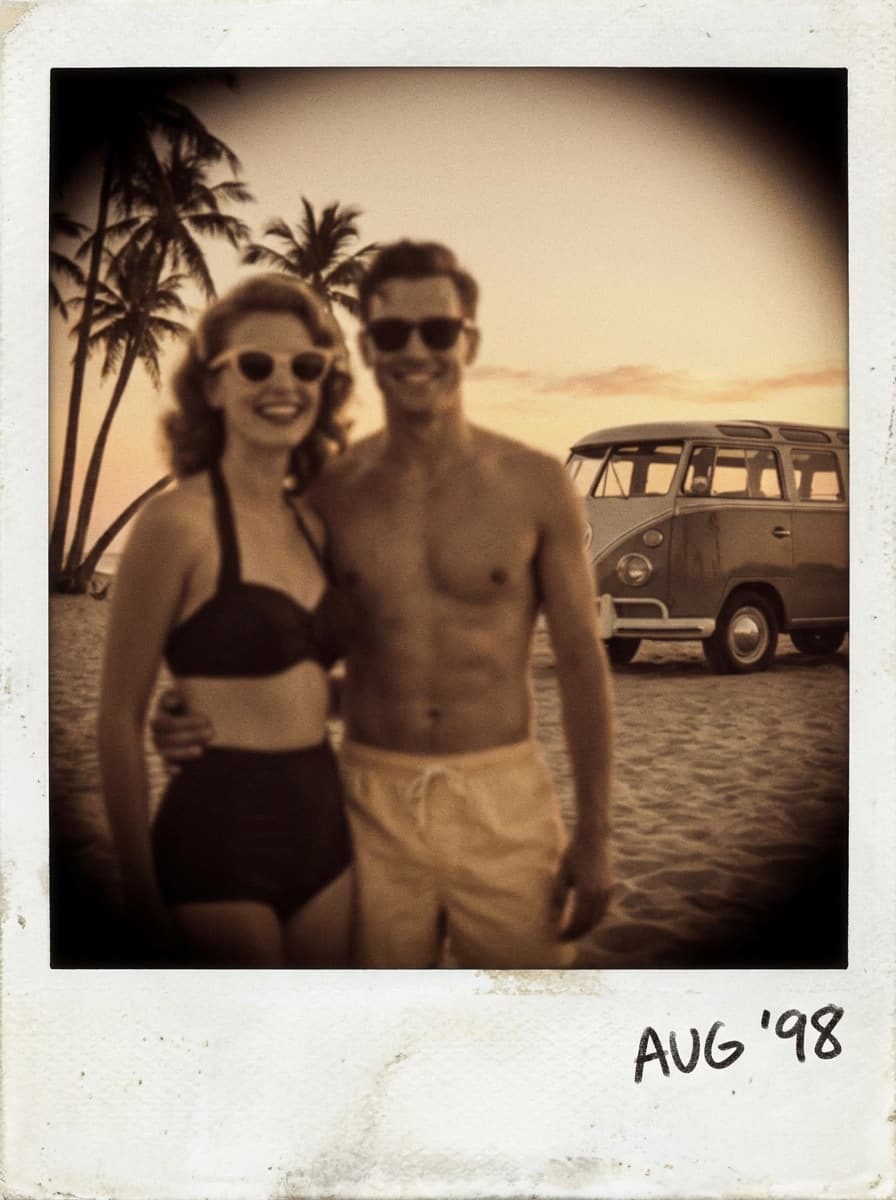
“Turn this vacation photo into a nostalgic instant-film memory, slightly overexposed.”
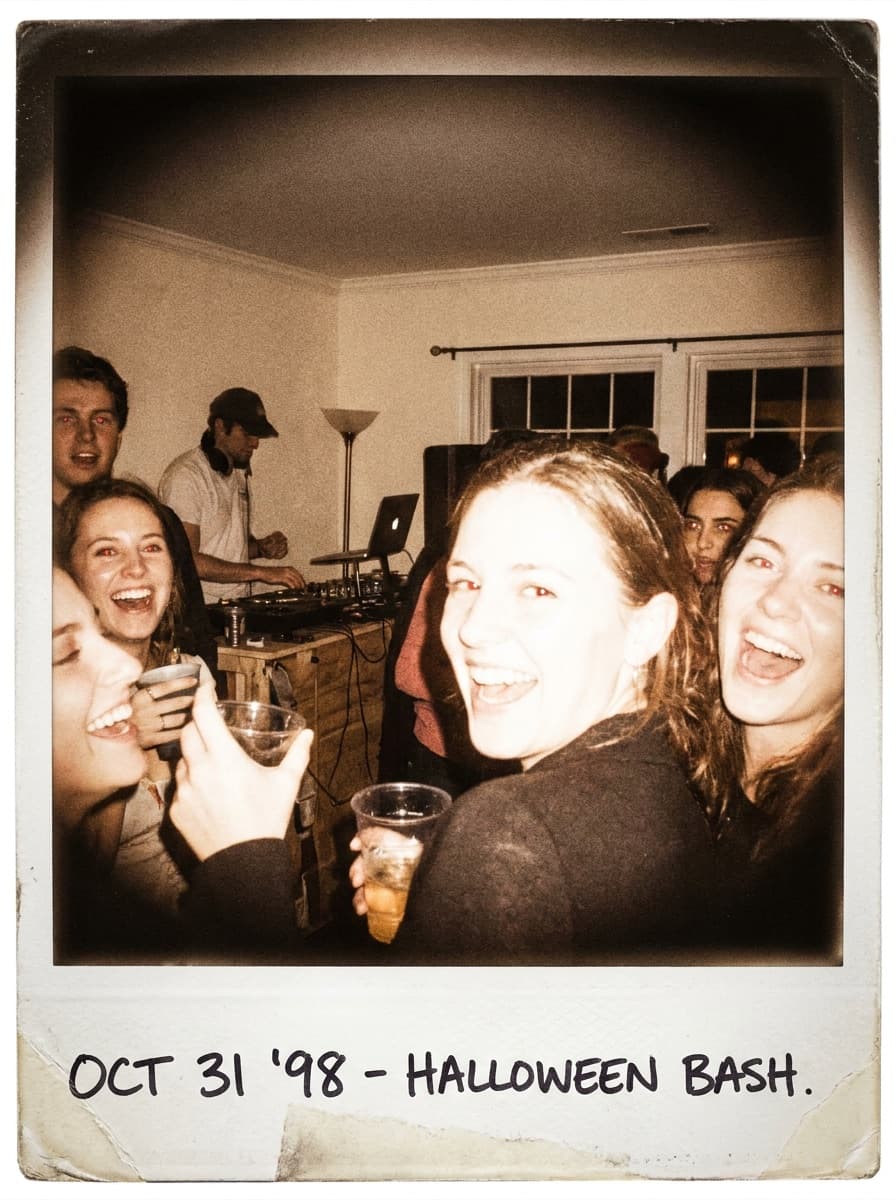
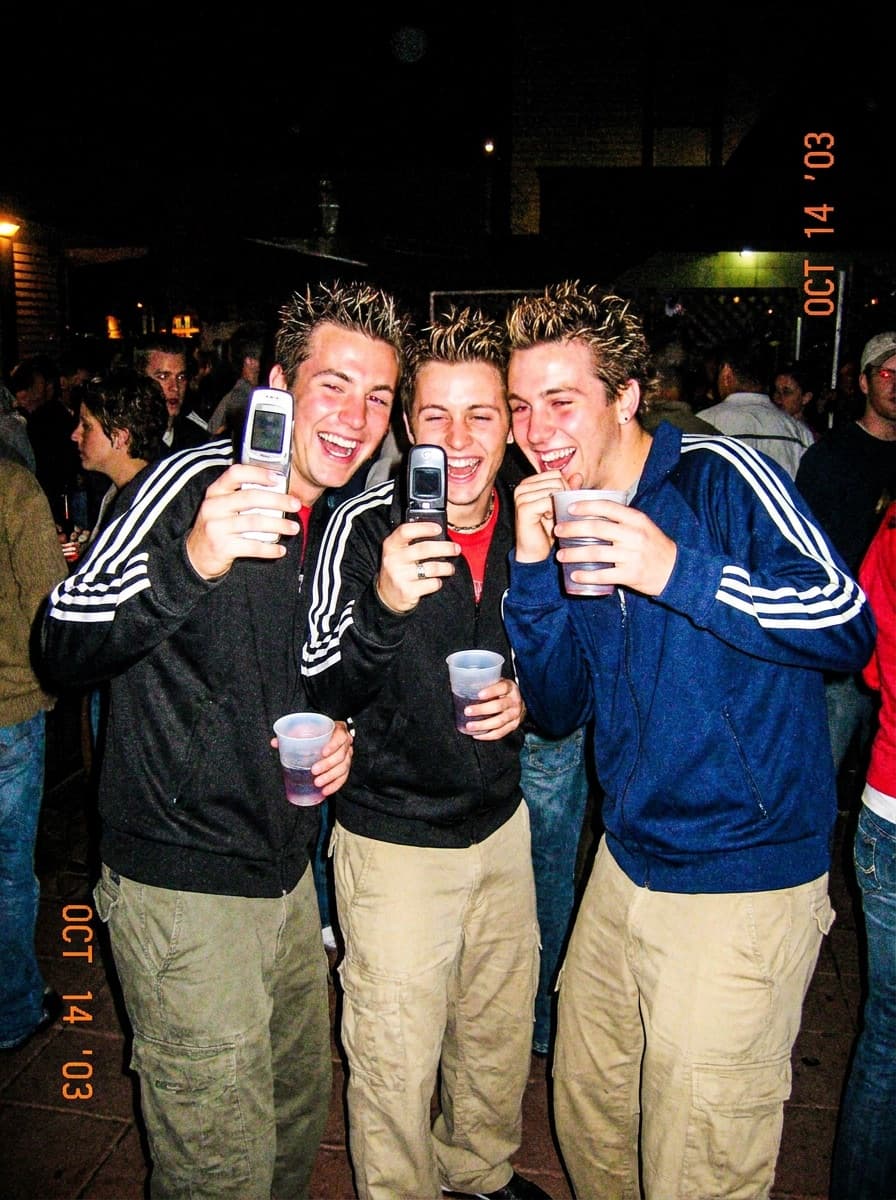
“Give this a harsh instant-camera flash look with deep shadows and washed highlights.”
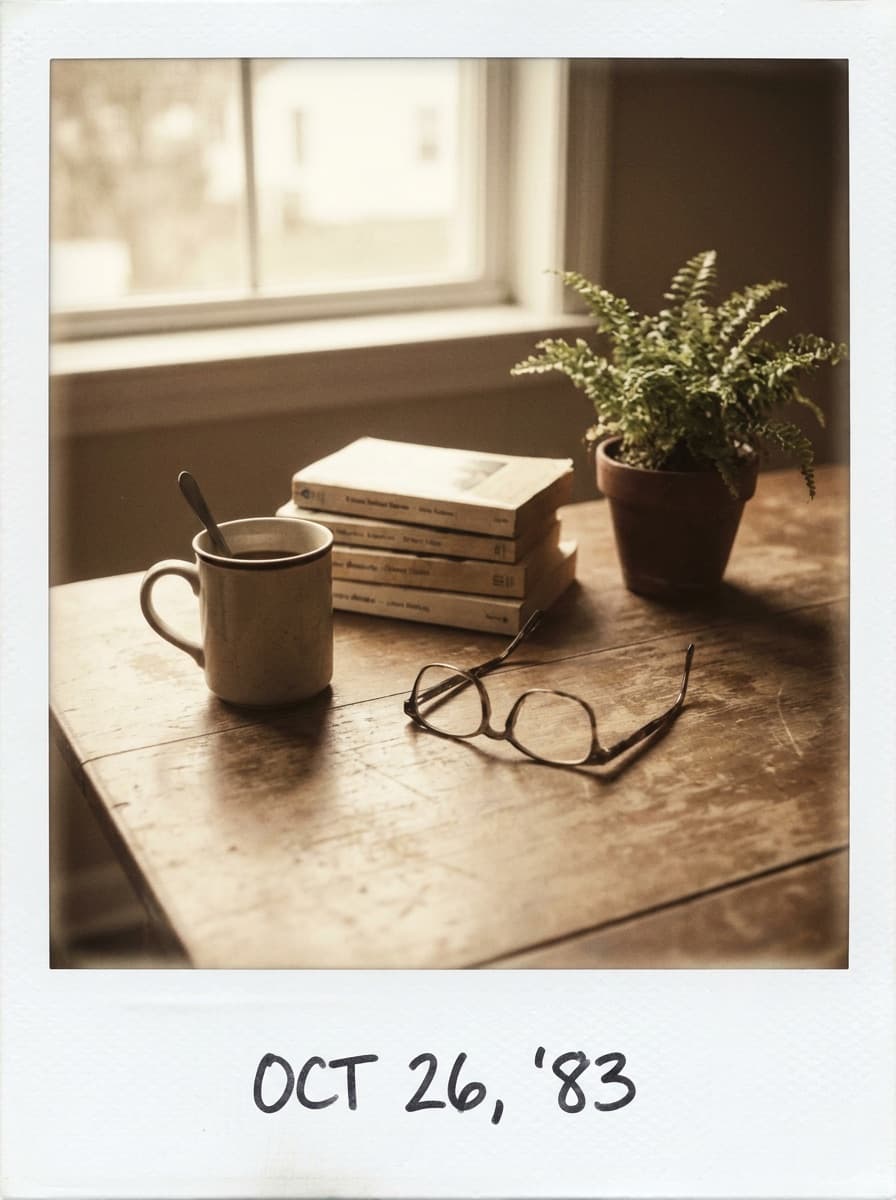
“Instant-film treatment: muted colors, soft focus edges, analog grain.”
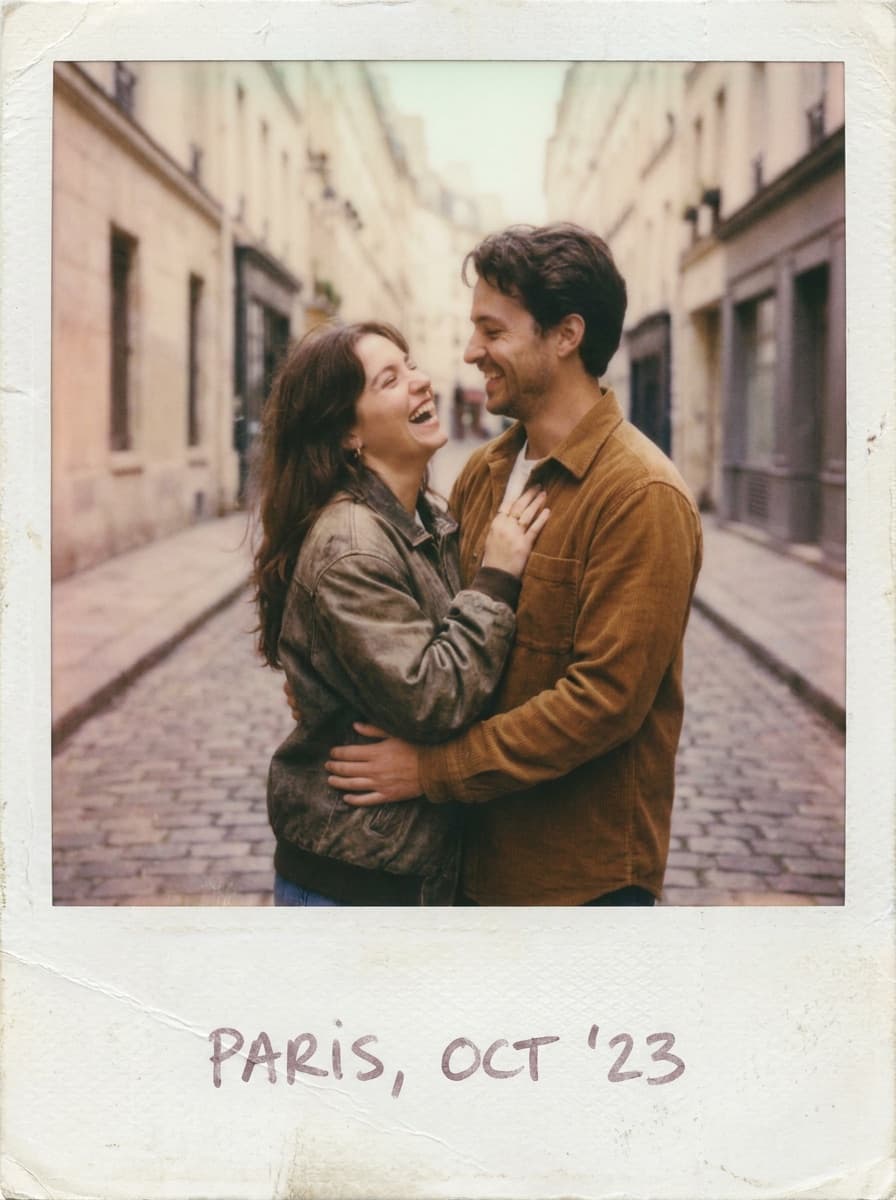
“A faded, romantic instant-photo look for this candid moment.”
Checked against the running tool on 2026-09-04.
The rendering, not the content: colors shift toward the warm, slightly faded instant-film palette, highlights soften, a gentle vignette appears, and fine analog grain replaces digital crispness. Your composition, people, and scene stay exactly as photographed.
The effect styles the image itself. For the classic white border, ask for it explicitly in the request — “add a white instant-photo frame” — or add a frame afterward in a design tool for exact proportions.
Candid moments, natural light, and imperfect framing — the same things real instant cameras were used for. Ultra-clean studio shots take the effect too, but the nostalgia reads strongest on photos that feel like memories.
Yes — describe the flavor: warm and faded, cool and moody, overexposed beach light, or the harsh direct-flash party look. Each is a recognizable instant-film dialect the model can apply.
The default intensity (0.7) is clearly analog without destroying detail. Ask for subtle if you want just a hint of fade, or strong for the fully degraded found-photo look.
Yes — the treatment softens tones rather than blurring features. Instant film’s charm is in color and light, and that is what the effect reproduces.
Run each photo with the same description and intensity, and the set comes out looking like one pack of film. Keep the wording identical — it acts as your recipe.
 +
+ New
New
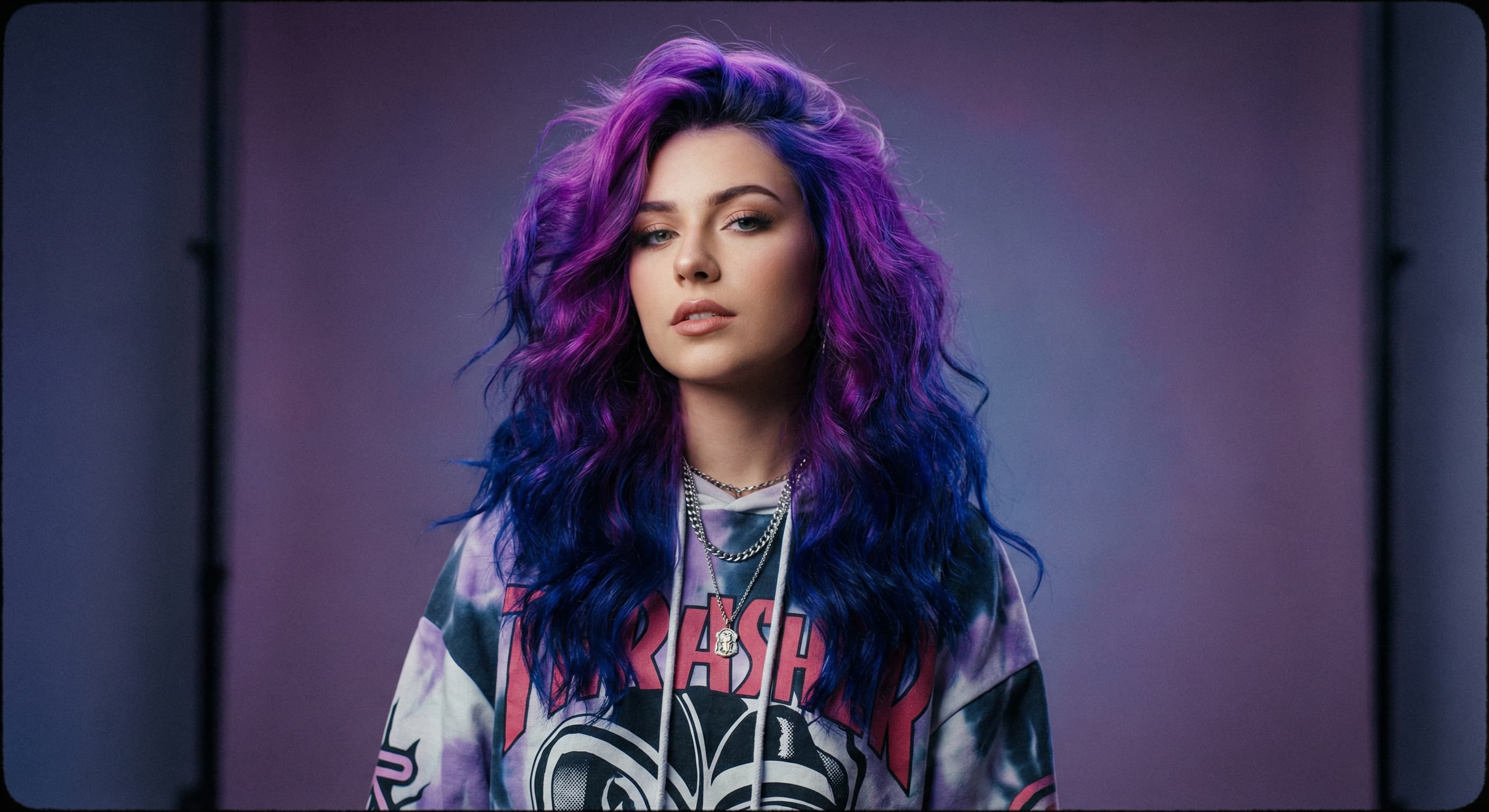
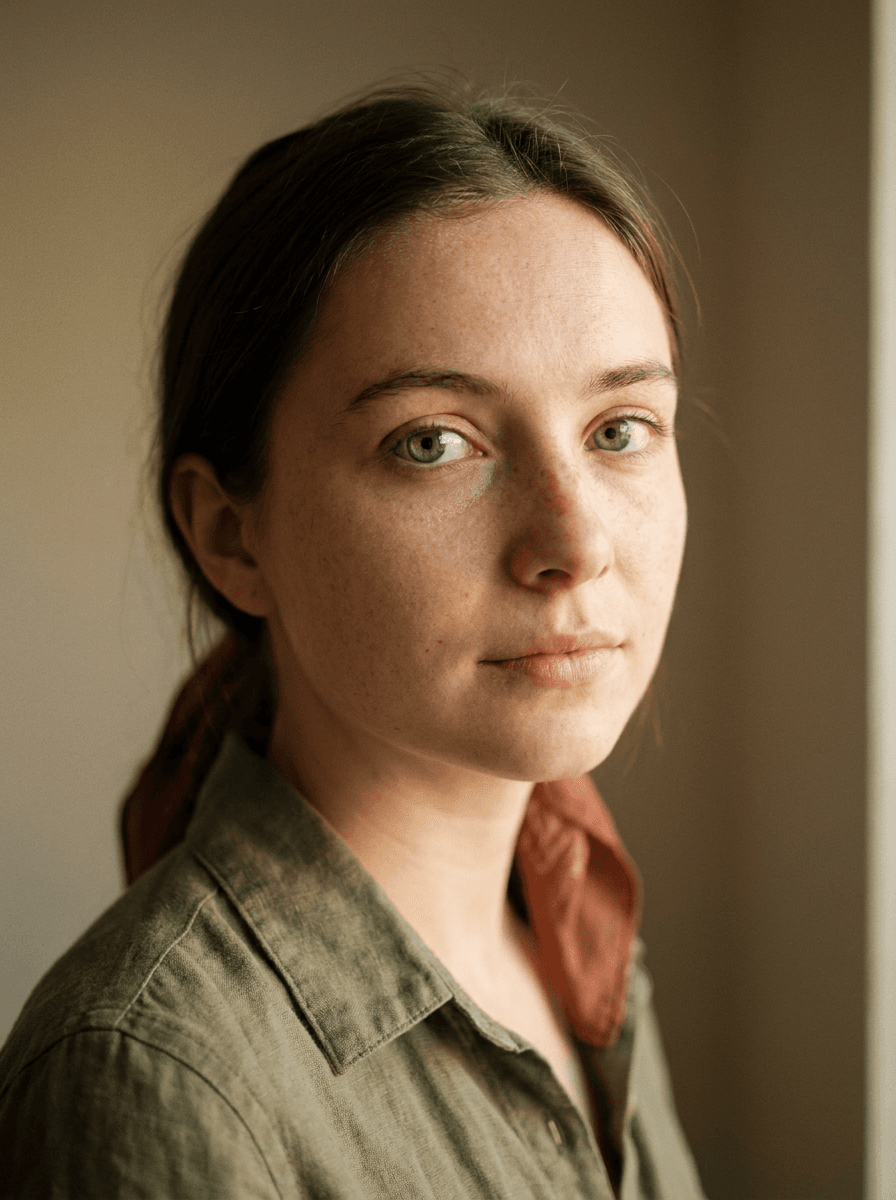
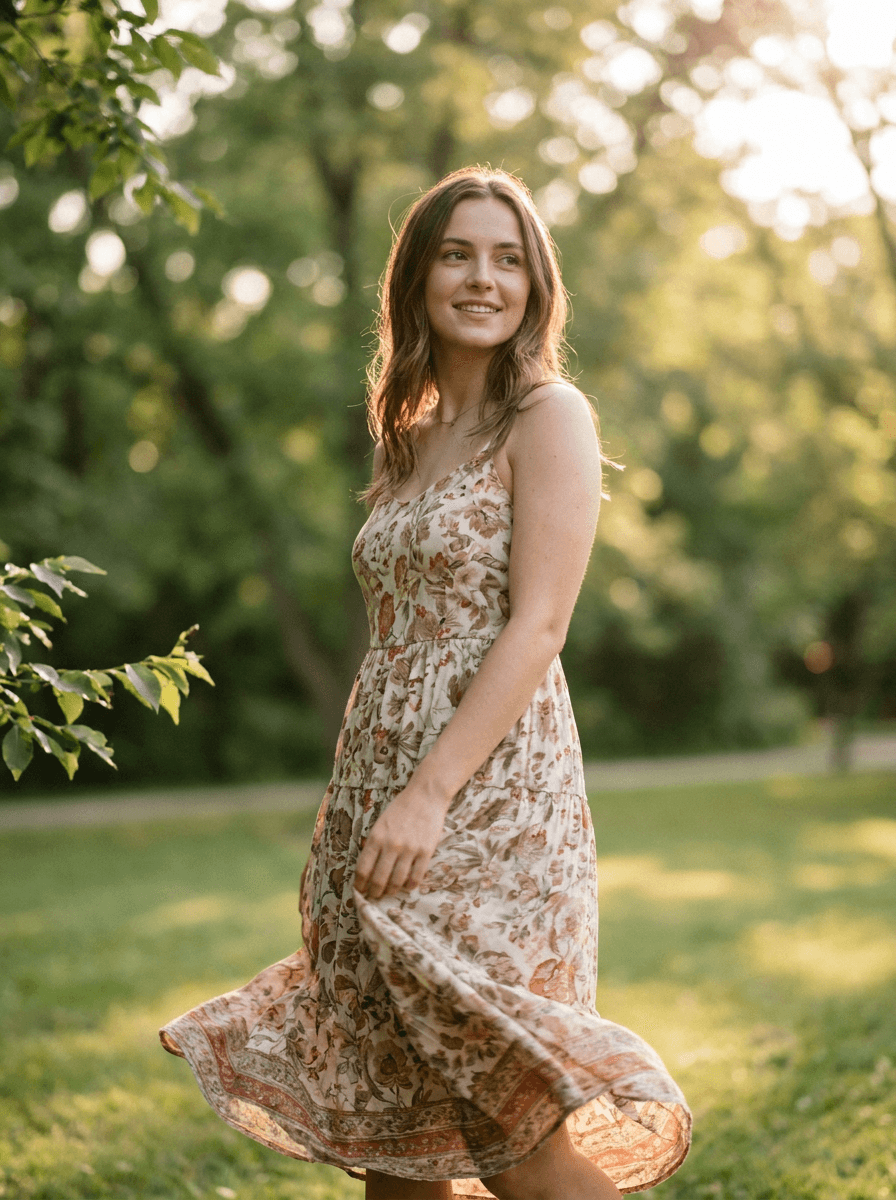
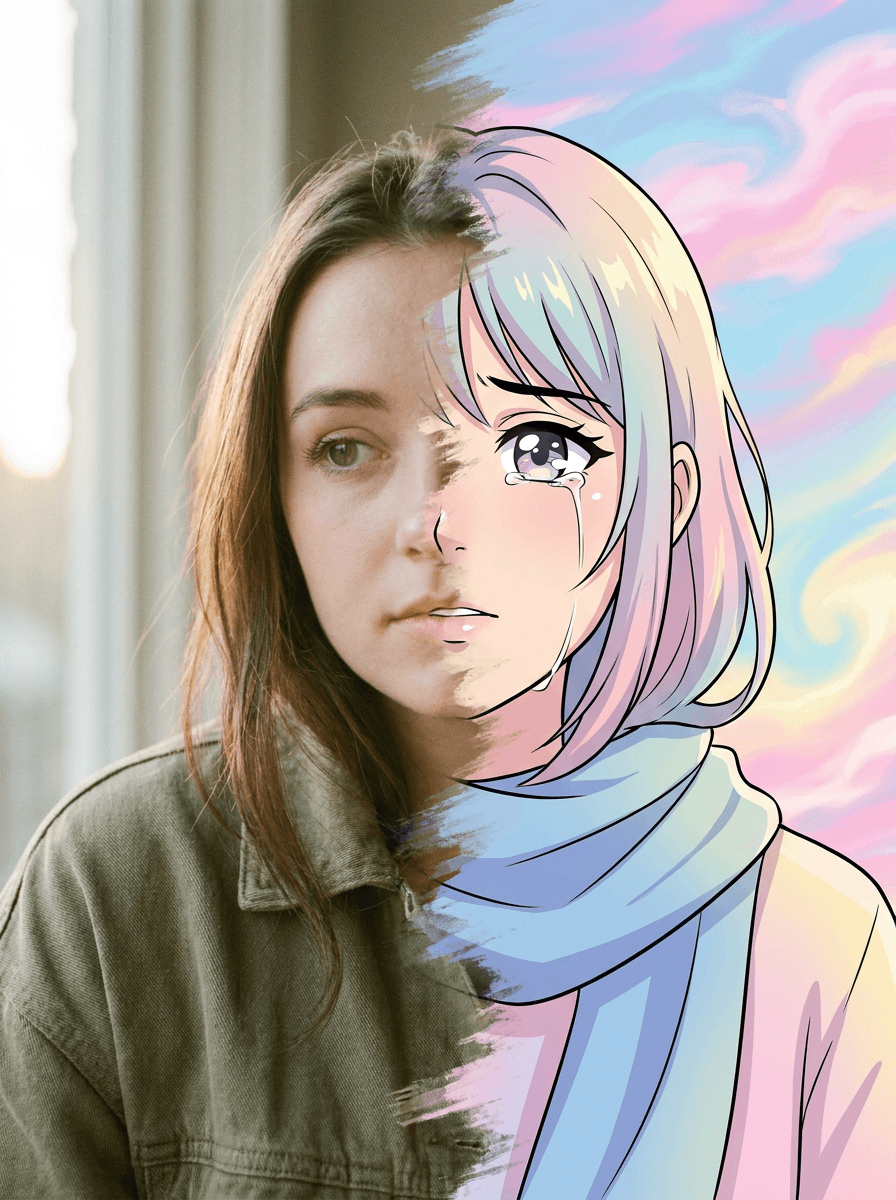
See what each one makes, then open it in Made.

