Logo cleanup
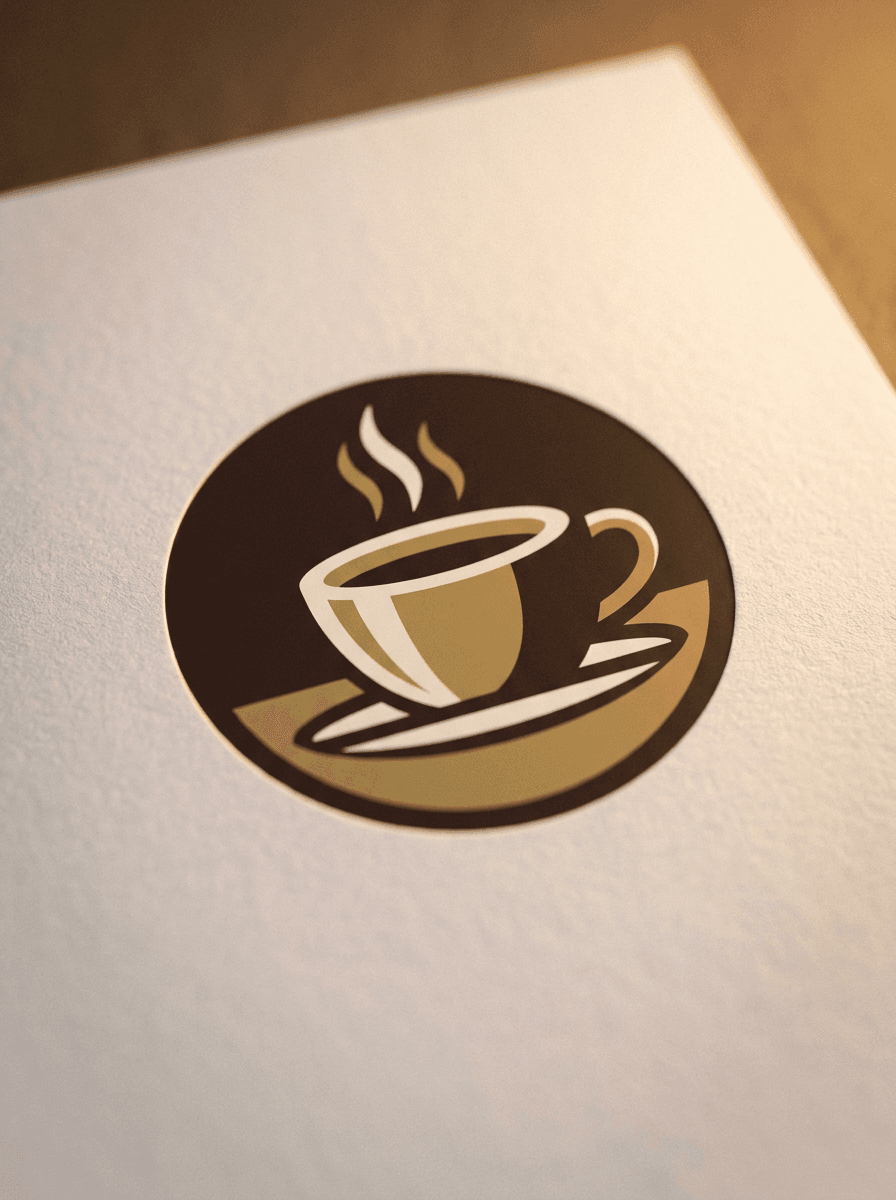
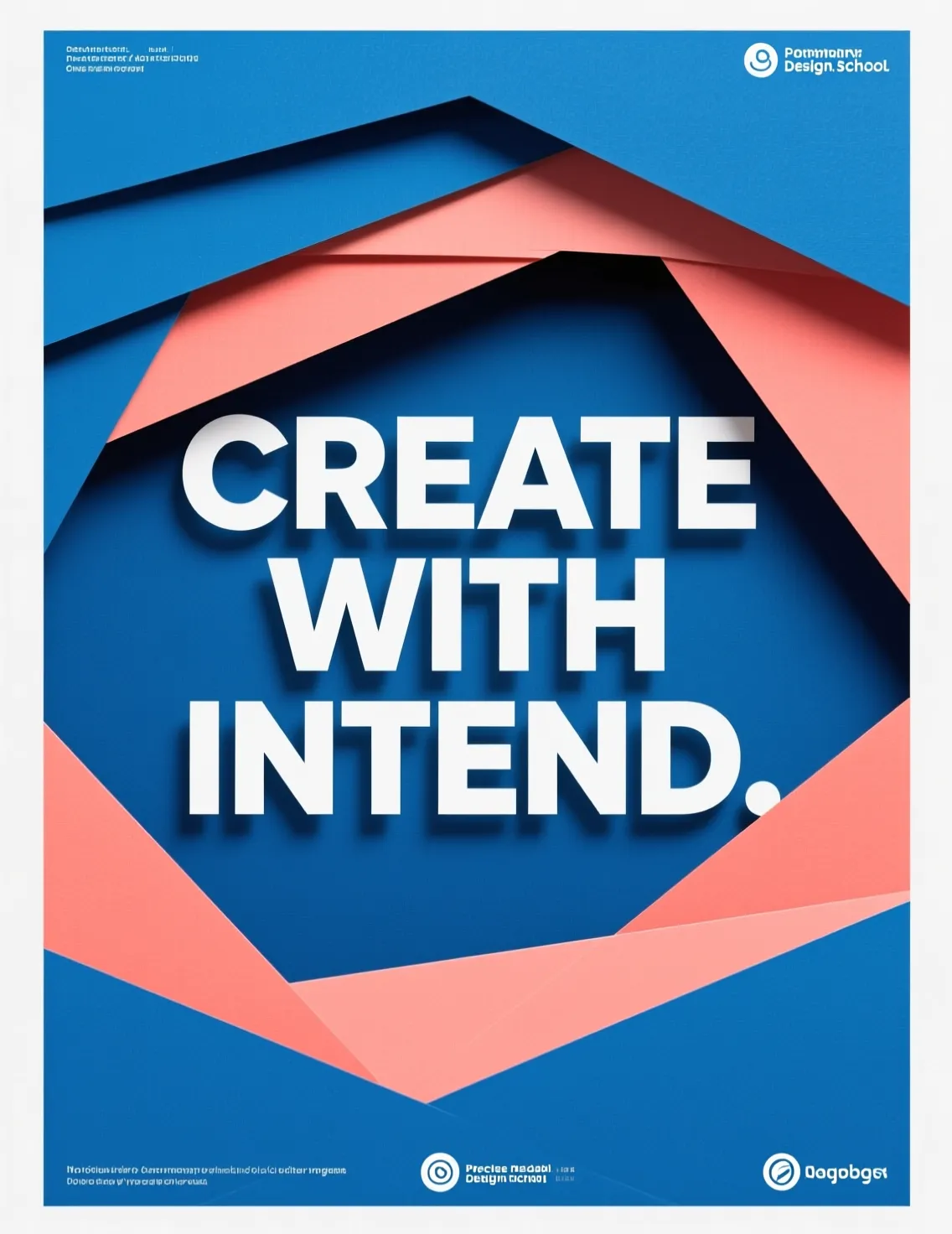
“Redraw this logo photo as a clean, flat vector-style badge.”
Upload a photo or logo and Made redraws it as a clean, flat vector-style graphic — simplified shapes, crisp edges, and solid fills — delivered as a PNG.
Logo cleanup“Redraw this logo photo as a clean, flat vector-style badge.”
Choose a JPEG, PNG, or WebP — logos and images with a clear subject convert most cleanly.
Ask for flat colors, crisp edges, a limited palette, or a thick sticker outline.
The edit model returns a simplified, vector-style version of your image as a PNG.
Zoom in on outlines and fills; rerun with a tighter instruction if you want fewer colors or cleaner shapes.
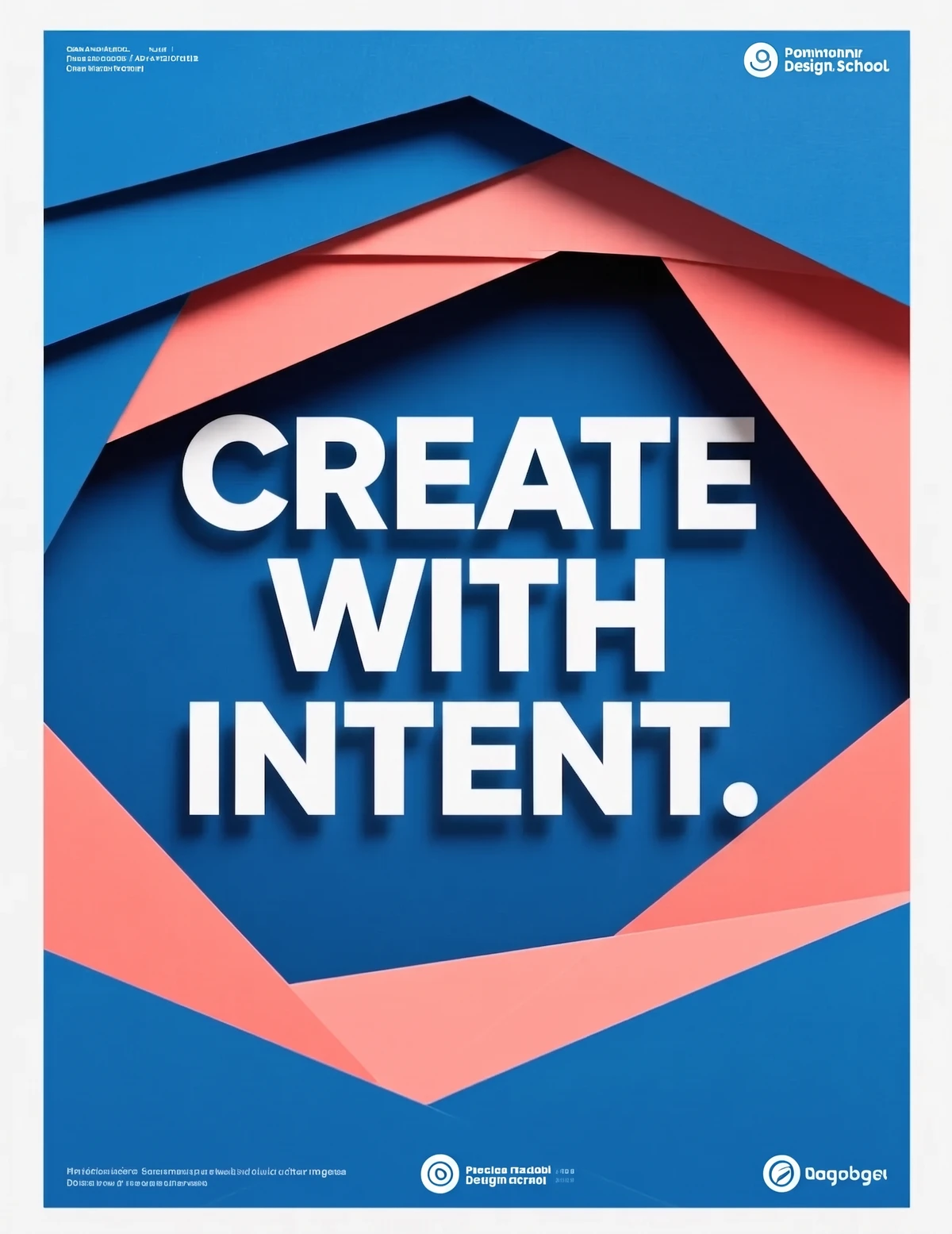
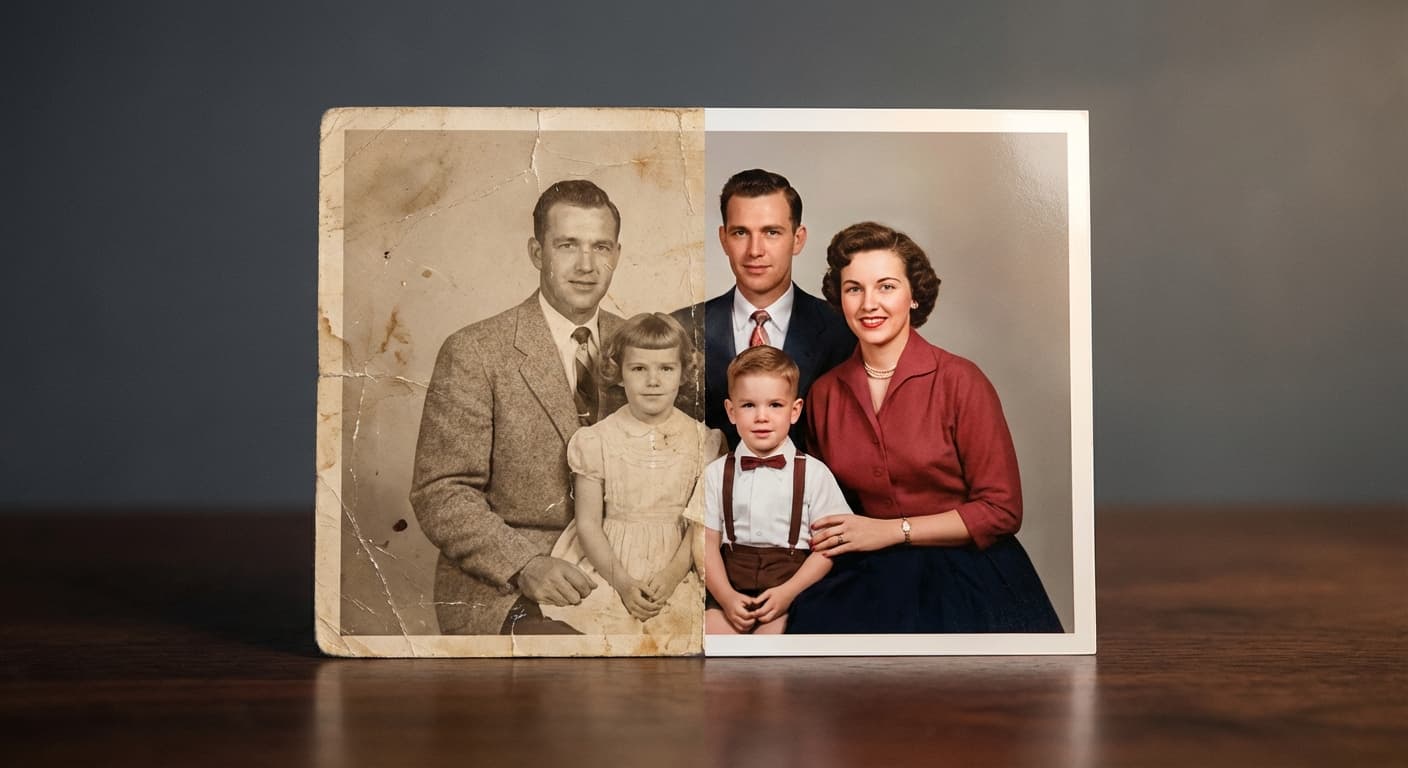
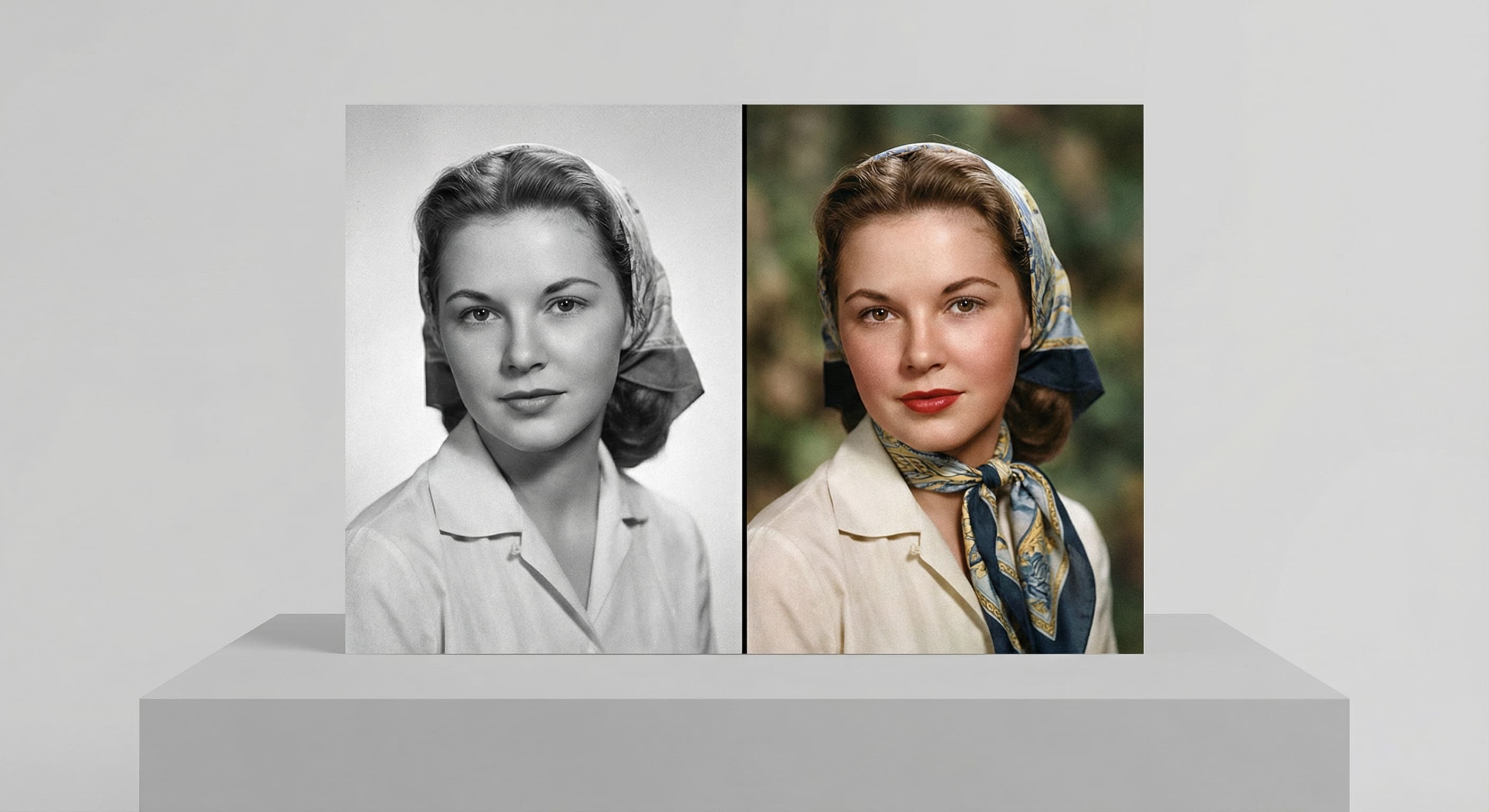
Real results from Made. Use a prompt to load it into the studio above, then add your own photo.
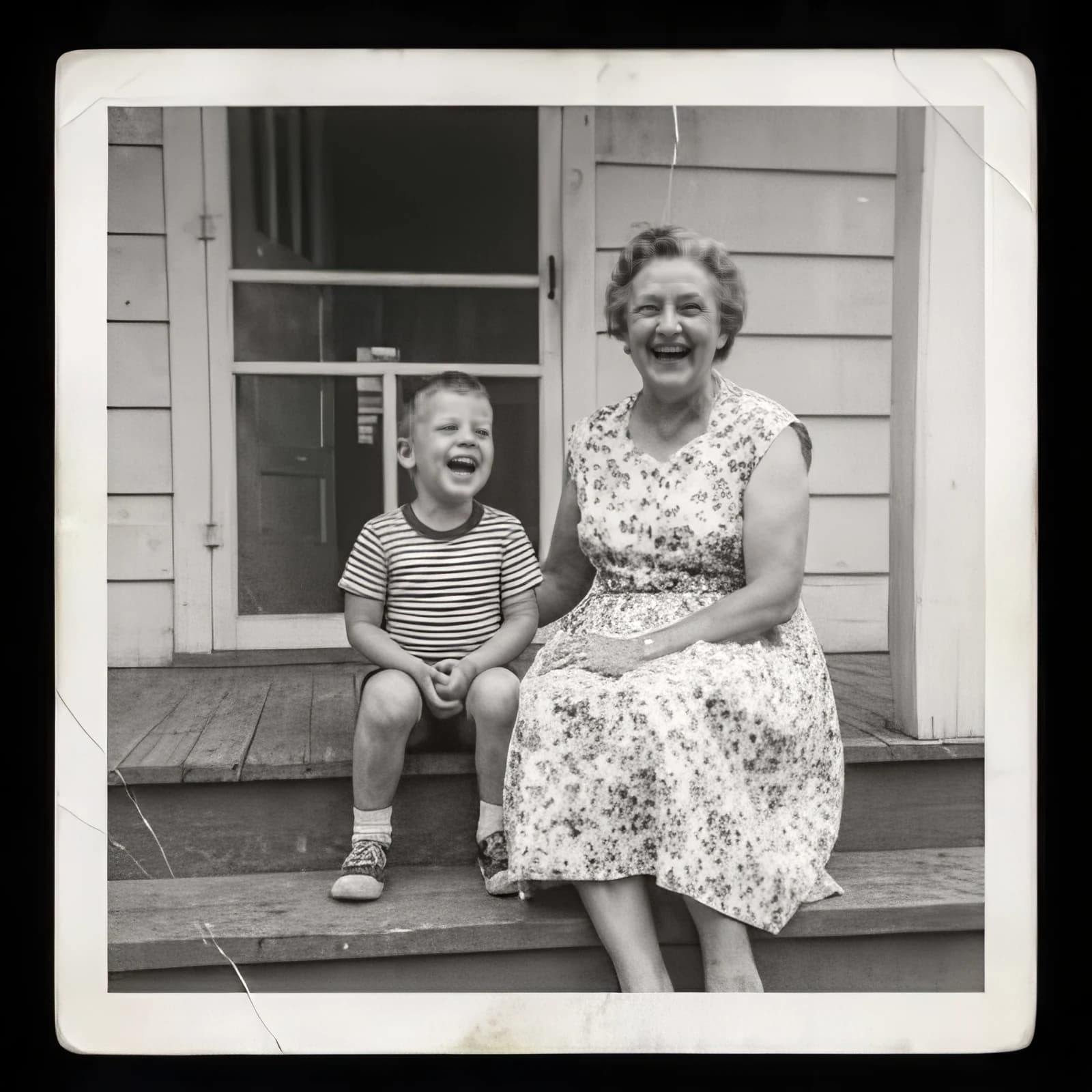
“Redraw this logo photo as a clean, flat vector-style badge.”
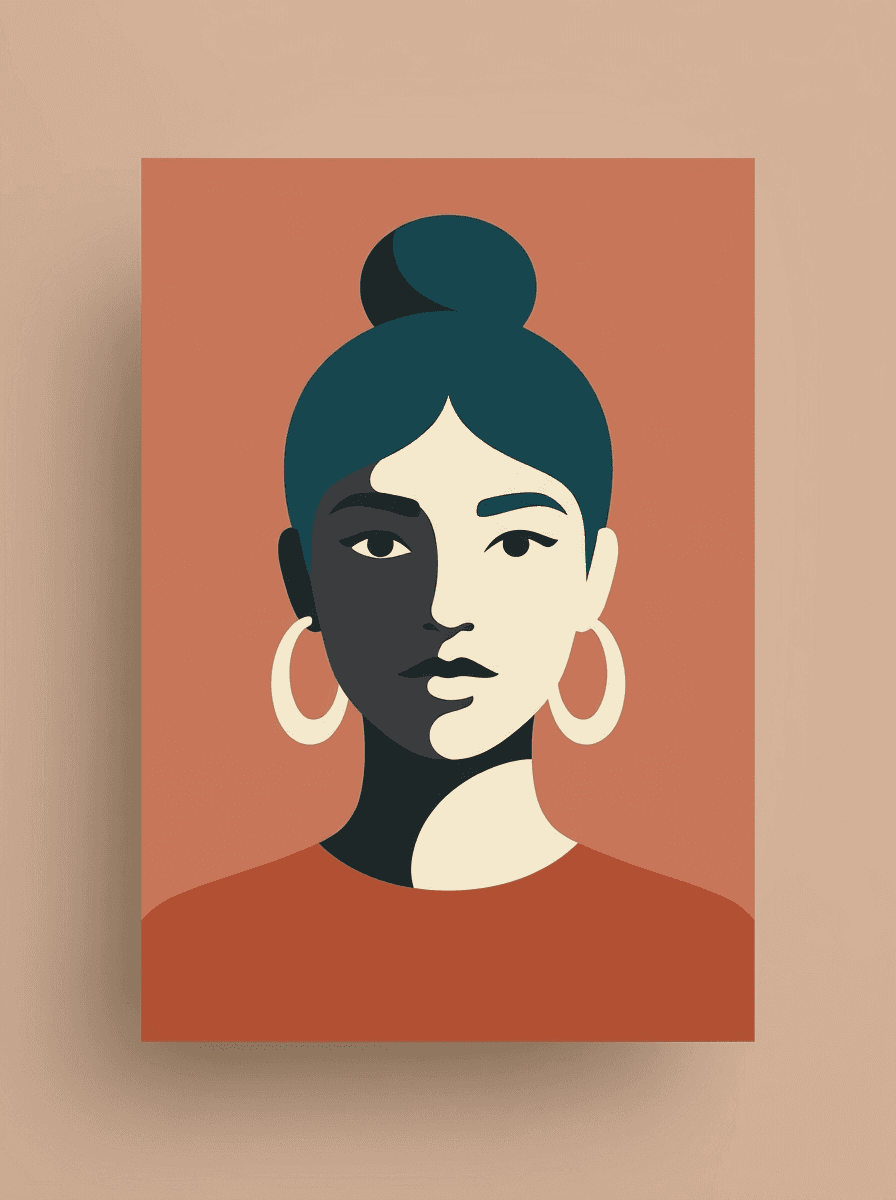
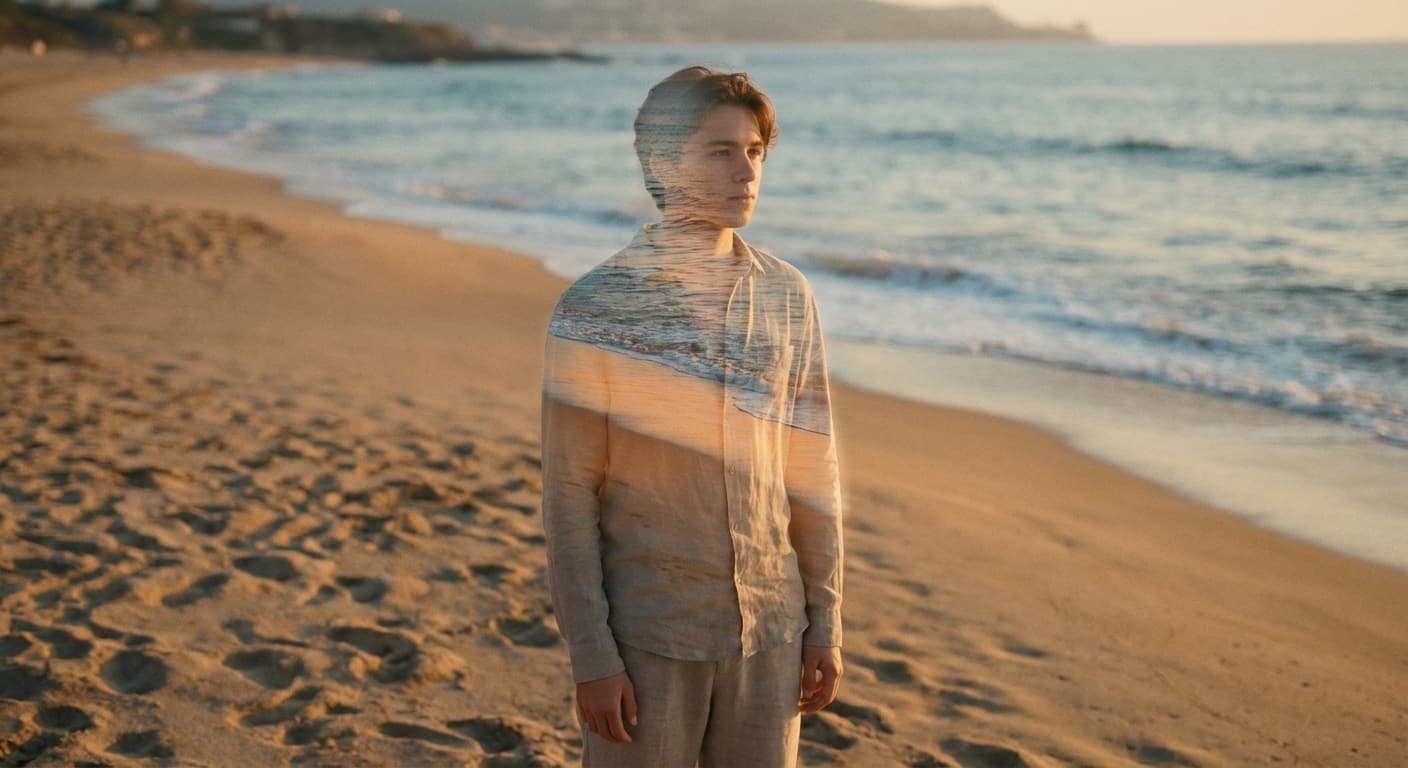
“Turn this portrait into a flat vector-style illustration with four colors.”
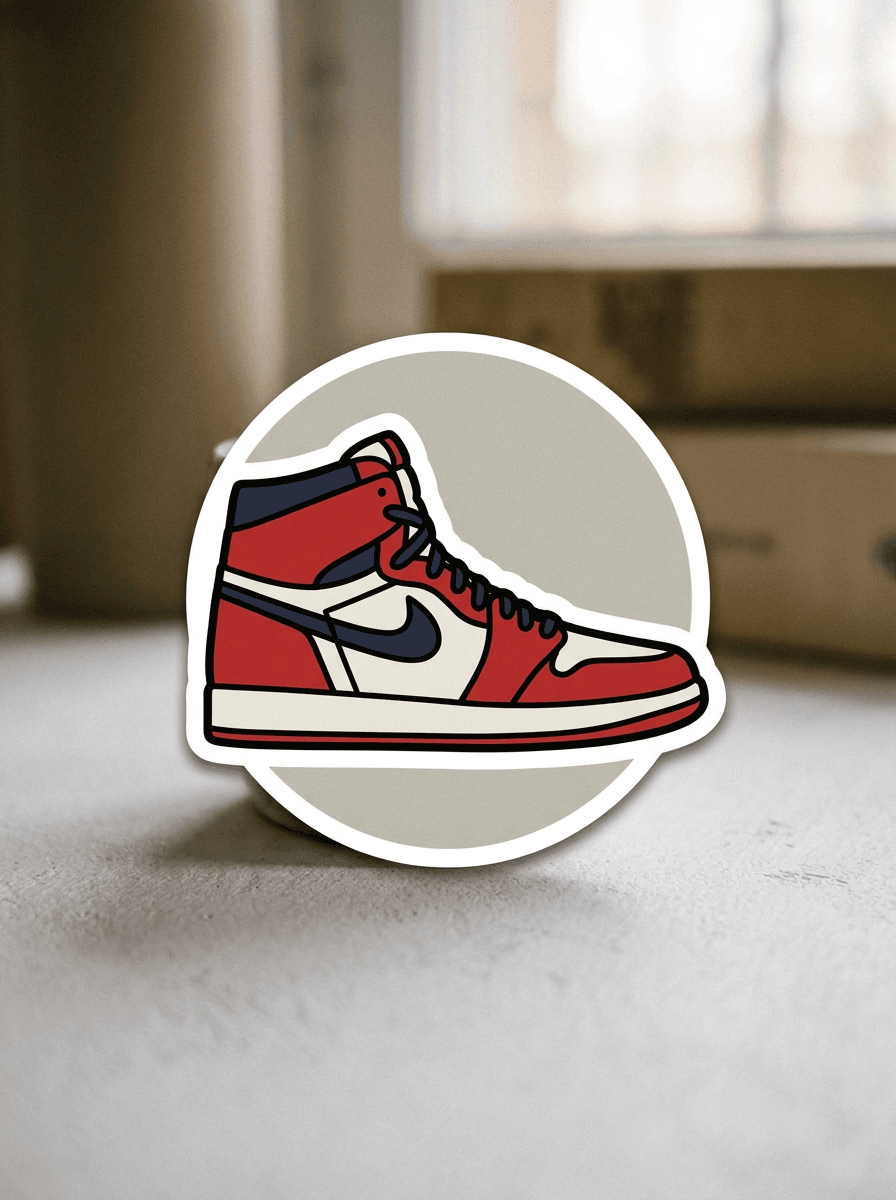
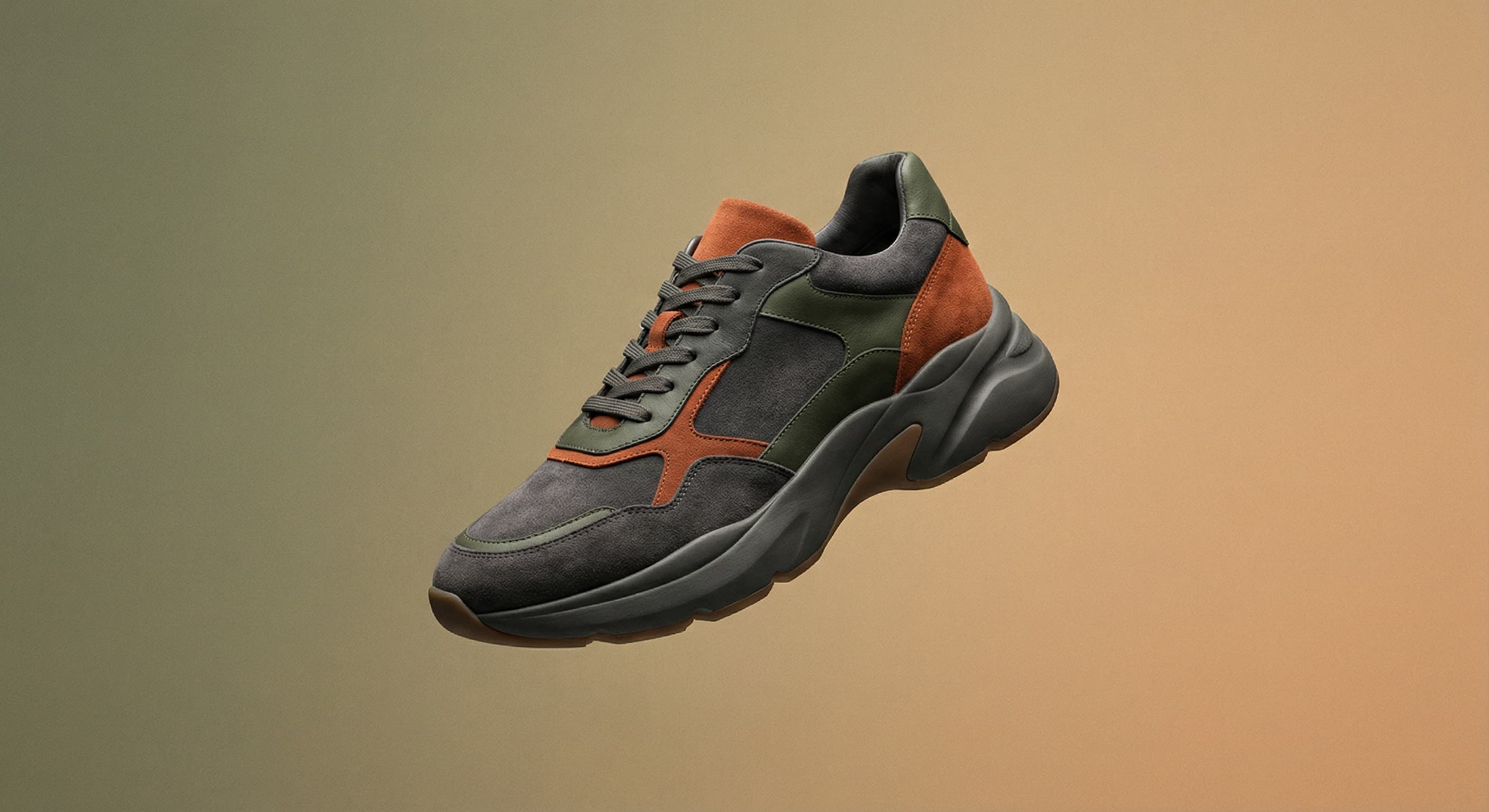
“Vectorize this sneaker photo into a bold sticker-style graphic.”
Checked against the running tool on 2026-09-03.
Upload a photo or logo and ask Made to redraw it in a flat vector style. Made sends the image and your instruction to the Nano Banana 2 edit model on fal.ai and returns a simplified, crisp-edged version of the image.
No. Made returns a vector-style image delivered as a PNG raster, not an SVG with editable paths. If you need true vector paths for cutting, engraving, or infinite scaling, run the PNG through a dedicated tracing tool afterwards — the clean flat output traces much more reliably than the original photo.
Logos, icons, and photos with one clear subject convert most cleanly, because the model can reduce them to a small set of shapes and colors. Busy scenes with many overlapping elements produce more approximate results.
Yes. Your instruction guides the edit — ask for a limited palette, geometric shapes, a thick sticker outline, or a specific color scheme, and the model applies it to the redraw.
Upload one JPEG, PNG, or WebP per request. Inputs over 1,536 pixels on either side are downscaled before editing.
Photo to Sketch renders your image as hand-drawn line work, keeping a sketchy, pencil-like texture. Image Vectorizer aims for the opposite finish: flat solid fills, uniform edges, and a graphic, printable look.
The primary path uses the Nano Banana 2 edit model on fal.ai, which returns a PNG. When that provider is unavailable, Made falls back to Google’s Nano Banana on Replicate.
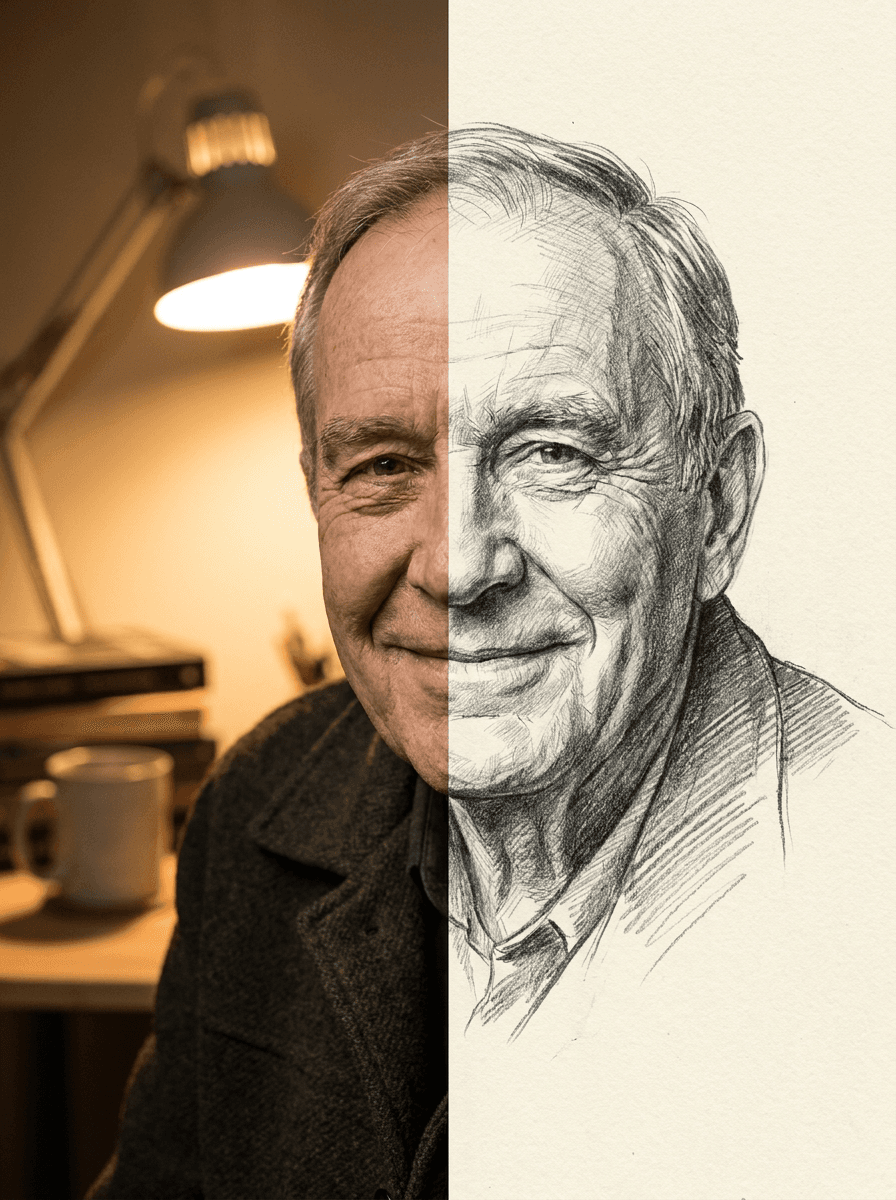
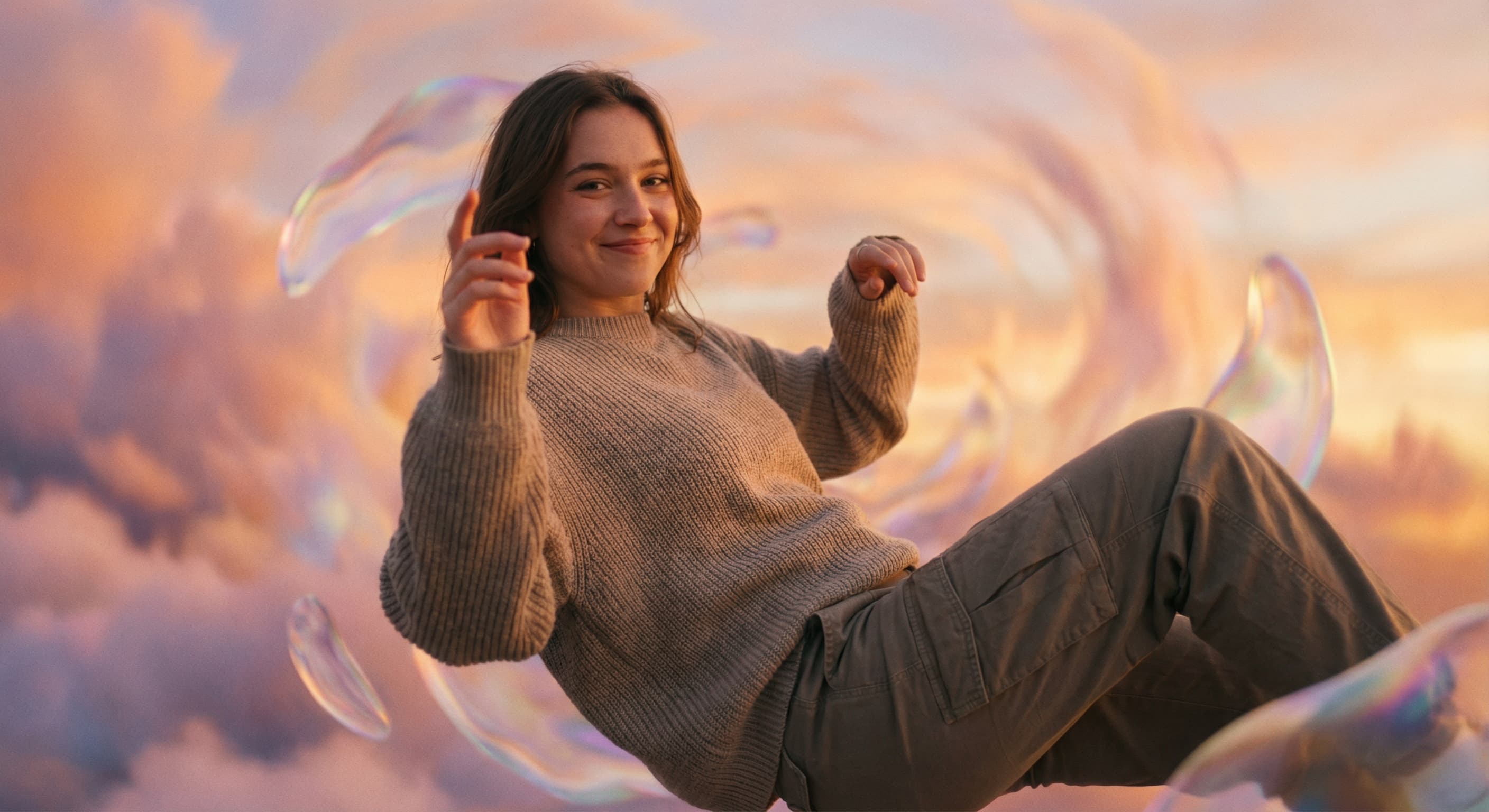
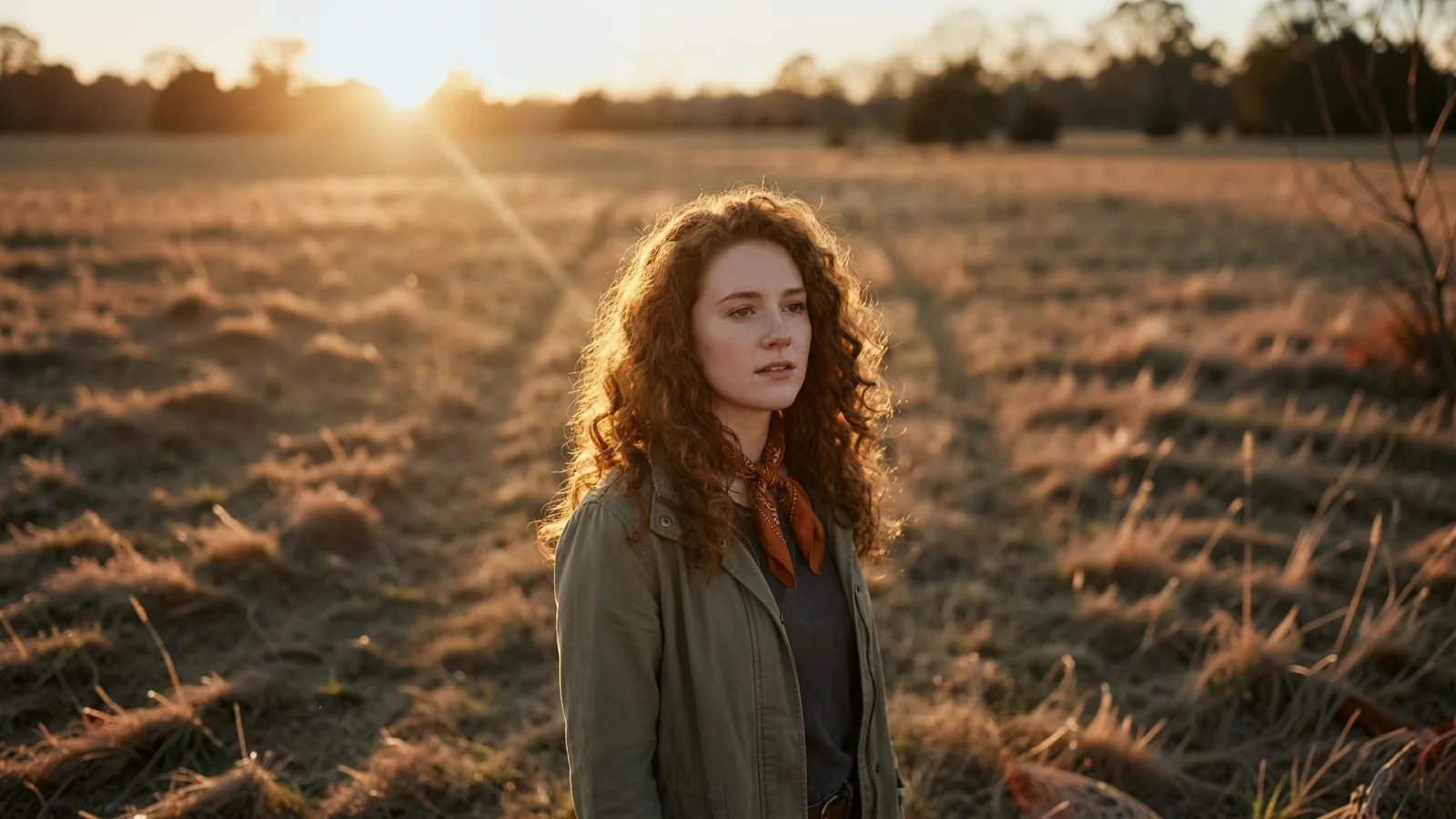
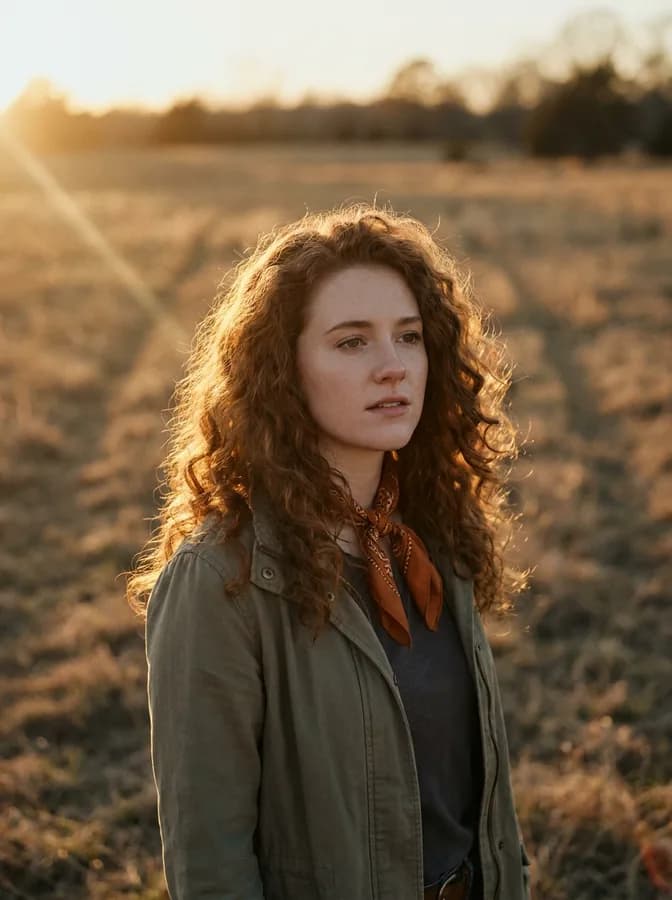
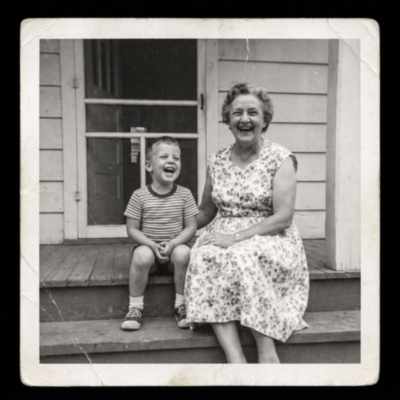
See what each one makes, then open it in Made.