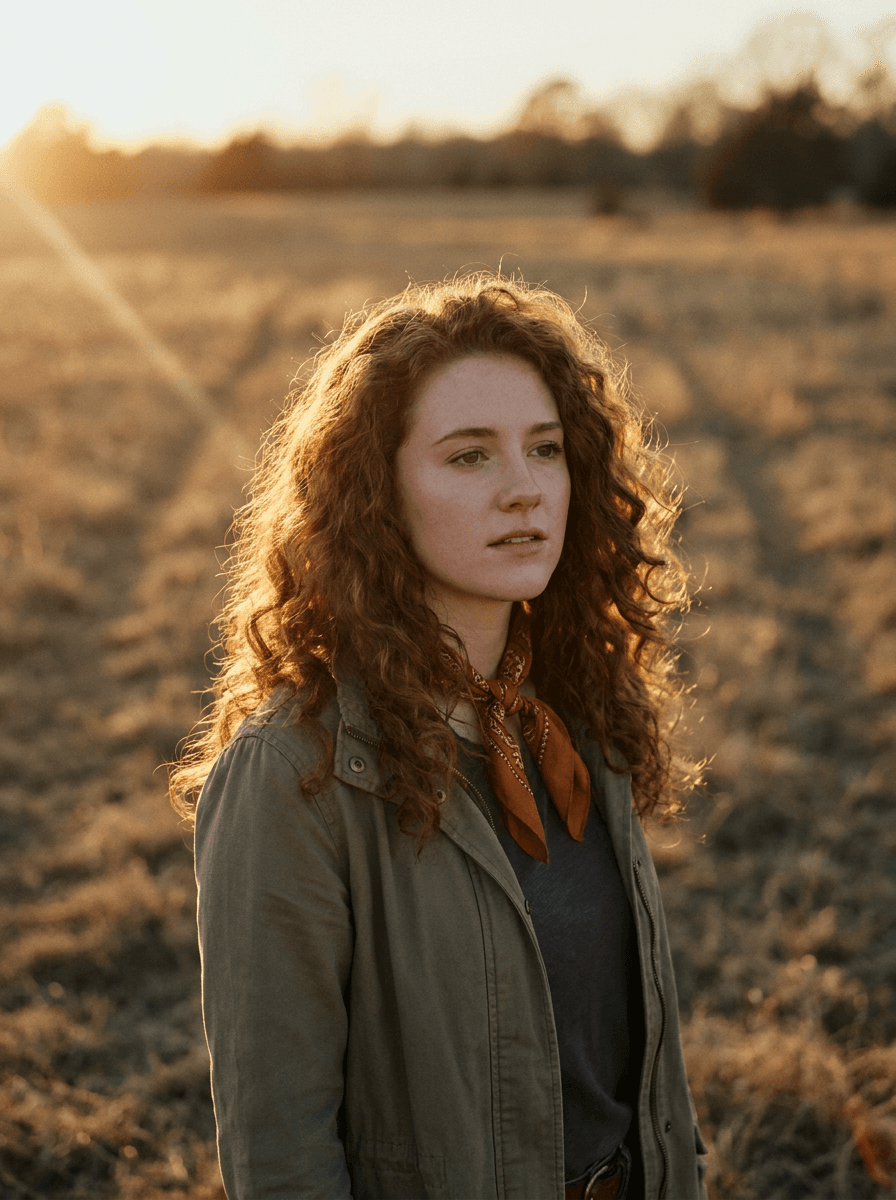
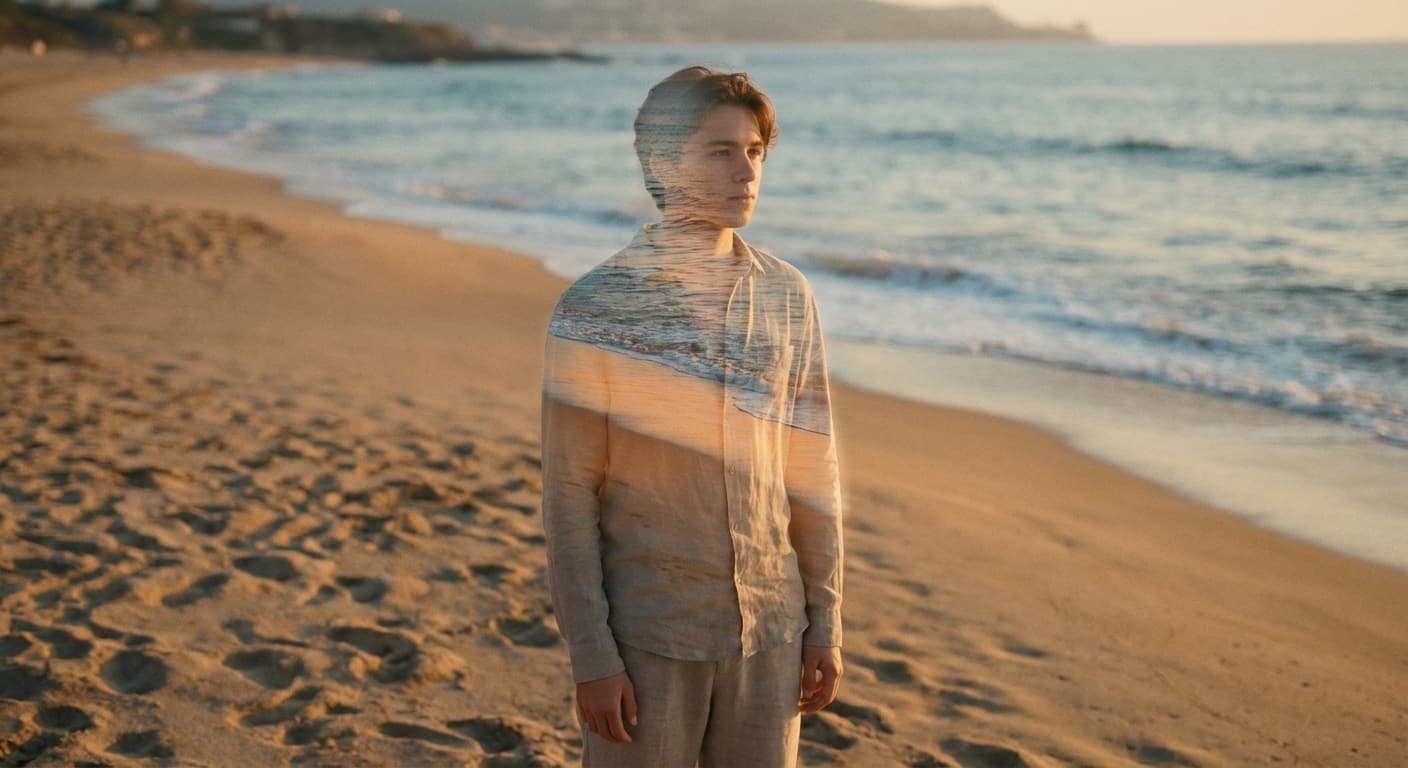
Golden hour
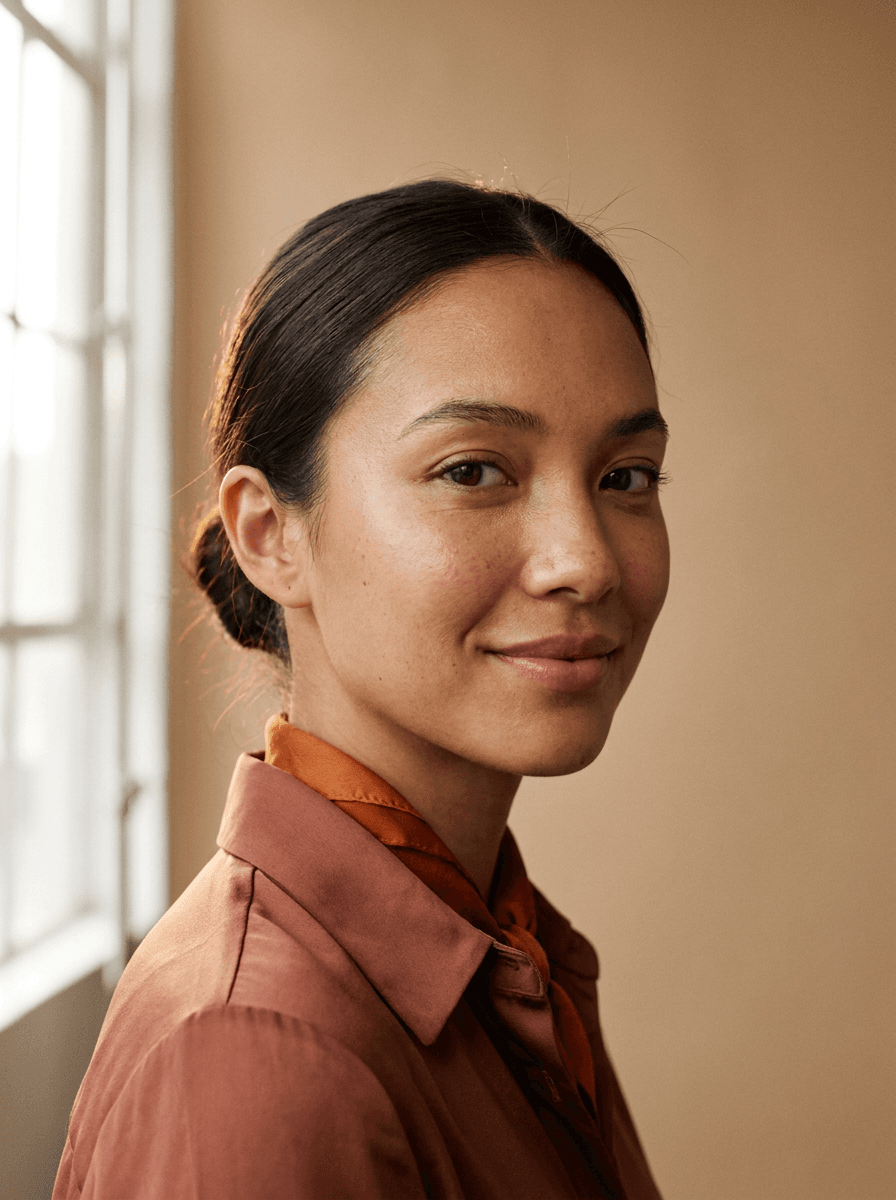
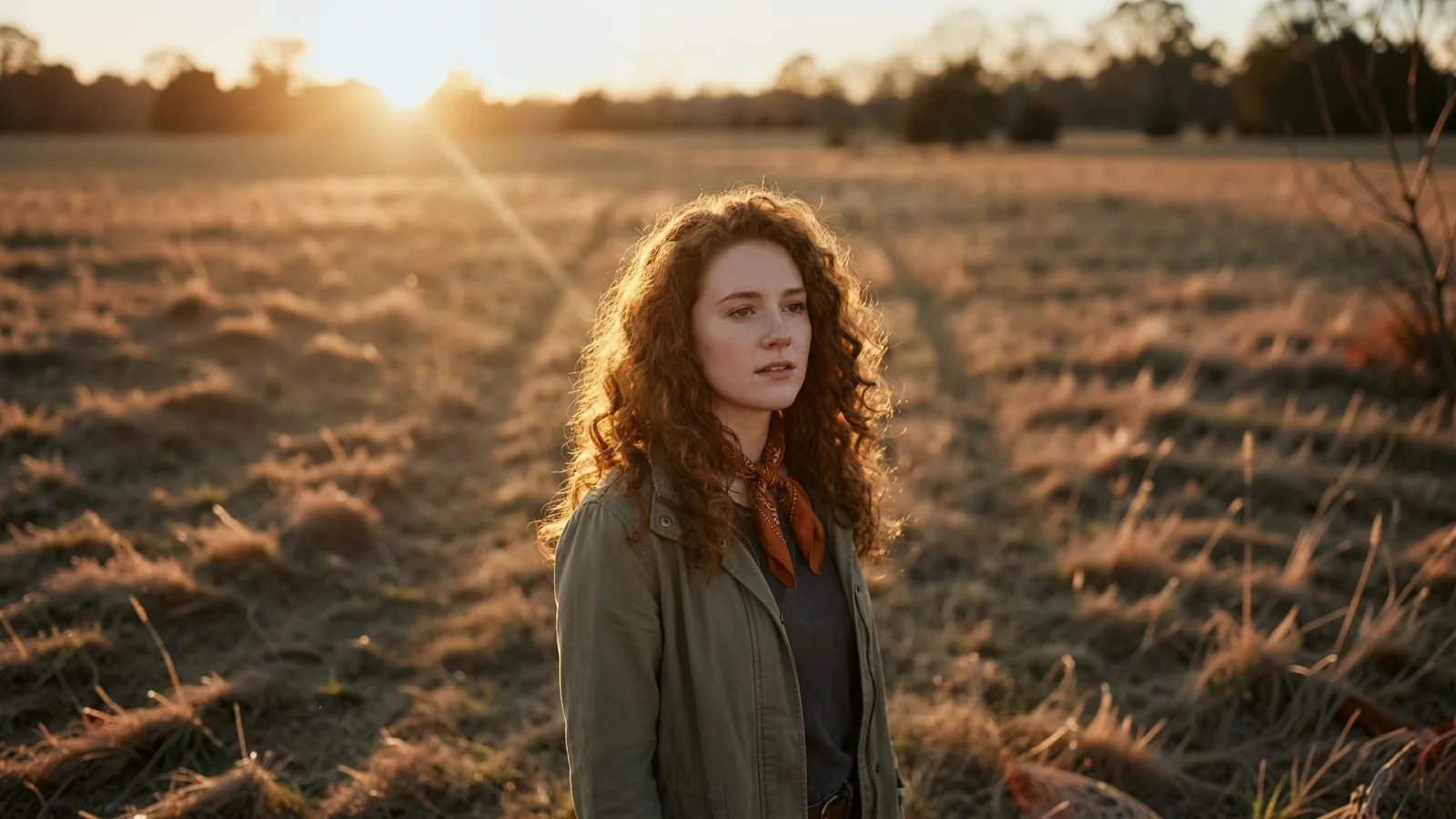
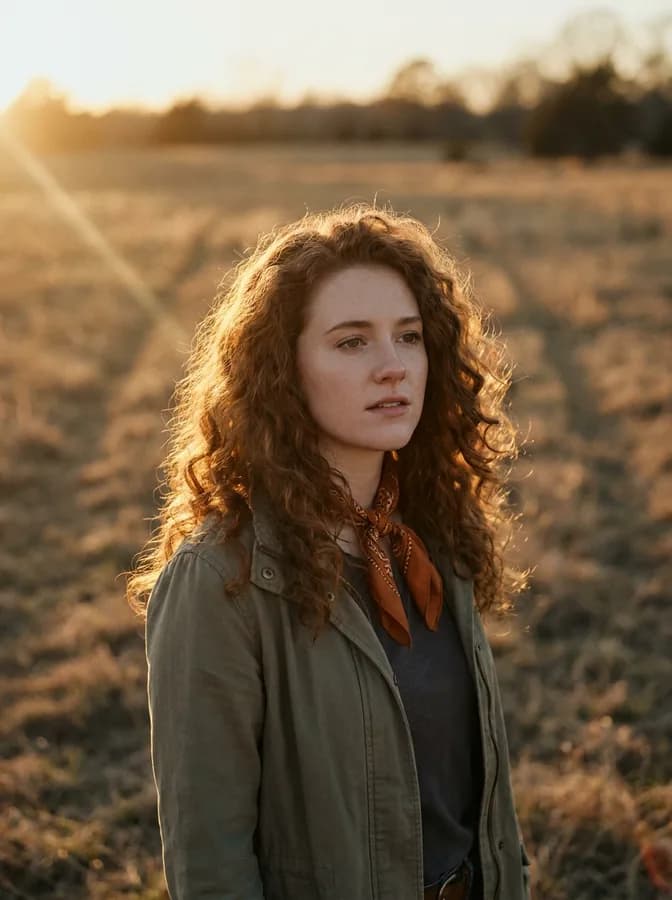
“Relight this portrait with warm golden hour light.”
Upload a photo and describe the light you wanted — golden hour warmth, clean studio softbox, moody low-key shadows, or simply a brighter exposure. Made relights the image and returns a PNG.
Golden hour“Relight this portrait with warm golden hour light.”
Choose a JPEG, PNG, or WebP — portraits, products, and interiors all work.
Name the style and direction: “warm golden hour from the left,” “soft even studio light,” or “brighter, natural exposure.”
The edit model adjusts the light, shadows, and color temperature across the image to match your description.
Check skin tones and shadow edges against the original, then re-run with a tweaked instruction if the mood isn’t right.
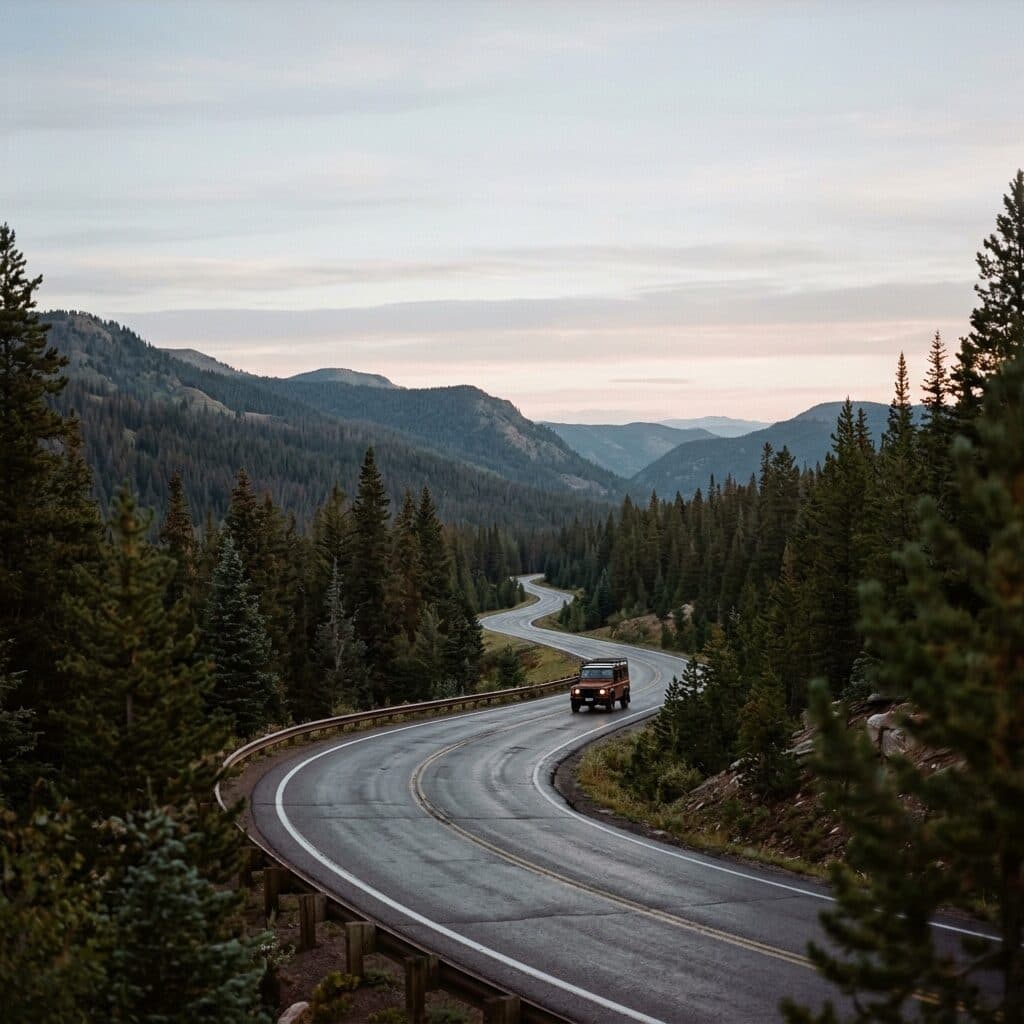
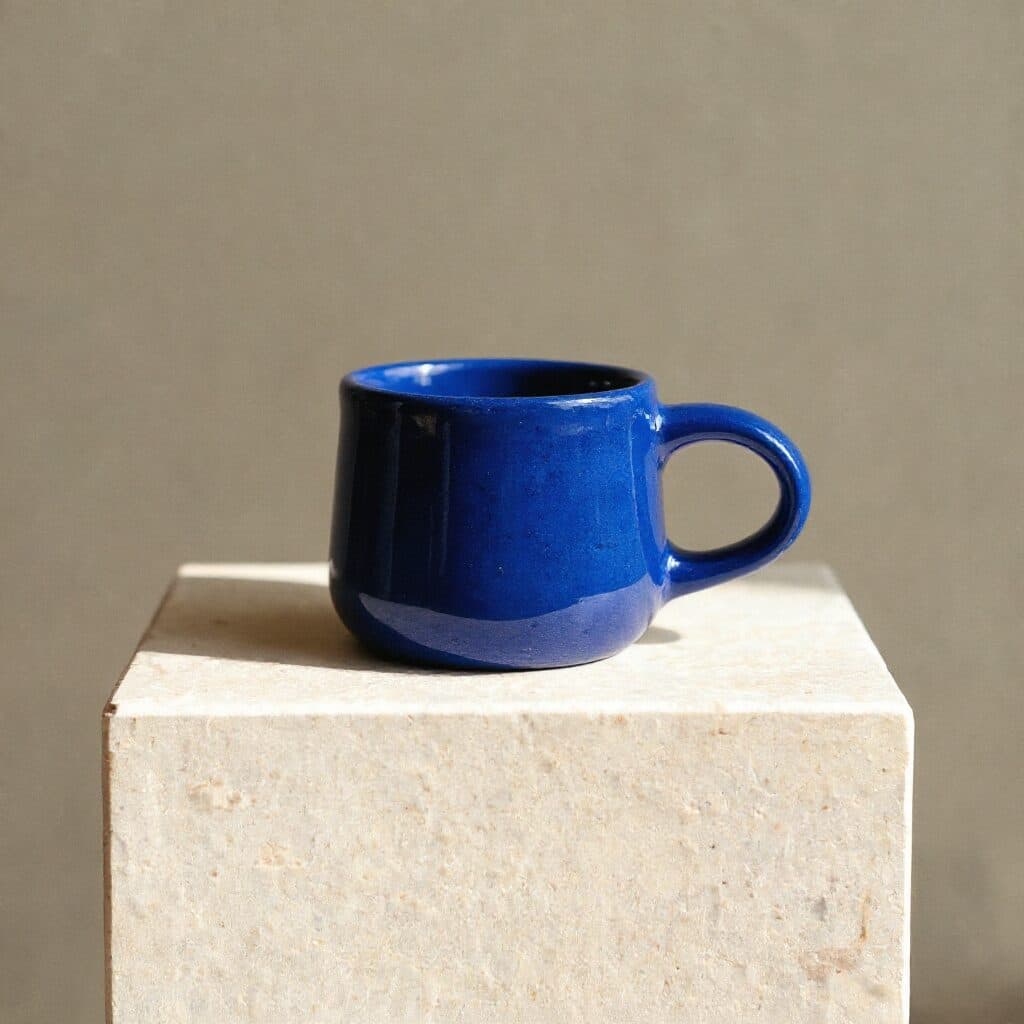
Real results from Made. Use a prompt to load it into the studio above, then add your own photo.
“Relight this portrait with warm golden hour light.”
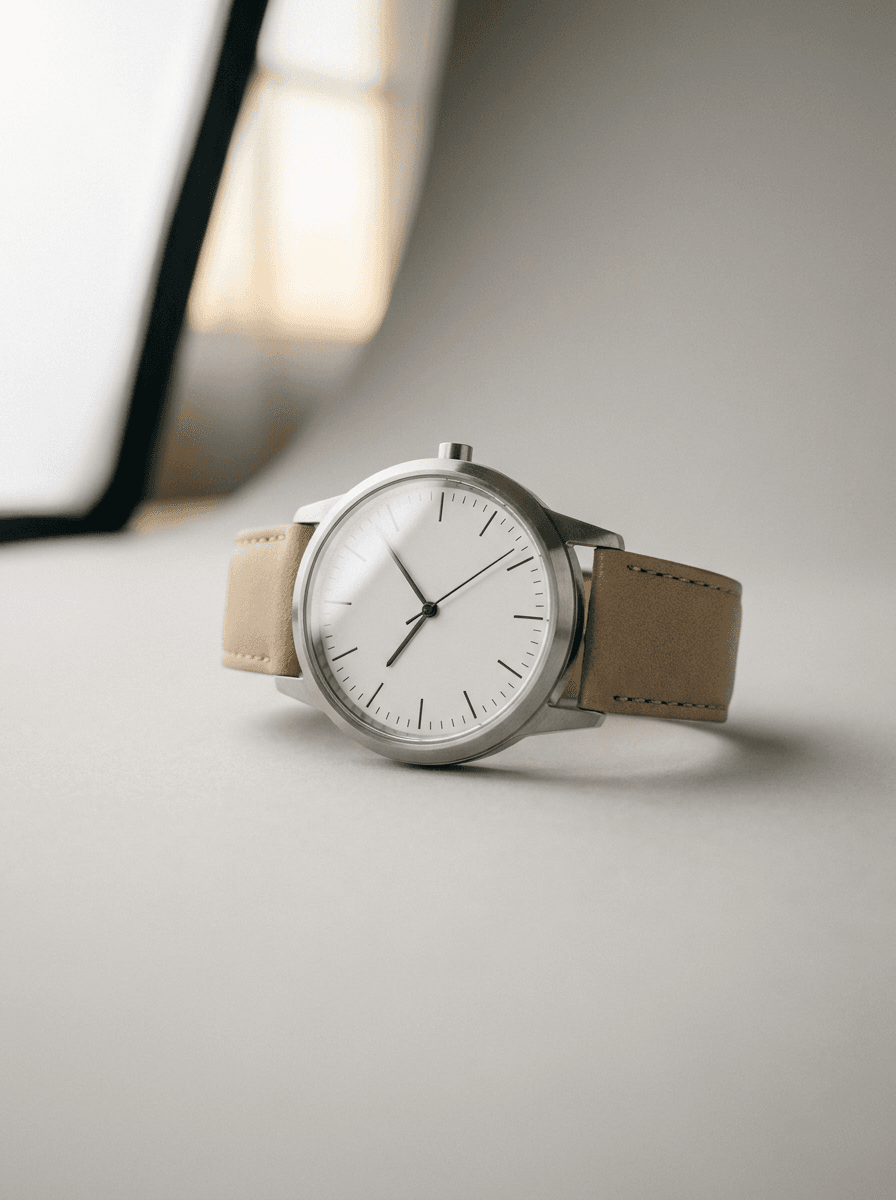
“Give this product photo clean studio softbox lighting.”
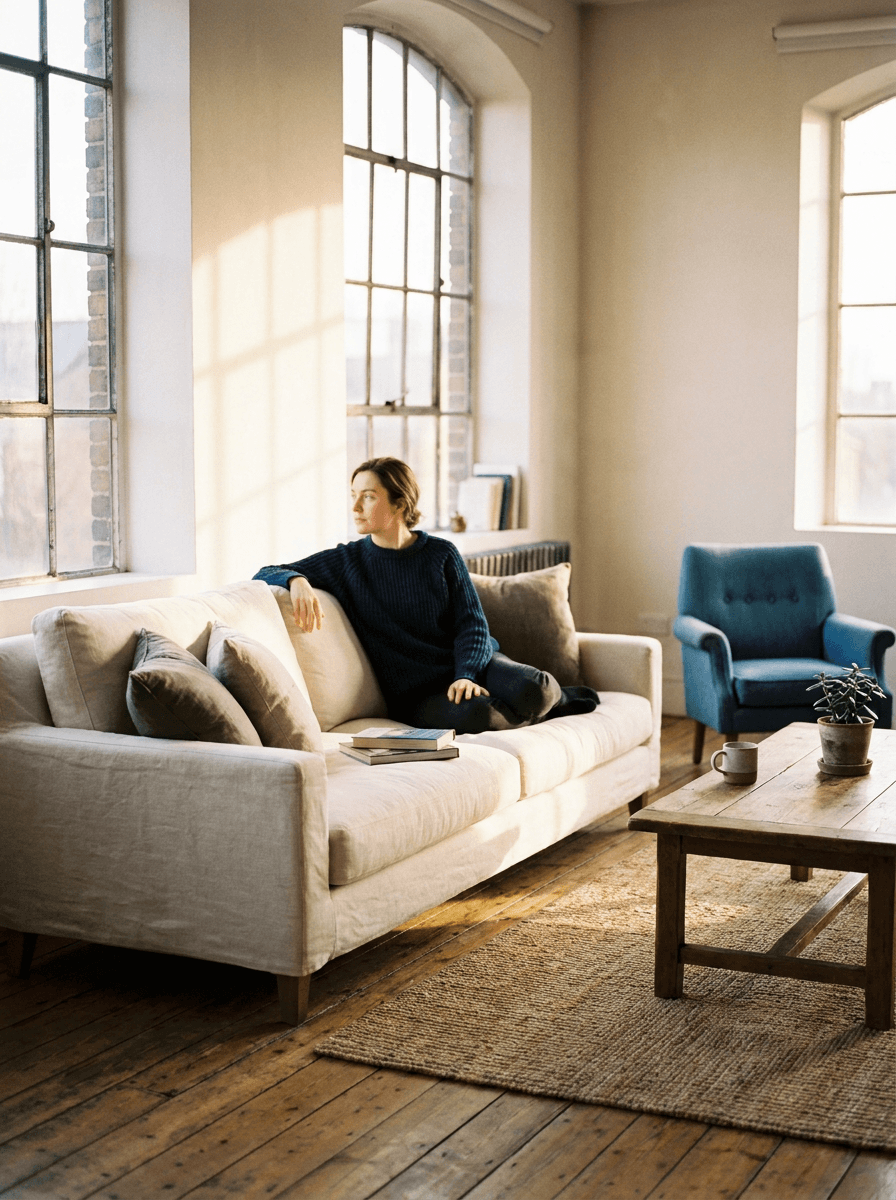
“Brighten this dark interior photo so it looks naturally lit.”
Checked against the running tool on 2026-09-03.
Upload the photo and describe the lighting you want in plain language — “golden hour from the left,” “soft studio light,” “brighten this dark shot.” Made sends the image and instruction to an AI edit model that relights the scene and returns a PNG.
Yes. Ask Made to brighten the exposure and the model relights the scene rather than just raising brightness, which helps dark areas recover without the flat, washed-out look of a global adjustment. Review the result, since generated detail in very dark regions is inferred.
Anything you can describe: golden hour, overcast softness, studio softbox, hard dramatic side light, moody low-key shadows, neon night tones, or a specific light direction. The edit follows your written instruction, so specific descriptions give more predictable results.
It can — this is a generative edit of the whole image, not a filter, so shadows, reflections, and background tones shift with the new light. Check faces, text, and fine detail, and re-run with a note like “keep everything else unchanged” if too much moved.
Change Lighting is aimed at the light itself — direction, warmth, exposure, and mood. AI Photo Retouch covers broader cleanup like skin, blemishes, and general polish. Both are instruction-driven edits, so pick the page that matches your goal for better suggested prompts.
Upload one JPEG, PNG, or WebP per request with one instruction. Made returns a PNG on the primary path.
Inputs larger than 1,536 pixels on a side are downscaled before editing. If you need a bigger file for print or delivery, upscale the relit result with Image Upscaler.
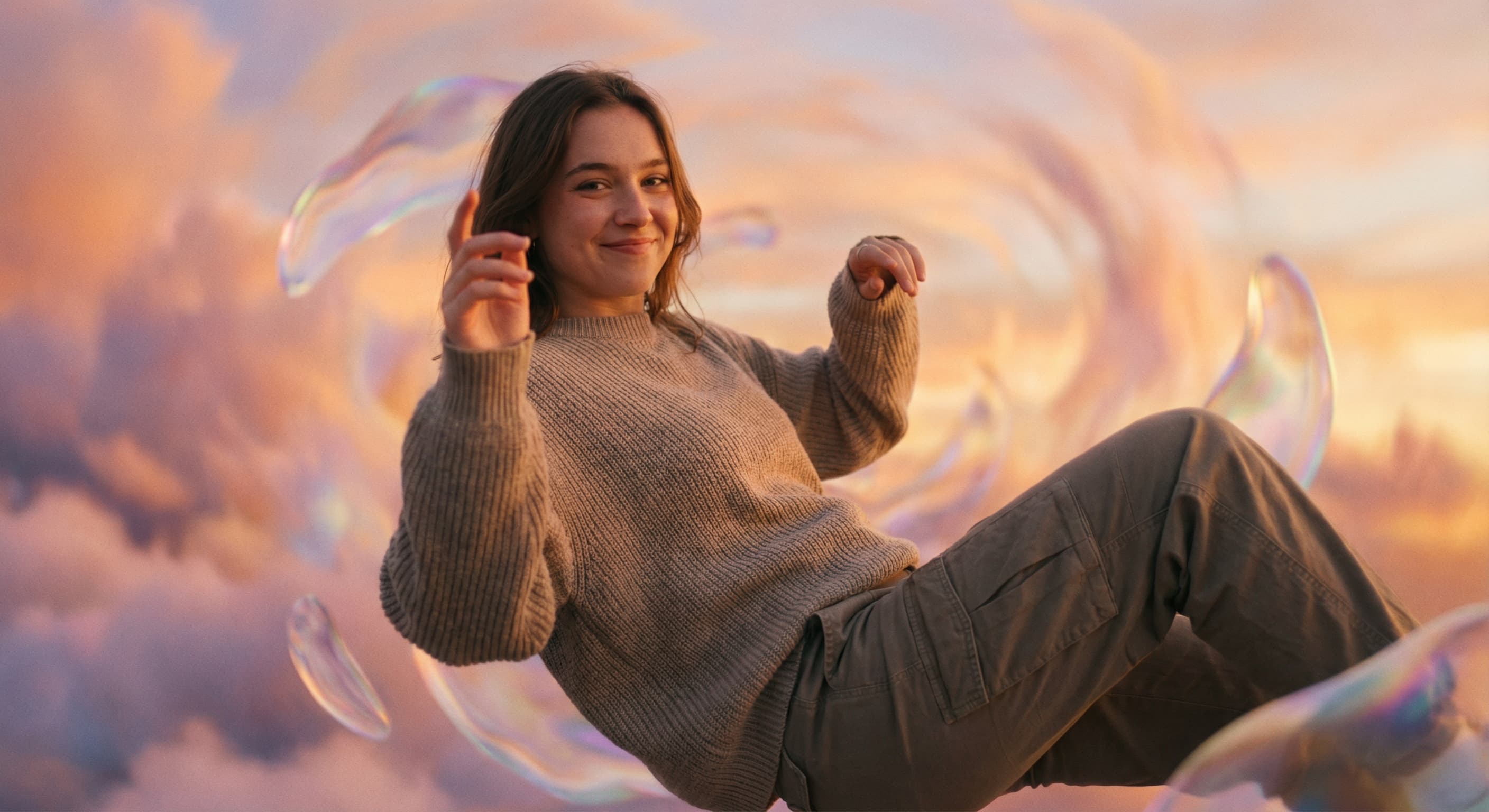
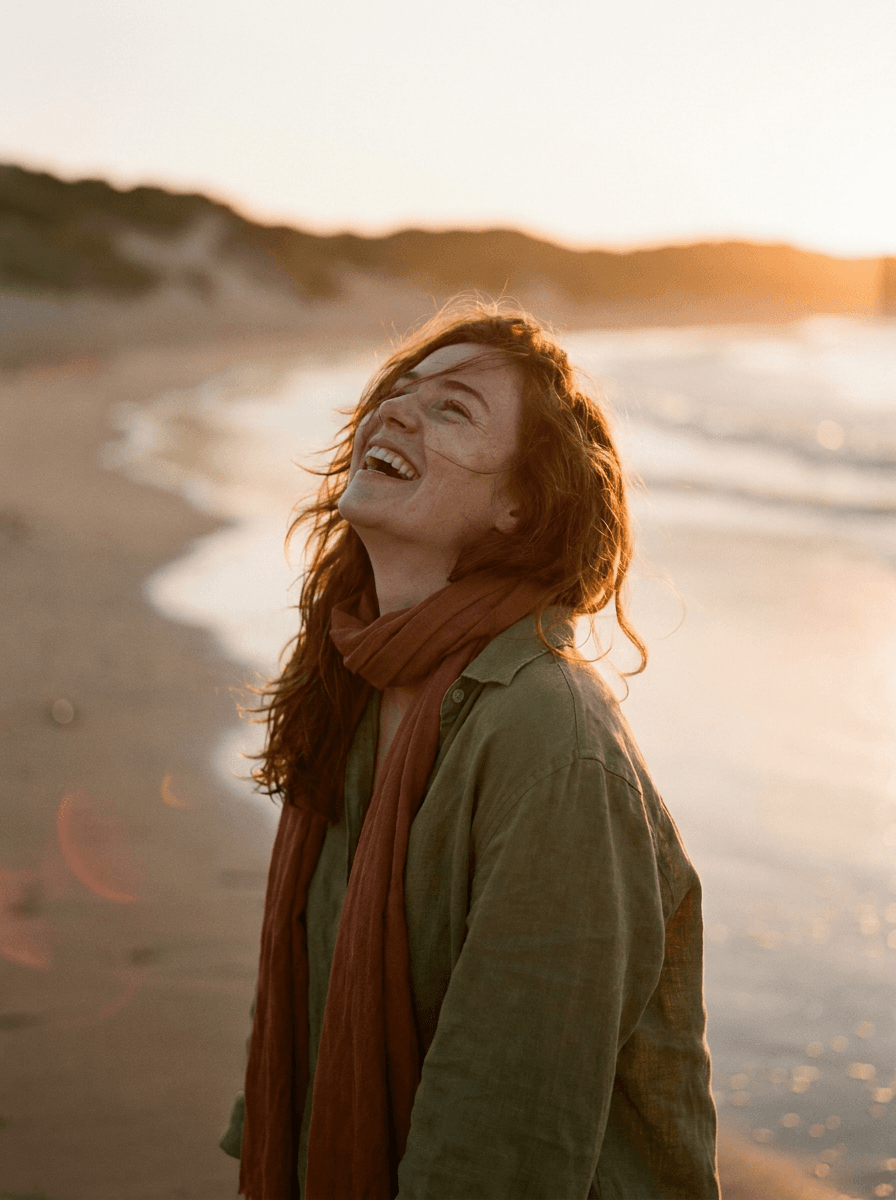
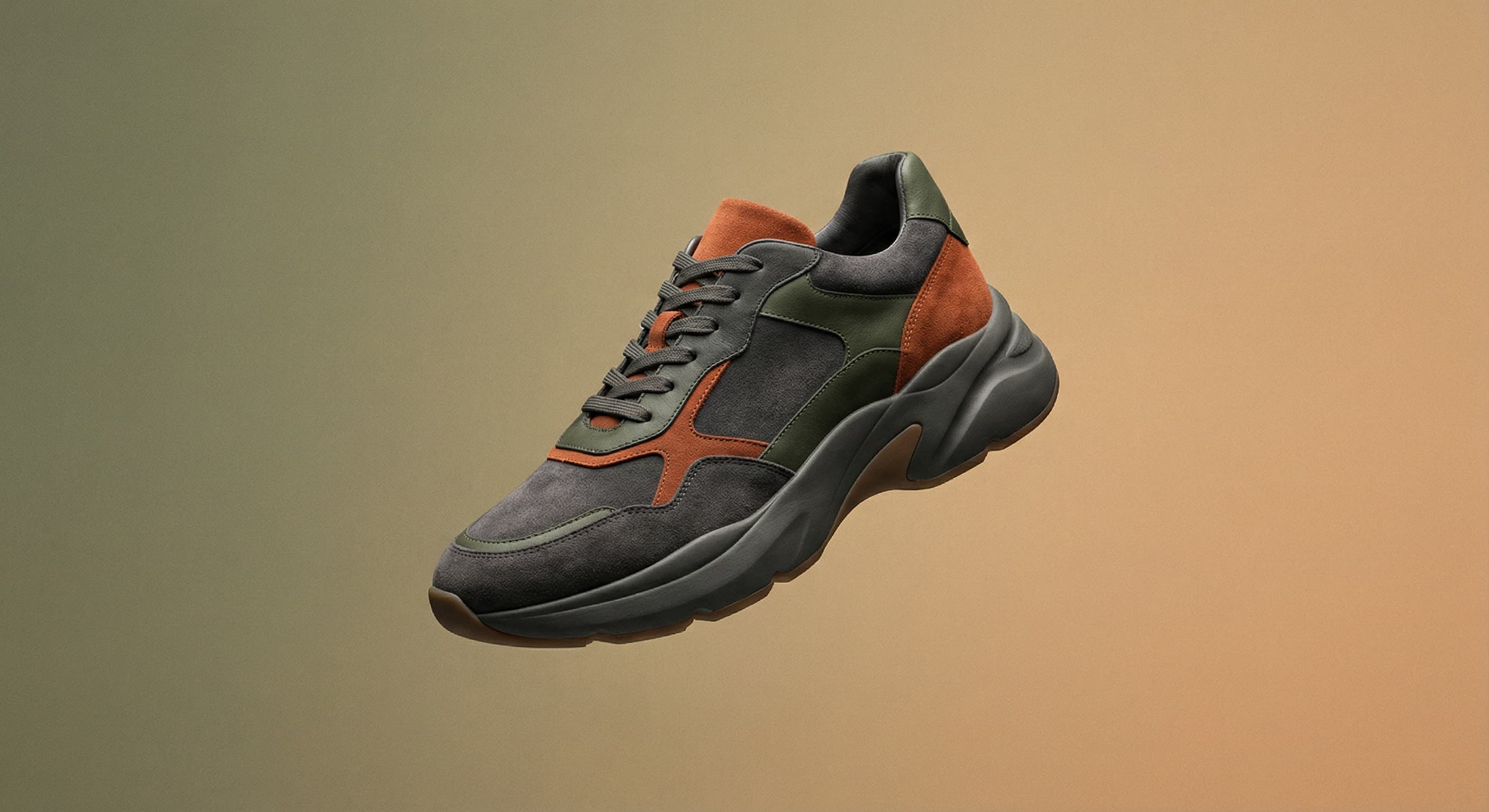
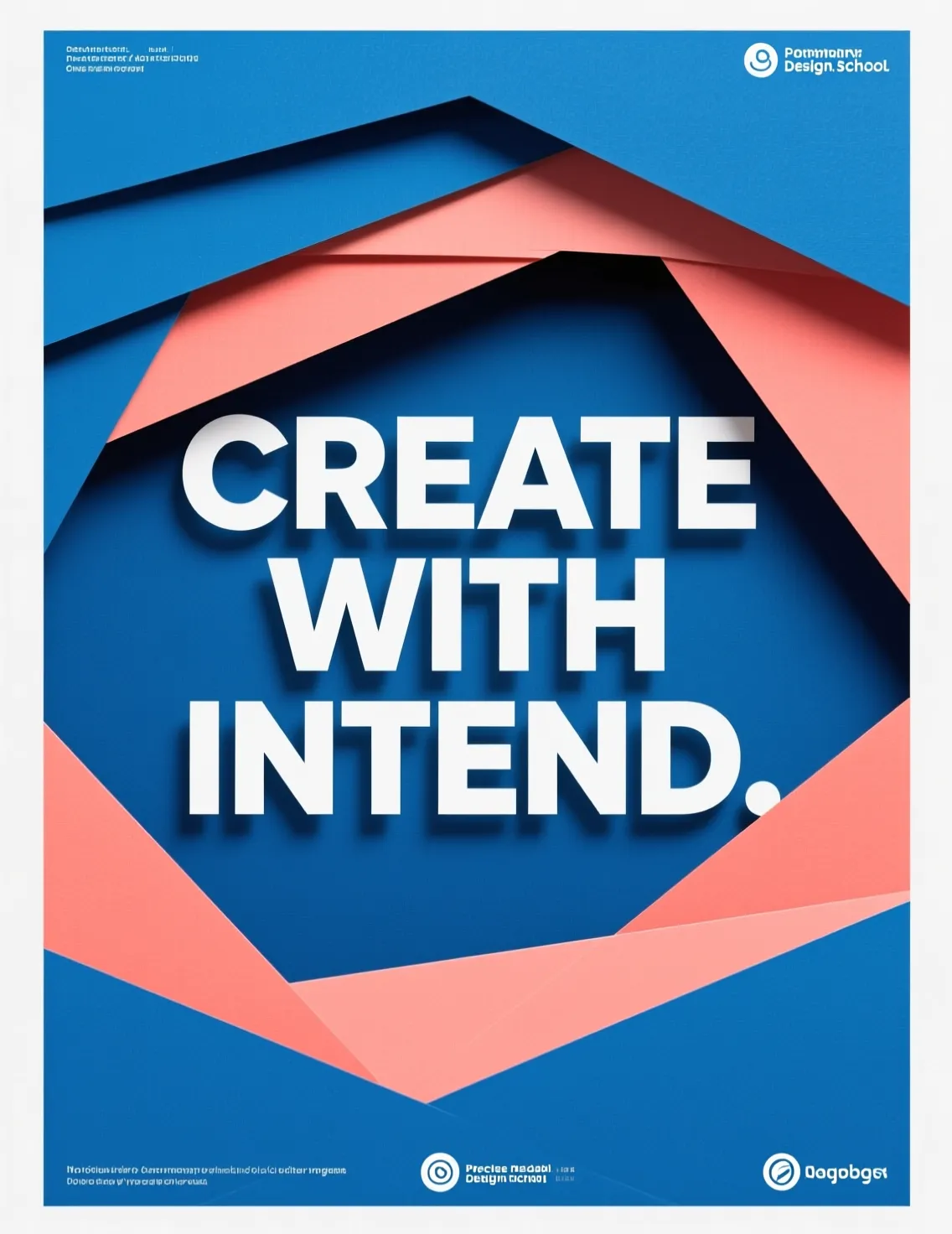
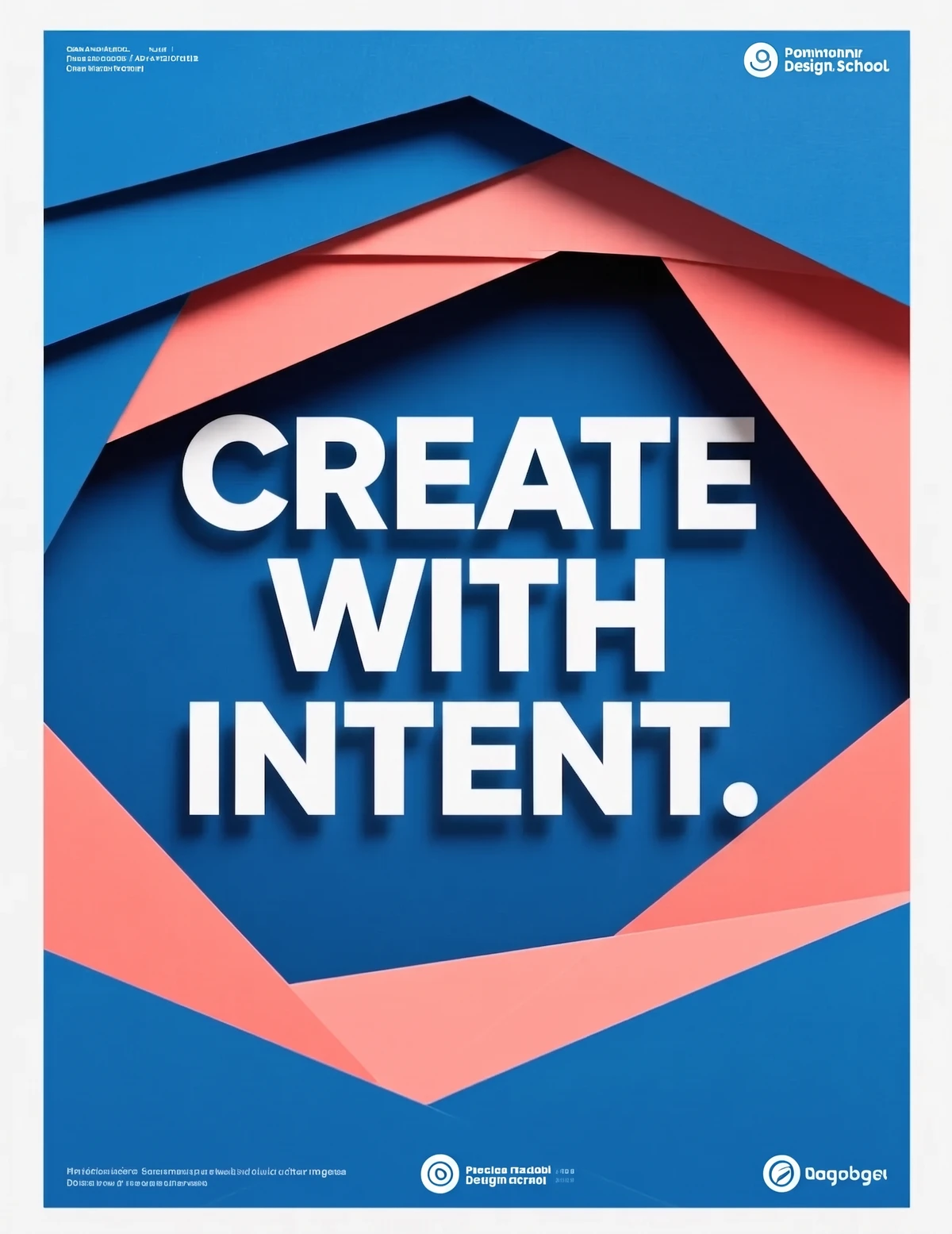
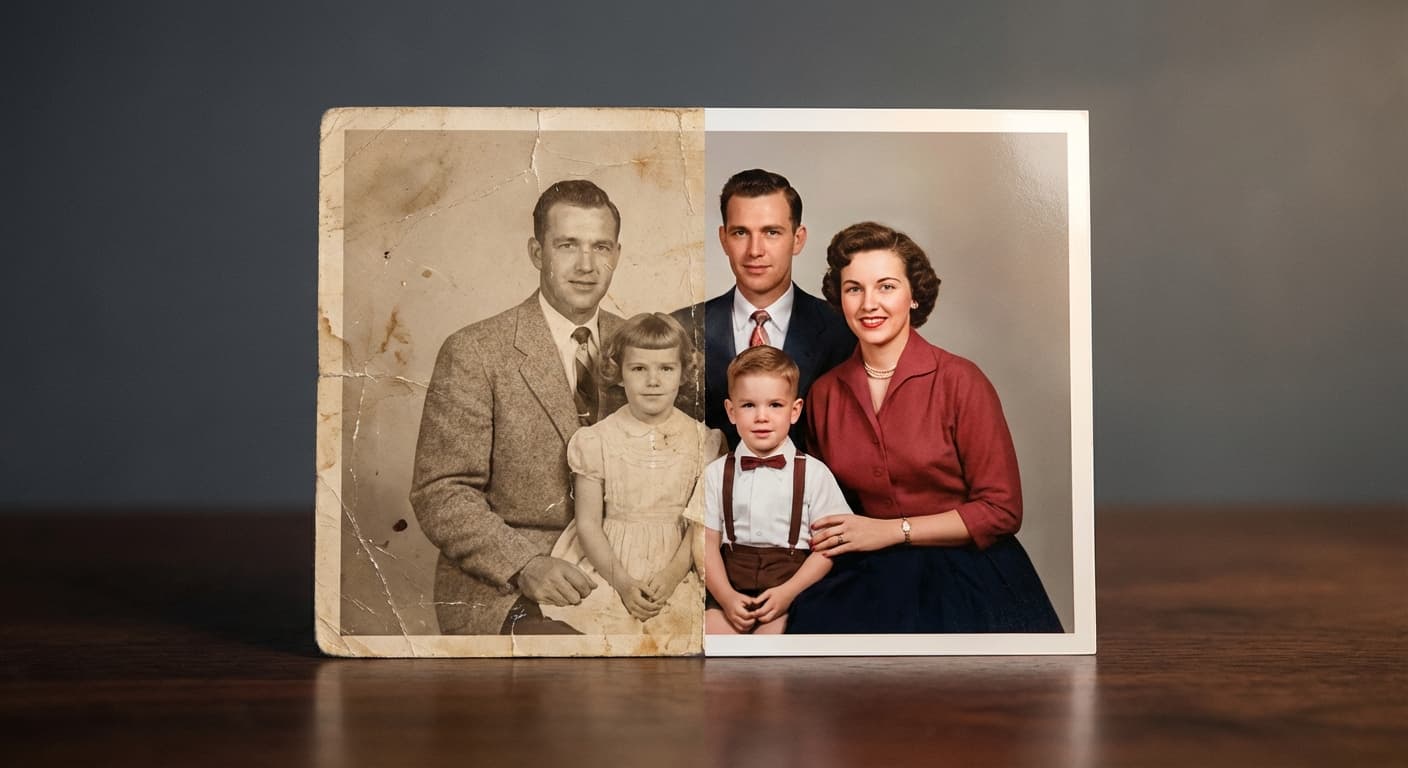
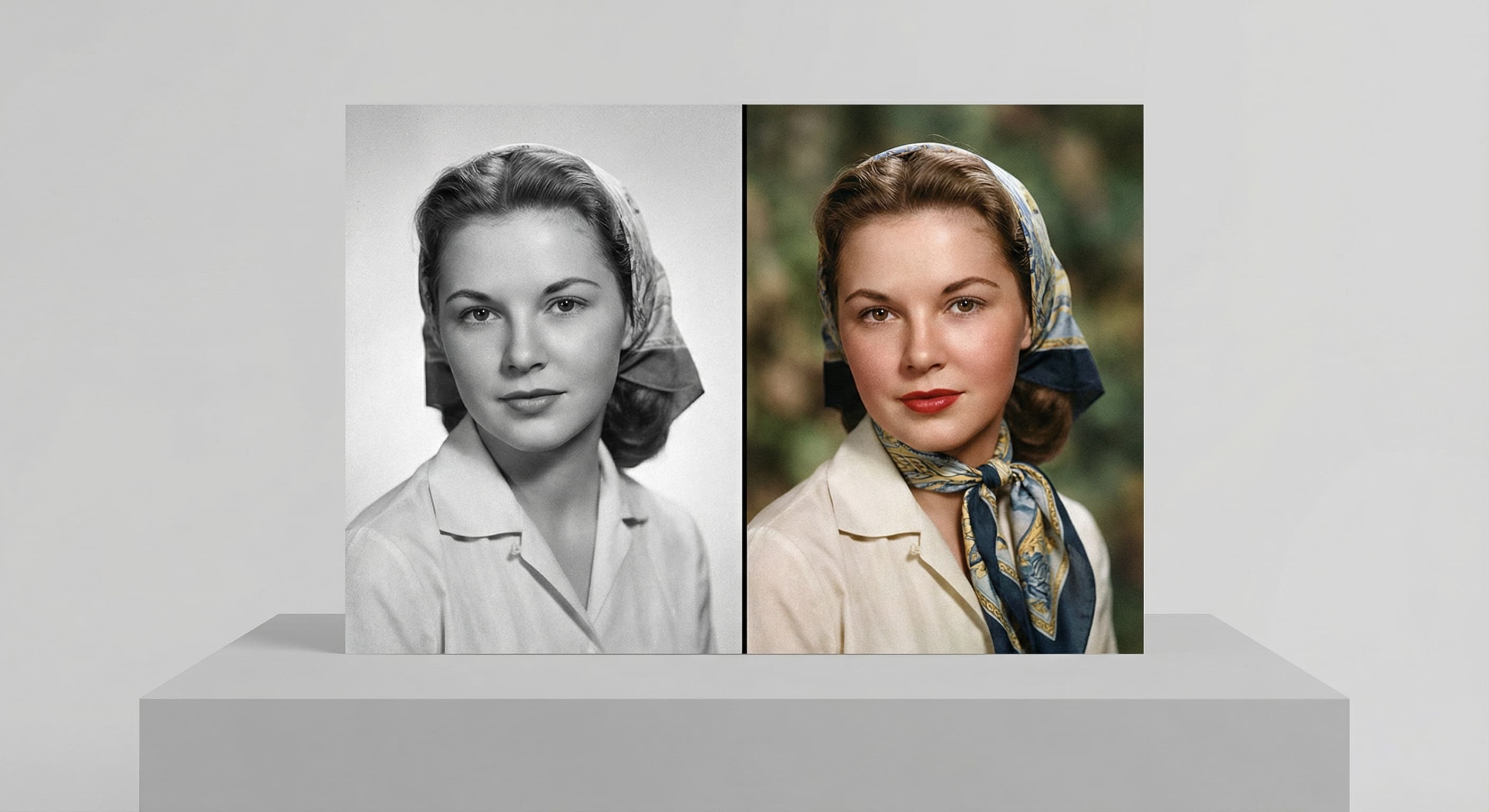
See what each one makes, then open it in Made.