Facebook Cover Photo Resizer
Facebook displays covers at roughly 820 × 312 on desktop and 640 × 360 on mobile, cropping the same upload differently on each. Made resizes your photo to cover dimensions so you control the crop instead of Facebook.
Exact dimensionsExamples
How to use Facebook Cover Photo Resizer
- 1
Upload a wide image
Covers are strongly horizontal — start from a landscape photo or design at least 1640 pixels wide for a sharp result.
- 2
Ask for cover dimensions
Say “resize this to 1640 by 624 for a Facebook cover.” That is double the desktop display size, so it stays sharp on high-density screens.
- 3
Keep the subject central
Desktop shows a wider, shorter slice than mobile. Content in the horizontal and vertical center survives both crops.
- 4
Download and upload to Facebook
Save the file and set it as your cover, then check the preview on both a desktop browser and the mobile app.
Facebook Cover Photo Resizer examples
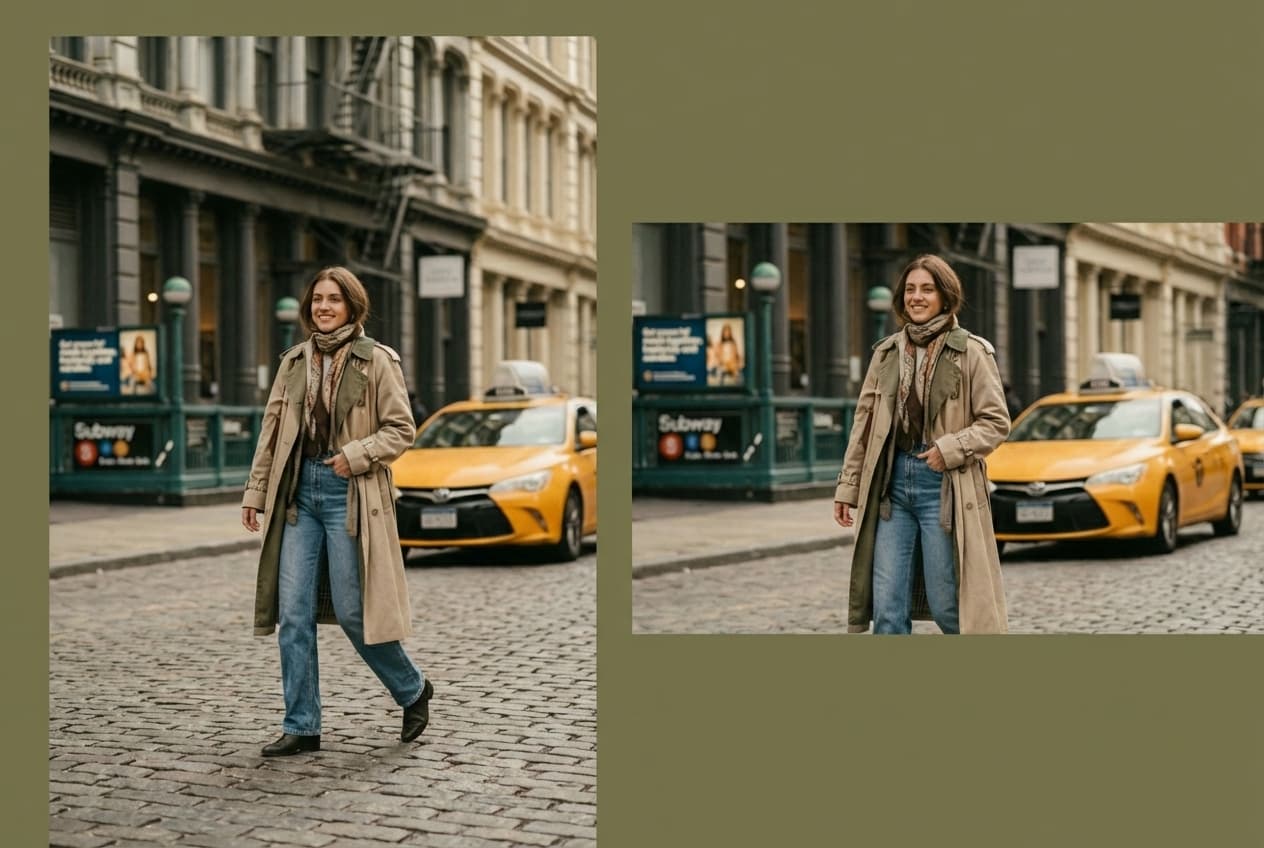
Real results from Made. Add your own photo in the studio above.
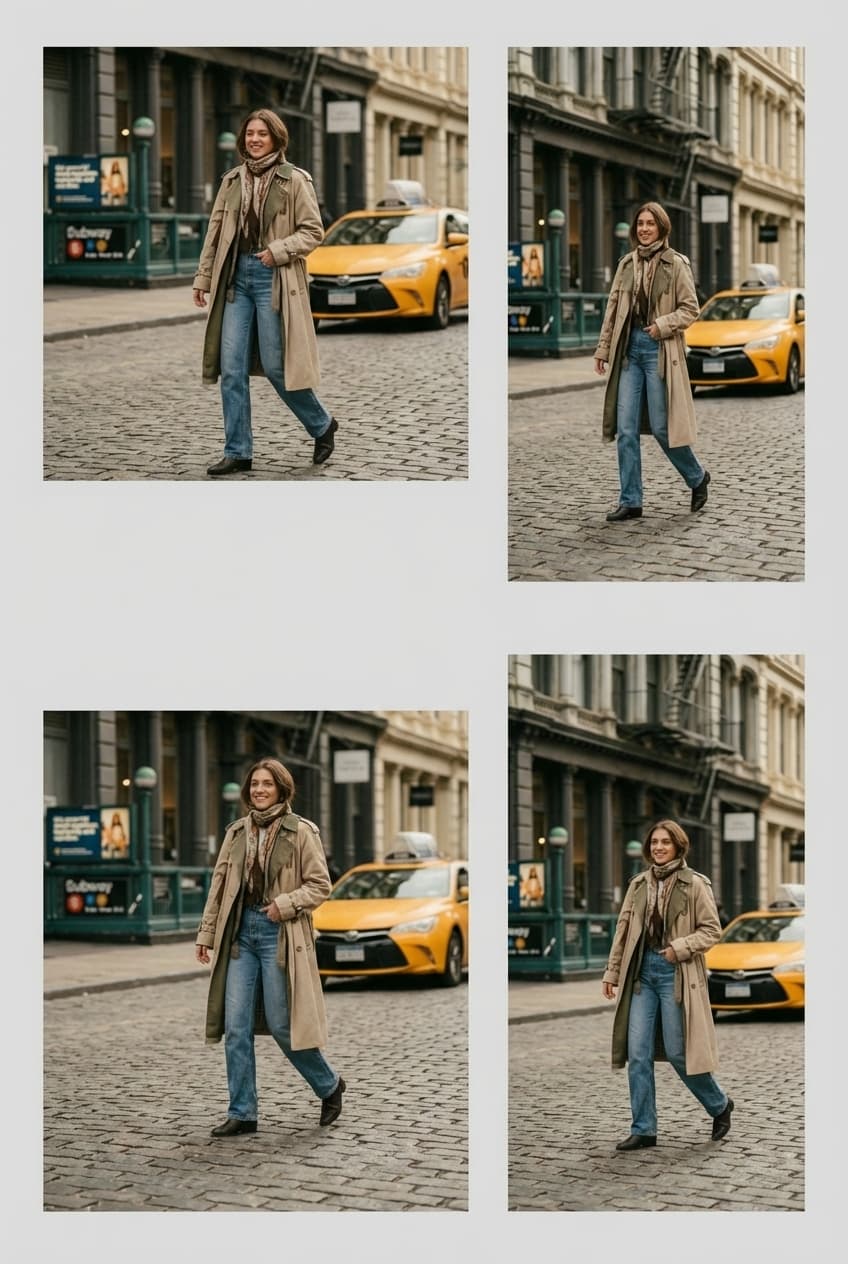
Platform formats
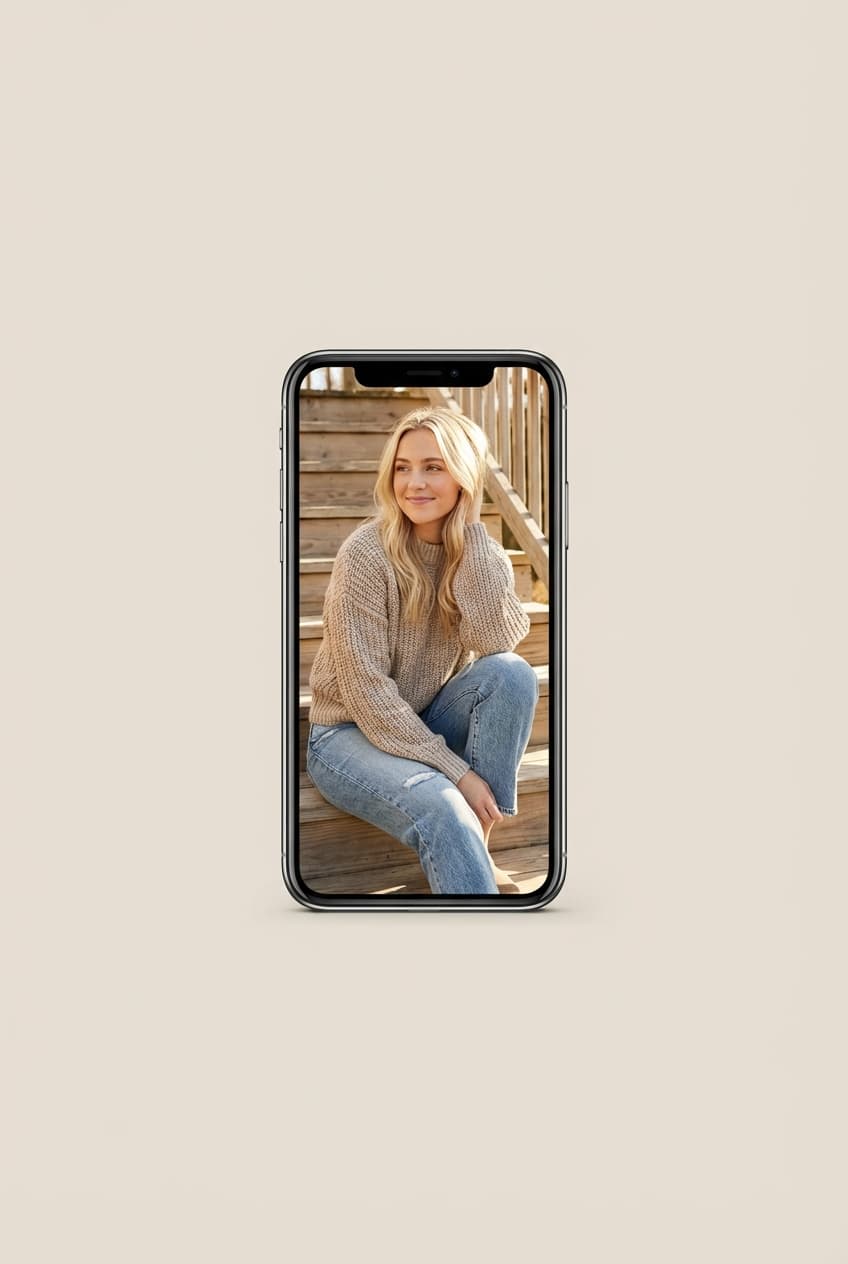
Vertical social post
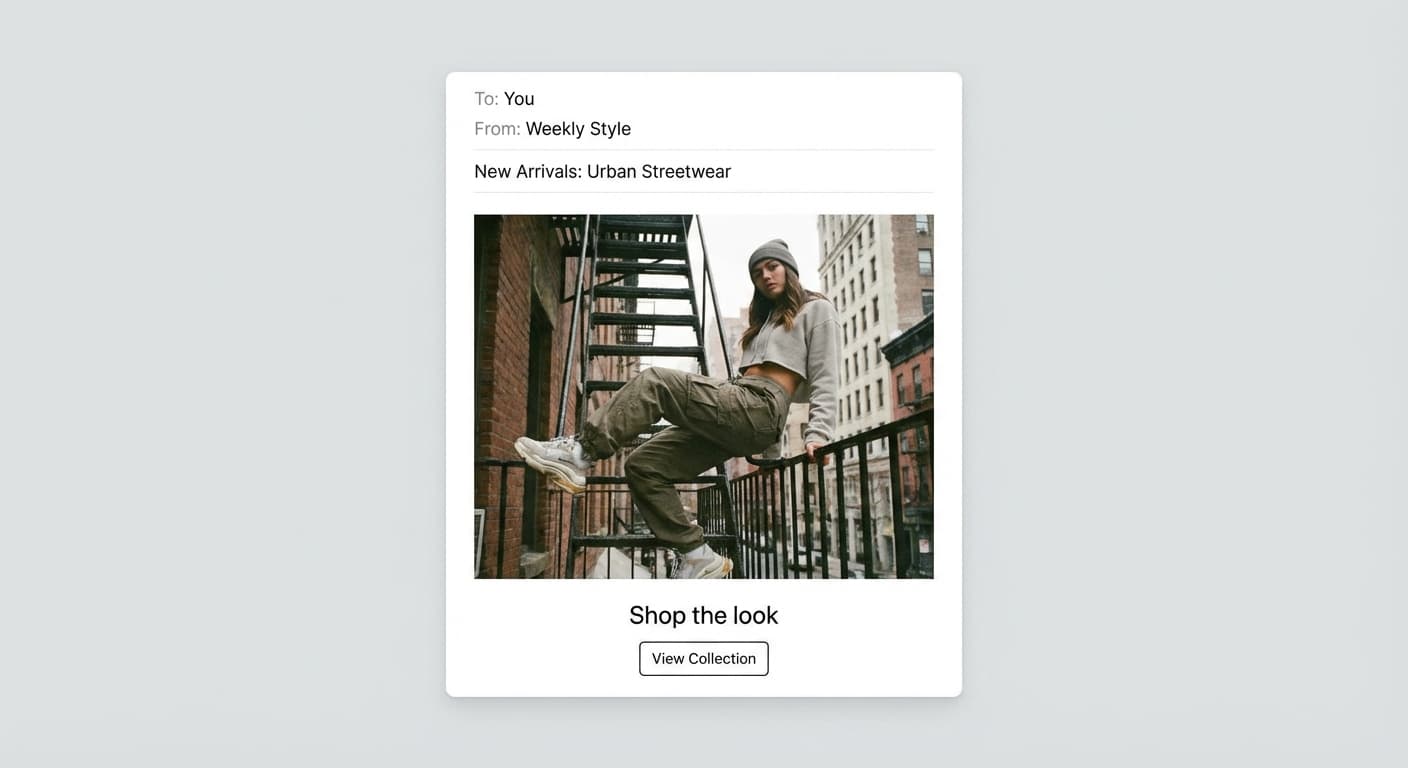
Email-ready dimensions
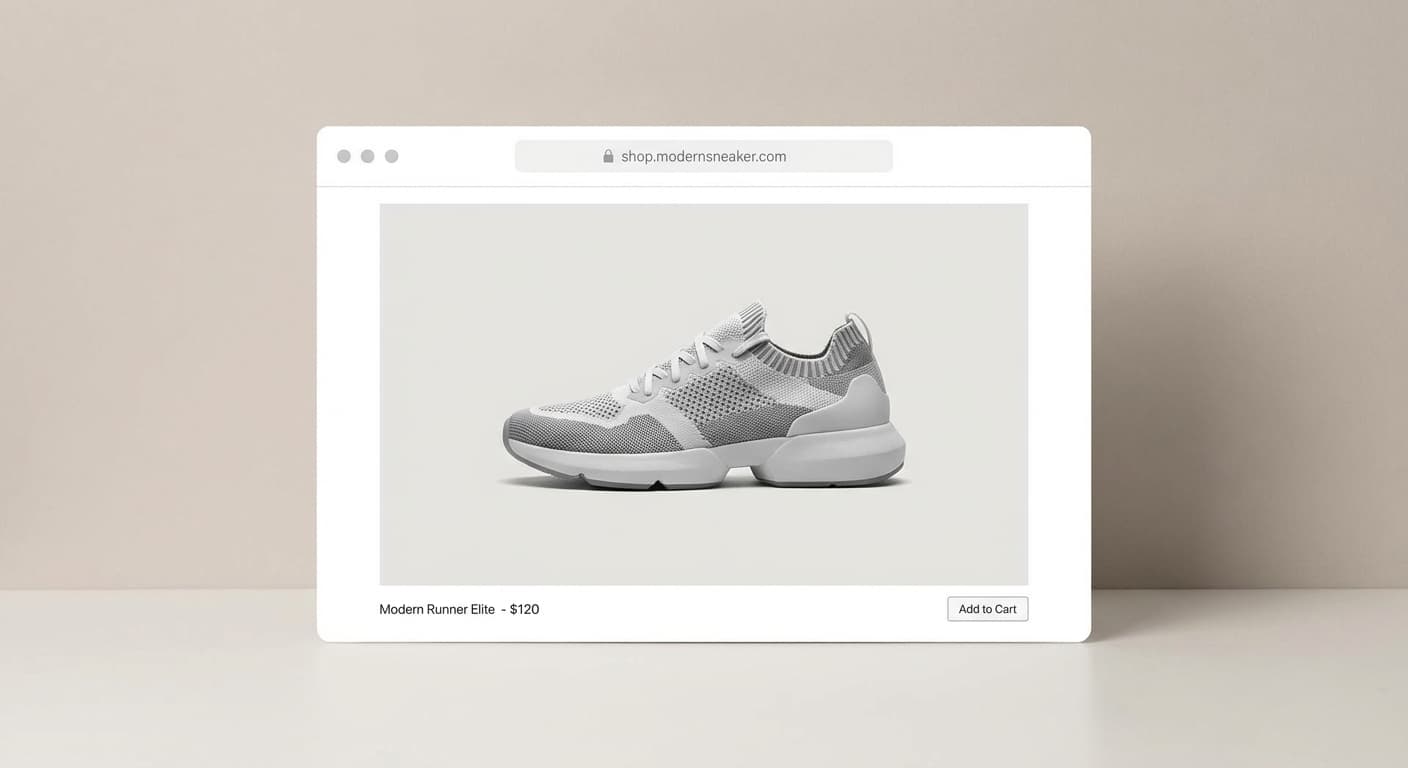
Web placement
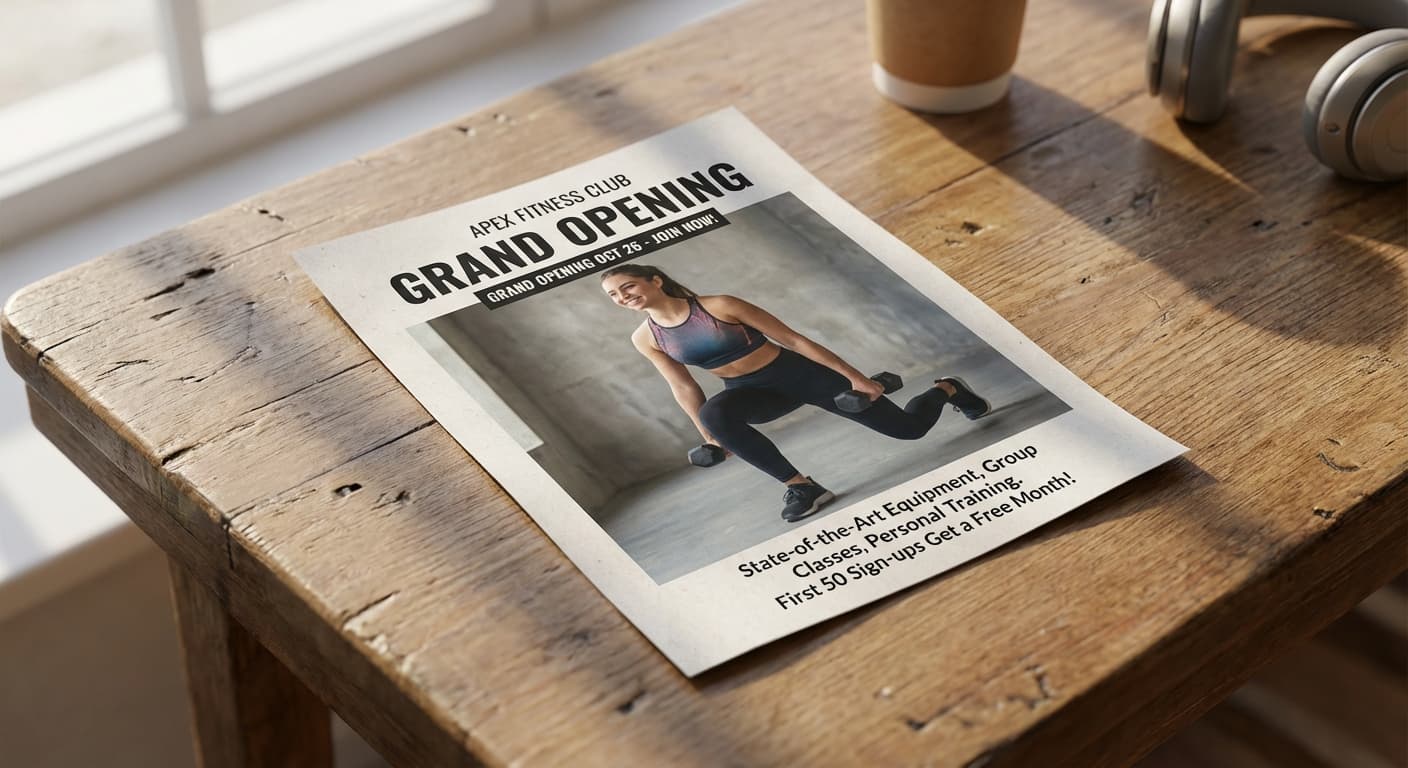
Print layout
What people use it for
- Personal profile coversCrop a wide photo so the part that matters survives both the desktop and mobile display crops.
- Business page coversKeep logos and taglines inside the center safe zone that both layouts show.
- Group coversPrepare a wide banner where faces stay visible after Facebook’s automatic cropping.
- Event coversResize event artwork so dates and titles are not cut off on phones.
Resize an image for a Facebook cover photo
What it does
- Input
- JPEG, PNG, or WebP image
- Output
- JPG, PNG, or WebP at Facebook cover dimensions
- How it works
- Made resizes deterministically with Sharp to the cover dimensions you request — 1640 × 624 keeps the desktop 820 × 312 display sharp on retina screens — cropping or padding on your terms.
- Access
- Set up the request on this page. You sign in to run it, and each run is priced in credits before you start.
Formats and limits
- Input formats
- JPEG, PNG, WebP
- Output formats
- JPG/JPEG, PNG, WebP
- Dimensions
- 1 to 10,000 pixels on each side
- Fit modes
- Contain, cover, fill, inside; padding color is supported
- Batch behavior
- One image at a time, resized in your browser
Checked against the running tool on 2026-09-03.
Questions about Facebook Cover Photo Resizer
What size is a Facebook cover photo?
Facebook displays covers at about 820 × 312 pixels on desktop and 640 × 360 on mobile. Uploading at 1640 × 624 keeps the desktop display sharp on retina screens while staying within a layout both devices crop predictably.
Why does my cover look different on my phone?
Desktop and mobile crop the same upload differently — desktop shows a wider, shorter slice; mobile shows a narrower, taller one. Keep faces, logos, and text near the center, which both layouts display.
Should I crop or pad my photo for a cover?
Crop (cover mode) is almost always right for covers, since padding bars look unfinished at the top of a profile. Use Made to place the crop so the subject sits in the shared safe zone.
Why does Facebook blur my cover photo?
Small or heavily compressed uploads get upscaled and re-compressed by Facebook. Upload at 1640 × 624 or larger, and keep the file reasonably light — compressing to around 200KB avoids Facebook applying its own aggressive compression.
Can I use a portrait photo as a cover?
Only a horizontal slice of it will show. Made can crop the best strip out of it, or use Image Extender to generate scenery on both sides so the full subject fits a wide frame.
More Image Resizer options
More photo fixes
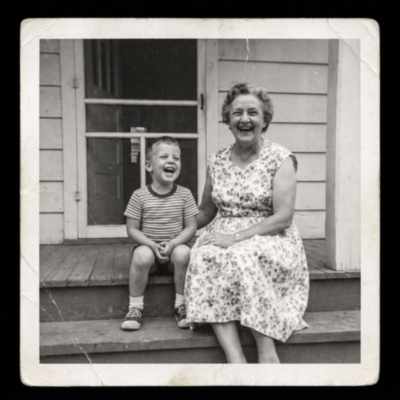
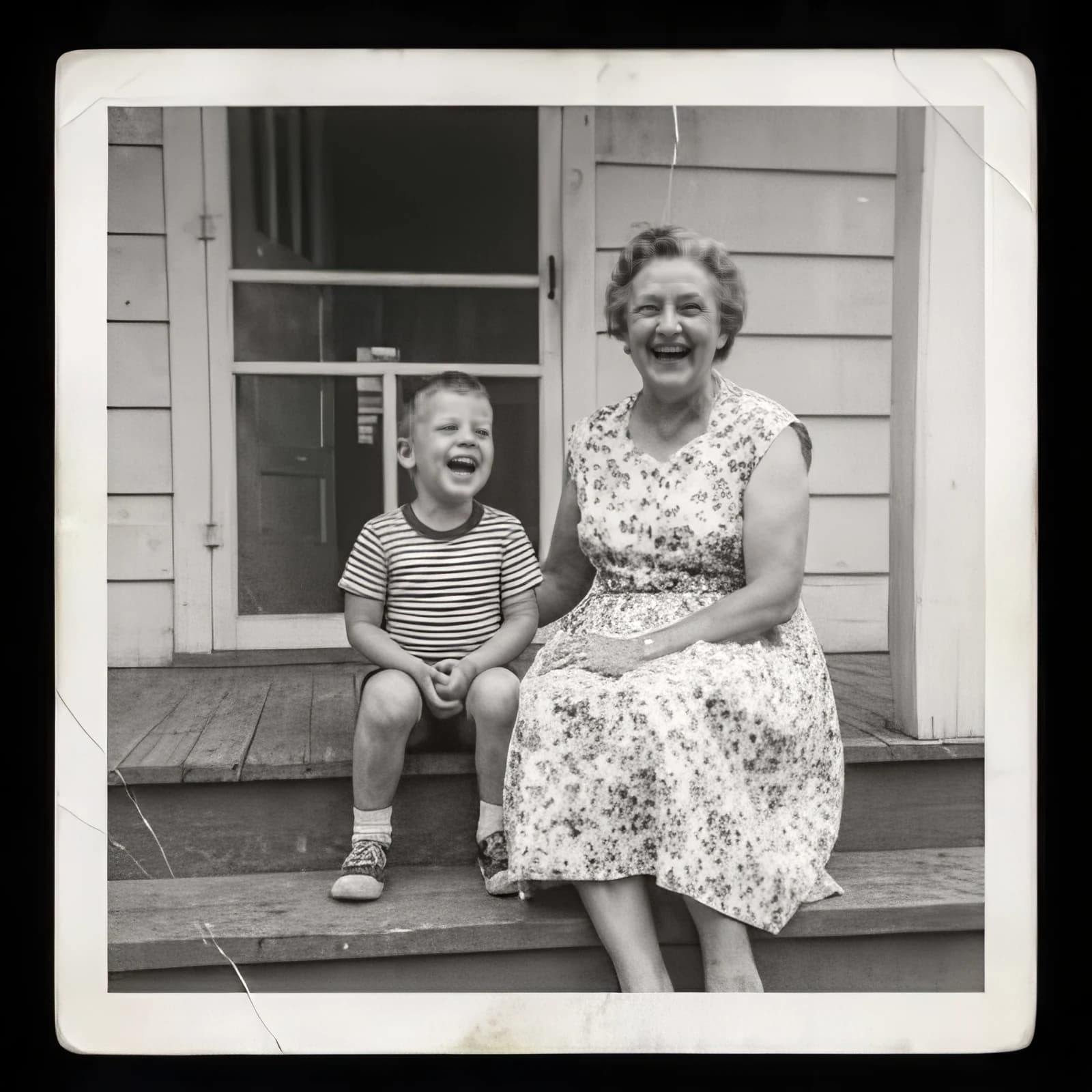
Image Upscaler
Sharpen and enlarge up to 4×
AI Photo Editor
Edit any photo by describing the change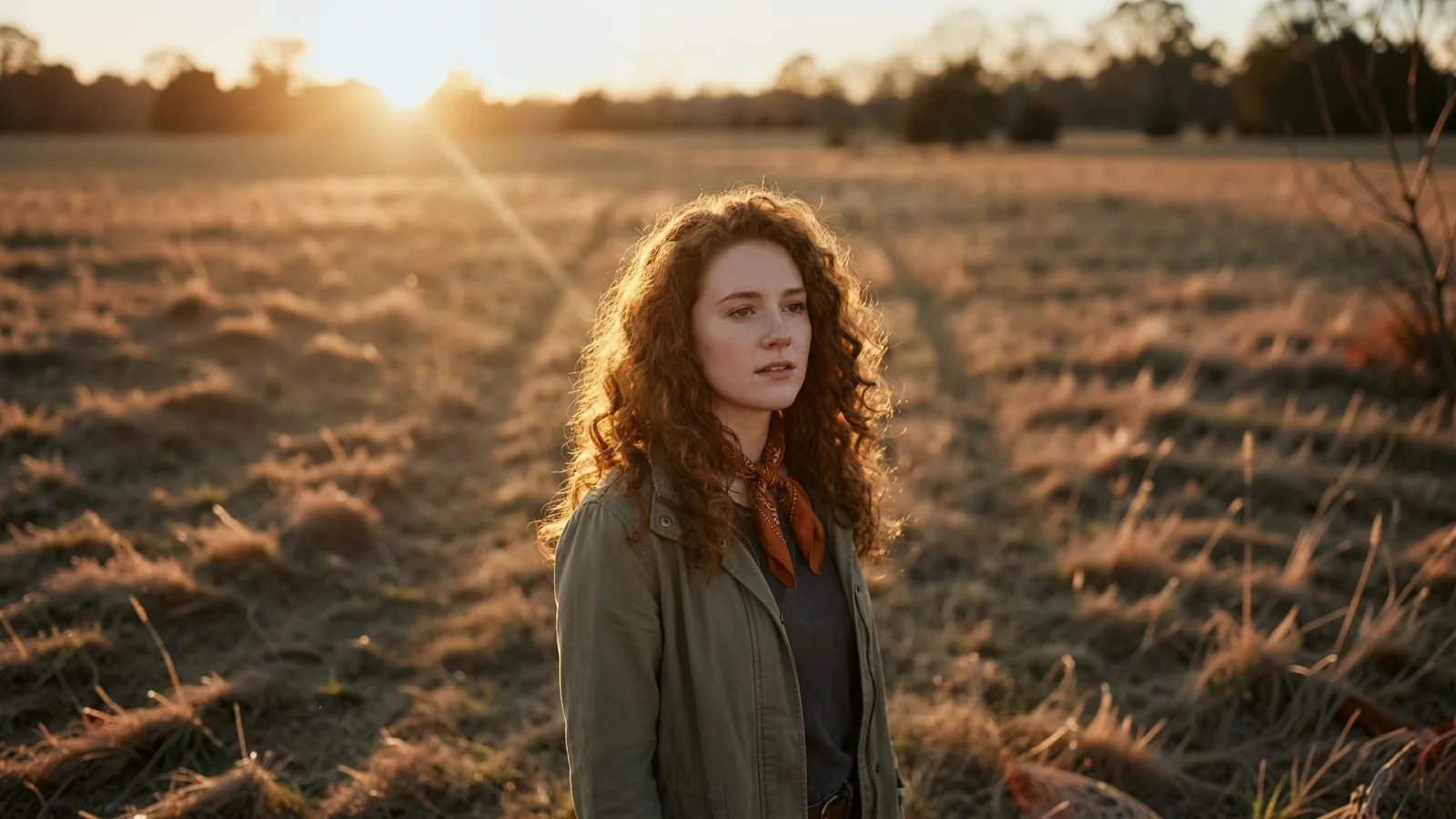
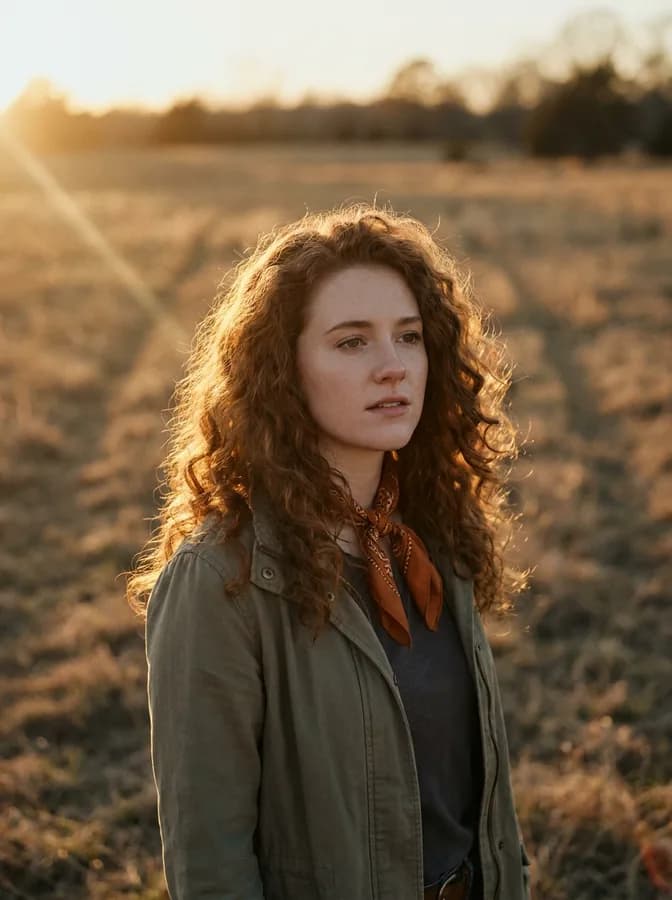
Expand Image
Extend any photo past its edges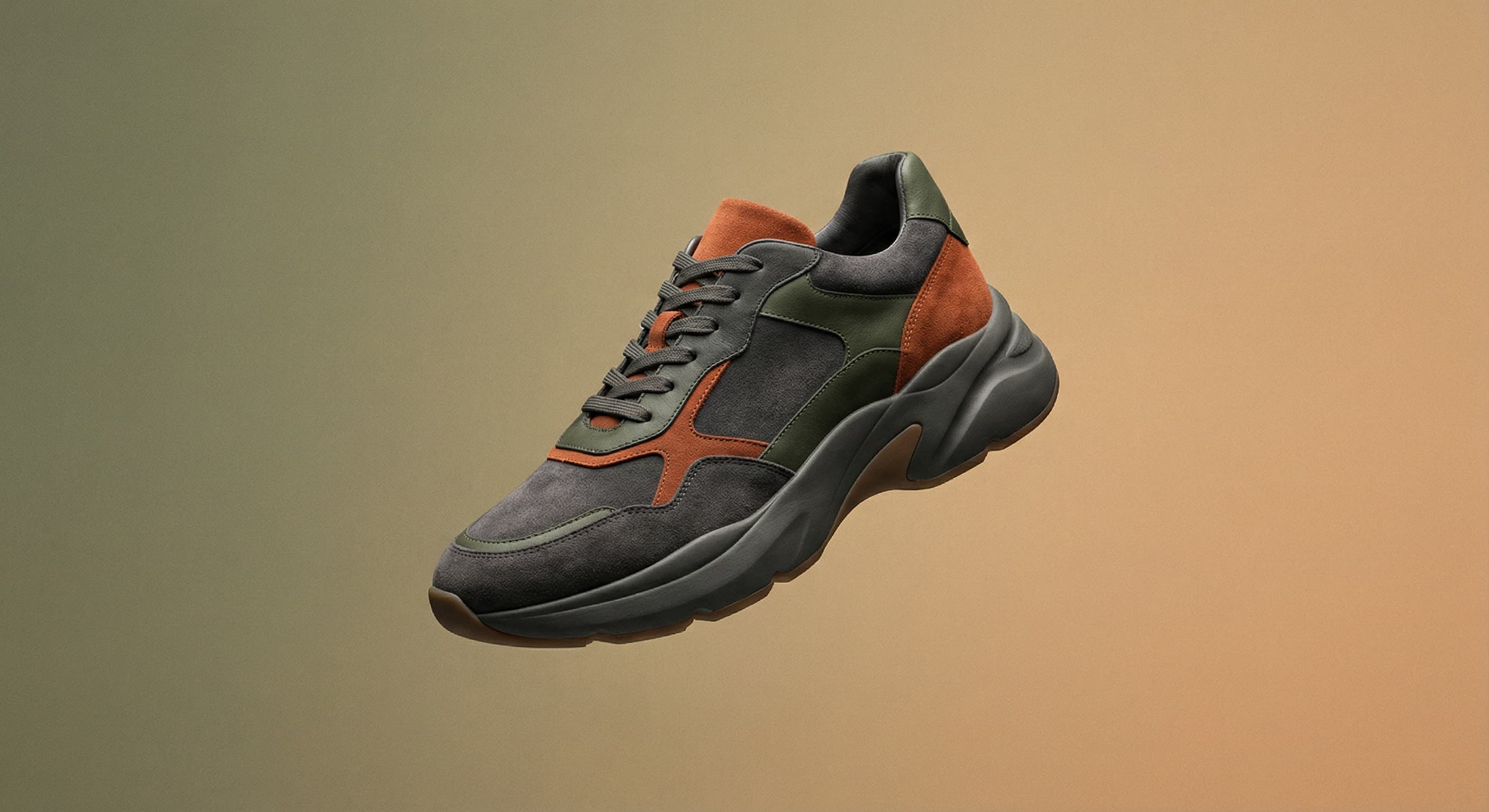
Background Remover
A clean transparent cutout in one step
Object Remover
Erase people, cars or clutter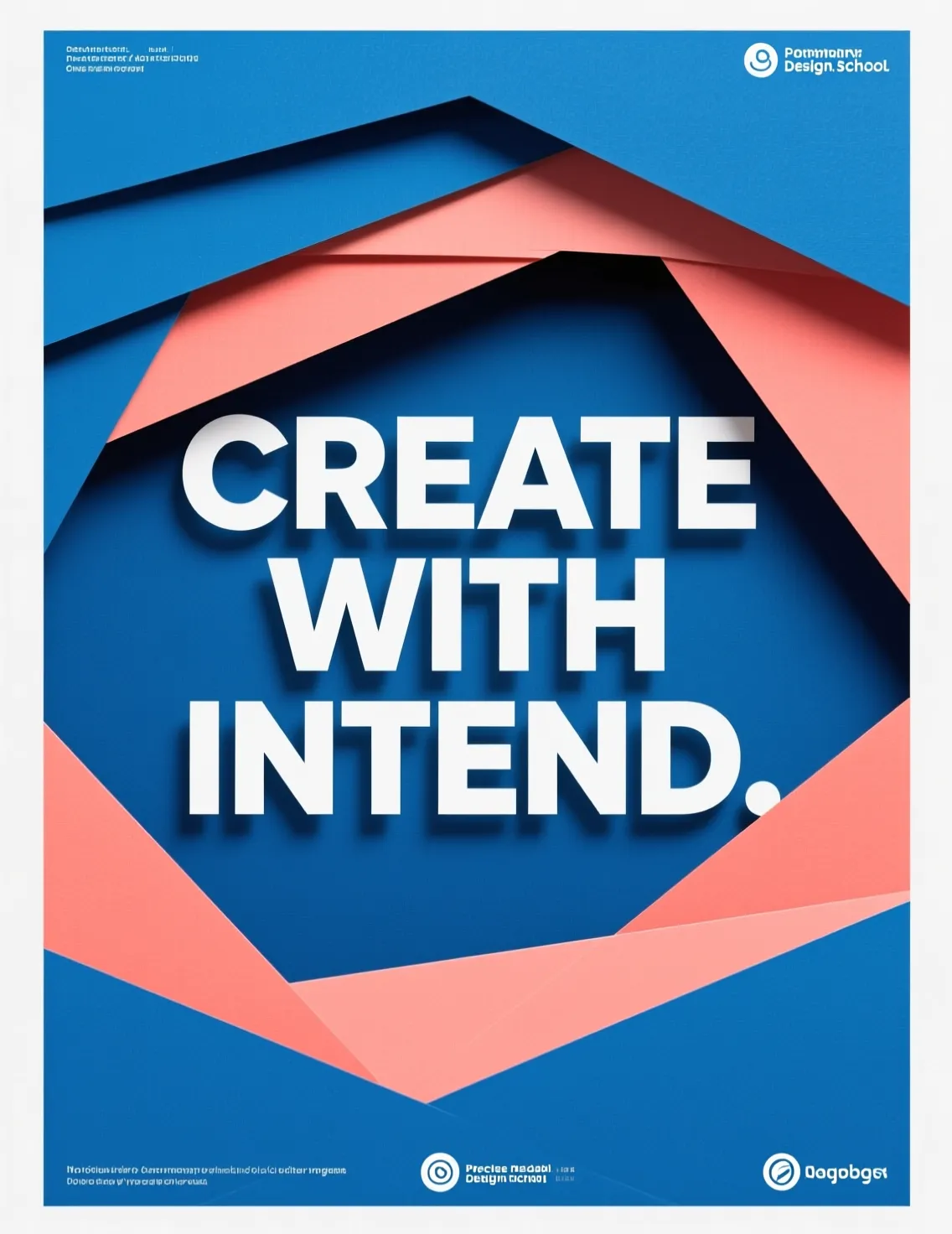
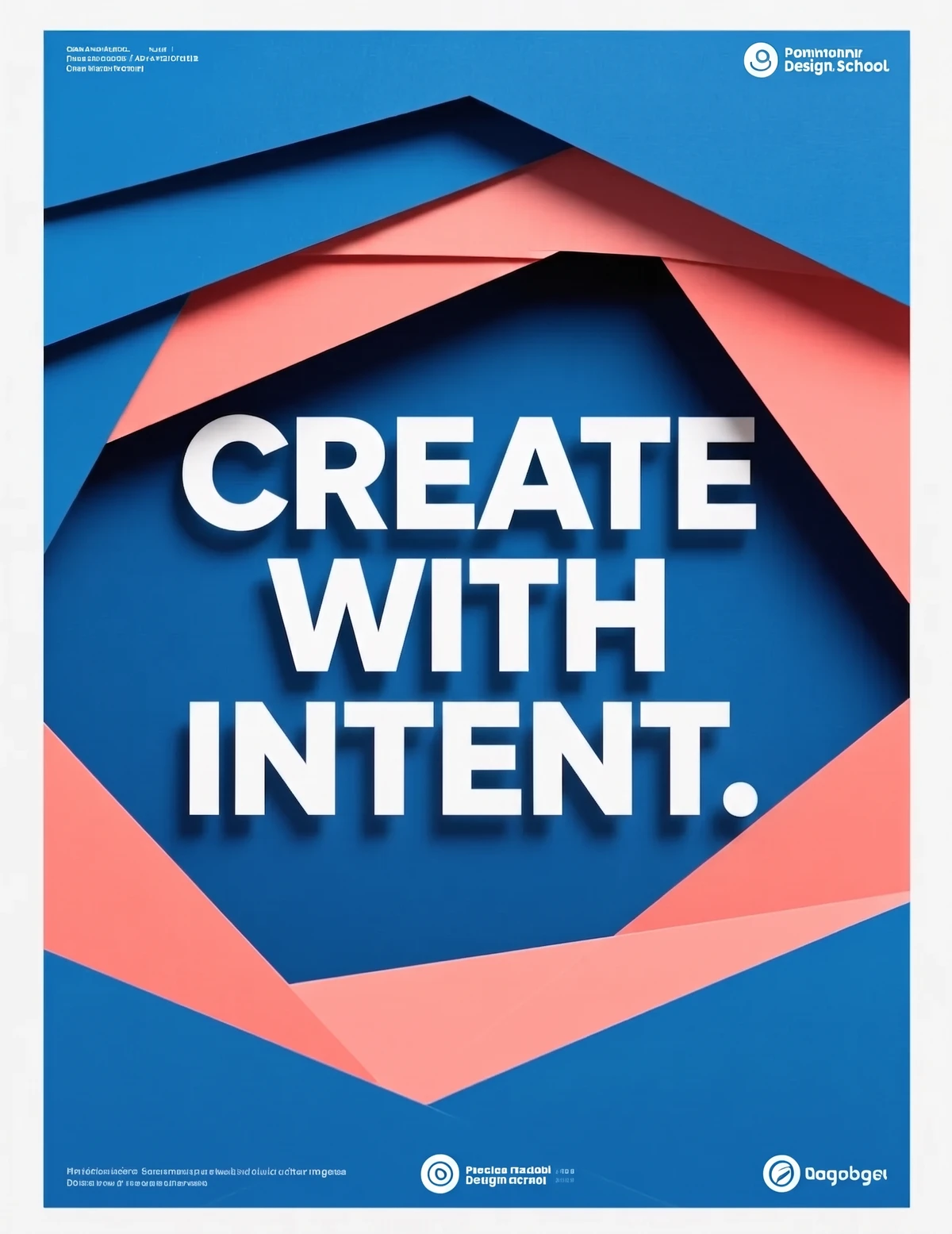
Edit Text
Change the words in any image
Photo Restoration
Repair scratches, tears and fading
Photo Colorizer
Natural color for black-and-white photos
Unblur Image
Sharpen soft and blurry photos
Text Remover
Erase captions, dates and watermarksRelated models
See what each one makes, then open it in Made.

Tested Facebook Cover Photo Resizer workflows
Guides and examples made with this tool.