X (Twitter) Header Resizer
X headers are 1500 × 500 — an unusually wide 3:1 frame that crops most photos aggressively. Made resizes your image to the exact dimensions so you decide what survives, not the upload dialog.
Exact dimensionsExamples
How to use X (Twitter) Header Resizer
- 1
Upload a wide image
The 3:1 header frame keeps only a short horizontal slice of normal photos — landscapes and banners work best.
- 2
Ask for header size
Say “resize this to 1500 by 500 for an X header.”
- 3
Mind the avatar overlap
The circular profile photo overlaps the header’s lower-left corner on profile pages, so keep anything important out of that region.
- 4
Download and upload to X
Save the file, set it as your header, and check how it renders on both the app and the web profile.
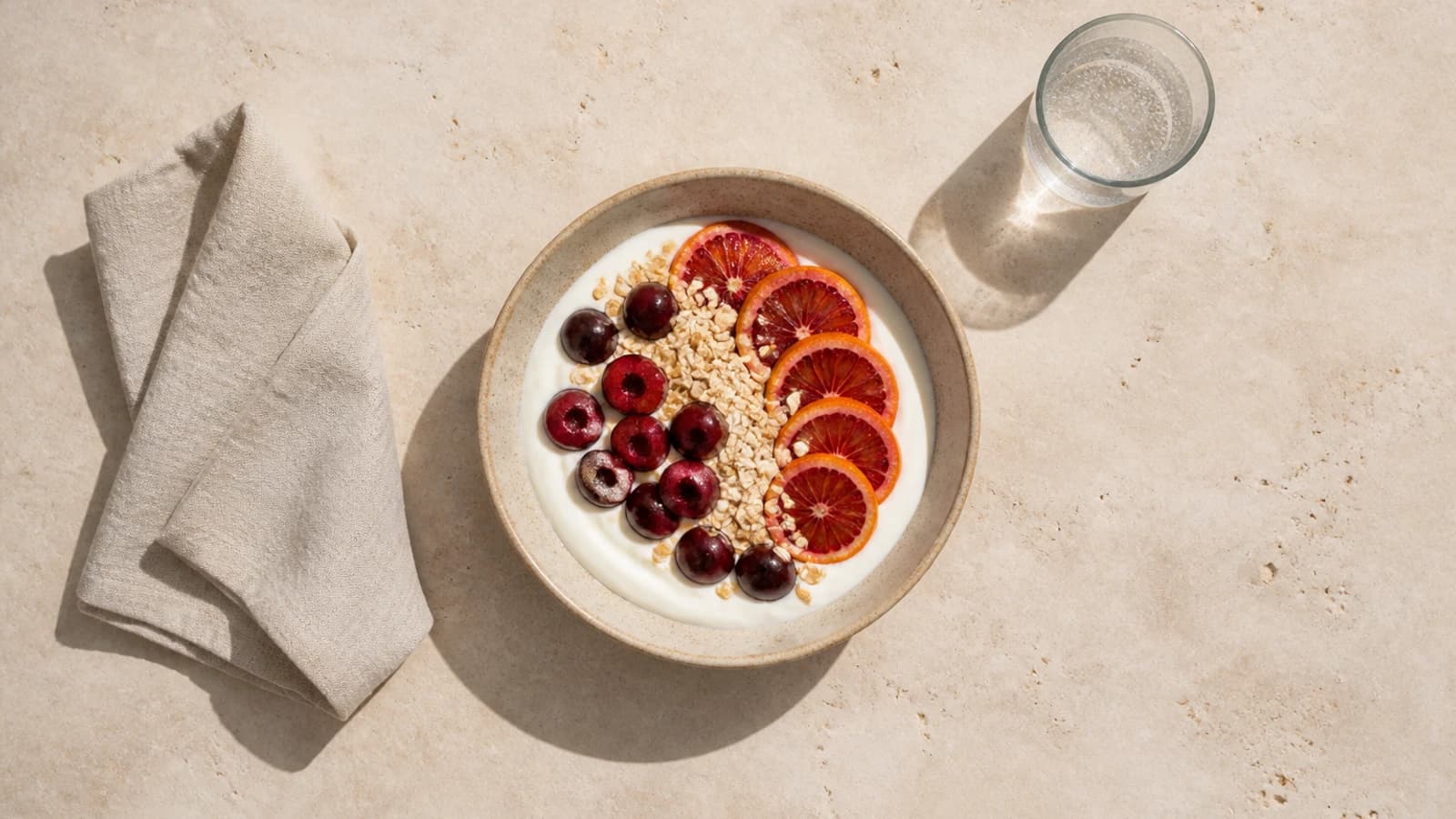
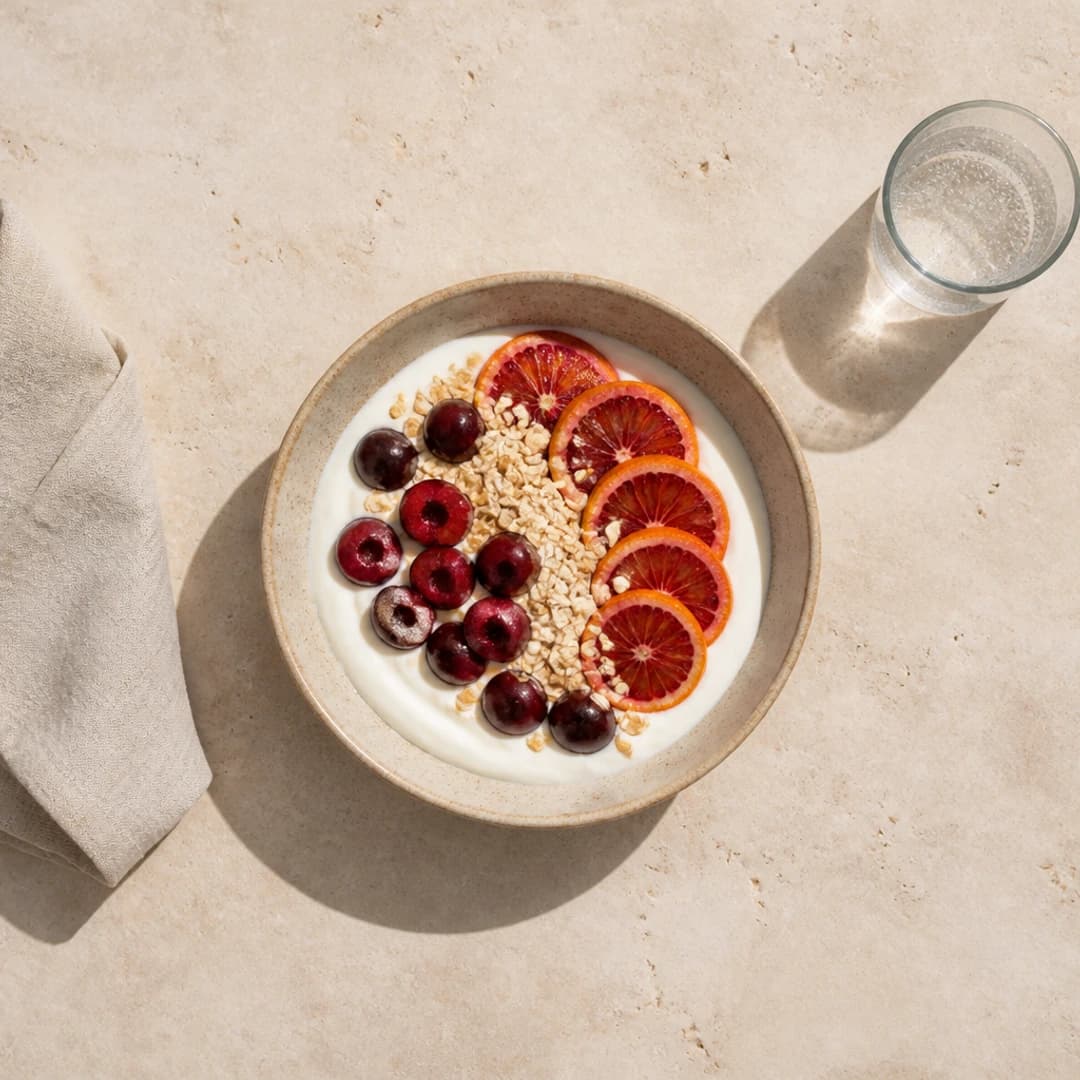
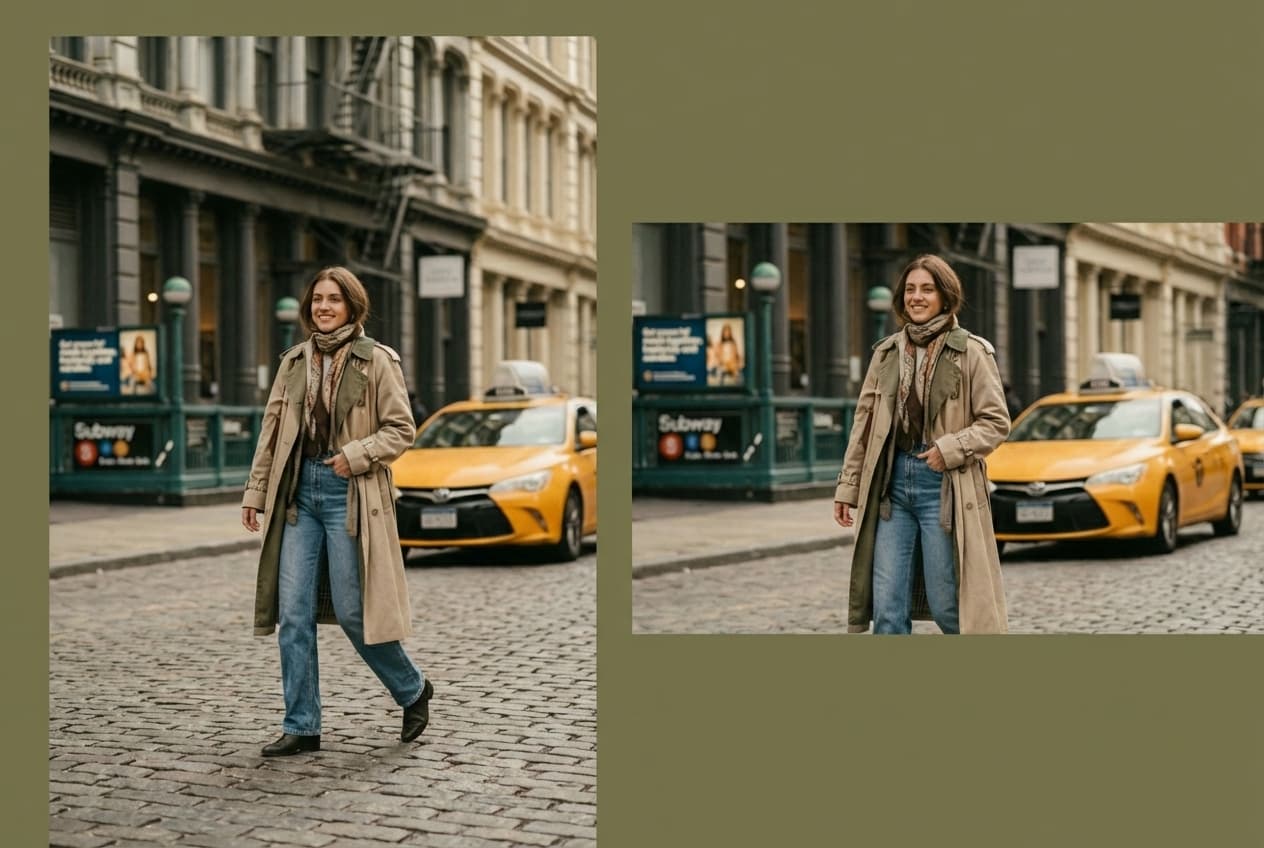
X (Twitter) Header Resizer examples
Real results from Made. Add your own photo in the studio above.
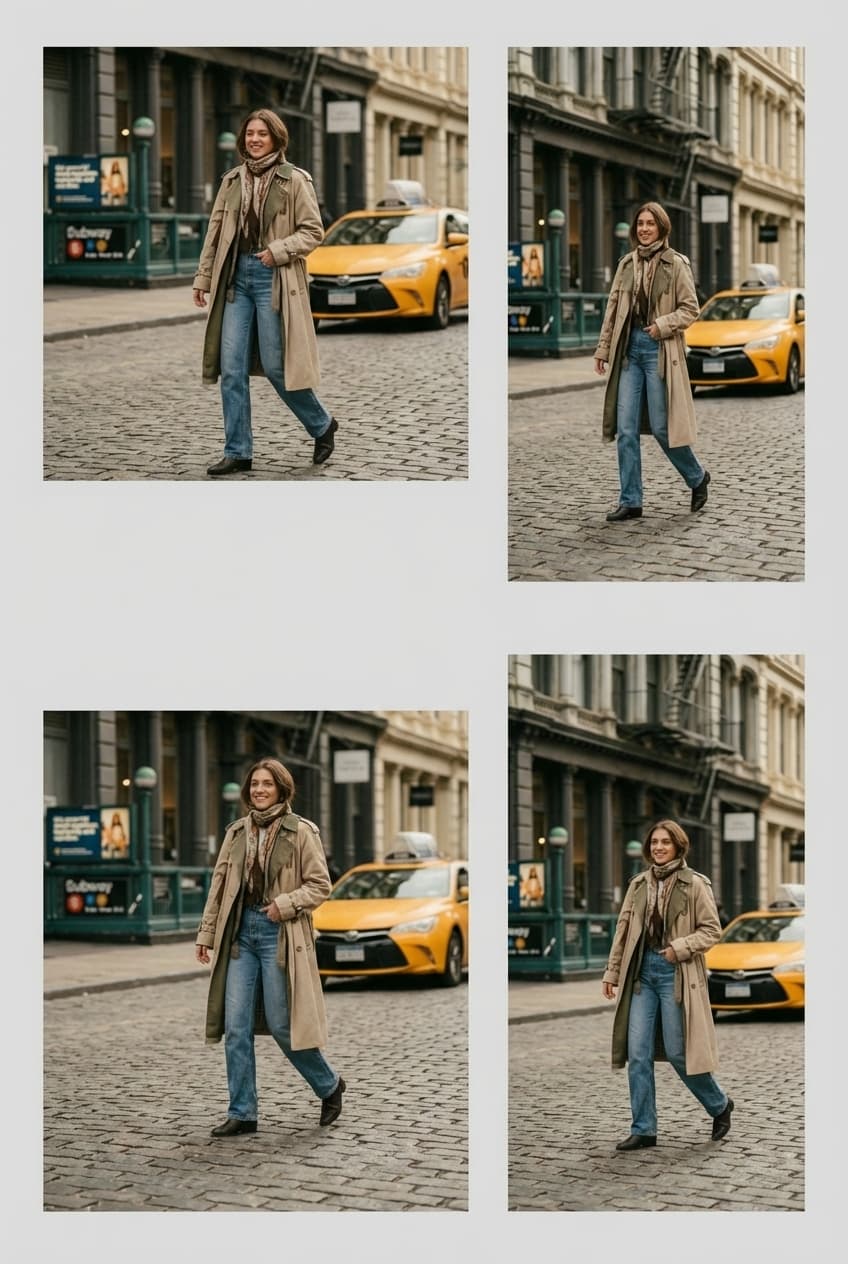
Platform formats
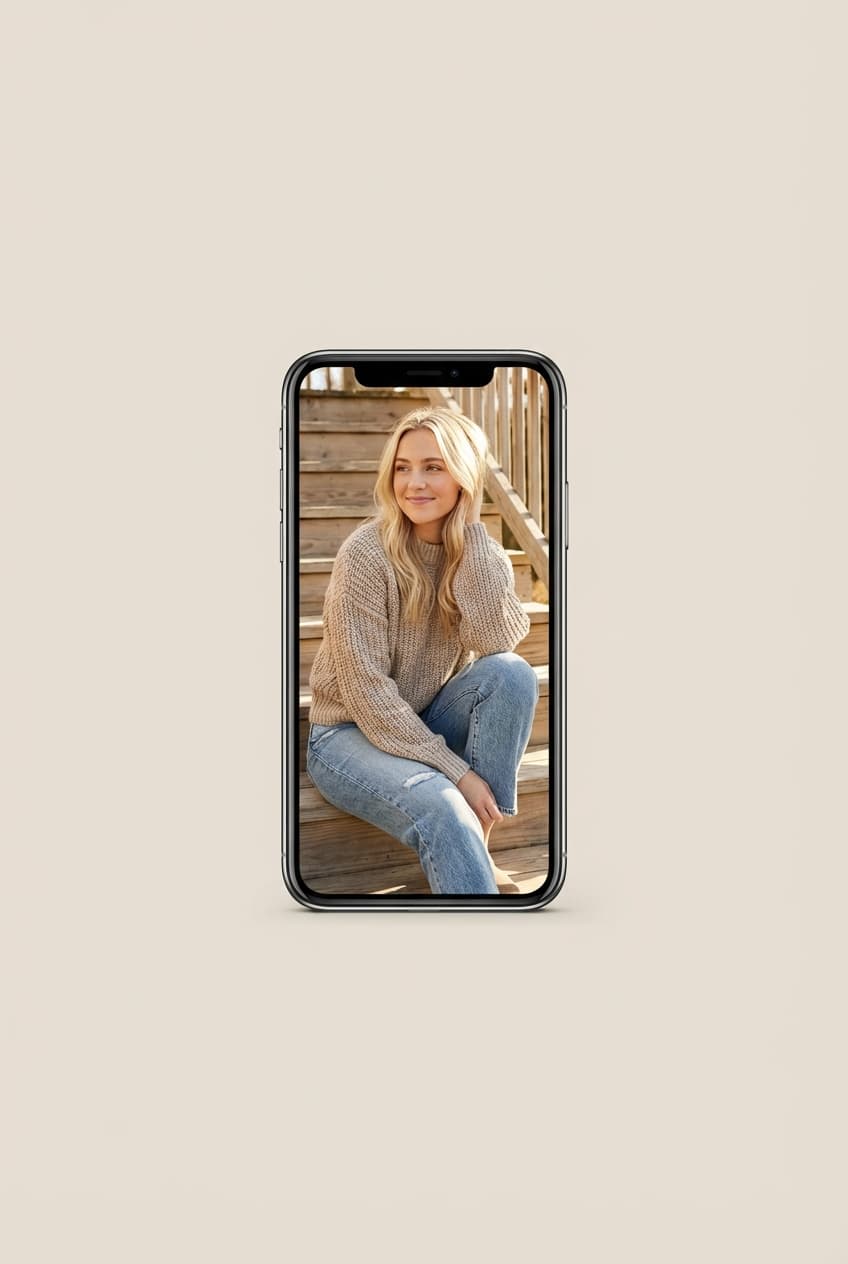
Vertical social post
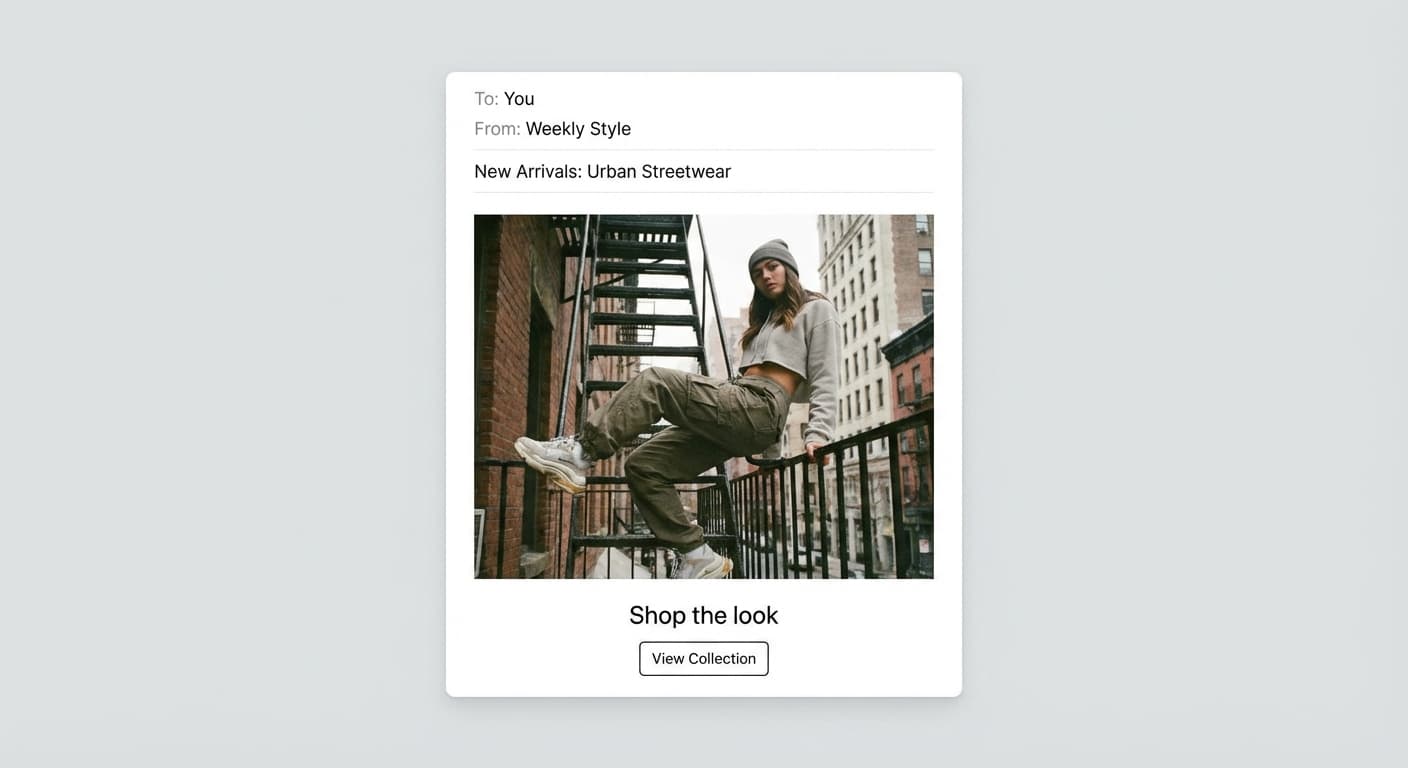
Email-ready dimensions
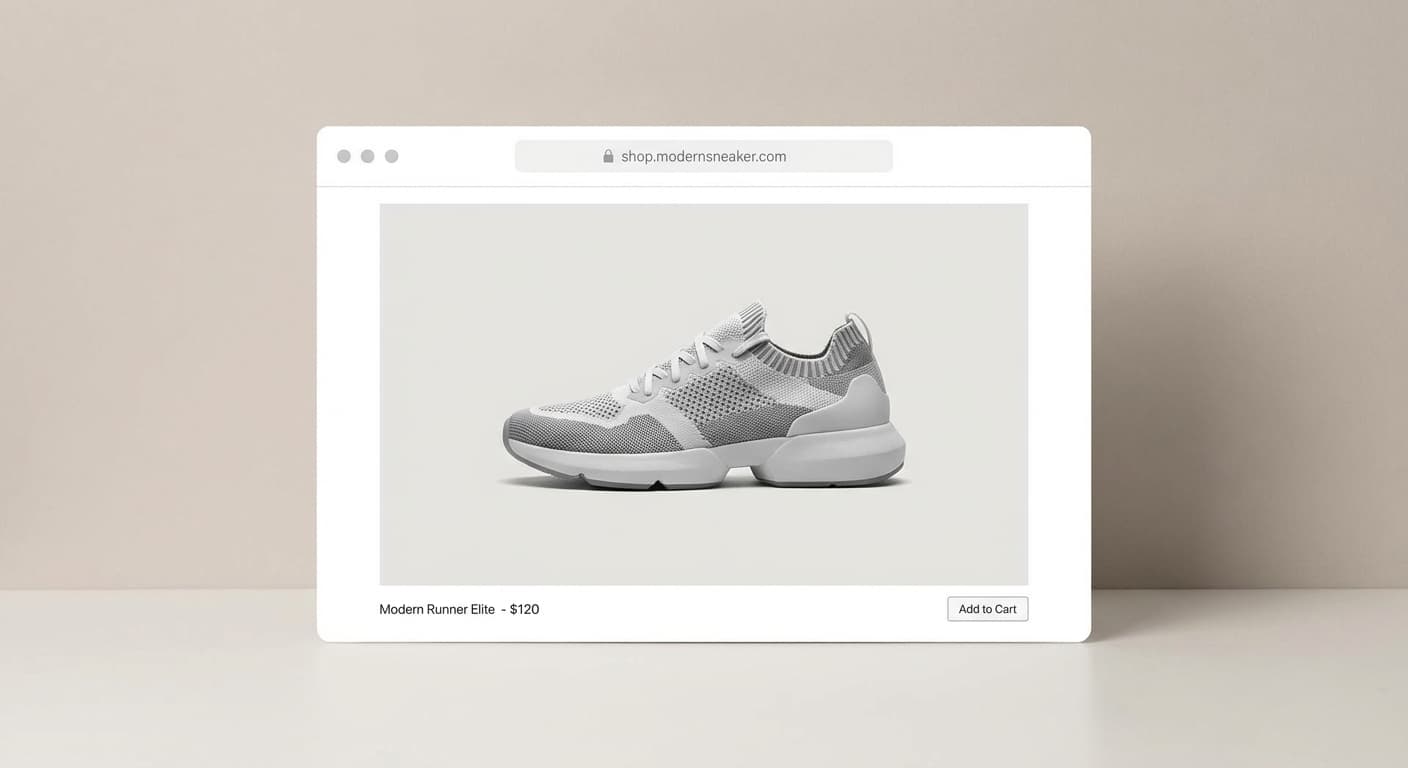
Web placement
Print layout
What people use it for
- Profile headersCrop a normal photo into the extreme 3:1 banner so the subject lands where you want it.
- Brand bannersResize campaign art to exact header dimensions so nothing important is trimmed by the upload dialog.
- Matching profile setsProduce the 1500 × 500 header and a 400 × 400 profile picture from the same session.
- Launch announcementsReformat a landscape product shot into a header with the product clear of the avatar overlay.
Resize an image for an X (Twitter) header
What it does
- Input
- JPEG, PNG, or WebP image
- Output
- JPG, PNG, or WebP at 1500 × 500 (3:1)
- How it works
- Made resizes deterministically with Sharp to the exact 1500 × 500 frame — cover crops to fill the wide banner, contain pads with a background color you choose.
- Access
- Set up the request on this page. You sign in to run it, and each run is priced in credits before you start.
Formats and limits
- Input formats
- JPEG, PNG, WebP
- Output formats
- JPG/JPEG, PNG, WebP
- Dimensions
- 1 to 10,000 pixels on each side
- Fit modes
- Contain, cover, fill, inside; padding color is supported
- Batch behavior
- One image at a time, resized in your browser
Checked against the running tool on 2026-09-03.
Questions about X (Twitter) Header Resizer
What size is an X (Twitter) header?
1500 × 500 pixels, a 3:1 aspect ratio. The profile picture is 400 × 400, displayed as a circle.
Why is part of my header hidden?
Two reasons: X trims the header display slightly at some screen widths, and the circular profile photo overlaps the lower-left corner on profile pages. Keep key content centered and clear of that corner.
How do I fit a regular photo into a 3:1 banner?
Cover mode crops the widest usable slice out of it — Made keeps the crop centered on the frame. If you cannot afford to lose the top and bottom, Image Extender can generate scenery to the sides of the photo instead.
Why does X blur my header?
Uploads smaller than the display size get upscaled, and heavy files get re-compressed. Upload at exactly 1500 × 500 and keep the file light — compressing to a few hundred KB avoids the platform’s harshest re-encode.
Can Made also make my profile picture?
Yes — ask for a 400 × 400 resize in the same conversation. Made can return it as a circular PNG crop so you can preview exactly what the round frame keeps.
More Image Resizer options
More photo fixes


Image Upscaler
Sharpen and enlarge up to 4×
AI Photo Editor
Edit any photo by describing the change

Expand Image
Extend any photo past its edges
Background Remover
A clean transparent cutout in one step
Object Remover
Erase people, cars or clutter

Edit Text
Change the words in any image
Photo Restoration
Repair scratches, tears and fading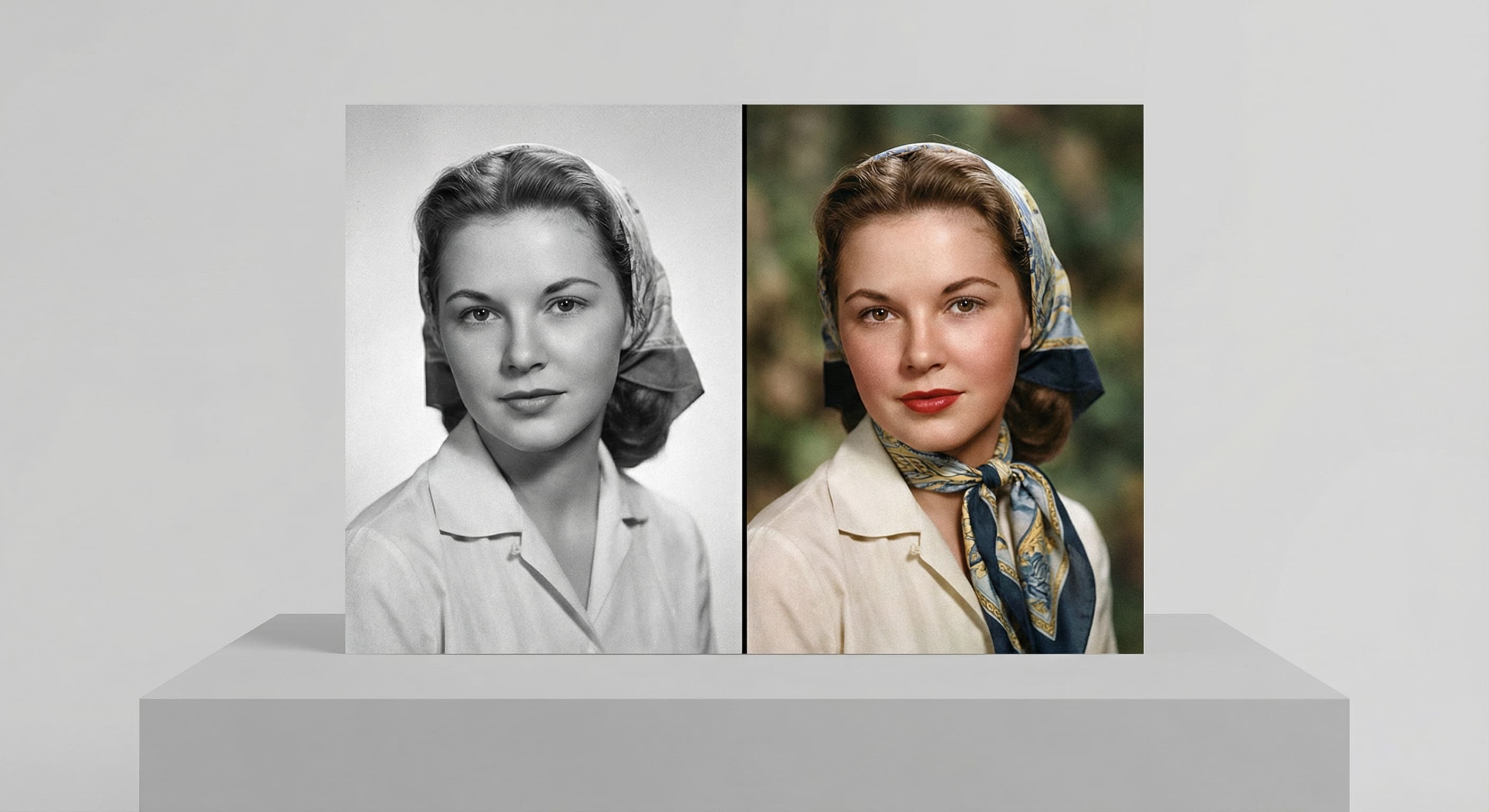
Photo Colorizer
Natural color for black-and-white photos
Unblur Image
Sharpen soft and blurry photos
Text Remover
Erase captions, dates and watermarksRelated models
See what each one makes, then open it in Made.

Tested X (Twitter) Header Resizer workflows
Guides and examples made with this tool.